


Blog
Blog
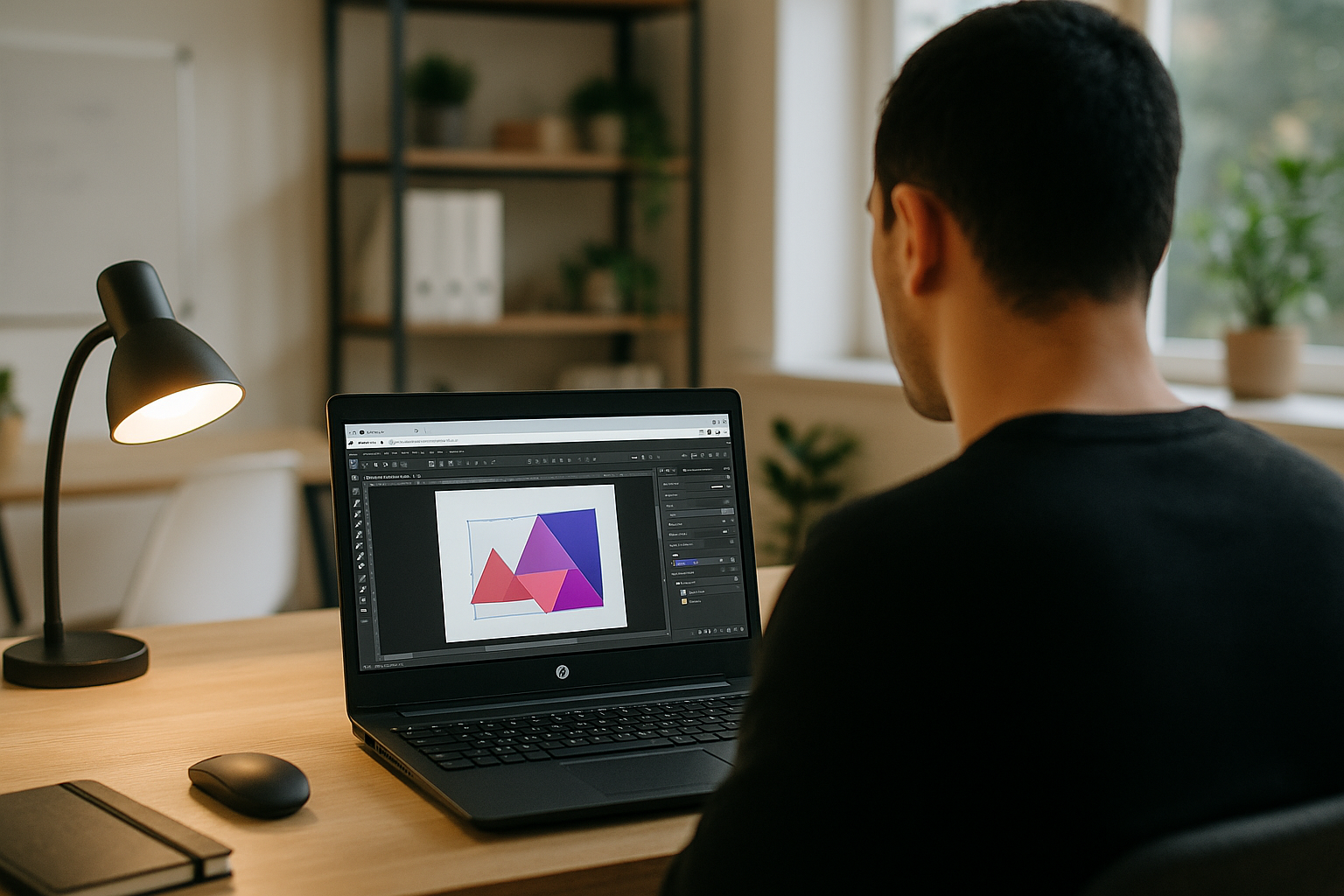
Affinity Designer Linux Workflow for Client Work
Update packaging, social assets, and brand guidelines with Affinity Designer on Linux, keeping versions and exports consistent across studio, client meetings, and travel. Read more
Read More
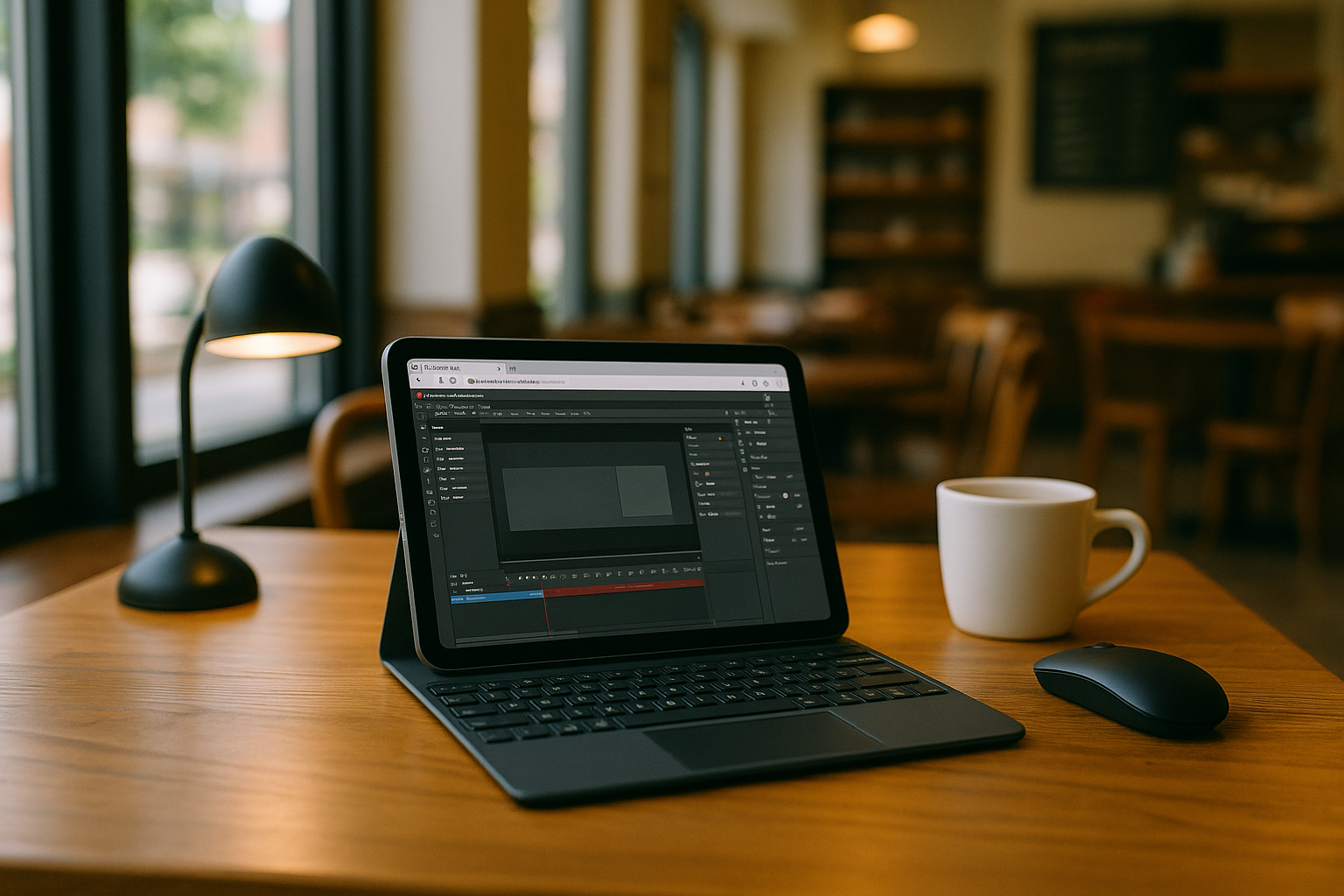
Adobe Animate for iPad: Production Workflow on the Go
Access desktop Adobe Animate on an iPad to review scenes, adjust timelines, update symbols, and prepare HTML5 Canvas or MP4 exports for client reviews. Read more
Read More
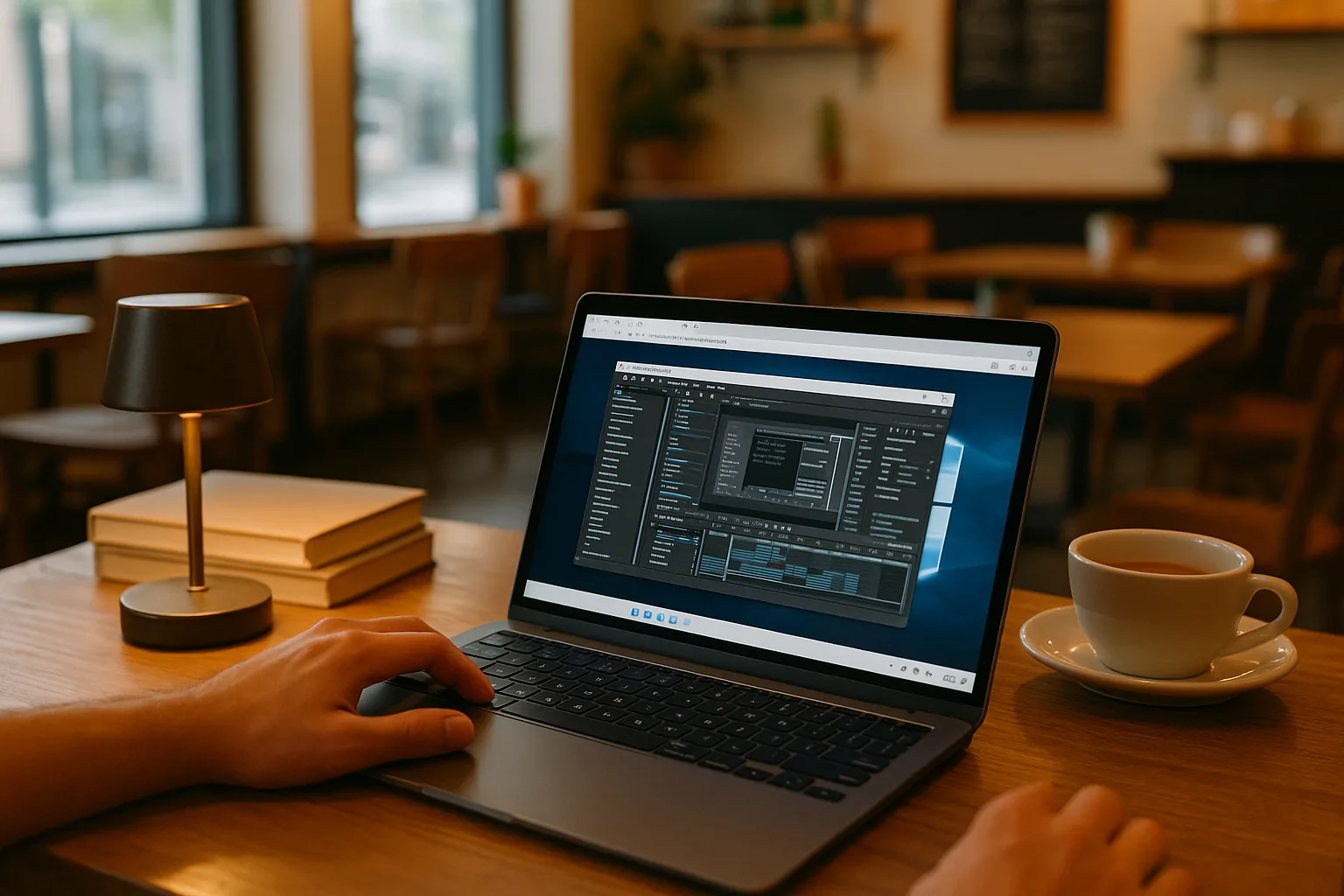
VM for MacBook for Professional Work on the Go
Use Windows-only professional software on your MacBook during client reviews and travel, with the required versions, plugins, and settings in one accessible environment. Read more
Read More
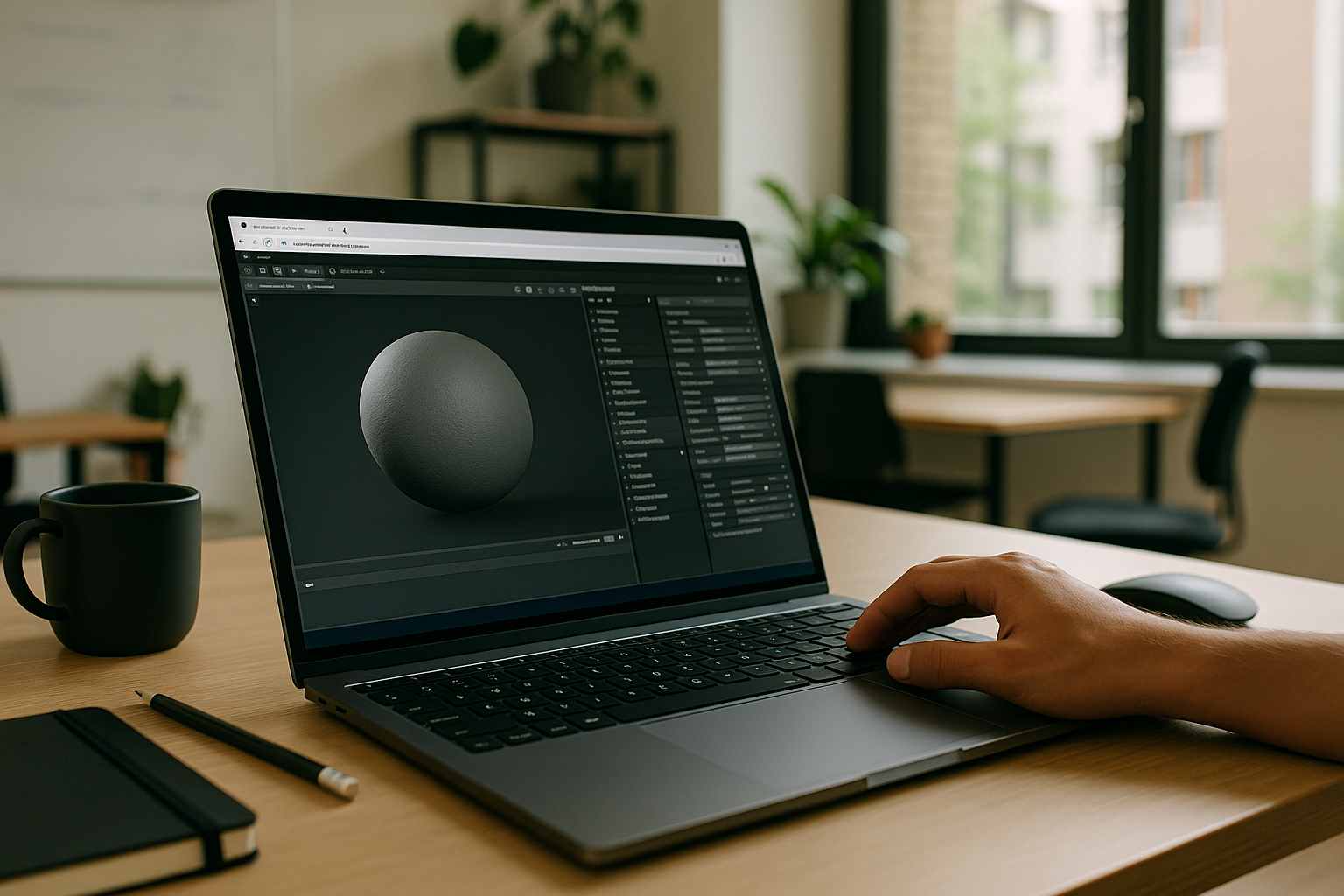
Marmoset Toolbag 5 for On‑Site Renders and Reviews
Open scenes, rebake maps, light with HDRIs, and publish turntables that match studio presets in Marmoset Toolbag 5 — even while traveling or on-site. Read more
Read More
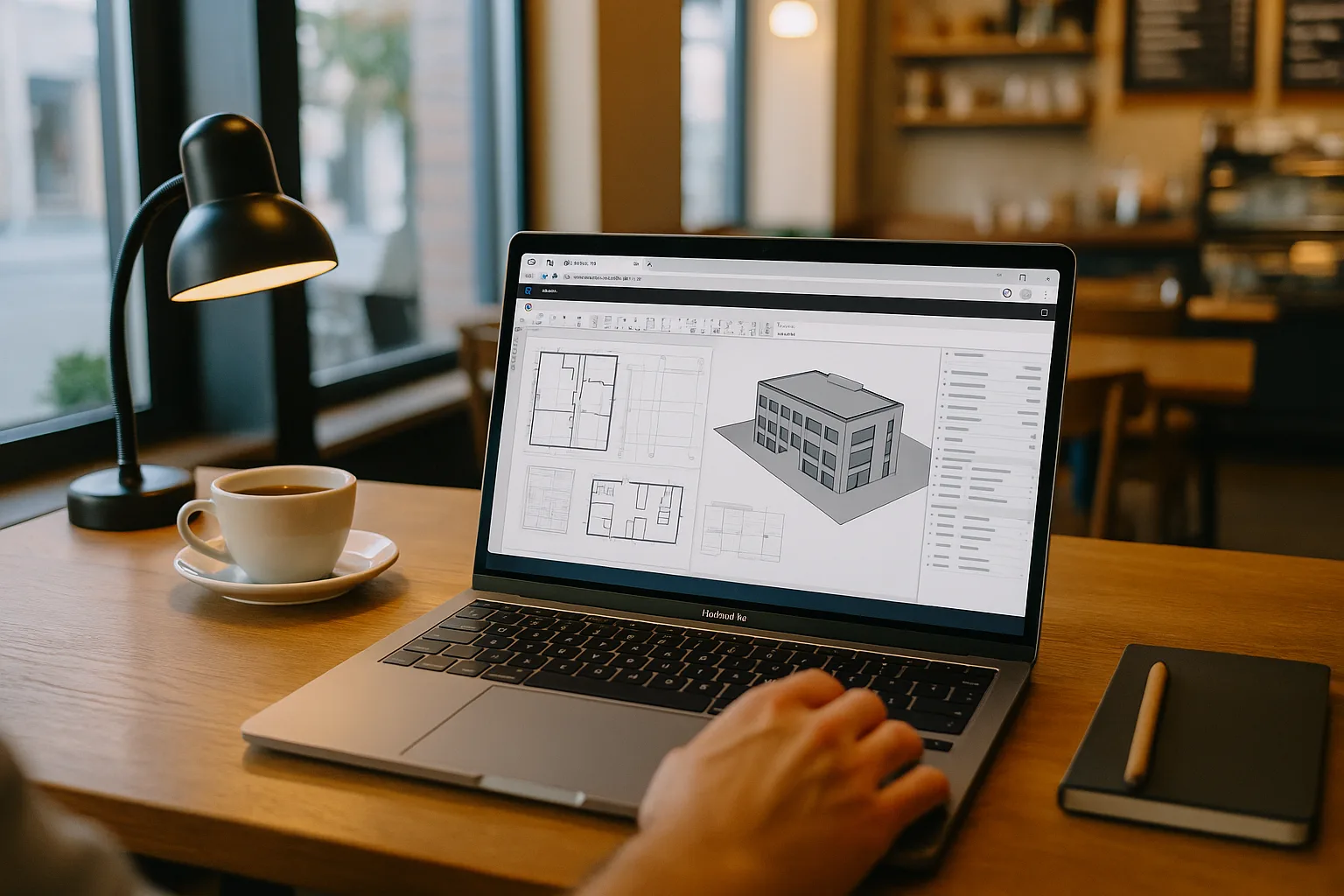
Revit on MacBook for BIM Work, Anywhere
Keep your Revit version, add-ins, fonts, and export settings consistent across studio and site work on your MacBook. Read more
Read More
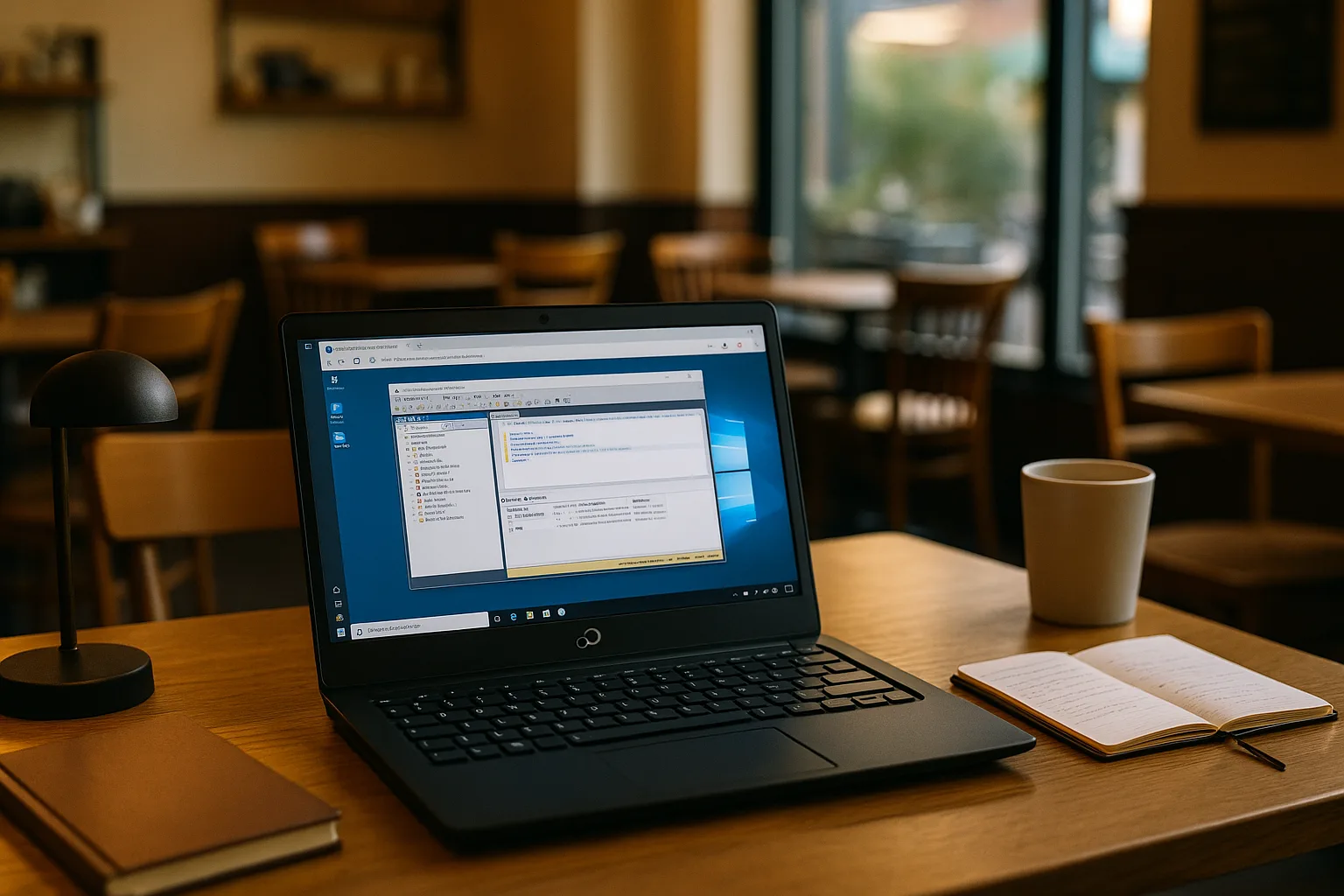
PostgreSQL Linux Workflows With Windows SQL Tools
Prepare datasets in PostgreSQL on a Linux laptop, then finalize audits with partner‑approved Windows ODBC, Excel connectors, and a vendor admin add‑in. Keep versions pinned. Read more
Read More
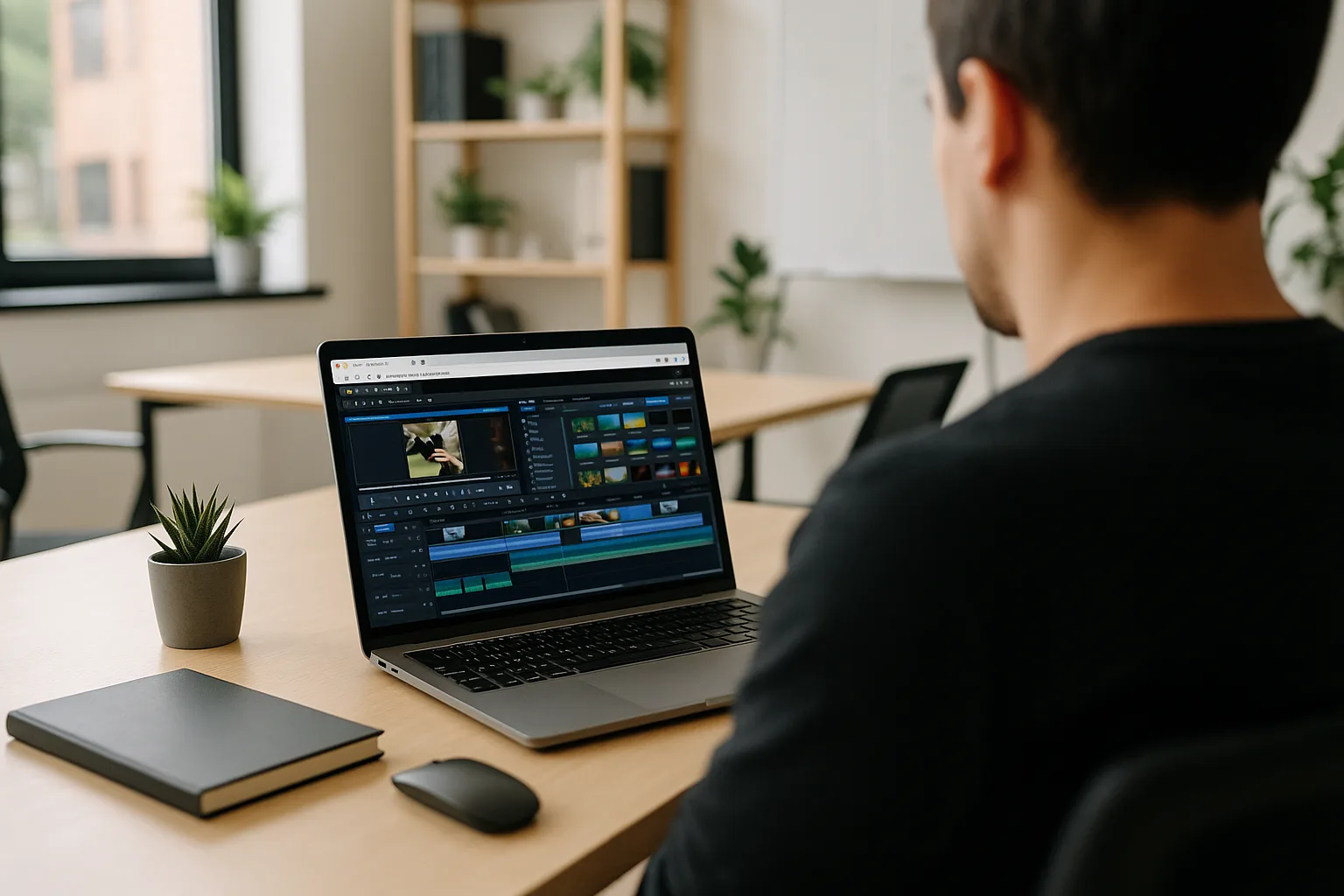
Corel Video Editing Software for Existing Projects Across Devices
Can't install the required Corel VideoStudio version? Continue existing projects with your plugins and presets using a virtual Windows PC in your browser. Read more
Read More
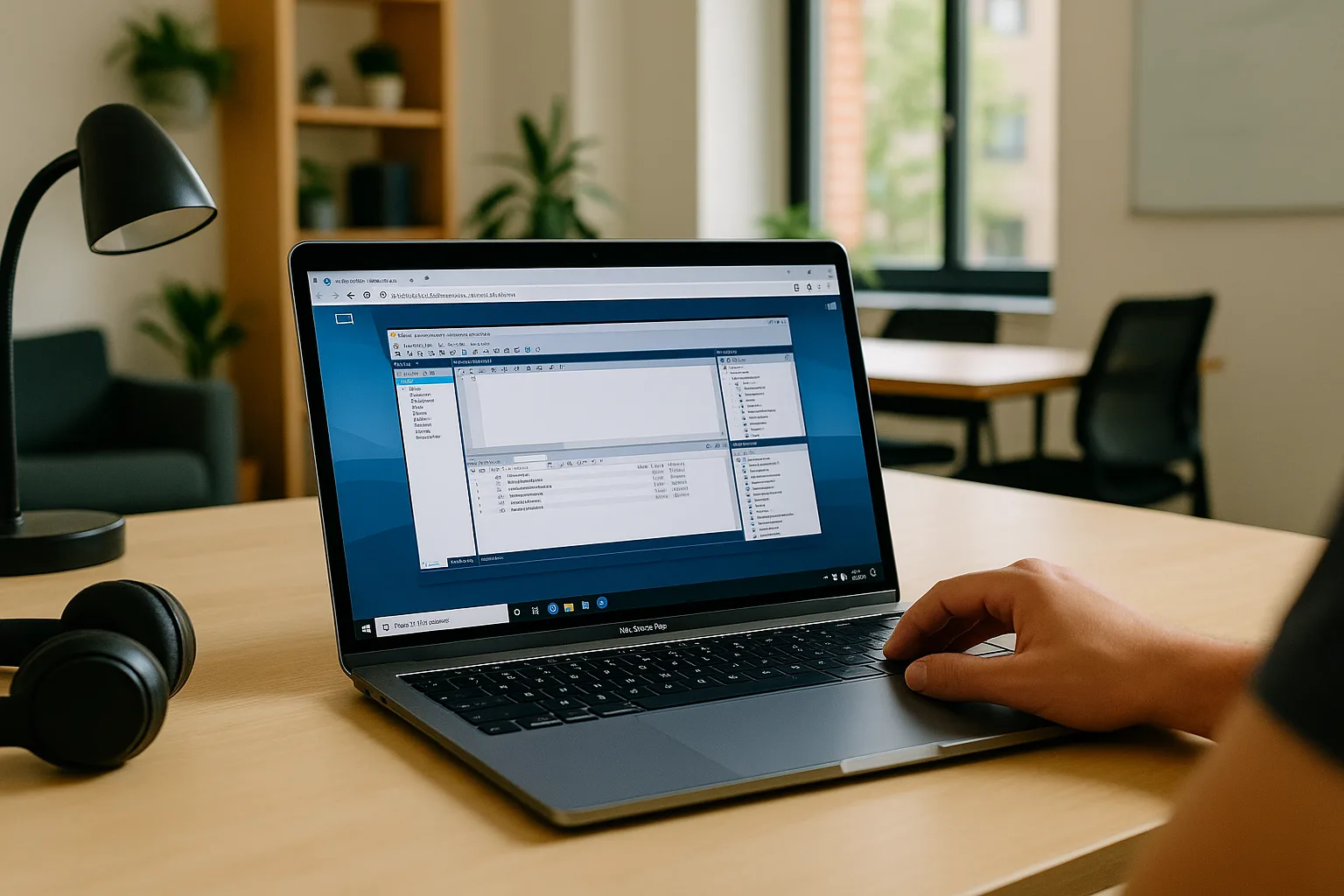
MySQL Workbench on macOS for Analysts and DBAs
Learn how analysts and DBAs use MySQL Workbench on Mac for database modeling and SQL, and when a cloud Windows PC helps meet client-specific software requirements. Read more
Read More
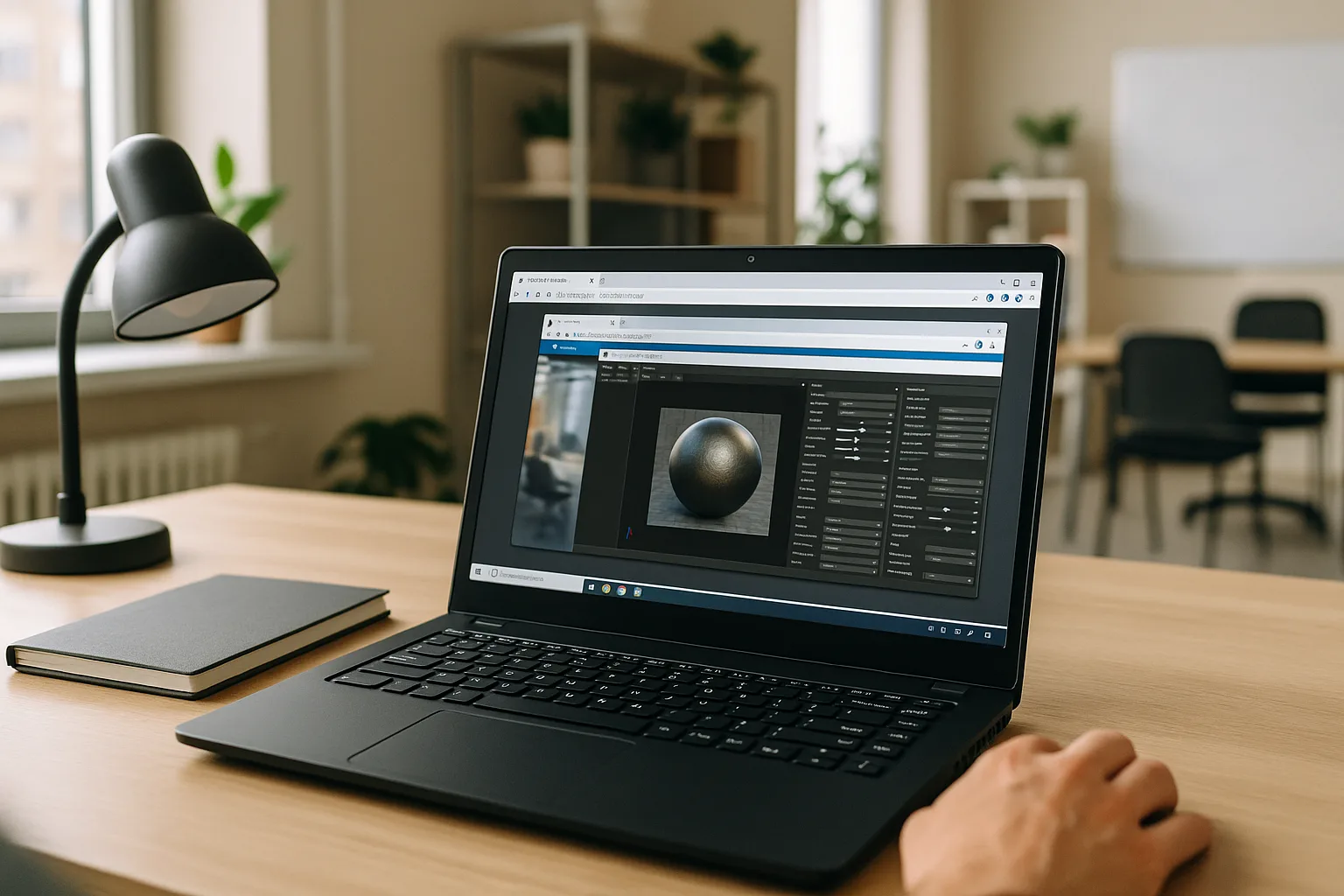
Marmoset Toolbag 5 Linux: Real Options That Work
You need Marmoset Toolbag 5 for baking and rendering on Linux, but the lack of a native build and unstable Wine or Proton support can make daily production unreliable. Read more
Read More
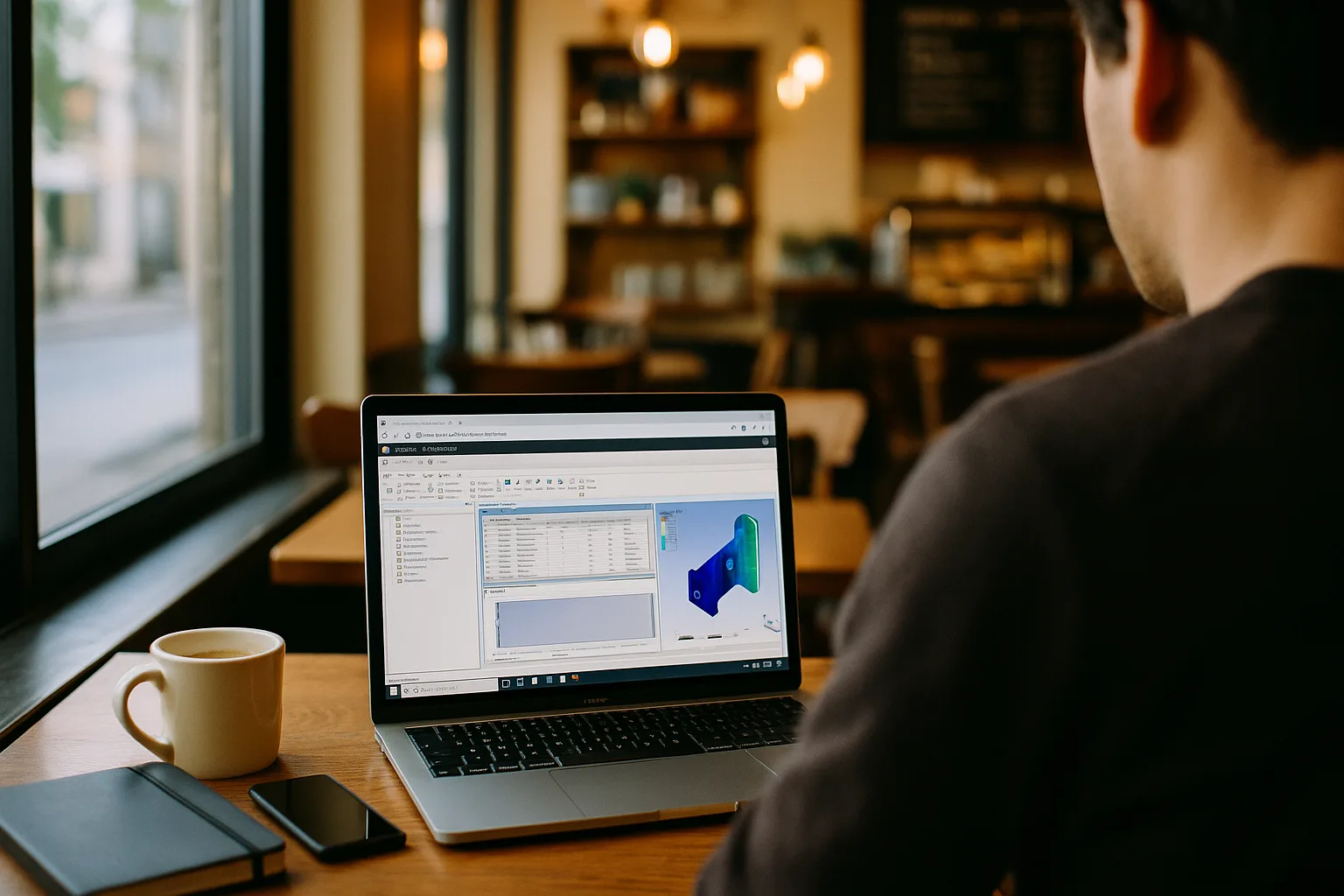
Ansys Mechanical Software: When Installation or Launch Fails
Need to run Ansys Mechanical software, but your device can’t install or launch the required version? Explore practical ways to keep working without replacing your current device. Read more
Read More
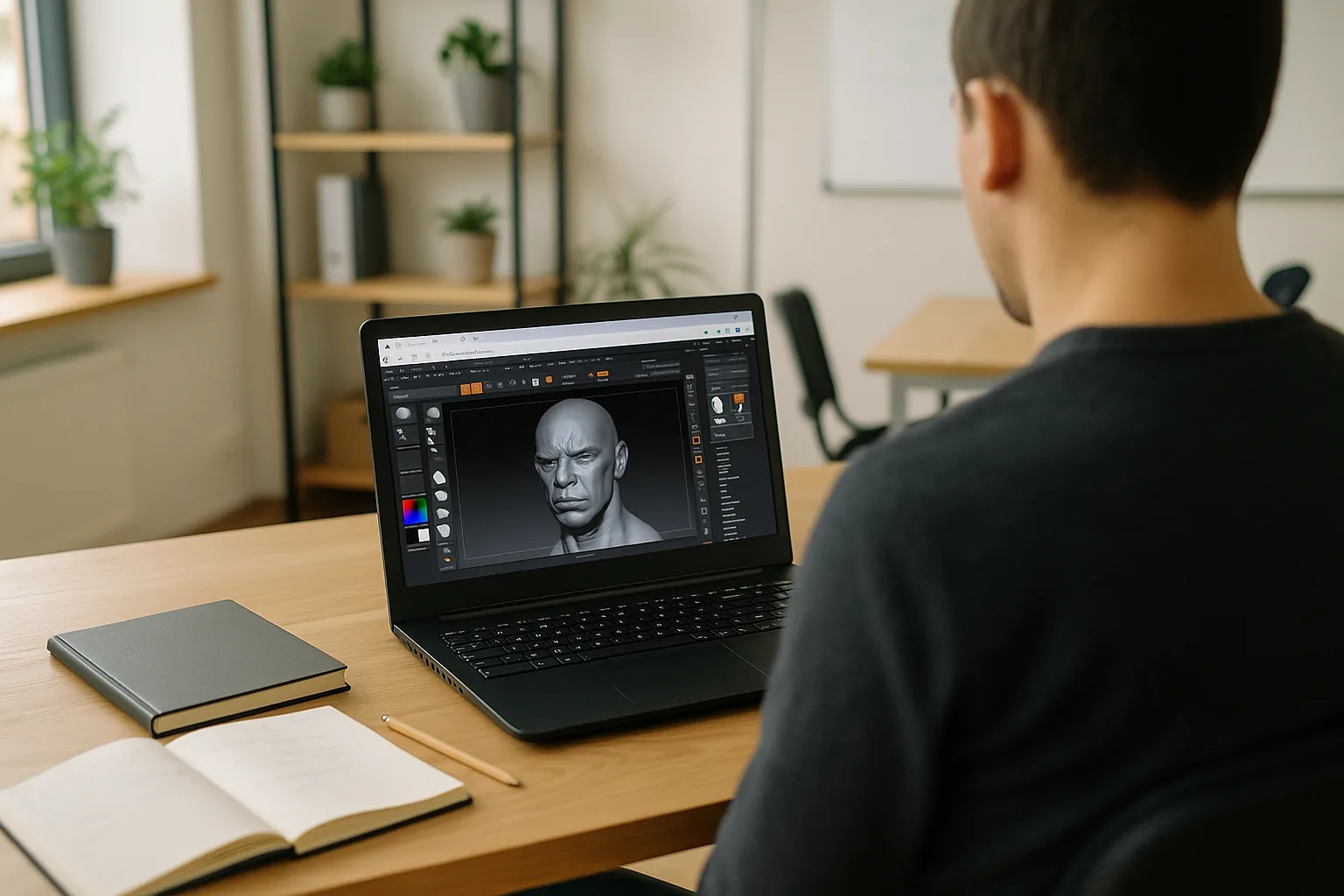
ZBrush on Linux: Run the Full Windows Version
ZBrush lacks a native Linux build, yet you need to open projects, keep your exact version and plugins, and work reliably without dual‑booting or switching machines. Read more
Read More
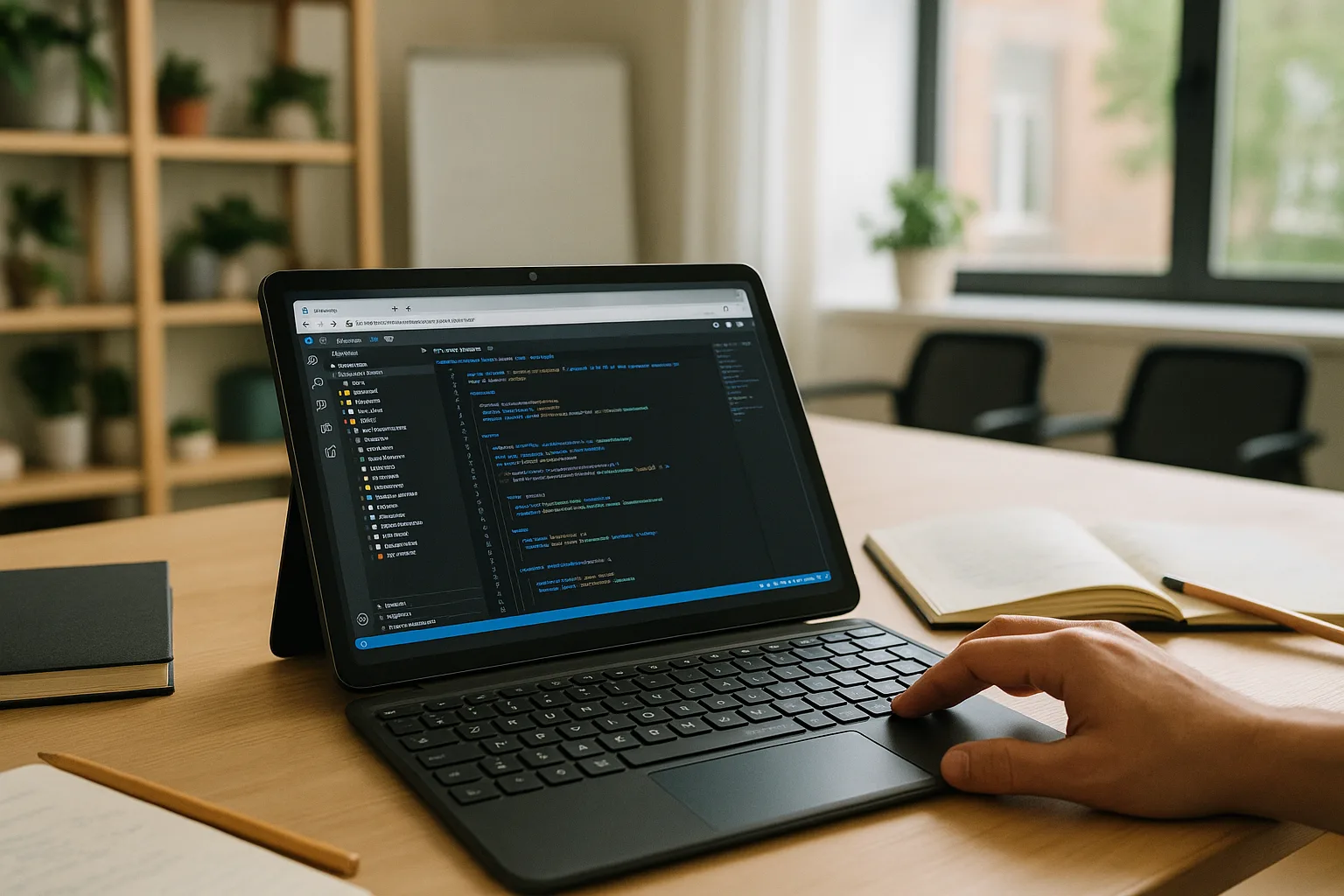
Visual Studio Code for Android in Your Browser
Need Visual Studio Code on Android with extensions, terminal, and debugging? Learn how to use the Windows version on your Android tablet. Read more
Read More


