


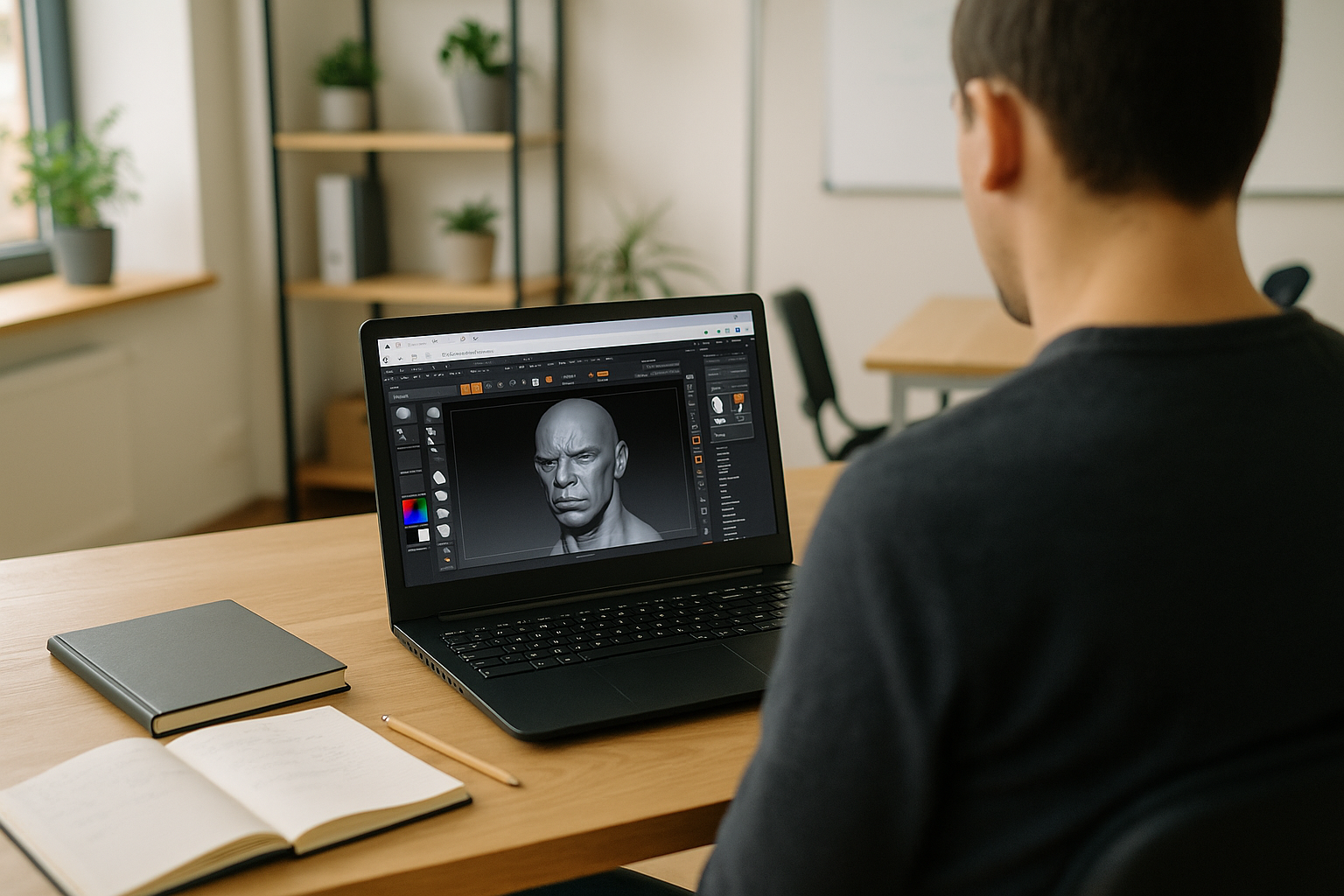
The Real Problem With ZBrush on Linux
You work on Linux every day, but clients send .ZPR files and studio tools rely on the exact ZBrush build and plugins you’ve standardized on. Dual-booting breaks your flow, and a second Windows box means juggling files, assets, and licenses. What you need is consistent access to your preferred version, brushes, GoZ bridges, and scripts from the same Linux workstation you use for everything else. That’s the core challenge behind ZBrush on Linux, not simply whether it can open, but whether it can do so reliably with your pipeline intact and without downtime. When deadlines hit, ad‑hoc hacks and partial ZBrush Linux support are not enough.
Why Professionals Can’t Work Without the Ability to Run ZBrush on Linux
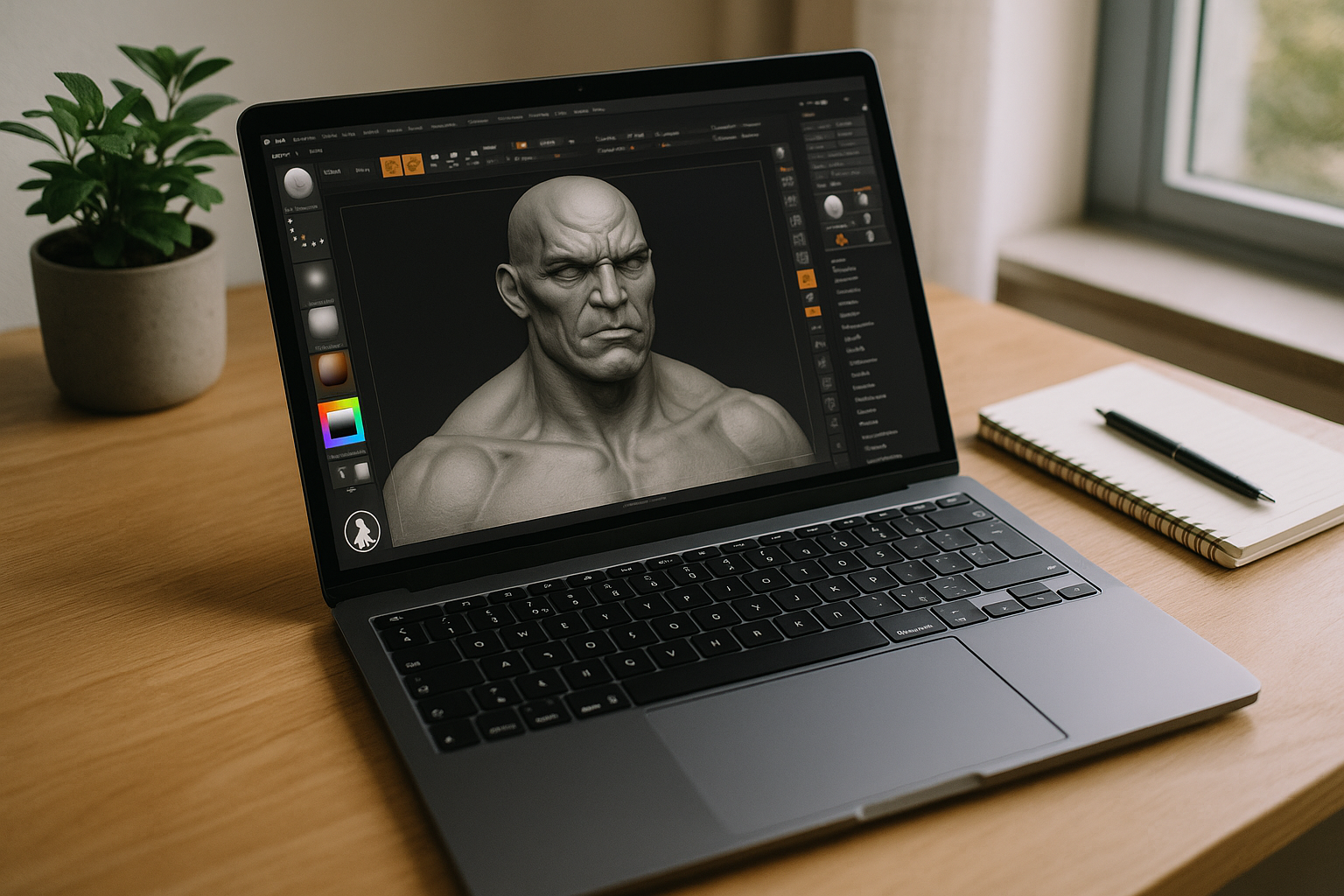
ZBrush is the sculpting brain of many pipelines. SubTools, Dynamesh, ZRemesher, Polypaint, and brush presets define how assets are built and iterated. Version pinning matters because a minor change can alter strokes or decimation. Plugins and scripts complete the toolset, and GoZ links keep assets moving through the pipeline. The work is tuned to the feel and behavior of this exact setup.
Switching to an alternative tool appears tempting, but it means rethinking brushes, materials, decimation settings, UV tools, and baking flows. Professionals who use ZBrush regularly end up reworking file structures, plugin logic, and muscle memory, only to still miss the same look and feel. Artists who rely on custom brush setups and scripts cannot reproduce them precisely in other apps. Keeping access to the original software is simply more practical than rebuilding everything around a substitute.
Industry Shift Making ZBrush on Linux Practical
For Linux users, browser-based Windows access can keep the ZBrush environment separate from the host system, making it easier to maintain the same version, plugins, and workflow across devices. The same approach can also provide a consistent Windows environment when you need to access ZBrush from different devices or locations, without reinstalling the software each time.
Best Way to Run ZBrush on Linux Reliably
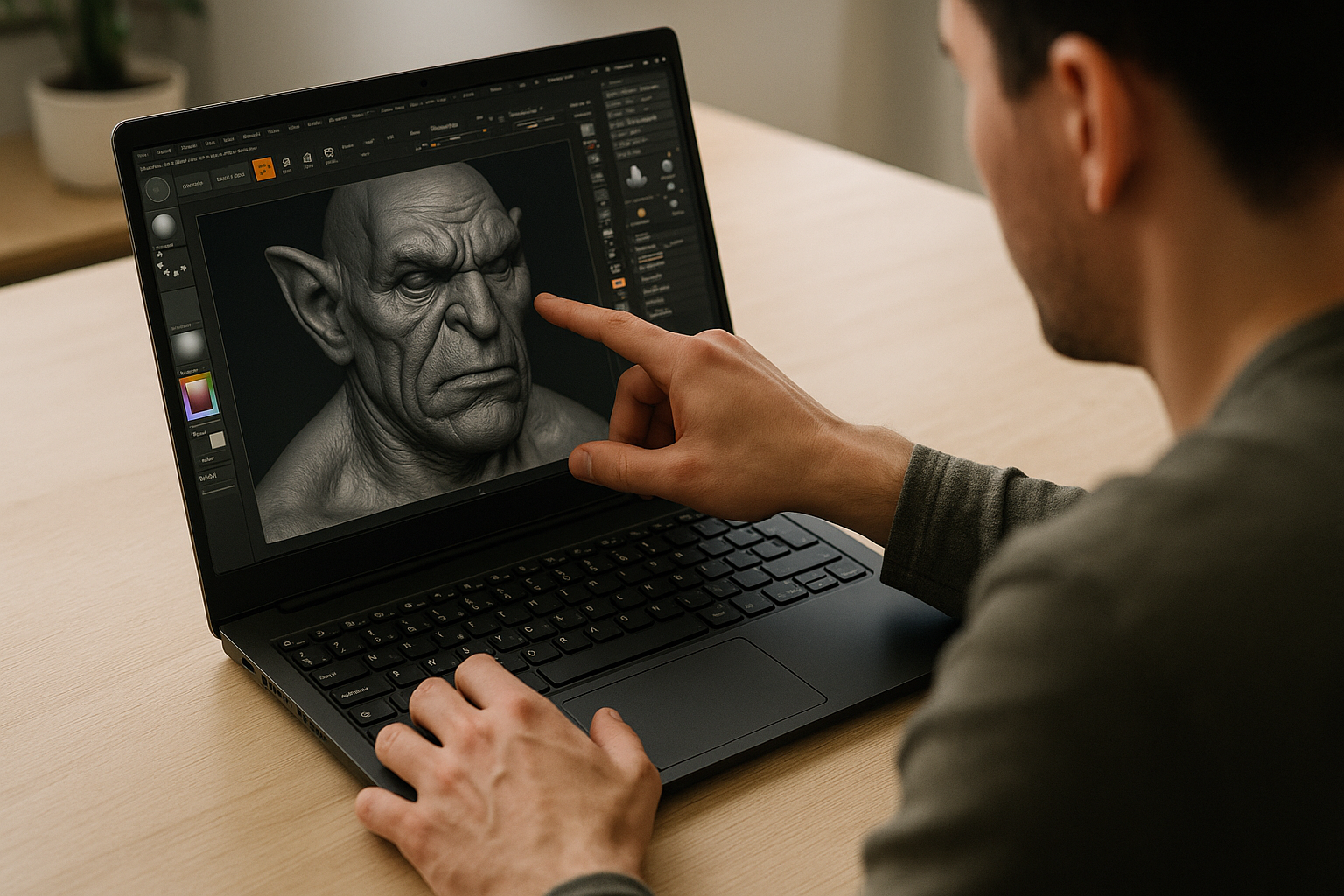
There are several paths, but most have trade-offs. Dual-booting interrupts sessions and risks driver tangles. Compatibility layers can work for simple cases, yet plugins, licensing, and version pinning often fail at the worst moment. Moving work to a separate Windows machine solves one issue but adds file wrangling and context switching. Users who move between different projects need the same ZBrush environment to remain available, with their version, plugins, and content kept in one place. A modern, browser-based Windows desktop keeps your ZBrush workspace stable and identical every time you open it from Linux — no rebuilds, no split workflows, and no guessing if a plugin will behave today.
How Aristeem Delivers ZBrush on Linux
For more than two years, Aristeem has focused on giving professionals cloud access to demanding software, studying real workflows and refining the service. Today it provides a full Windows desktop in the browser, so you keep your OS while installing the exact ZBrush version, plugins, and tools you rely on. We continue testing new options to expand flexibility. See topic specifics in ZBrush on Linux in a browser and apply the same approach to your pipeline.
ZBrush on Linux Without Compromise
A browser-based Windows desktop lets you keep your Linux workflow while using the exact ZBrush version and plugins you trust. No dual-boot, no second machine, and no reauthoring assets — just your environment, ready when you are. If you want an overview of how this feels in practice, explore how professional tools run directly in a browser and see how it fits your daily work.


