


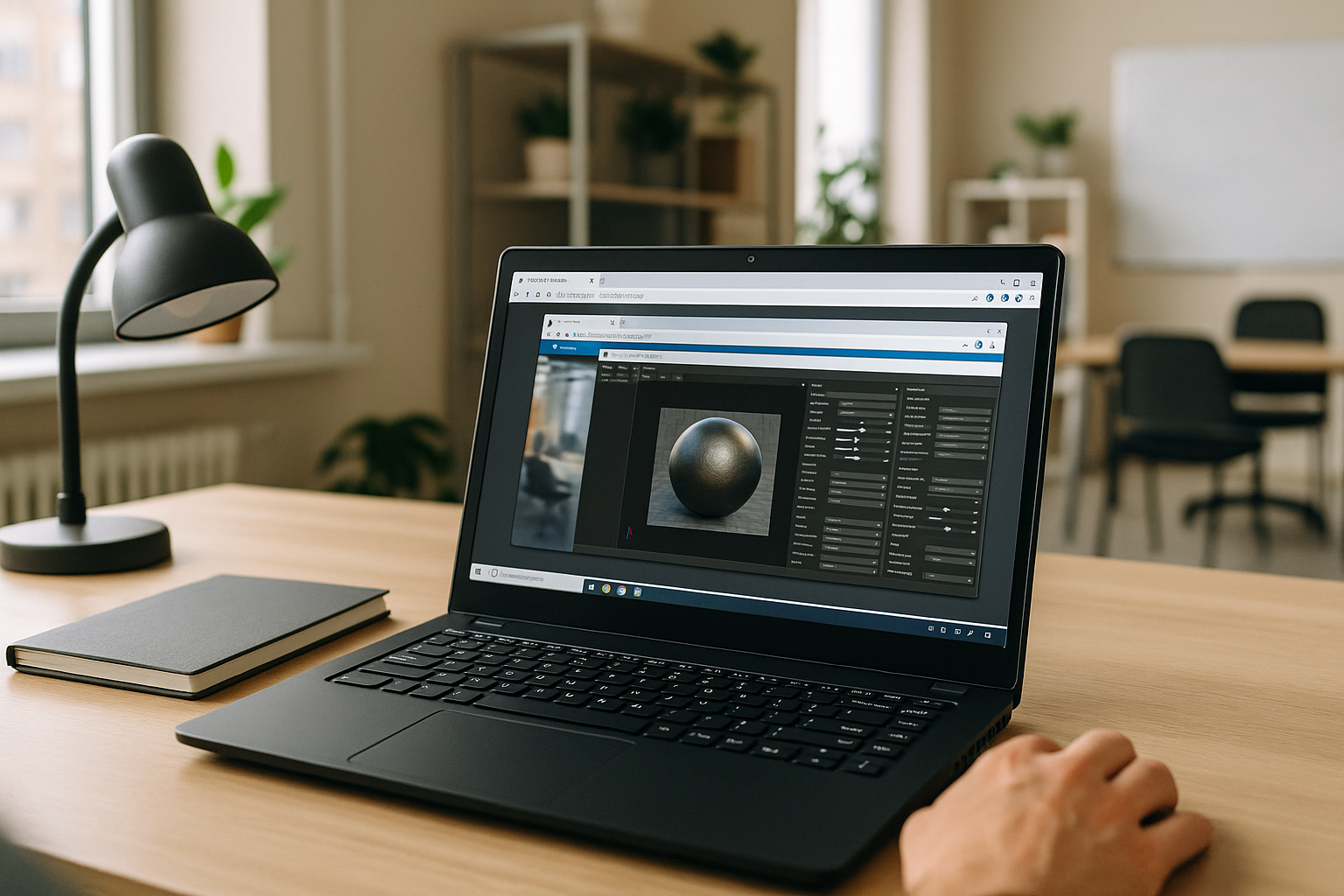
The Real Marmoset Toolbag Linux Roadblock in Production
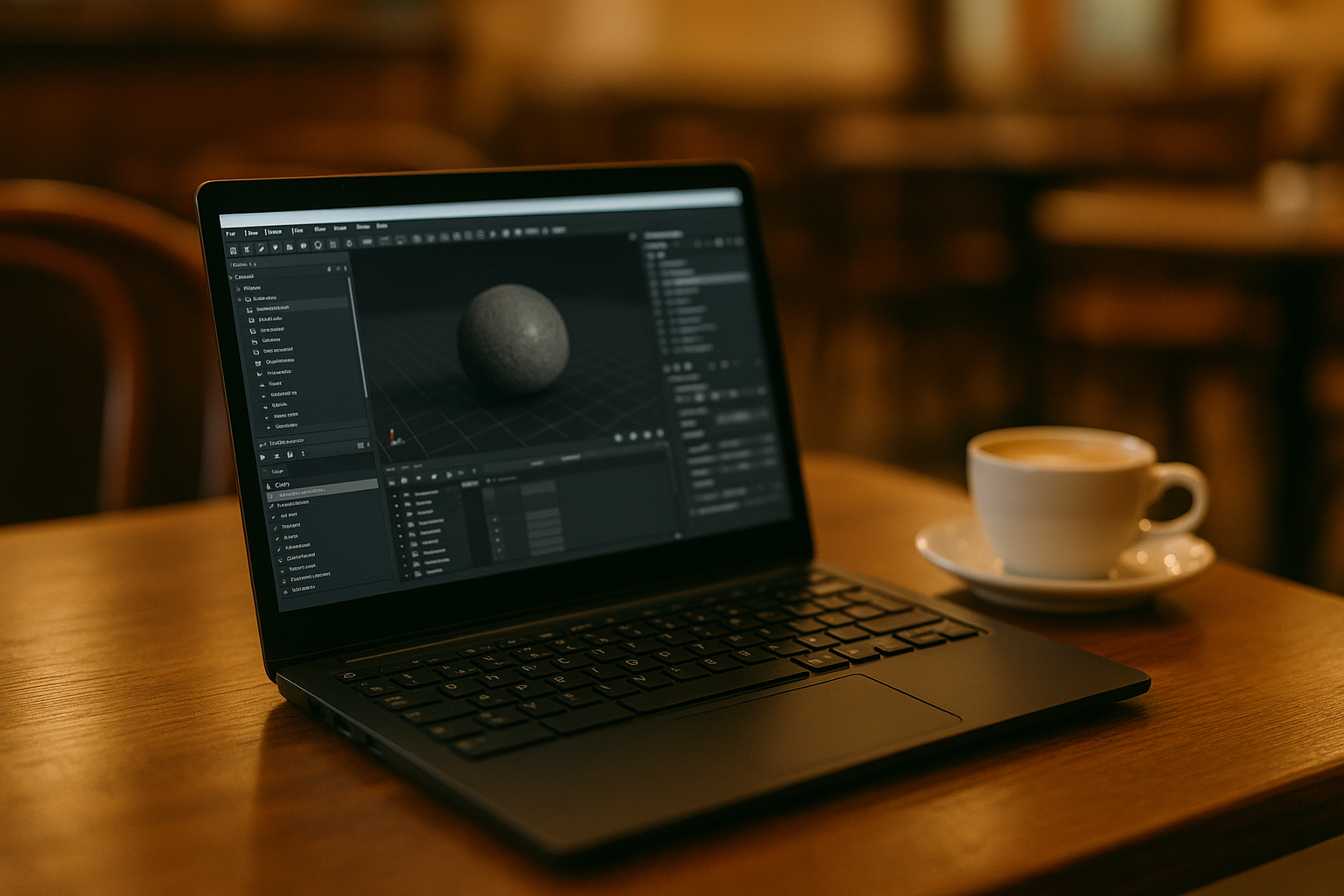
You need predictable baking and fast lookdev, but there is no native build of Toolbag for Linux. Wine or Proton might open the app one day and crash the next, drivers behave differently across distros, and GPU features are inconsistent. When deadlines loom, that instability breaks iteration: a cage tweak, a rebake, a lighting pass, and a turntable should be minutes, not an afternoon of troubleshooting. 3D artists working on detailed game assets often rely on the same baker, presets, and viewport to keep results consistent across sprints. If you split work across machines or dual-boot, you lose momentum and risk mismatched outputs. What you need is stable, daily-use access to Toolbag on Linux without changing your workstation setup.
Why Professionals Still Need Marmoset Toolbag on Linux
For many artists, Toolbag is the heart of the bake-and-preview loop. You depend on tight control over cages and skew, reliable tangent-space results, quick iteration on lighting setups, and turntable renders that match your lookdev targets. Materials, HDRIs, cameras, and plugin-driven adjustments sit at the center of that routine, and the consistency of this environment is what keeps delivery predictable.
Switching tools sounds simple until you rebuild shaders, replace plugins, re-bake maps to new settings, and relearn hotkeys and panels while assets are mid-production. Professionals who use Toolbag regularly keep libraries of lighting presets, custom materials, and bake templates tightly tuned to their pipeline. Alternative software may cover similar tasks, but switching still means rebuilding parts of an established workflow. Keeping access to the original software is more practical.
Research and Marmoset Toolbag Linux Compatibility in 2026
Marmoset Toolbag does not offer a native Linux version, so Linux users need an alternative way to access the Windows application. Wine or Proton may provide a way to test the software, but compatibility can vary with the application version, graphics drivers, and individual setup.
For production work, that uncertainty matters more than simply getting the application to open. A reliable workflow needs predictable baking, viewport performance, and access to the same tools and settings from one session to the next. That makes a stable Windows environment a more practical route when native Linux support is unavailable.
Best Way to run Marmoset Toolbag on Linux Without Friction
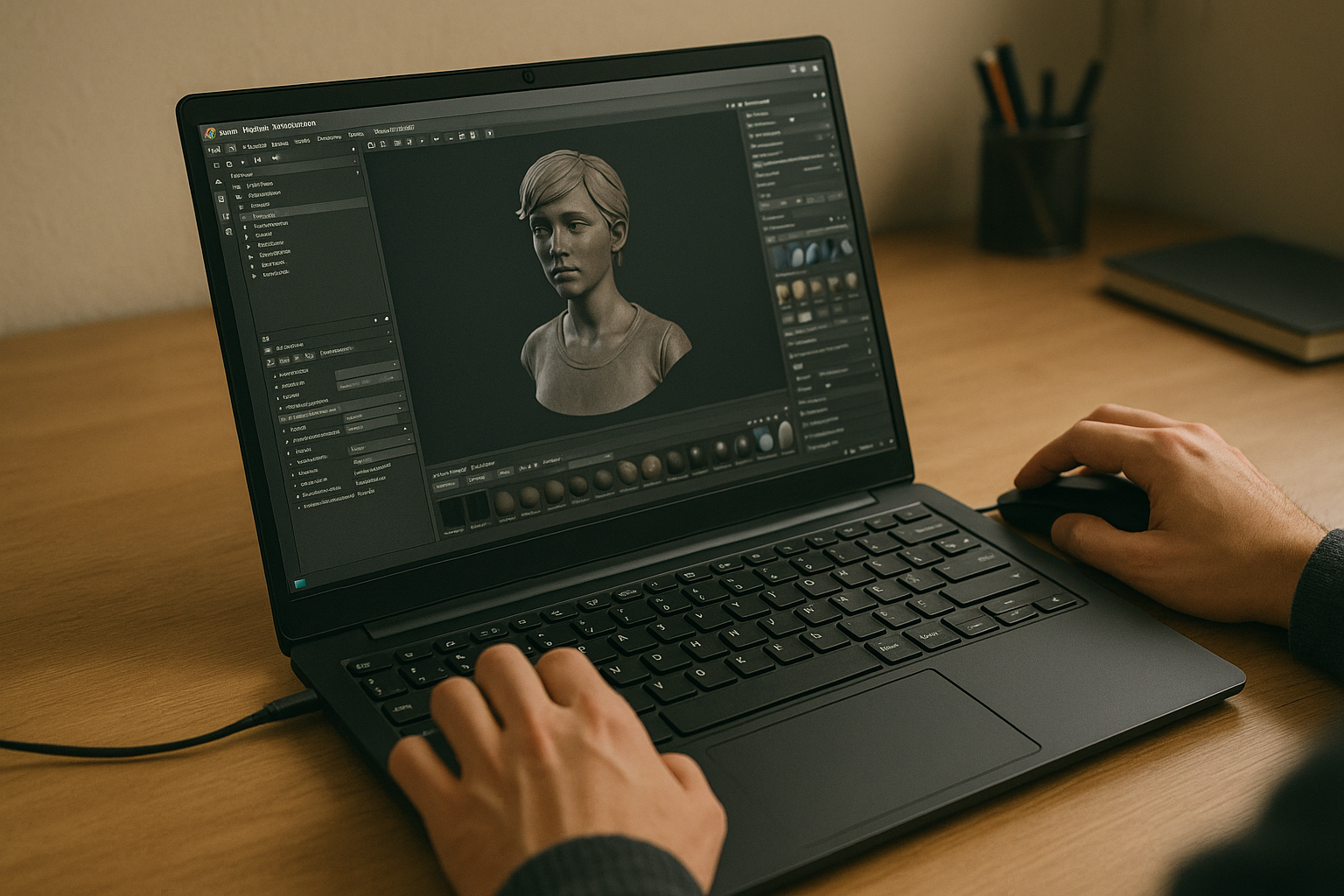
There are a few paths around the gap. Wine or Proton can sometimes start Toolbag, but regressions, random crashes, and plugin limitations make daily production risky. A second machine or dual-boot keeps the app native, yet interrupts flow, scatters files, and slows iteration every time you switch context. Users who move between different projects and studios need the same baking environment to open anywhere, on demand. A Windows environment accessed through the browser provides a more consistent alternative: you can run Toolbag in a separate Windows session instead of relying on Linux compatibility layers, while keeping the work environment separate from your local OS. This gives Linux users a more stable way to access Marmoset Toolbag for day-to-day work without changing the local operating system.
Aristeem for Marmoset Toolbag 5 Linux Workflows
For more than two years, Aristeem has focused on giving professionals access to demanding software via the cloud, studying real pipelines and refining the experience. Today it provides a full Windows desktop in the browser, without changing your local OS, so you can install any Toolbag 5 build, lock the exact version, and add plugins or tools you rely on. The service keeps evolving, testing new options and increasing flexibility. For a closer look at the setup, see Marmoset Toolbag 5 in the cloud.
Conclusion: Reliable Marmoset Toolbag Linux Access in the Browser
If you need consistent baking, previews, and renders on Linux, accessing Toolbag through a Windows environment avoids the uncertainty of running it through Linux compatibility layers. You can keep your local OS unchanged while working with the Windows application in a separate environment.
For Linux users who need Marmoset Toolbag as part of a regular production workflow, Aristeem provides a way to access Windows software from Linux without changing the local operating system.


