


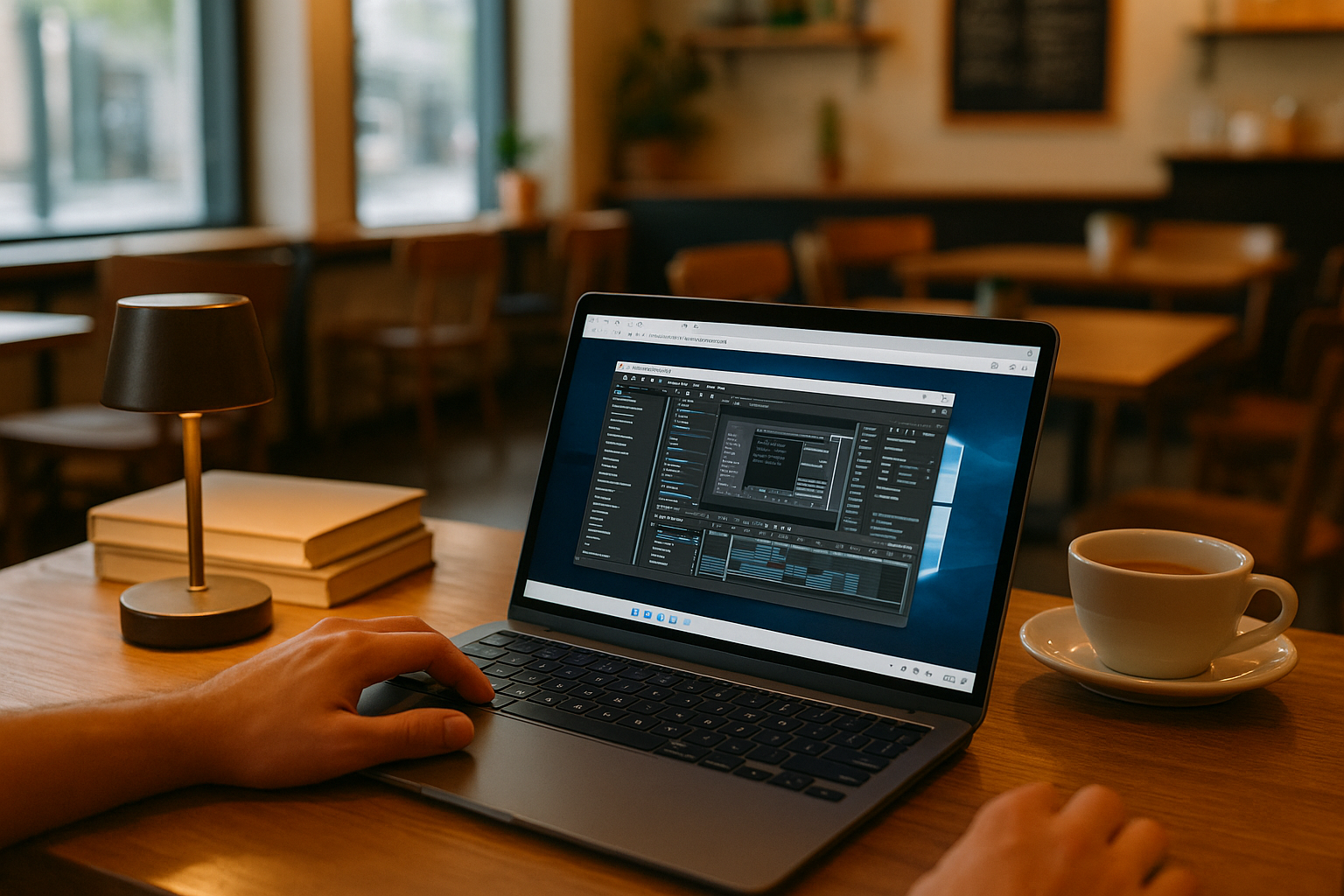
On‑Site Reviews and Travel: VM for MacBook for Version‑Locked Work
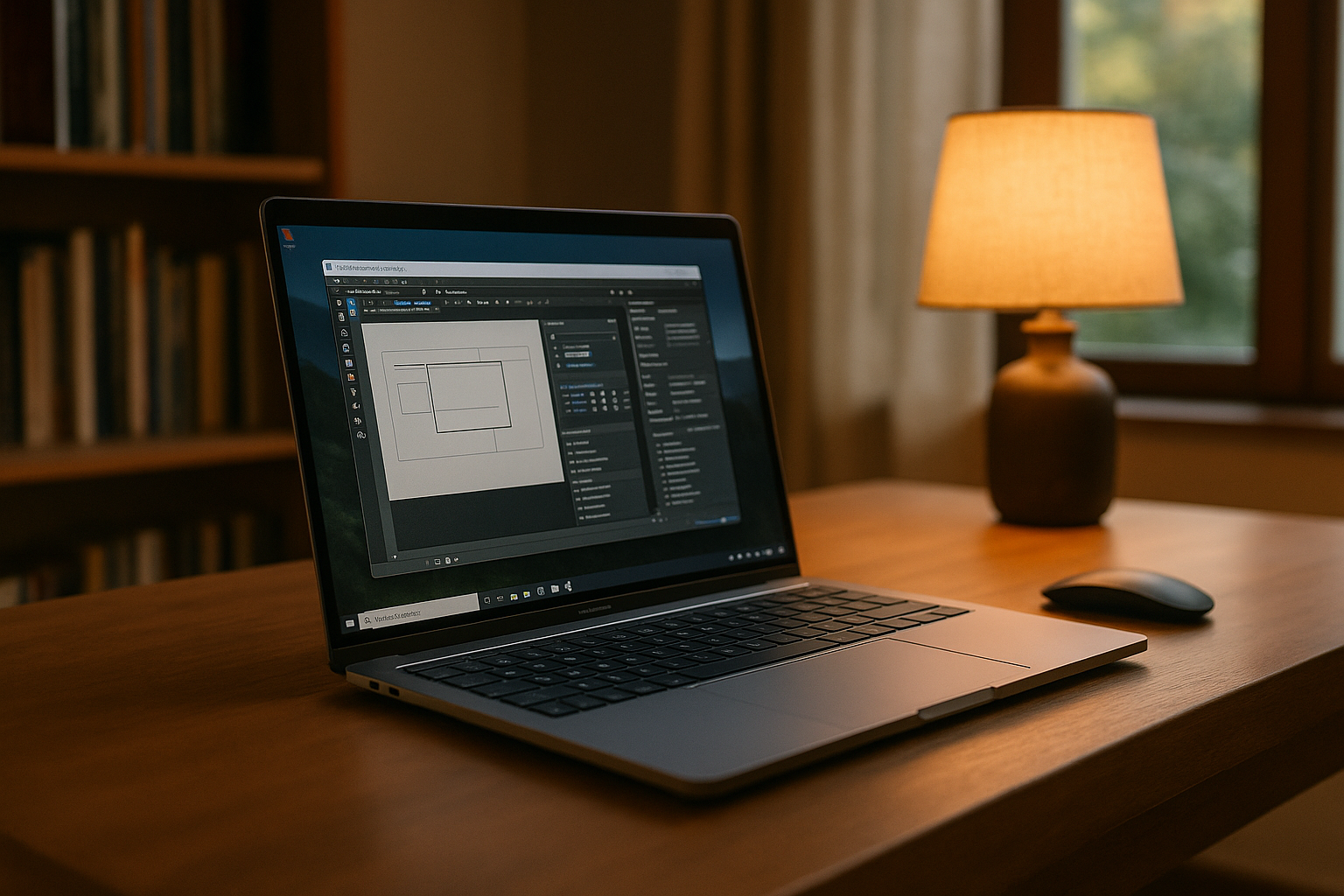
Client reviews often require more than access to project files. As a project lead, you may need to make live markups, revise designs, and export deliverables using specific Windows software versions, approved plugins, custom presets, and file connectors. If your MacBook setup differs from the studio workstation, missing dependencies or inconsistent settings can disrupt the review or change the output. Recreating the entire setup on each device is impractical when deadlines are tight.
The challenge is to access the same configured Windows environment wherever the project takes you, with the required tools, settings, and files ready for the next review or revision.
MacBook Professional Software Workflow Across Offices and Travel
Moving between the studio and client sites also means keeping project work accessible beyond a single workstation. A cloud Windows PC lets you return to the same working environment from your MacBook, whether you need to review a design with a client, revise a project file, or prepare deliverables while traveling. This makes it easier to continue work across locations without setting up the required software and dependencies on each computer.
macOS Project Workflows With a Windows PC in the Cloud
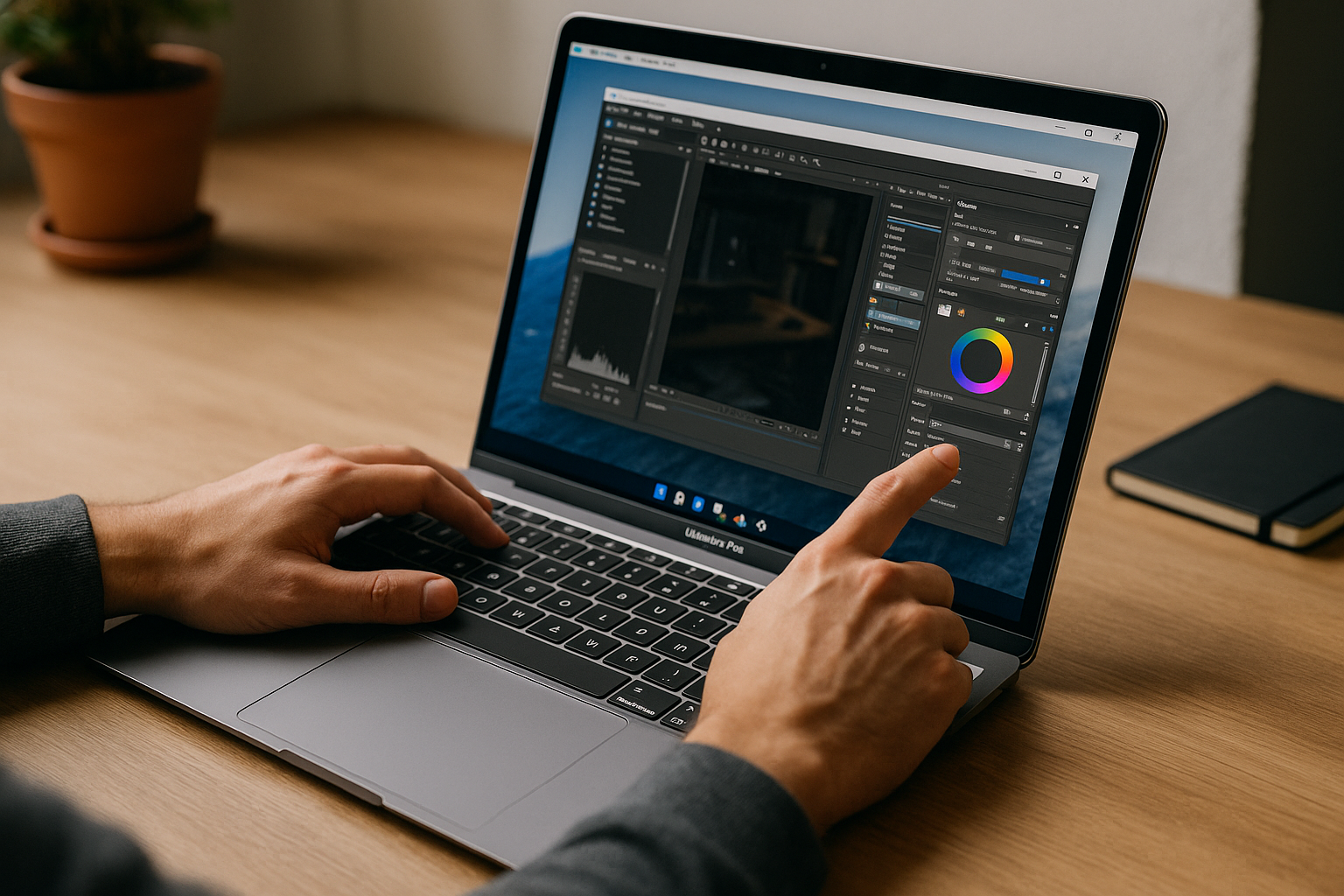
A Windows PC in the cloud gives you a dedicated environment for the software and dependencies your project requires. You can install the specific application versions, add approved plugins and extensions, configure templates, palettes, and export presets, and install compatible supporting tools or drivers where needed. Project files, reference libraries, and shared resources can be kept alongside the applications, while software licenses remain subject to each publisher’s terms. When you return to the project from your MacBook, you can continue using that environment instead of reconstructing the same setup on a different computer. This is useful when client reviews, site visits, and studio work all depend on the same tools and project configuration.
Aristeem for macOS Project Workflows on MacBook
Founded in 2024, Aristeem began as a focused way to access professional software stacks for design, engineering and analysis. We’ve refined the service by studying real project needs — version‑locked tools, plugin sets, drivers and predictable outputs. Today it’s a Windows PC in the cloud you open from your own device, without replacing your macOS setup. We continue testing new options to expand flexibility and control of that Windows desktop for a more comfortable workflow.
Keep Your Project Workflow Consistent on MacBook
On-site reviews and work-related travel become easier to manage when your required software, project files, templates, and supporting tools are available in one Windows environment. A cloud Windows PC lets you access that setup from your MacBook without replacing macOS or maintaining a separate Windows installation on every device. You remain responsible for configuring the applications and dependencies your workflow requires, but you do not have to recreate the entire environment whenever you move between the studio and a client location. Explore how to run professional Windows software from macOS and start improving your workflow today instead of putting off a change that could make your work more efficient.


