


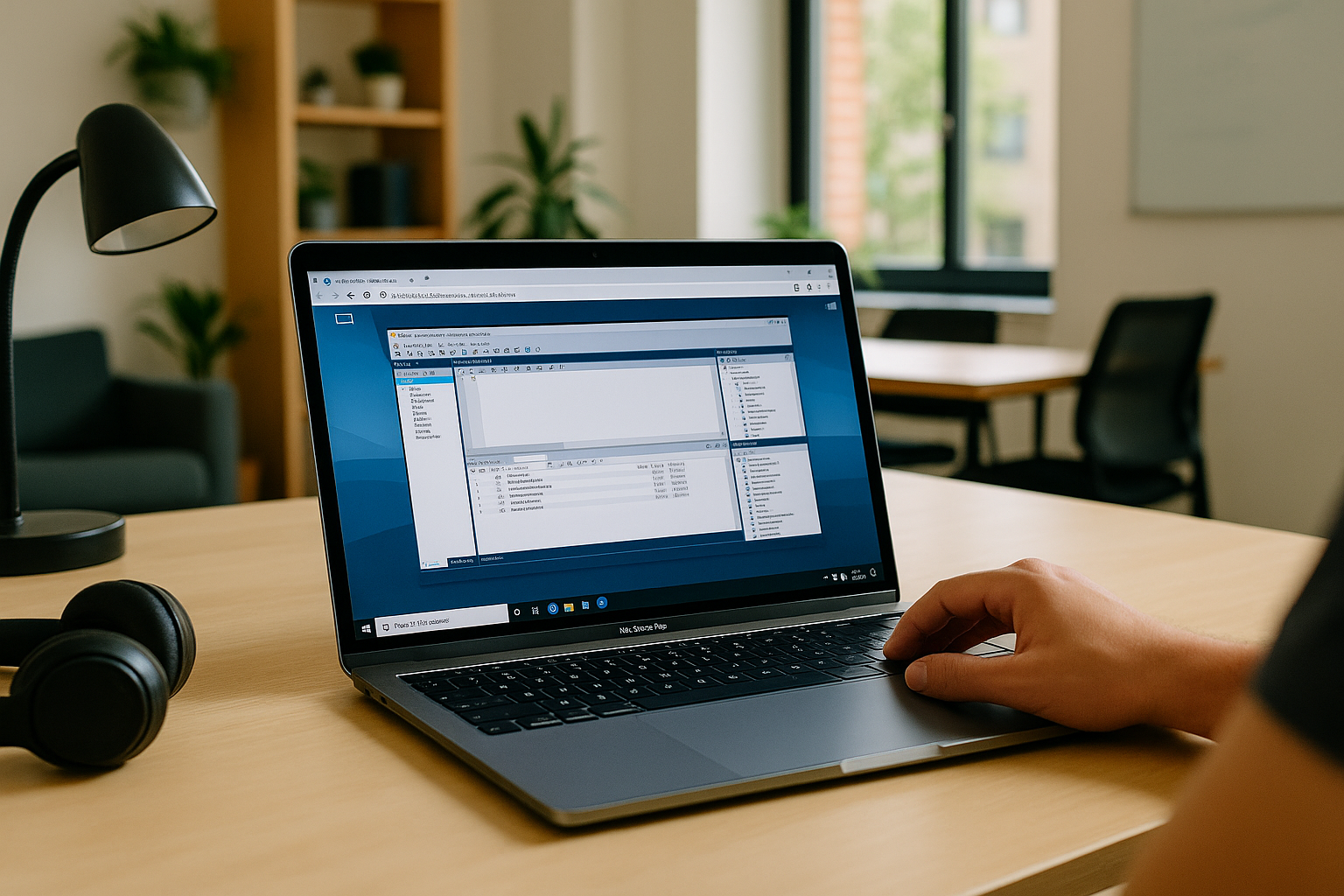
Using MySQL Workbench on Mac for Client Database Projects
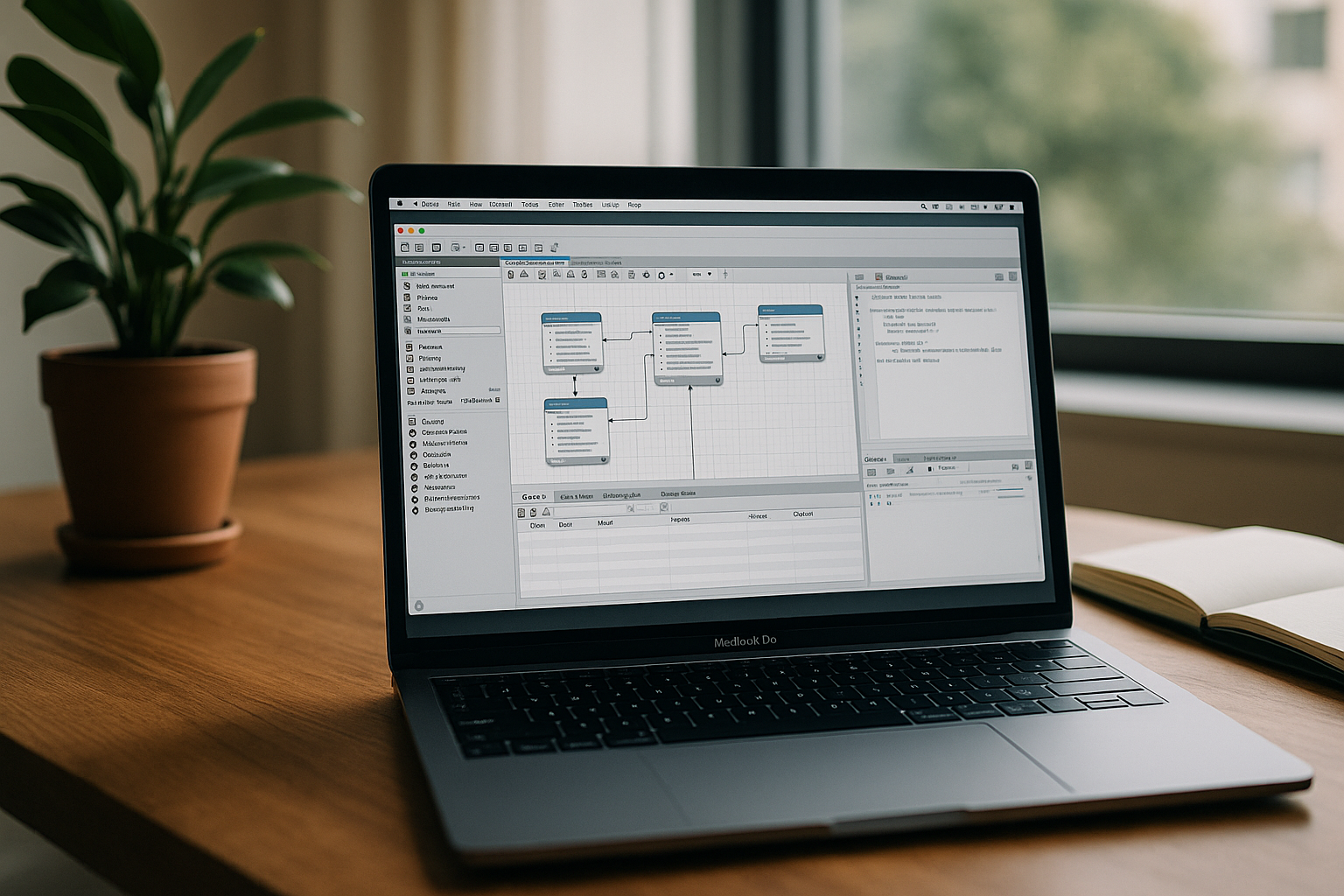
As a data analyst or DBA on a Mac, you may use MySQL Workbench to design schemas, reverse-engineer databases, run SQL queries, and review changes before deployment. MySQL Workbench has a native macOS version, so many database tasks can be handled directly on your Mac. However, some client projects require specific Windows-only tools, approved software configurations, or a shared environment that matches the team’s setup. In those cases, the key question is how to access the required tools without disrupting your existing Mac workflow.
When a Mac-Based Database Workflow Requires Windows
When a client requires a Windows-only database utility or a specific Windows-based toolchain, a local Windows installation or virtual machine may be a practical option. However, maintaining a separate environment can mean additional setup, software updates, storage requirements, and version management. A local VM also shares your Mac’s available resources with other applications. Whether these trade-offs matter depends on the tools required and how often you switch between client environments.
Using a Cloud Windows PC for Windows-Dependent Database Tools
If your project requires Windows-dependent database tools, a cloud Windows PC lets you access that environment from your Mac without installing Windows locally. You can install the required applications and supported dependencies, configure access to client systems, and keep project files in the same working environment. This can be useful when moving between locations or when your team needs a consistent Windows setup. However, database connectivity, VPN access, SSH tunneling, and credential storage still depend on the project’s network rules and security requirements.
How Aristeem Enables MySQL Workbench Mac OS X Workflows
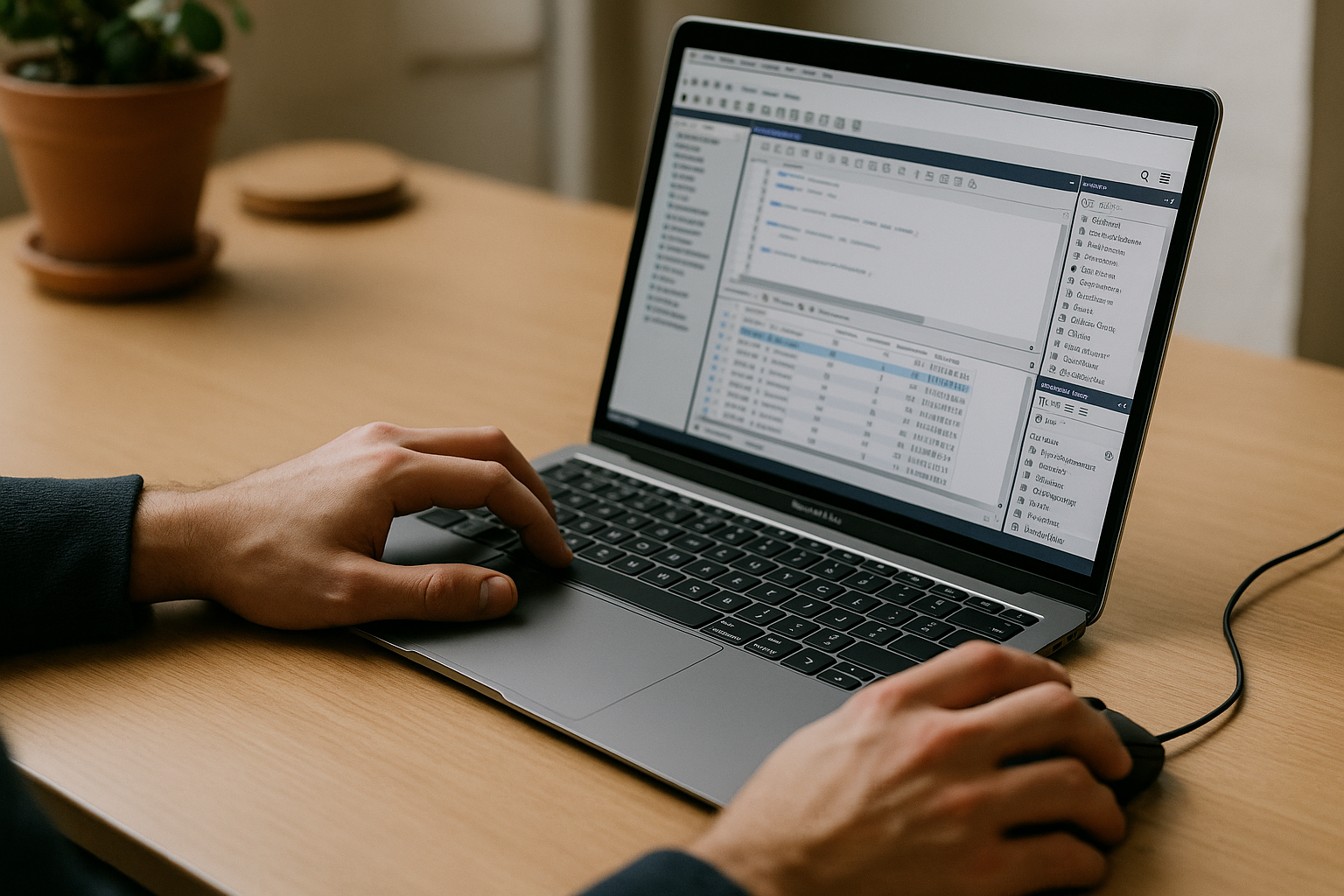
Aristeem provides access to a Windows PC in the cloud from your Mac, without replacing macOS. If a client project requires Windows-dependent database tools, you can install the software and supported utilities needed for that workflow, subject to their licensing and compatibility requirements. You remain responsible for configuring database connections, network access, and credentials according to your team’s security policies. This approach is worth considering when a local Windows installation is unnecessary or impractical but the required tools cannot be replaced with native macOS alternatives. If you are also evaluating cloud-based options for database work, see our guide to MySQL Workbench alternatives.
Choosing the Right MySQL Workbench Setup for Your Mac
For routine database modeling and SQL work, the native macOS version of MySQL Workbench may be all you need. If a client project also depends on Windows-only tools or a required Windows environment, a cloud Windows PC offers another way to access that software from your Mac. Check application compatibility, database connectivity, and your organization’s security requirements before choosing a setup. If Windows access is necessary for your workflow, you can explore Aristeem as a way to run the required tools without replacing macOS.


