


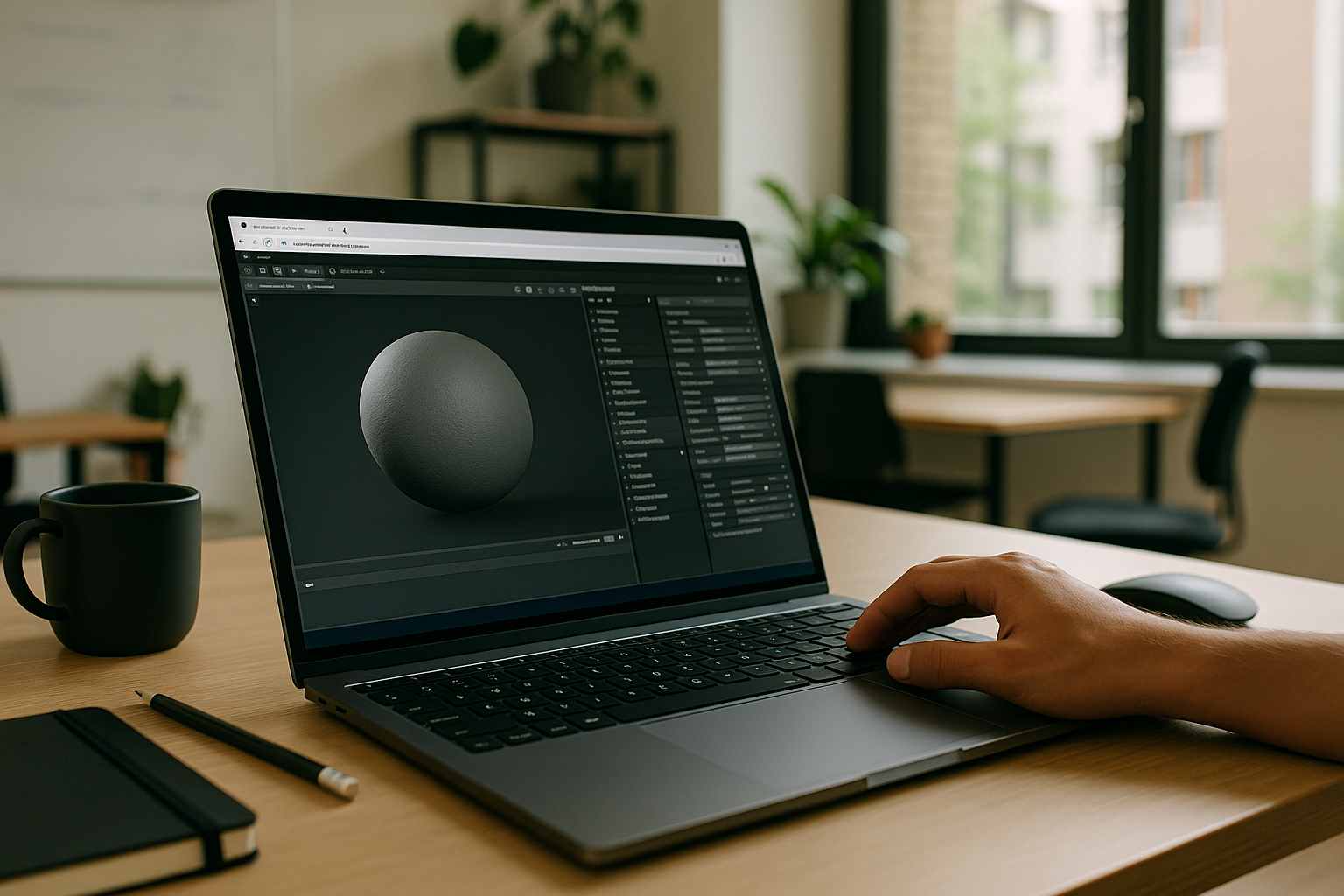
On‑site lookdev and turntables with Marmoset Toolbag 5
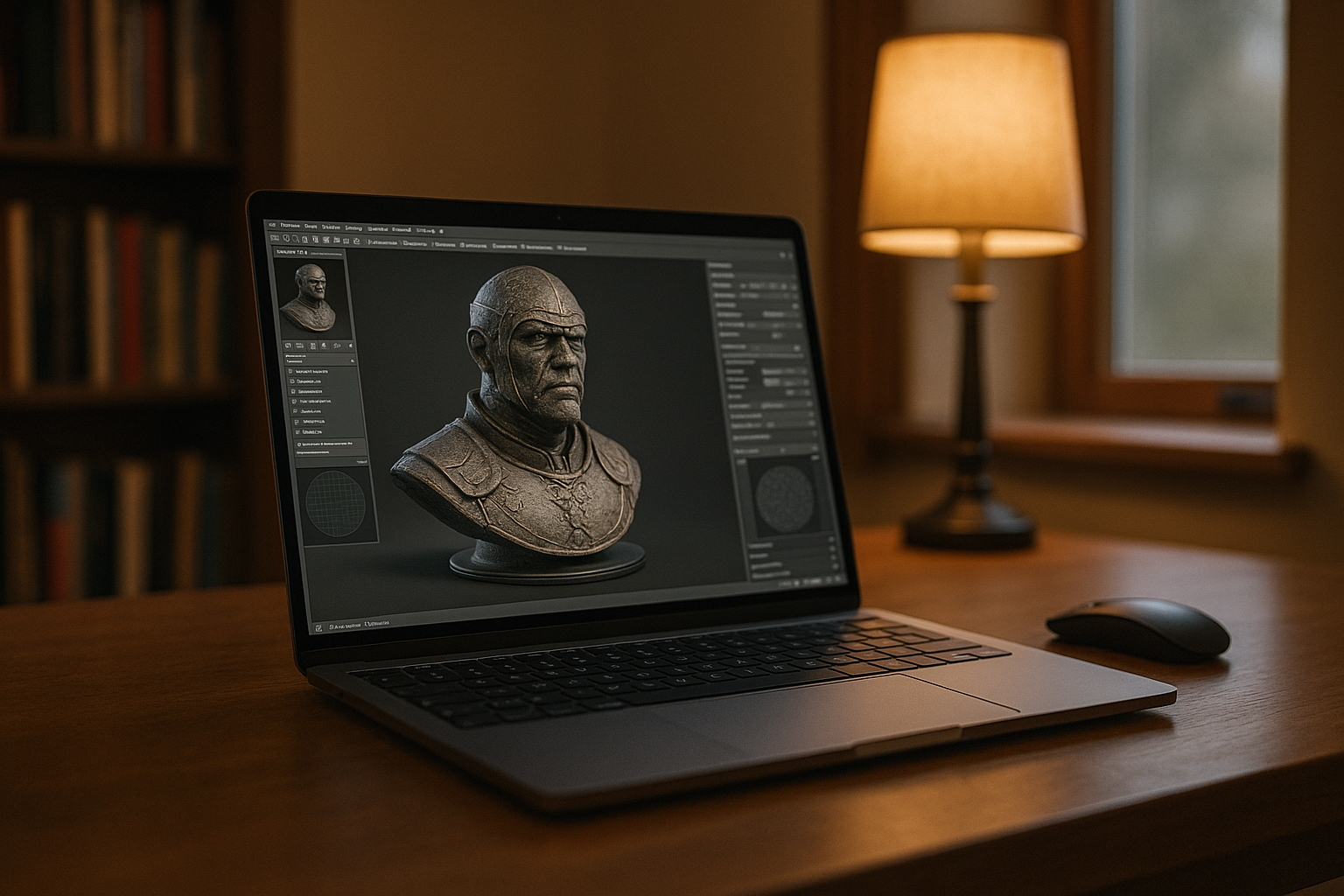
Deadline day on the road: the 3D artist must deliver client‑ready snapshots and a turntable that match studio presets. First, the exact project build of Marmoset Toolbag 5 is selected, then custom shader and LUT packs, the team’s HDRI set, render and camera presets, and the turntable template are placed in the expected folders, with pen‑tablet mappings applied. Next, existing scenes are opened, materials tweaked, normals/AO rebaked, lighting aligned to the specified HDRIs, and outputs exported to the studio naming rules. This flow depends on strict consistency.
Workflow requirements for Marmoset Toolbag 5 rendering and baking
That consistency around scenes, presets, and outputs only holds if every dependency from Block 1 remains identical on the device in hand. In practice, this workflow requires:
- Exact Marmoset Toolbag 5 build used by the project.
- Installed custom shader pack, LUT pack, and the HDRI library with unchanged paths.
- Shared render/camera presets and the turntable template the studio distributes.
- Color settings aligned with the studio look, plus pen‑tablet drivers and mappings.
- File‑sync utilities and directory structure that keep exports and cache locations stable.
Which environment on this device can meet all of these without drift?
Best environment for real-time lookdev Toolbag 5 on the move
Meeting those version, plugin, HDRI, preset, and driver needs can be approached in several ways, each with trade‑offs in control and overhead. The options below focus on how well they preserve the exact setup from Block 2.
| Approach | Capabilities | Complexity |
|---|---|---|
| Local laptop install | Runs required build if available; risk of version drift; missing shaders/LUTs/HDRIs/presets; pen‑tablet and path differences. | High manual upkeep. |
| External workstation via VPN | Studio assets and presets present; access and scheduling constraints; variable responsiveness. | IT‑heavy, coordination needed. |
| Portable SSD asset kit | Brings shaders/LUTs/HDRIs/presets; version lock is manual; path remaps can break. | Medium maintenance. |
| Cloud Windows PC | Supports a persistent Windows environment for the required Toolbag version, project assets, and custom presets. | Low ongoing overhead. |
This points toward a persistent workspace that follows you without reconfiguration, which sets up the next step.
Production continuity with Marmoset Toolbag 5 across locations
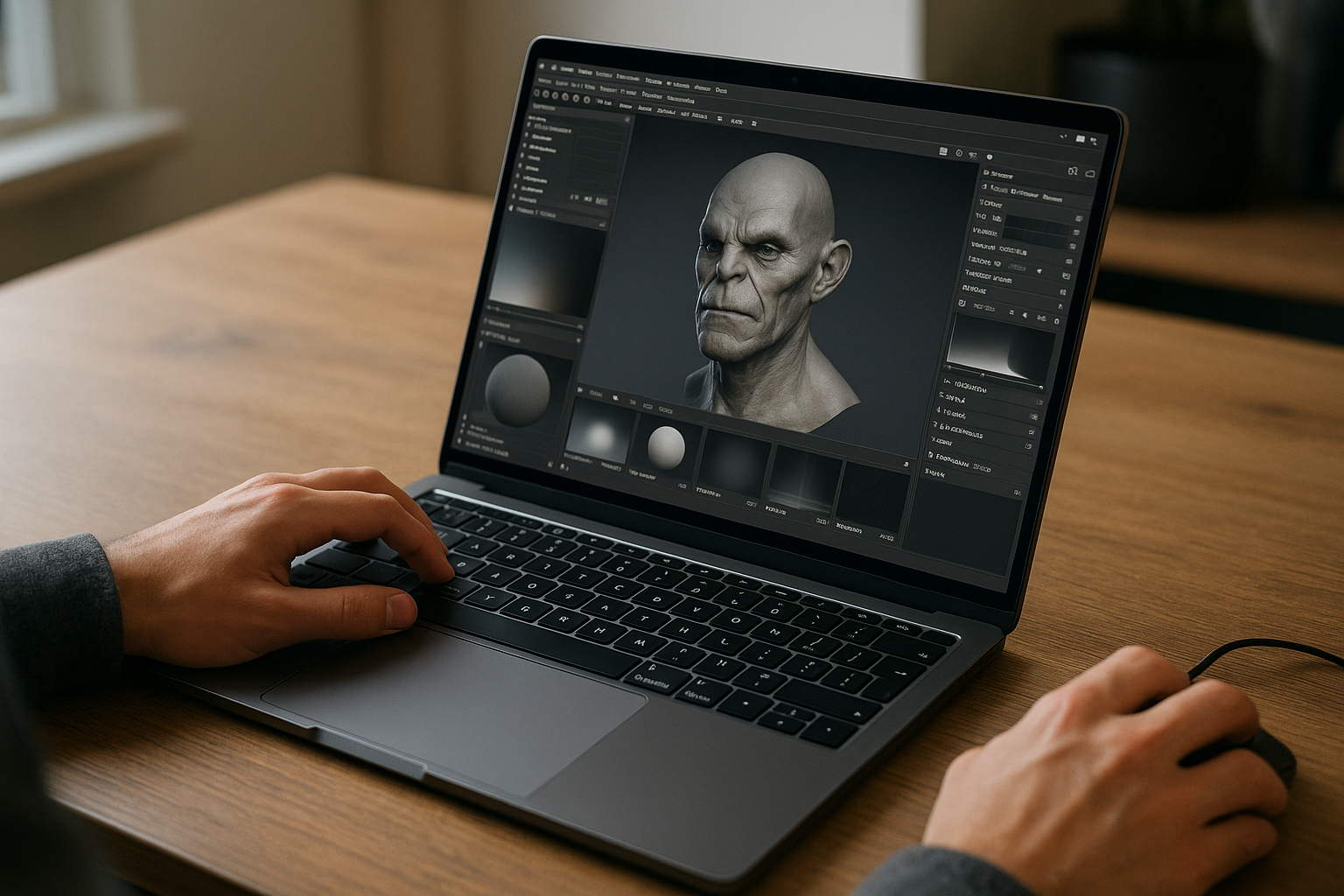
The project’s software setup, libraries, and presets need to remain accessible whether work takes place at the studio, at home, in transit, or in a client room. A persistent Windows environment keeps these resources together, giving 3D artists access to the same configured workspace for lookdev, baking, and turntable work across locations.
Aristeem for Marmoset Toolbag 5 rendering, baking, and lookdev
For more than two years, Aristeem has focused on access via the cloud to professional software for design, engineering, data analysis, and other demanding work. We study real workflows and refine the service continuously. Today we offer a virtual Windows machine in the cloud without replacing your device’s OS, and we keep testing new options to expand flexibility. Applied here, you install the exact Marmoset Toolbag 5 build, add plugins, LUTs, HDRIs, presets, and keep paths stable — see Marmoset Toolbag 5 on Aristeem.
A consistent Marmoset Toolbag 5 workflow on your current device
A persistent cloud Windows PC gives 3D artists another way to access Marmoset Toolbag 5 and their project-specific setup beyond the studio. Learn more about Aristeem and cloud access to professional software.


