


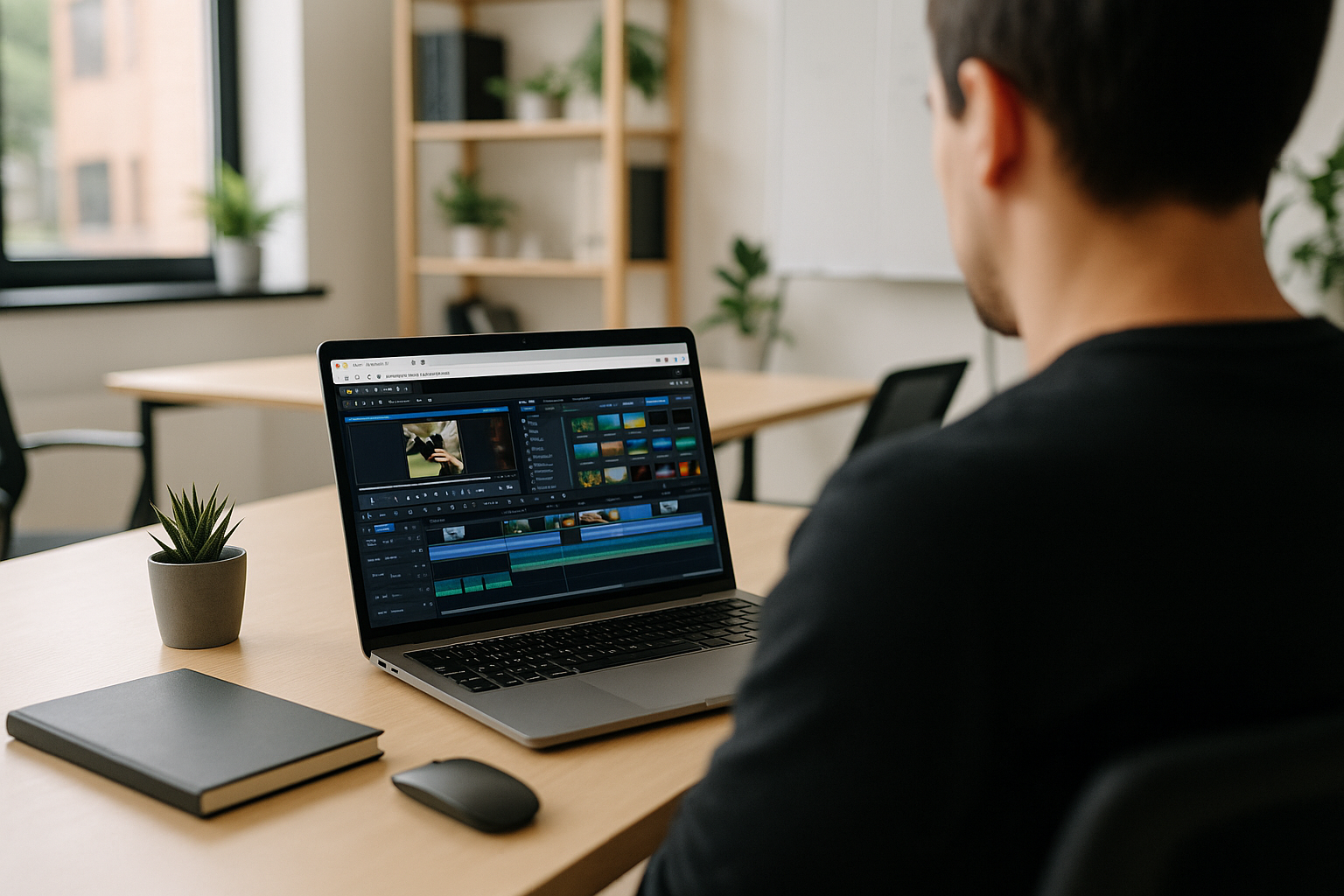
Corel VideoStudio for Video Editing Projects Across Devices
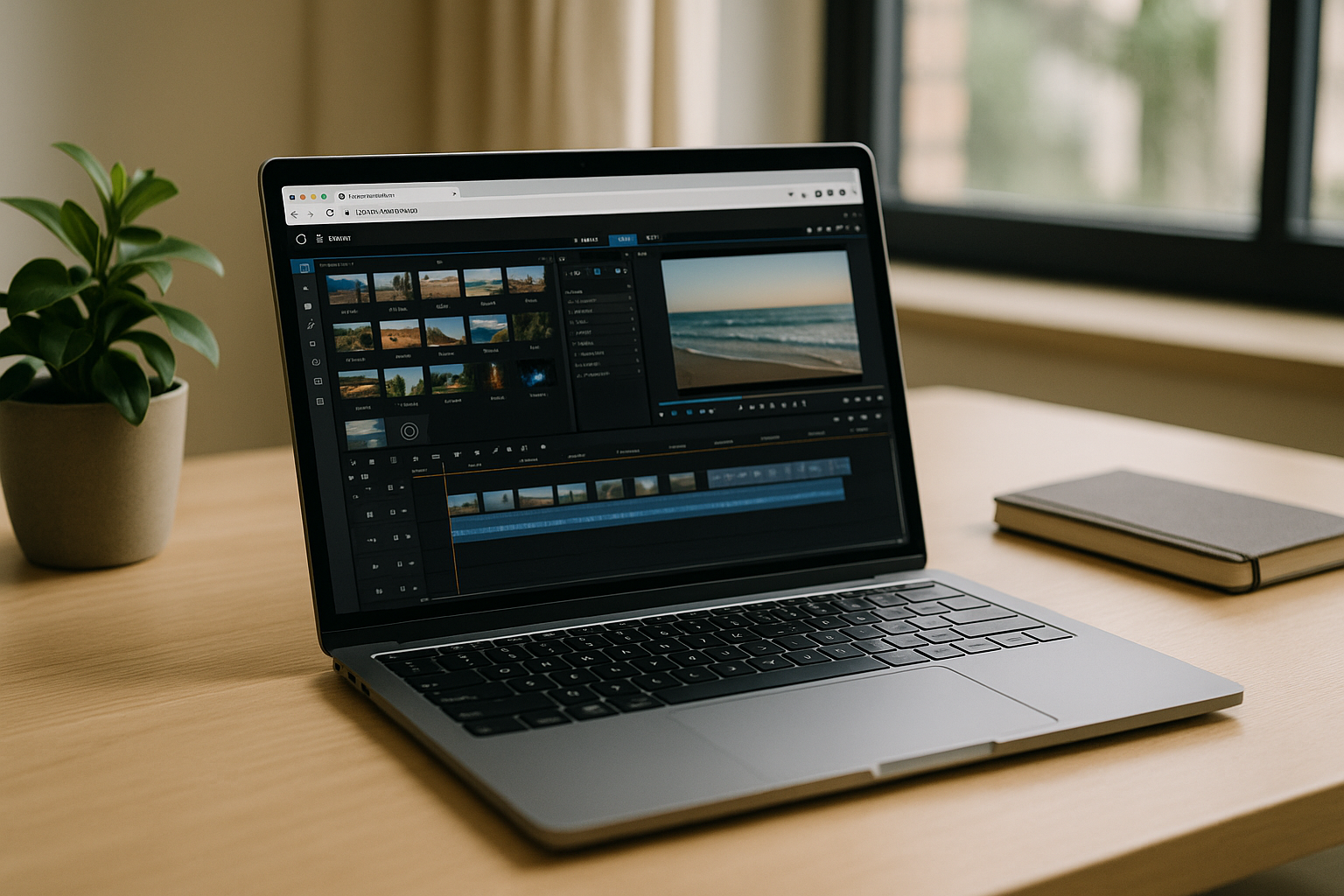
A video project rarely ends with the first edit. You may need to reopen an existing project, adjust transitions, replace a clip, check titles, or export a revised cut after moving between workstations. Reliable Corel video editing software matters when you need to preserve an existing project’s timeline, source media, effects, and export settings. If your usual Windows workstation is unavailable, you need another environment that lets you continue editing without rebuilding the project in a different application.
What You Need to Continue Editing a Corel VideoStudio Project
Before continuing an existing Corel VideoStudio project, check the elements that determine whether the edit can be resumed correctly:
- Project compatibility: use a VideoStudio version that supports the project file and the features used in it.
- Source media: make sure the original video clips, audio, images, and other referenced files are available at the expected locations.
- Effects and titles: verify that required transitions, title templates, LUTs, and third-party effects are installed and licensed where necessary.
- Timeline continuity: preserve the existing clip arrangement, tracks, timing, and project settings instead of recreating the edit in another application.
- Export settings: check the required resolution, frame rate, format, and output location before rendering the final version.
These requirements matter whether you return to your main editing PC or continue the project in another Windows environment.
Ways to Continue a Corel VideoStudio Editing Workflow
Returning to the original workstation is usually the simplest option when the project, media, and effects are already available there. If that computer is unavailable, a second Windows PC can provide another editing environment, but you may need to install the same VideoStudio version and restore the project dependencies.
A Windows virtual machine is another possibility, provided its resources are sufficient for the footage and effects involved. Its suitability depends on graphics support, storage access, and the demands of the editing workload.
Cloud access to a Windows environment offers a different option when you need to work from another device. You can install the required VideoStudio version and supporting software there, then bring in the project and its media.
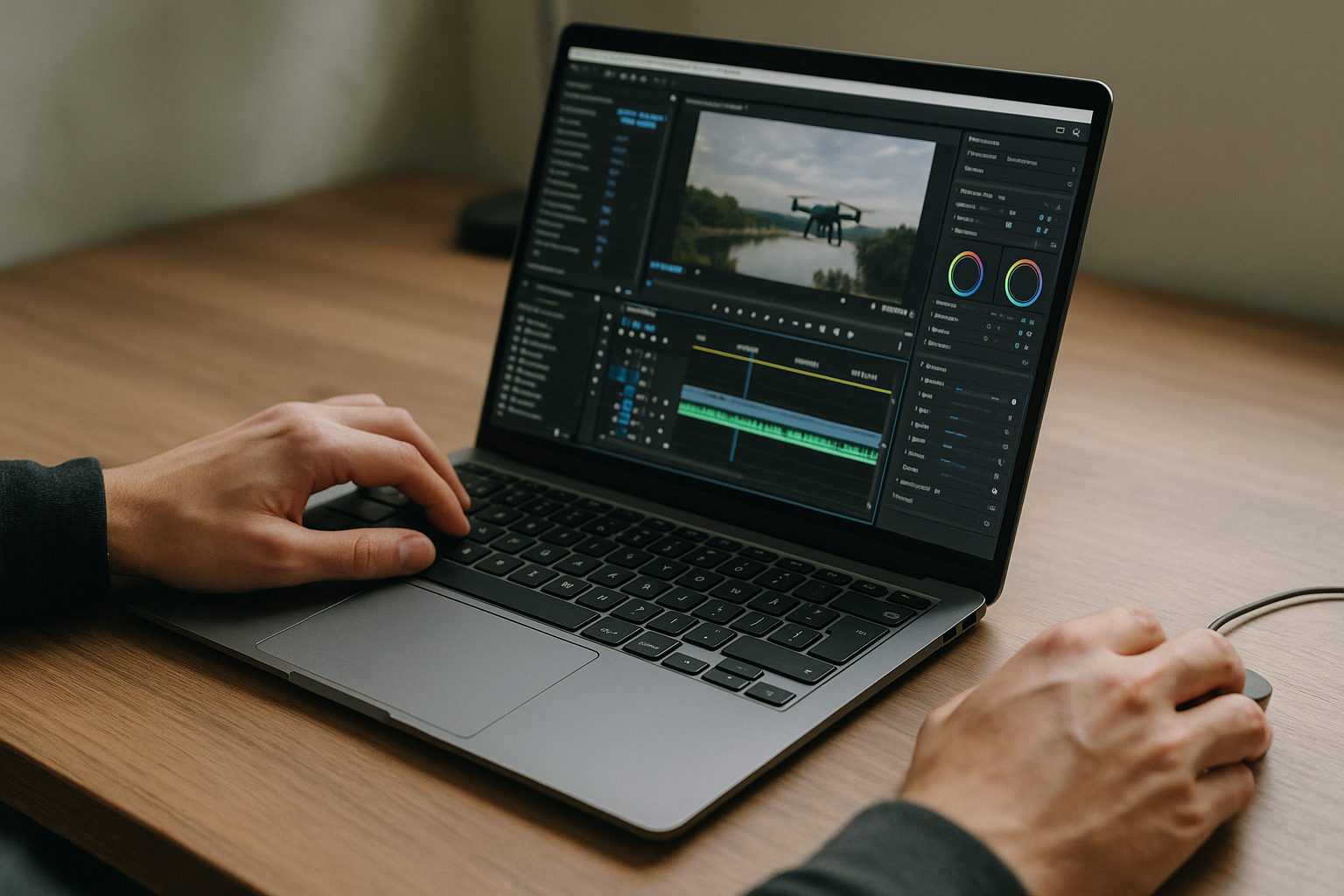
Continuing Corel VideoStudio Projects With Aristeem
When your main editing workstation is unavailable, Aristeem provides access to a virtual Windows PC through a browser. You can install the Corel VideoStudio version your project requires, add the necessary effects and supporting software, and bring in the project files and source media.
This approach can help when you need to continue a Windows-based editing workflow from a different device without setting up a local Windows installation. You remain responsible for the software licenses required for VideoStudio and any additional tools.
Before You Resume a Corel VideoStudio Project
If your usual workstation is unavailable, a virtual Windows PC may provide another way to access Corel VideoStudio without installing Windows on your current device. Confirm that the required software and project dependencies are available and that the environment meets your project’s requirements before moving deadline-critical work.


