


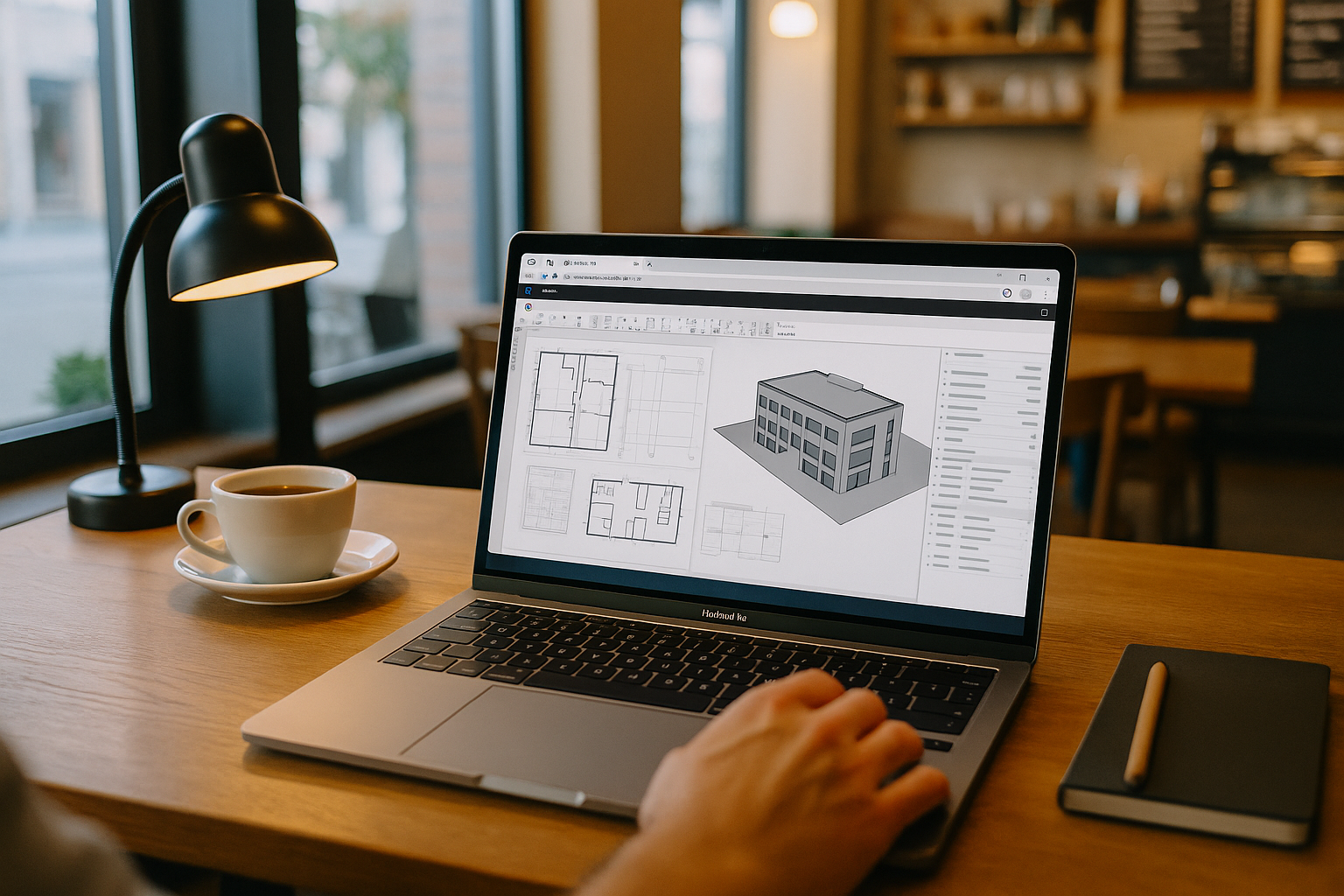
Revit on MacBook for Project Coordination and Site Tasks
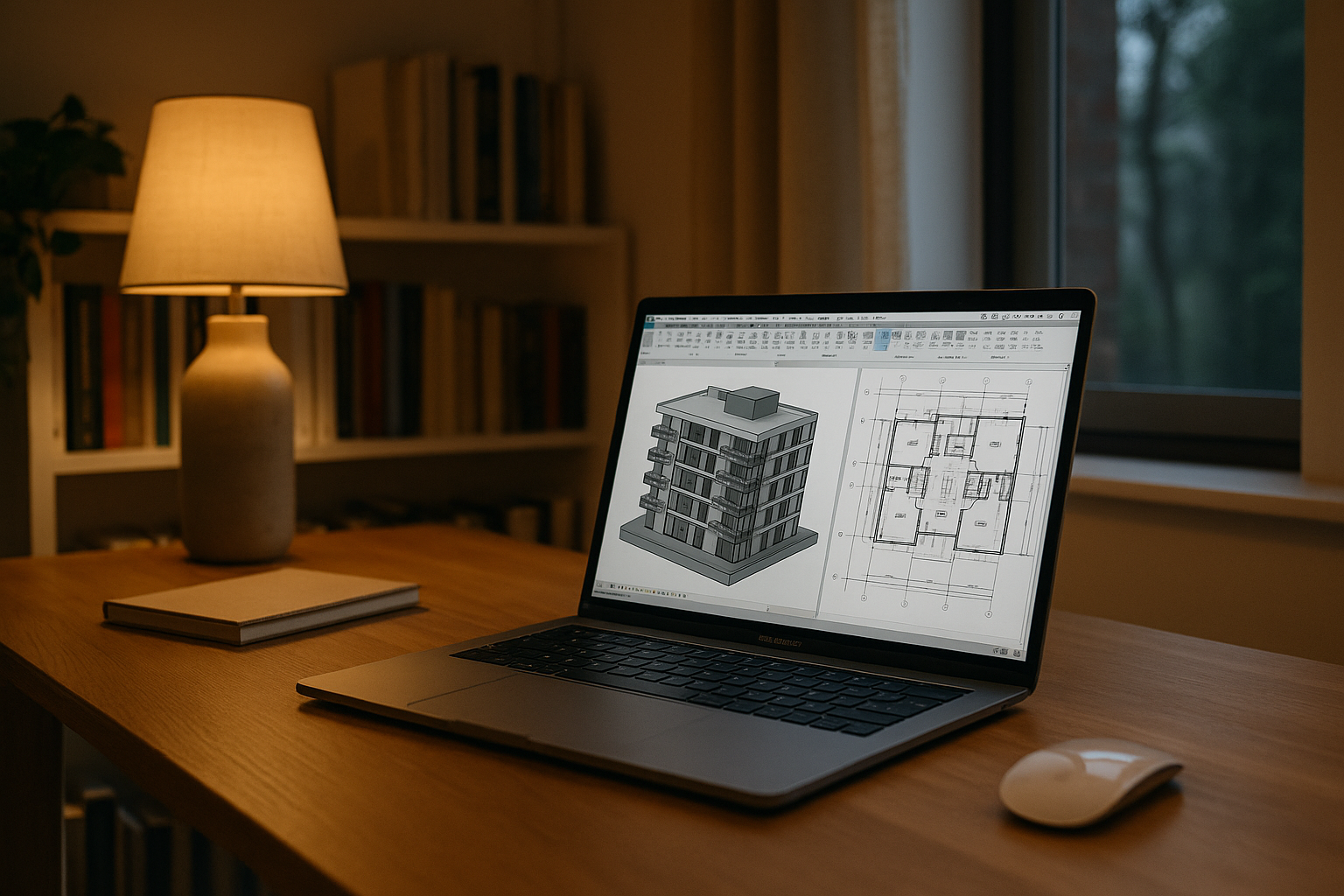
Morning coordination takes place in a client room, followed by site walk-throughs in the afternoon. Throughout the day, the project architect needs access to the Revit model, linked disciplines, project-specific add-ins, and publishing settings used by the office. The working environment includes the exact Revit build, Enscape for view checks, IFC tools for consultant packages, and the required Dynamo packages. Because Revit has no native macOS version, this workflow depends on keeping the required Windows environment and project-specific tools available throughout the workday.
Revit macOS workflow requirements for real projects
Before leaving the studio, verify that the project opens with the required Revit build, add-ins, linked models, and publishing settings. These dependencies determine whether you can continue coordination and issue consistent sheets from another location.
- Exact Revit version per project, with identical updates and build numbers.
- Required add-ins: Enscape, IFC tools, and matching Dynamo package paths.
- Consistent templates, families, shared parameters, and fonts used in title blocks.
- Mapped storage and shared coordinates so central models and links resolve.
- Identical PDF/print drivers and export presets for publishing standards.
The question is which environment on a MacBook can deliver this parity without deviation.
Best way to run Revit on MacBook without changing the stack
Because the requirements center on exact versions, add-ins, fonts, paths, and drivers, each approach should be judged by its ability to reproduce the full environment, not just launch Revit.
| Approach | Capabilities | Complexity |
|---|---|---|
| Local virtualization on MacBook | Can run Revit; add-in and driver parity may vary; network path and print/PDF drivers can be inconsistent. | Medium setup |
| Connect to office workstation | Uses the office install with plugins, fonts, and presets; depends on office uptime and network routes. | Operational dependencies |
| Carry a separate Windows laptop | Full parity if cloned from office; adds device management and duplicates your kit. | Extra hardware |
| Cloud Windows PC | Install the exact Revit version, add Enscape/IFC/Dynamo, mirror templates/fonts, map storage, keep drivers/presets identical. | Managed setup |
For a mobile coordination workflow, the practical choice depends on whether you can maintain the required Revit build, project files, add-ins, and export settings without rebuilding the setup at each location.
Revit on MacBook across studio, client rooms, and site
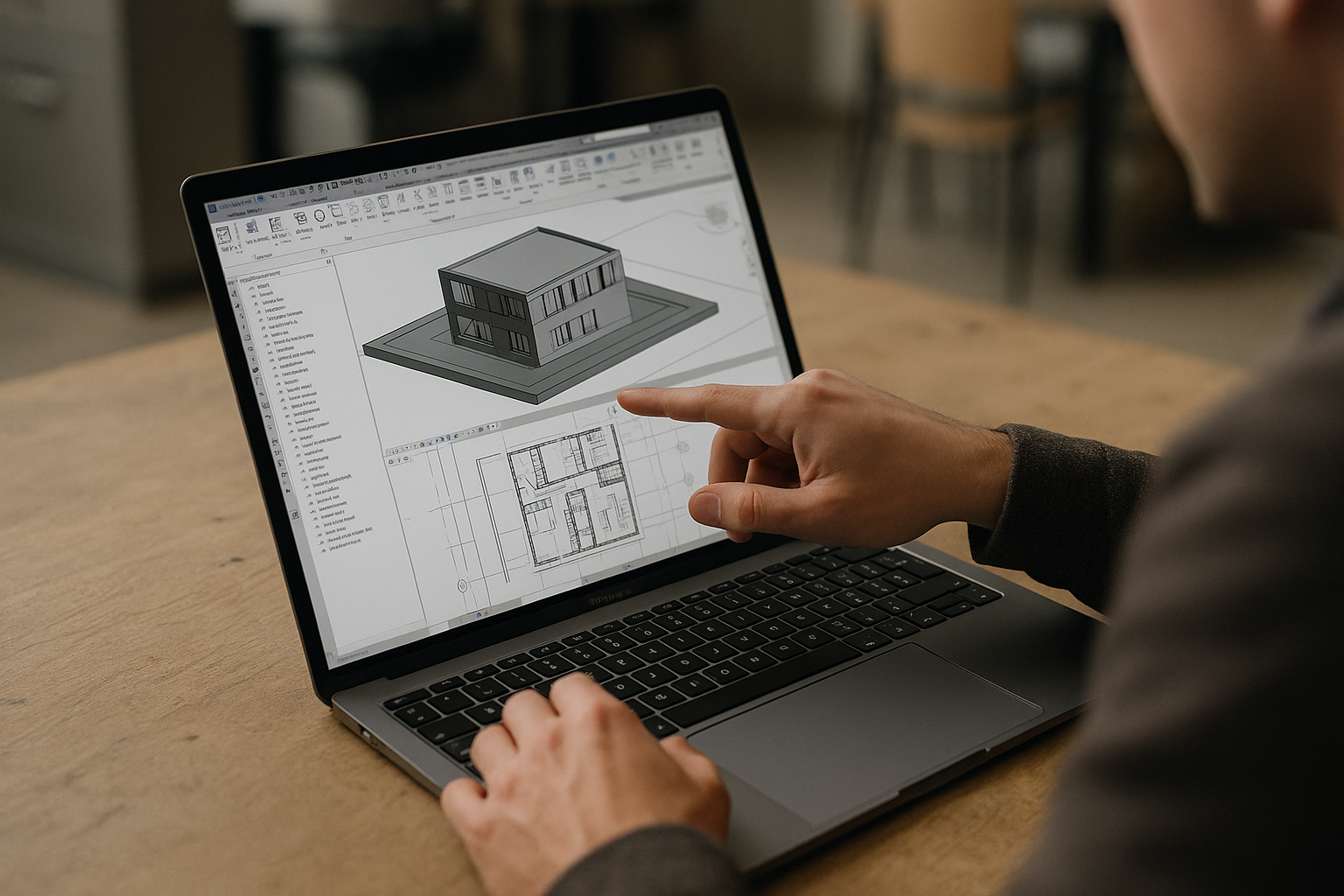
Moving between the studio, client offices, and construction sites shouldn’t mean maintaining separate Revit setups. With the required project files, add-ins, templates, and settings available in one persistent Windows environment, you can access the same working setup from your MacBook wherever the project takes you. This is especially useful when coordination work continues across locations and deadlines leave little room for environment changes.
Aristeem brings a cloud Windows PC to Revit on MacBook
For more than two years, Aristeem has focused on providing cloud access to professional software for engineering, design, data analysis, and other demanding workflows. We study how professionals use these applications and continually refine our service around their needs. Today, Aristeem provides a cloud Windows PC that lets users access professional software from their devices.
For your Revit workflow, this means you can install the required release (2021–2025), add Enscape, IFC tools, and Dynamo packages, configure templates and fonts, and set up storage paths and export settings. You can then access this persistent Windows environment from your MacBook without replacing macOS. Learn more in our guide to accessing Revit through a cloud Windows PC.
Continue Your Revit Workflow on a MacBook
Project coordination often extends beyond the studio. Aristeem makes your Windows-based Revit environment accessible from your MacBook, helping you continue working with the software and project-specific setup your team relies on, wherever project work takes you.
Explore Revit for Mac to learn more about accessing Revit through Aristeem.


