Run demanding Windows apps on a powerful cloud virtual desktop from Windows, macOS, iOS, Android or Linux — no hardware upgrades needed.
How It Works Create Own Workspace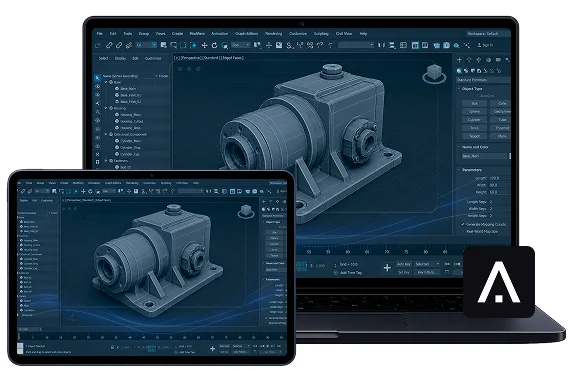

 Scroll Down
Get a powerful Virtual Machine tailored to your needs, with the performance and setup that fit the way you work
Empower your PC with Aristeem’s powerful cloud infrastructure

Work in a familiar Windows environment from any place

Your data stays secure and protected with Aristeem’s cloud infrastructure

Connect to your VM from Windows, MacOS, iOS, Linux, Chrome OS or Android

Keep your applications and working environment available in the cloud

You do not need to replace your computer simply because you need more computing power


Run demanding apps in the cloud on the computer you already have


Access your Cloud PC from any compatible device, wherever you work


Access your familiar Windows desktop, apps, and files from anywhere


3D, design, development, and data tools without device load


Choose your resources and let Aristeem prepare your workspace


Get support with setup and access issues without disrupting
Run resource-intensive Windows software on a high-performance cloud workstation while continuing to work from the computer you already own.

Aristeem Cloud Service supports Windows-compatible software and services, giving you the flexibility to install the apps, tools, and plugins you need for your workflow.
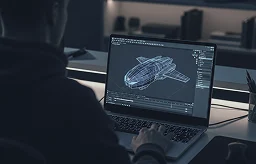
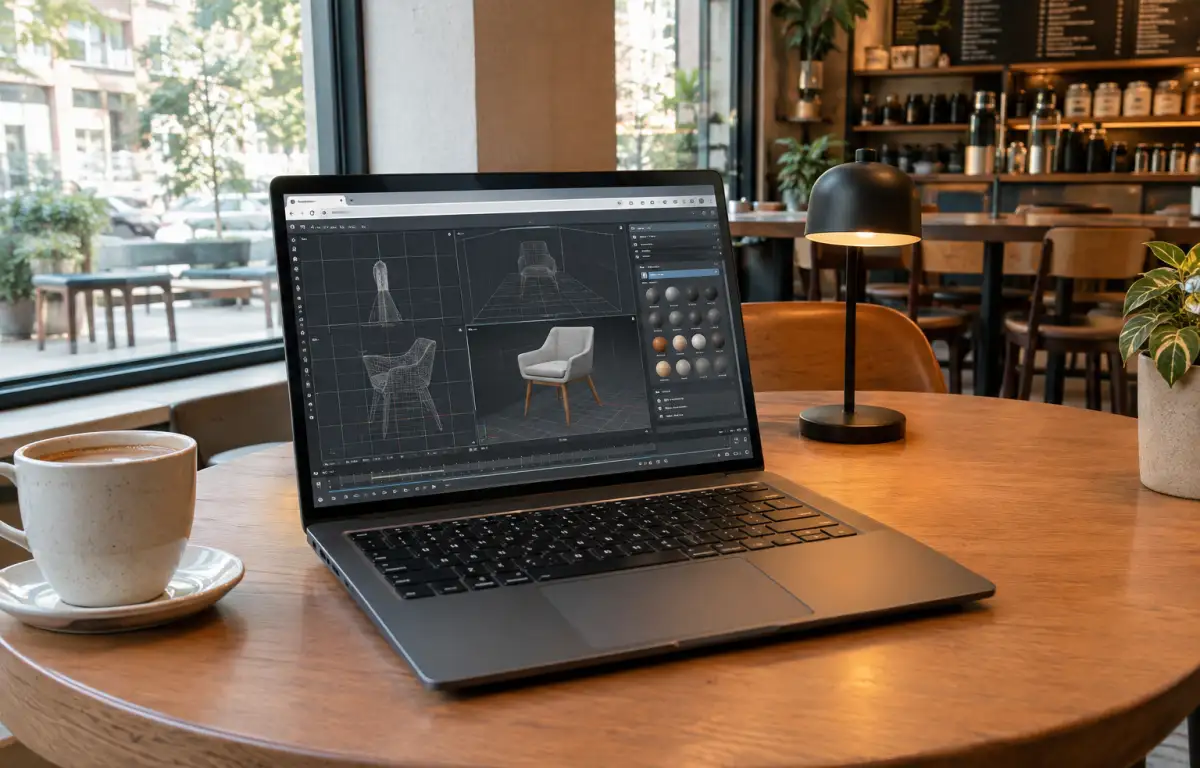
3D Modeling
Blender, Maya, ZBrush, SketchUp ...
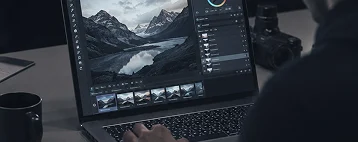
Multimedia Design
Affinity Photo, Davinci, Sony Vegas, GIMP ...
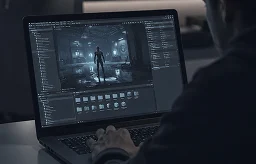
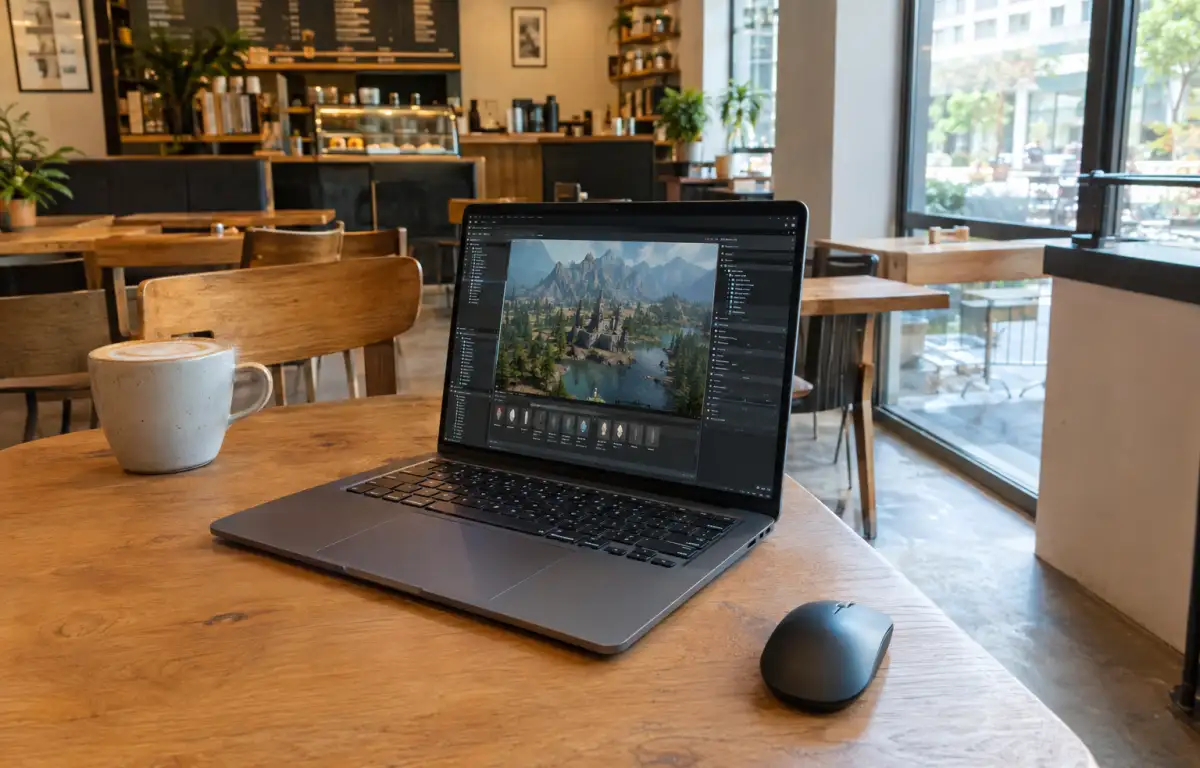
Game Development
Unity, Unreal E., Godot E., PureRef ...

Data Analysis
Power BI, Tableau, VSCode, Looker ...
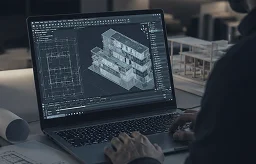
Architecture
AutoCAD, Revit, 3D Max, Maya, ArchiCad ...
You do not need to replace your computer simply because you need more computing power