


When Ansys Mechanical Software Won’t Install or Run
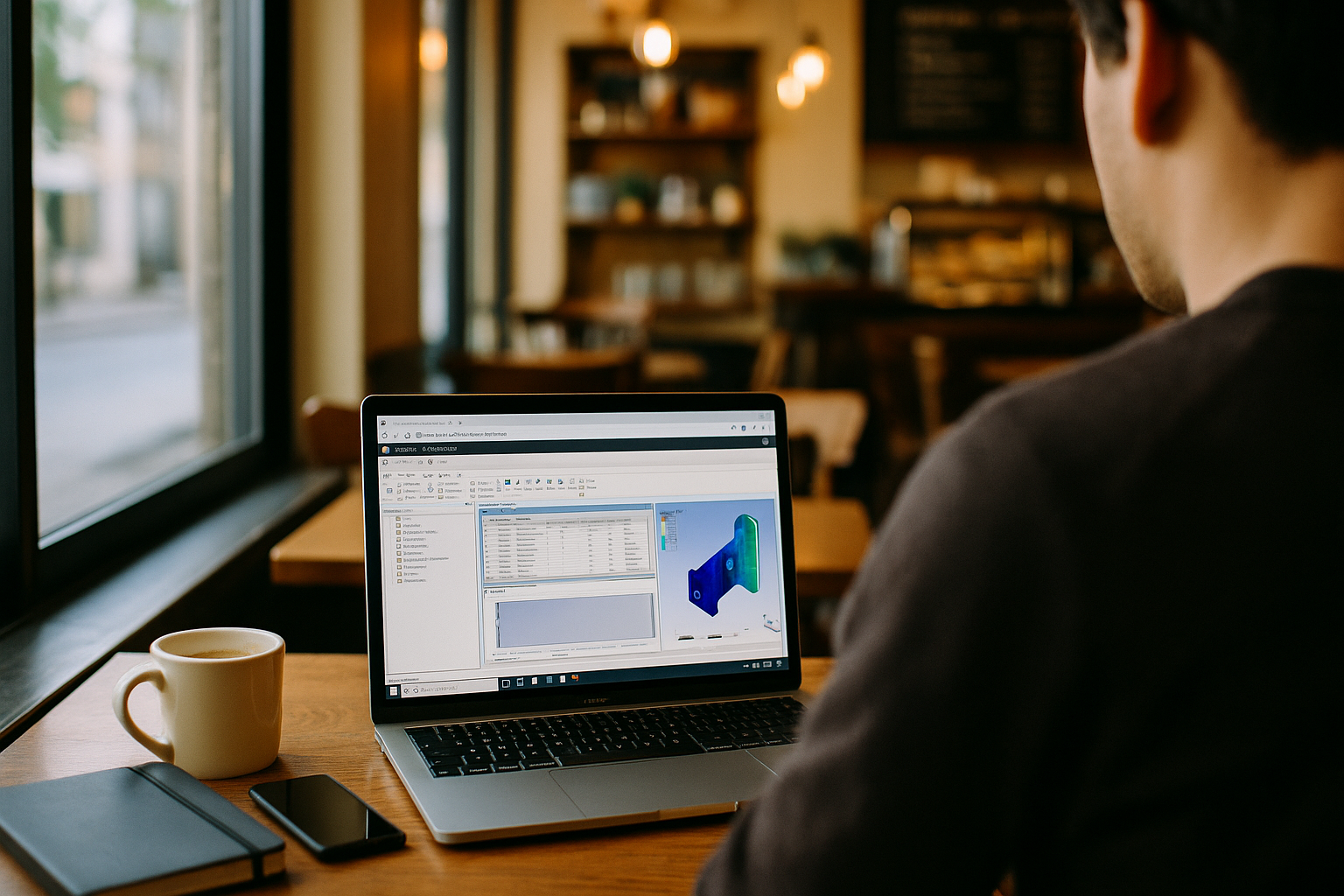
You need to open Ansys Mechanical software, but the required version won’t install or launch correctly. The installer may fail, the launcher may crash, or a project tied to a specific Ansys Mechanical or Ansys Workbench release may refuse to start. When your device lacks the required Windows environment or administrator access, recreating the exact setup becomes another obstacle.
Buying a New PC for Ansys Mechanical
Buying a new workstation may provide a compatible Windows environment, but it does not remove the need to install the required Ansys Mechanical software version and recreate its supporting setup. Procurement and delivery can take weeks, while different releases, plugins, and project-specific requirements still have to be configured correctly. If you travel or alternate between office and home, a single machine can also make it harder to maintain the same Ansys setup everywhere. Different releases, plugins, and project-specific configurations still need to be installed and maintained correctly, so changing hardware does not eliminate the underlying setup problem.
A Better Way to Run Ansys Mechanical in Browser
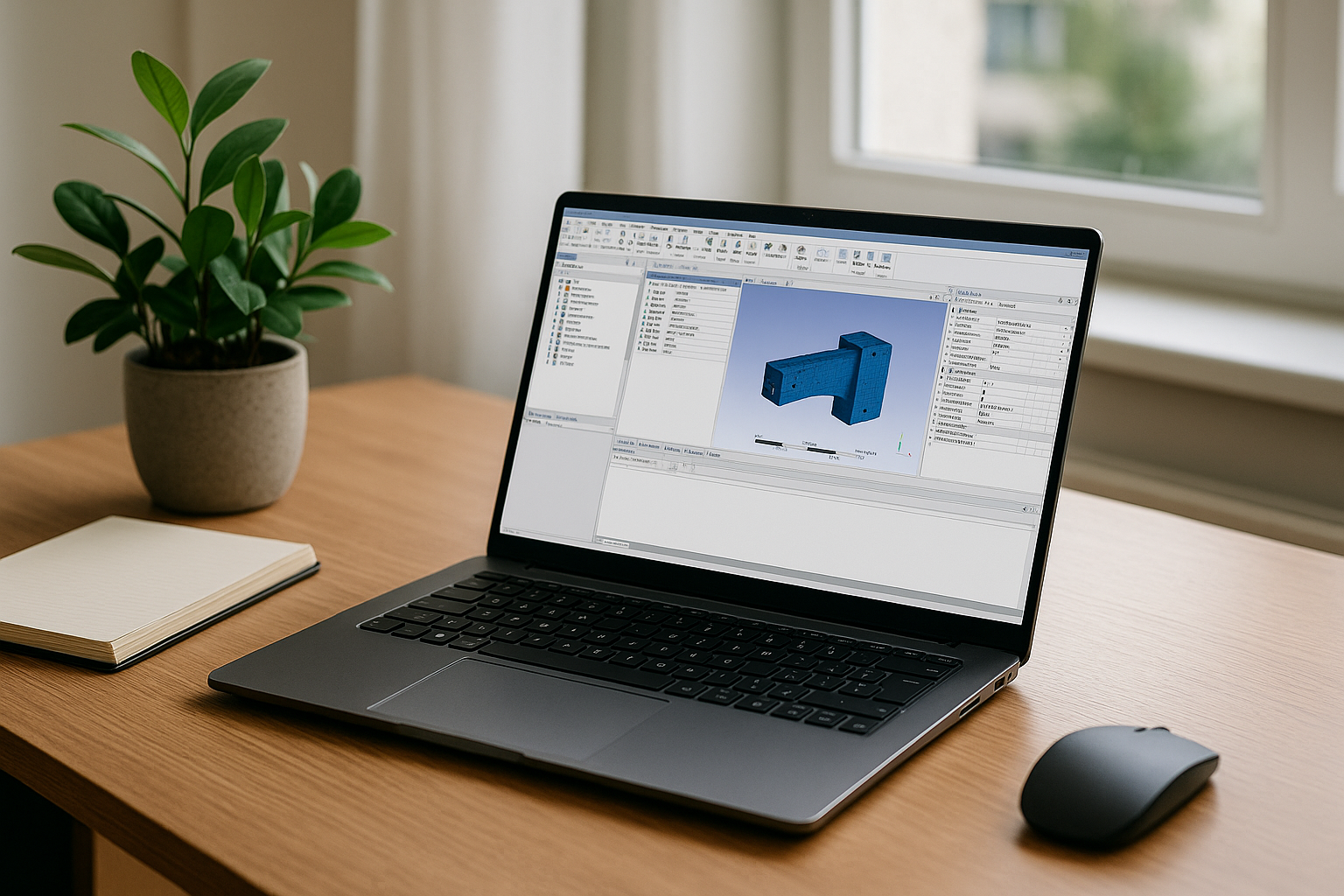
Instead of buying hardware, compare a browser-based virtual Windows desktop that lets you install the exact build your workflow needs. You keep your current device while running Ansys Mechanical software in a full Windows environment, with Ansys Workbench, plugins, and supporting utilities available in the same setup. This approach avoids depending on local administrator access and makes it easier to keep the required software version and supporting configuration together. It’s practical for mixed fleets — Mac, Linux, Windows, or Chromebook — because you open a browser, sign in, and continue where you left off. You can keep the required version and supporting setup available without reimaging your laptop or waiting for each local installation.
How Aristeem Runs Ansys Mechanical Software
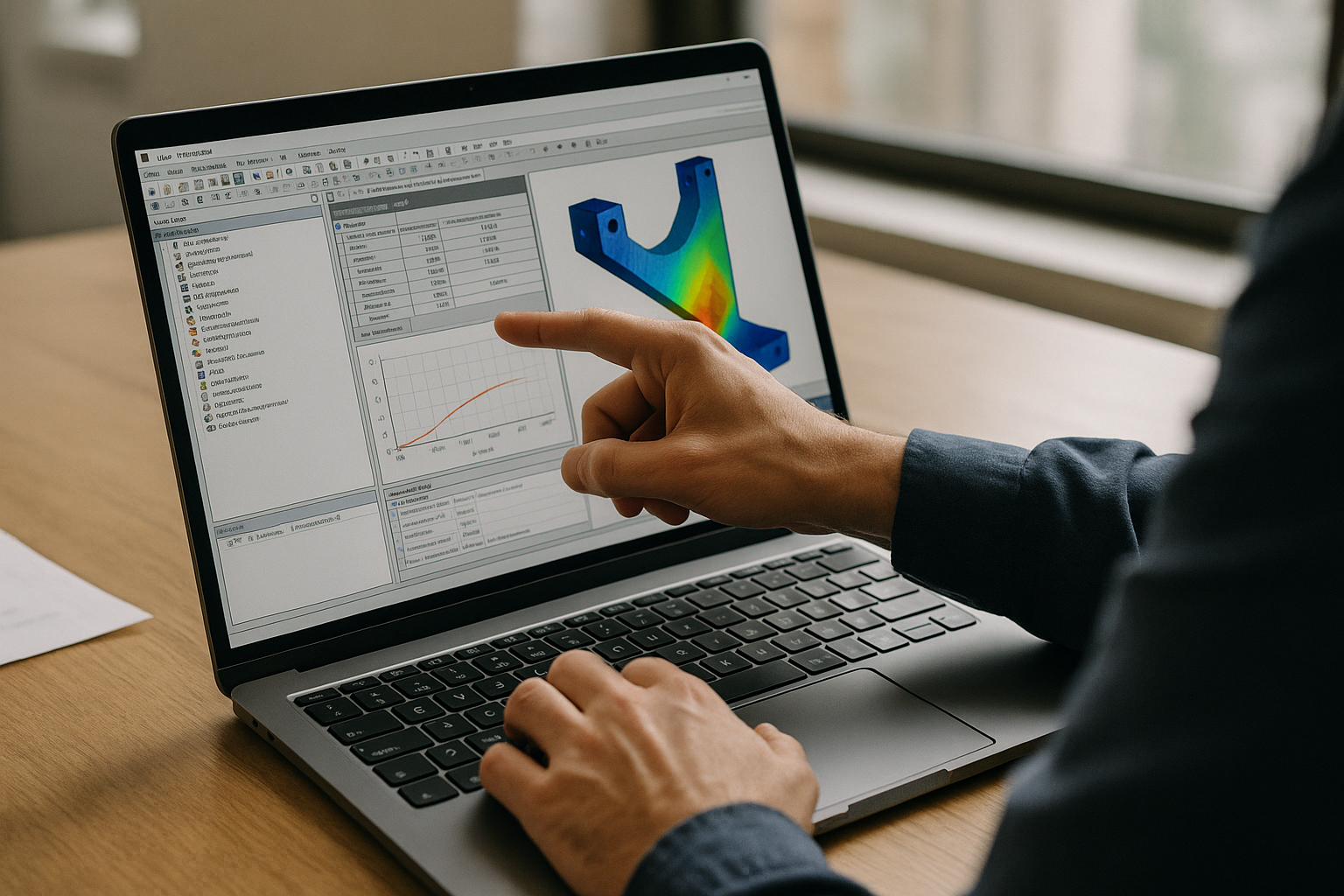
Founded in 2024, Aristeem began as a cloud service enabling access to professional software for engineering, design, and data analysis. By studying real workflows, it evolved into a virtual Windows machine that runs in the browser without replacing your device’s OS. Today it focuses on flexible access to Windows software, including the ability to install the required version and add the plugins and supporting utilities your workflow needs. Applied to Ansys Mechanical software, you can install the required release, use your own license if needed, and follow practical notes via practical notes on Ansys Mechanical setup.
Keep Projects Moving With Ansys Mechanical Software
If your laptop can’t install or launch the required build, a browser-based virtual Windows PC lets you keep working with Ansys Mechanical software — including Ansys Workbench, plugins, and utilities — without swapping devices or waiting on approvals. You control versions, preserve validated setups, and bring your own license when the vendor requires it. For a concise view of how software runs directly in a browser, explore the experience and see how it fits your team’s timelines and compliance needs. Continue from another device with the same required Ansys environment and fewer setup blockers.


