


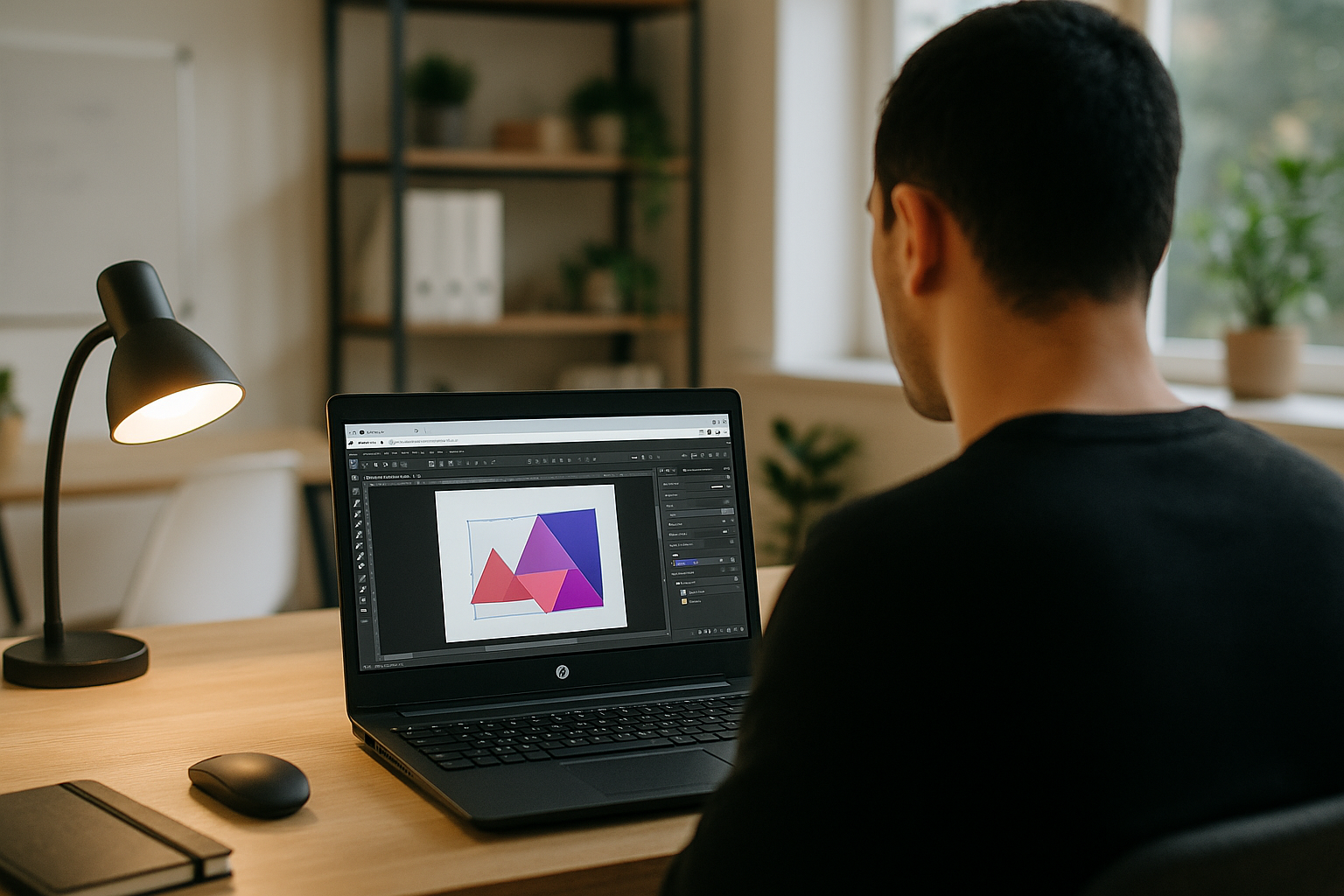
On-Site Brand Updates with Affinity Designer on Linux
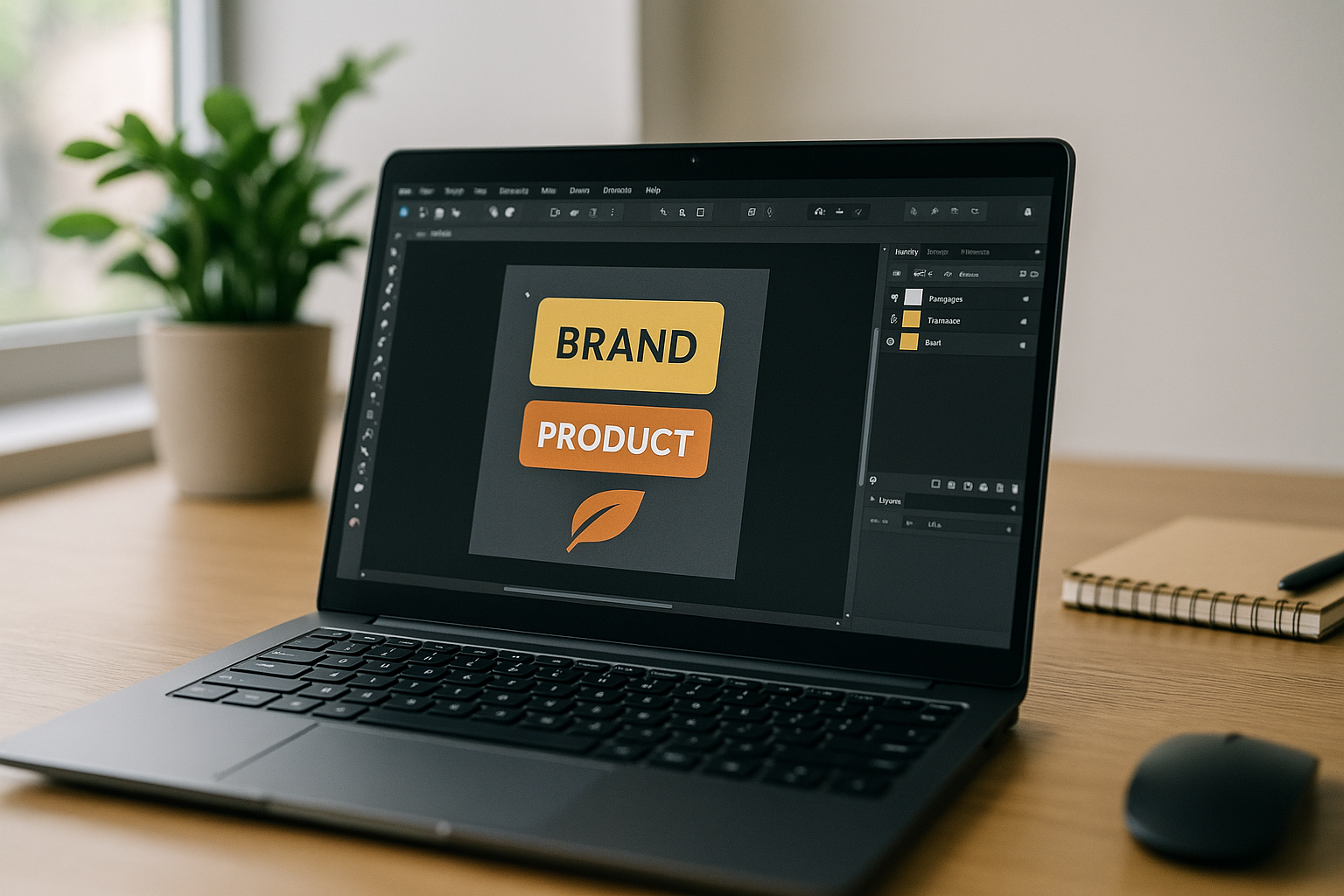
The client review takes place on-site, where the brand design lead needs to revise artwork, check color proofs, and respond to stakeholder feedback in real time. The project includes vector designs, brand assets, and guideline documents that must remain consistent with the studio’s existing work. However, the designer’s approved Affinity Designer setup is available only on the studio workstation, while the Linux laptop is the only device available for the on-site session. The challenge is how to continue editing the original projects and preparing updated proofs without access to the usual workstation.
Workflow Requirements for Affinity Designer on Linux
For a brand design lead, continuing a project outside the studio means more than opening an artwork file. The working environment needs to support the same design decisions, visual assets, and output requirements used by the team. Fonts must render correctly, color profiles need to match the intended production workflow, and linked assets must remain available when a project is opened. Export settings also matter because proofs, vector graphics, and final deliverables may serve different purposes. If any of these elements differ from the studio setup, the designer may need to correct the file or verify the output before sharing it with stakeholders. A reliable workflow therefore depends on access to the right application version and the resources the project actually uses.
Run Affinity Designer on Linux Across Studio and Travel
The challenge becomes more complicated when the designer moves between the studio, client meetings, and travel. A project may need another round of revisions after a stakeholder review, and the designer must be able to return to the same files without spending time reconstructing the working setup. Maintaining separate installations across devices can introduce differences in application versions, fonts, linked resources, and export settings. Even when the project files are available, those differences can create extra checks before updated proofs are ready to share. For a designer who relies on a Linux laptop while the approved Affinity Designer environment remains on a studio workstation, the practical question is how to access that established workflow from another location without rebuilding it on every device.
Best Way to Use Affinity Designer Linux with a Windows PC in the Cloud
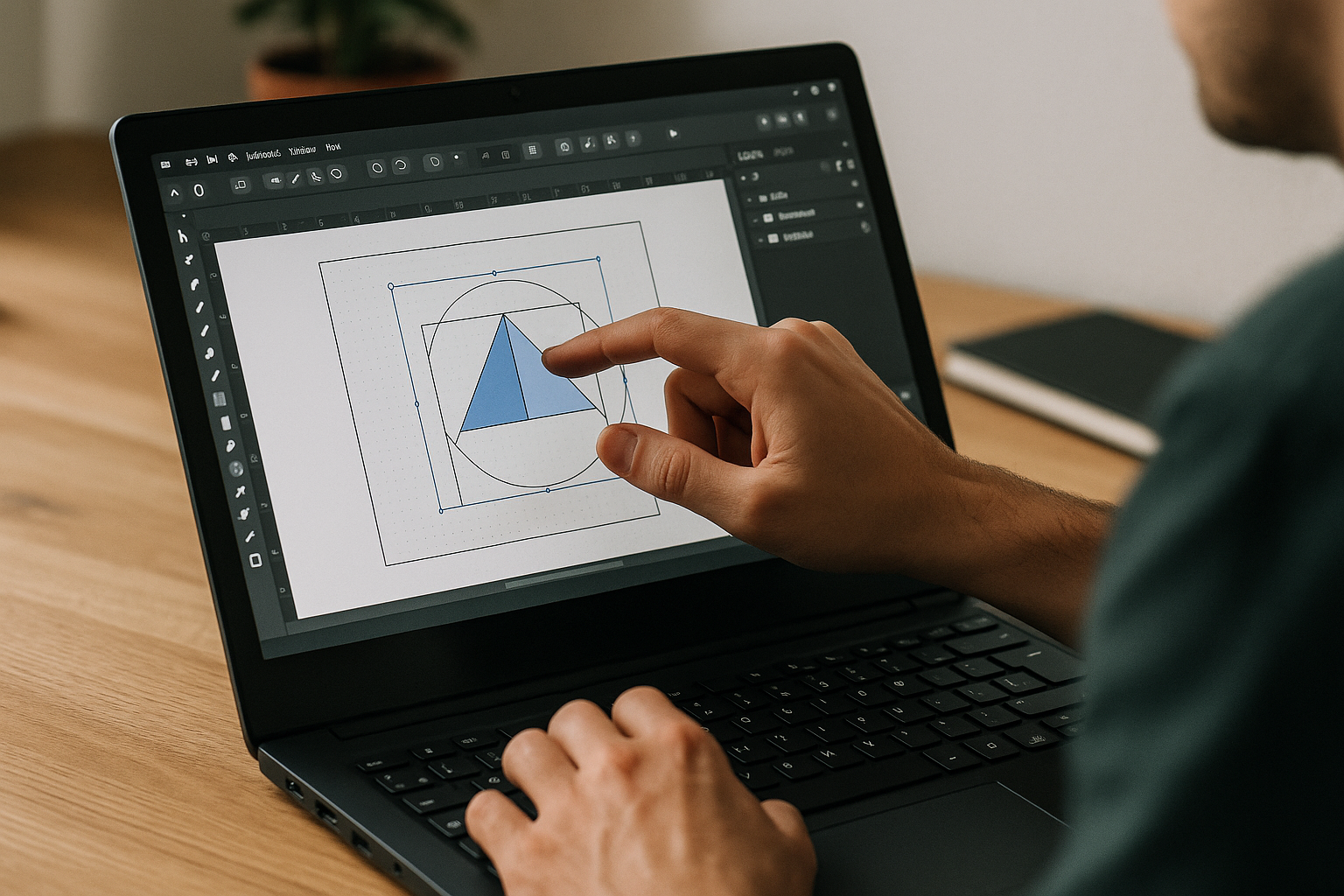
A cloud Windows PC gives the designer access to the established Affinity Designer environment from a Linux laptop, without having to recreate the setup on each device. On this persistent desktop, you install the required Affinity Designer version, add the fonts and color profiles used by your team, configure the relevant export settings, and make the project assets accessible. Use your own license where required. Keeping these resources together helps maintain a consistent workflow when accessing the environment from a Linux laptop away from the studio.
Aristeem for a Stable Affinity Designer Linux Workflow
Founded in 2024, Aristeem began as a cloud service for accessing professional tools across design, engineering, and data work, and has evolved by studying real user workflows. Today it provides a Windows PC in the cloud that you can access without replacing your Linux setup. For Affinity Designer tasks, this means you can keep the required application version and project resources in one persistent Windows environment, ready to access from your Linux workstation. See related context in our Affinity Designer Linux workflow guidance.
Reliable Affinity Designer Linux Workflow for Real Projects
The path is straightforward: define the requirements, keep the entire setup in one place, and open that same environment from any Linux desktop when the client needs updates. A Windows PC in the cloud keeps the application and project resources in one place, helping the designer maintain a consistent workflow across locations. Aristeem offers this environment in a practical format that fits production deadlines and travel days alike. Explore how this applies to your team by running professional design tools on a cloud Windows PC, and continue refining a portable, dependable pipeline.


