


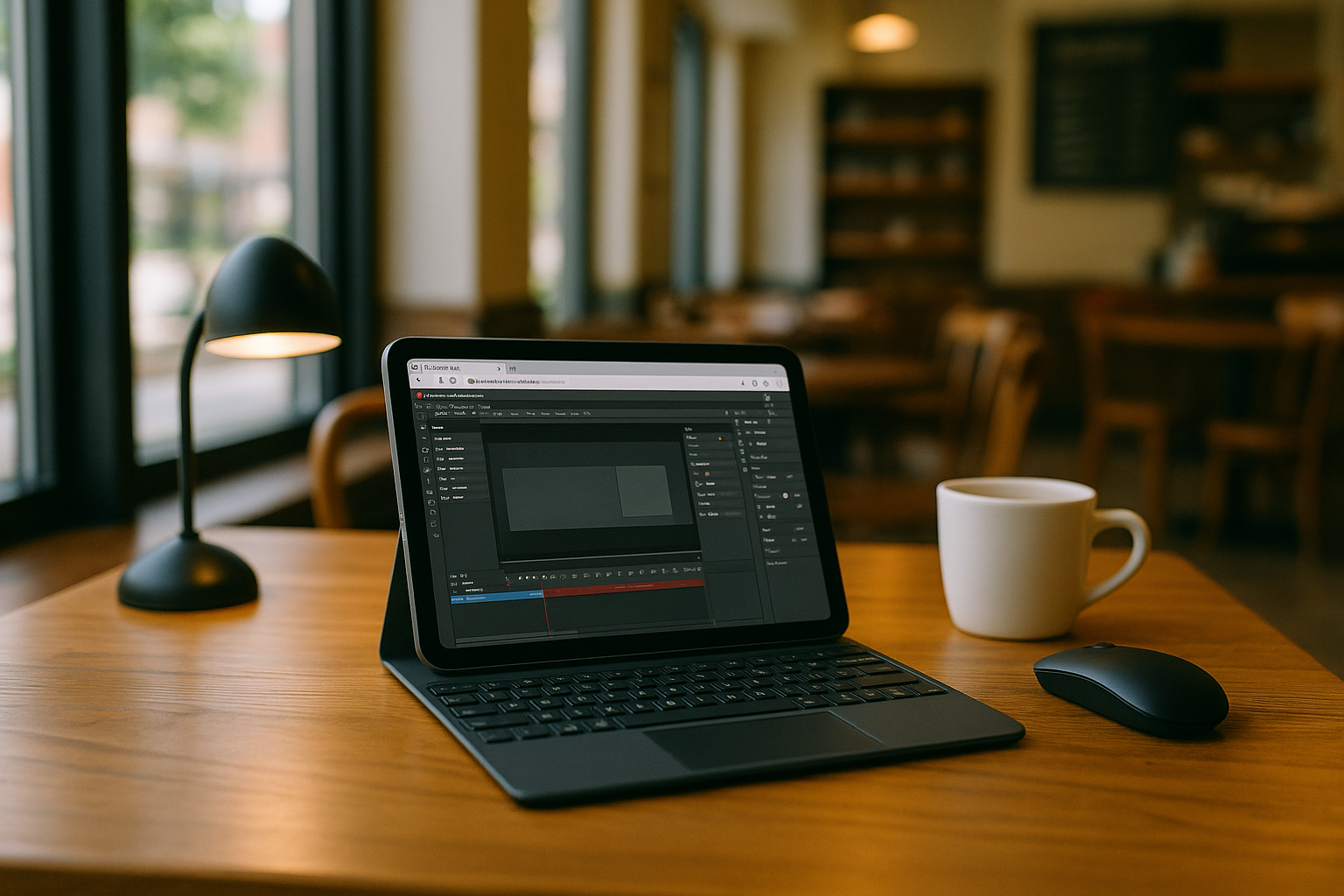
Using Adobe Animate on iPad During Client Reviews
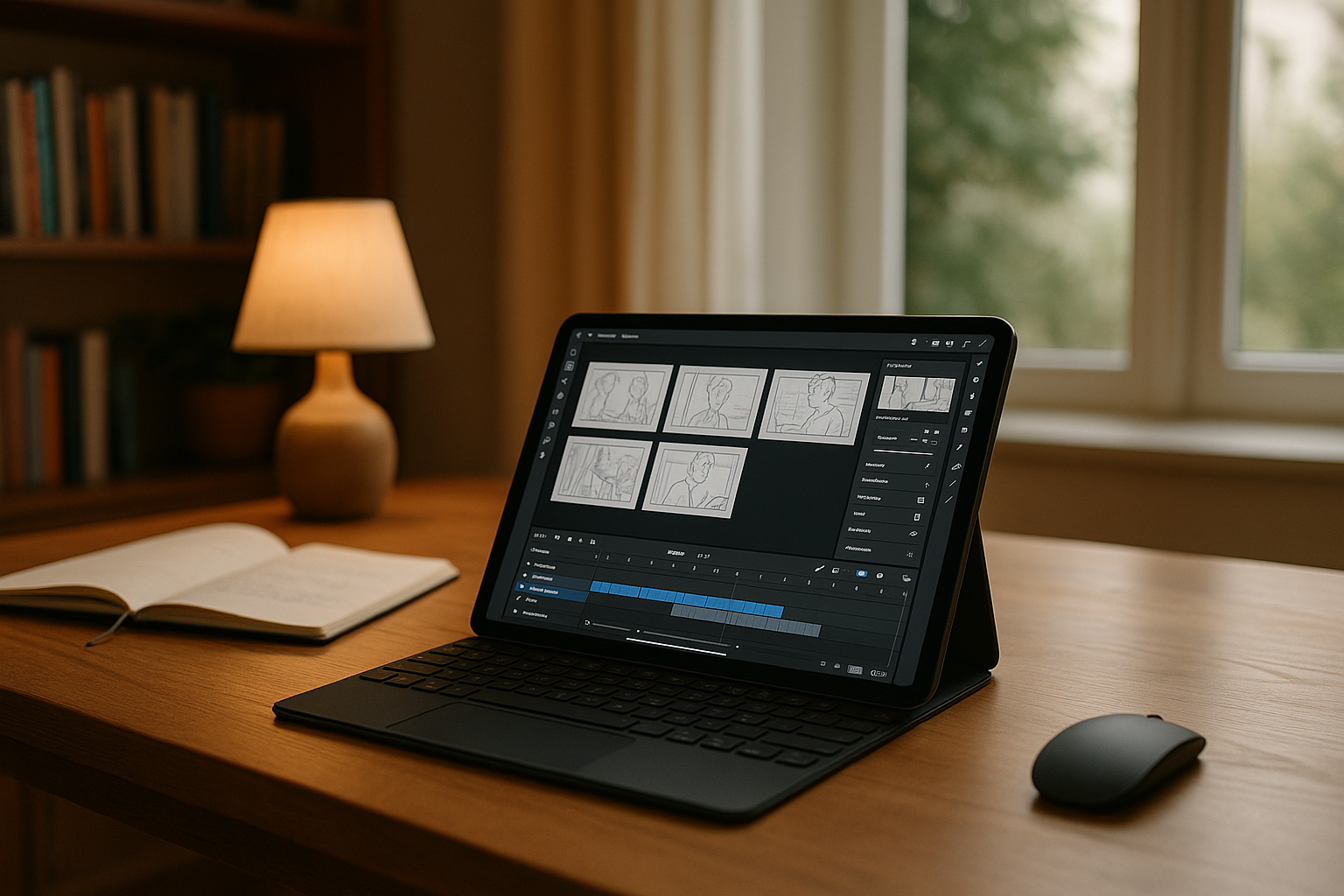
During an on-site client review, an animation producer needs to inspect a project, make timeline adjustments, and prepare updated previews without returning to the studio. The workflow depends on the same Adobe Animate version, project files, scripts, fonts, and publish settings used by the team. However, Adobe Animate has no native iPadOS version. To work from an iPad, you need access to the desktop application running in a Windows environment, with the project resources and configuration available in one place.
What Your Animate Projects Need on the Road
When reviewing animation projects away from the studio, the key requirement is access to the same working environment used by the team. This includes:
- The required Adobe Animate version and project-specific JSFL scripts.
- Source files, symbol libraries, fonts, and linked assets.
- Saved publish settings for HTML5 Canvas and MP4 exports.
- Persistent project storage so edits and supporting files remain available between sessions.
These requirements help keep project work consistent across locations. The iPad serves as the access device; Animate itself runs in the Windows environment. In short, the iPad must access the full desktop stack.
Accessing Desktop Adobe Animate from an iPad
A cloud Windows PC lets you access desktop Adobe Animate from an iPad without installing the application on iPadOS. You can install the required Animate version, add project-specific scripts, configure fonts and publish settings, and keep the project files in persistent storage. When you return to the project, the same configured environment remains available, subject to your storage and session settings. This approach is useful when client reviews and travel make it impractical to carry a separate workstation.
Keeping Your Animate Workspace Available Across Locations
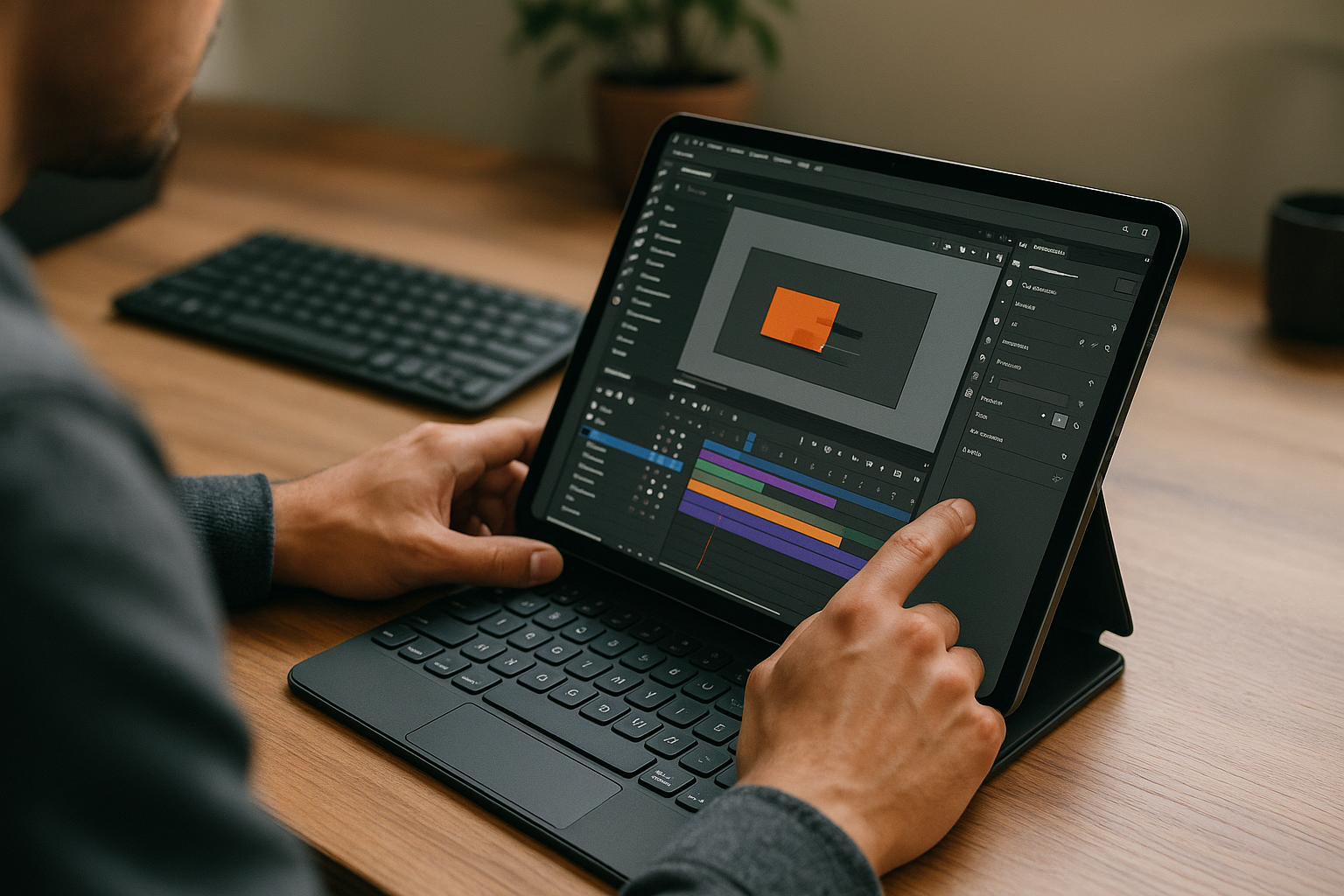
Founded in 2024, Aristeem focuses on making professional software accessible through the cloud for engineering, design, data analysis, and creative work. The service provides a Windows PC that users can access from their existing devices without replacing their operating system. By studying practical user needs and continuously refining the service, Aristeem works to make professional workflows more flexible across locations and devices.
For Adobe Animate projects, this means you can install the required version, configure your scripts and fonts, and keep project files and publish settings in one persistent Windows environment accessible from your iPad. You can also explore our guide to using Adobe Animate on Android.
Preparing HTML5 Canvas and MP4 Deliverables on the Road
Client reviews and travel do not have to interrupt work on existing Adobe Animate projects. By accessing the desktop application through a cloud Windows PC, you can work with the required project files, scripts, and saved export settings from an iPad. Aristeem provides a way to keep that environment available across locations. See how to access professional software from your iPad.


