


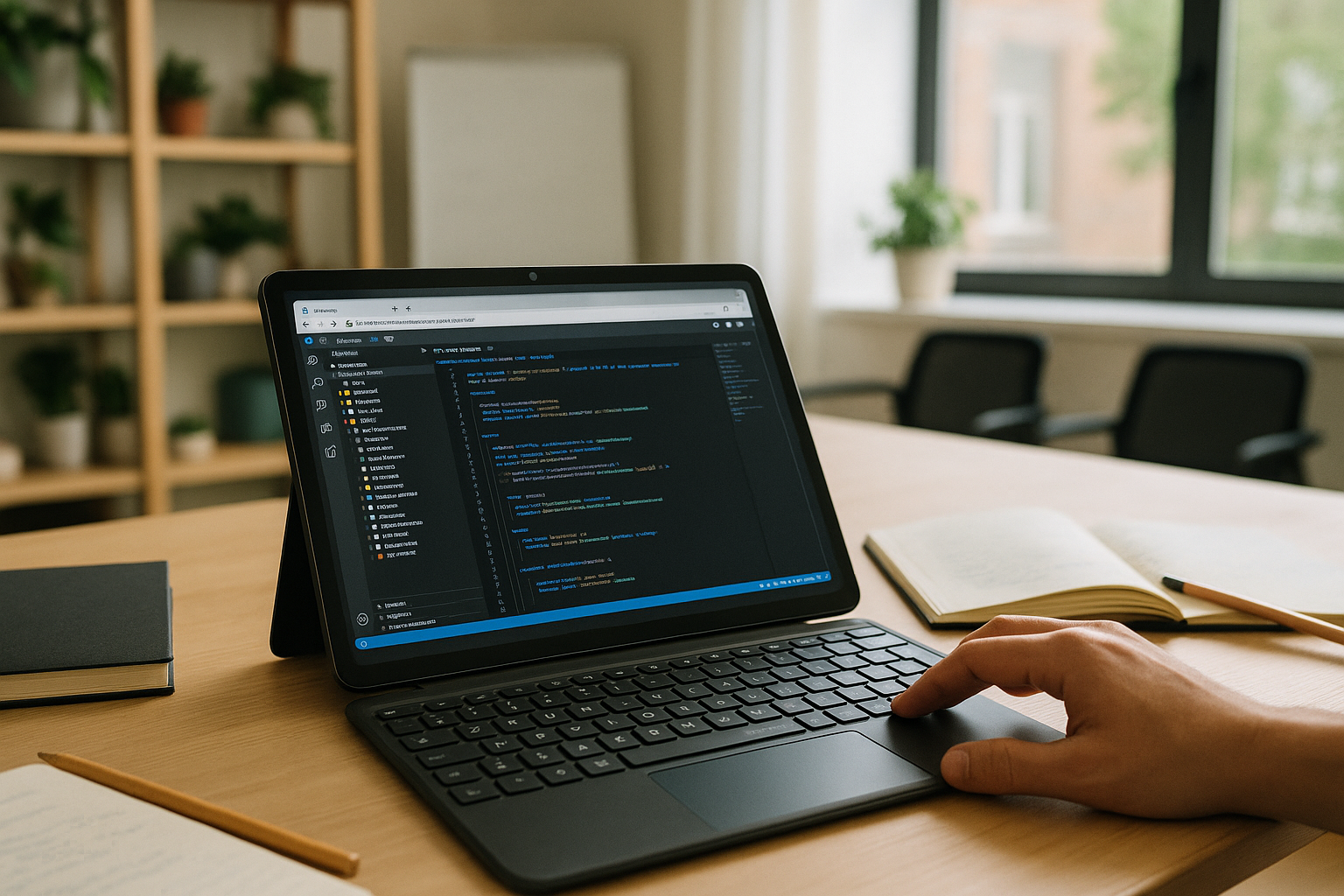
The Real Challenge With Visual Studio Code for Android
Running Visual Studio Code on Android is easy for basic editing, but keeping the full desktop workflow is much harder. On an Android tablet, browser-based sessions can lack language servers, custom extensions, and shell access that your projects depend on. If your workflow needs the exact configuration, settings sync, and tasks you run elsewhere, then the editor needs to behave like your desktop setup, not a lighter substitute.
Why Installing Windows on Android Is Not a Practical Fix
Some consider forcing a Windows installation onto an Android device, but this path is fragile. Bootloaders, firmware locks, driver gaps, and ARM vs. x86 differences add risk and hours of tinkering, with no guarantee that touch, graphics, or storage behave correctly. Even if you manage a partial setup, updates, licensing, heat, battery drain, and peripheral glitches make it a time sink instead of a reliable way to keep your editor and debugger available when you need them.
A Practical Way to Use the Desktop Version on Android
Compare the options: the web version is convenient but limited; forcing a Windows install is complex and brittle. A better path is a virtual Windows desktop running in your browser that preserves your full toolchain: extensions, integrated terminal, Git, debuggers, and settings. This approach lets you open the same projects you use elsewhere, so the Windows version gives you the same desktop-oriented environment, including language servers, terminal access, keybindings, tasks, and themes.
When the Desktop Version Matters
The difference becomes more noticeable when a project depends on a specific extension, language server, debugger, terminal command, or development tool. In these cases, switching to a simplified mobile editor can mean changing the workflow rather than simply changing the device.
Accessing the Windows version keeps the development environment closer to the one you already use on a desktop, while Android remains the device you use to access it.
How Aristeem Brings the Desktop Workflow to Android
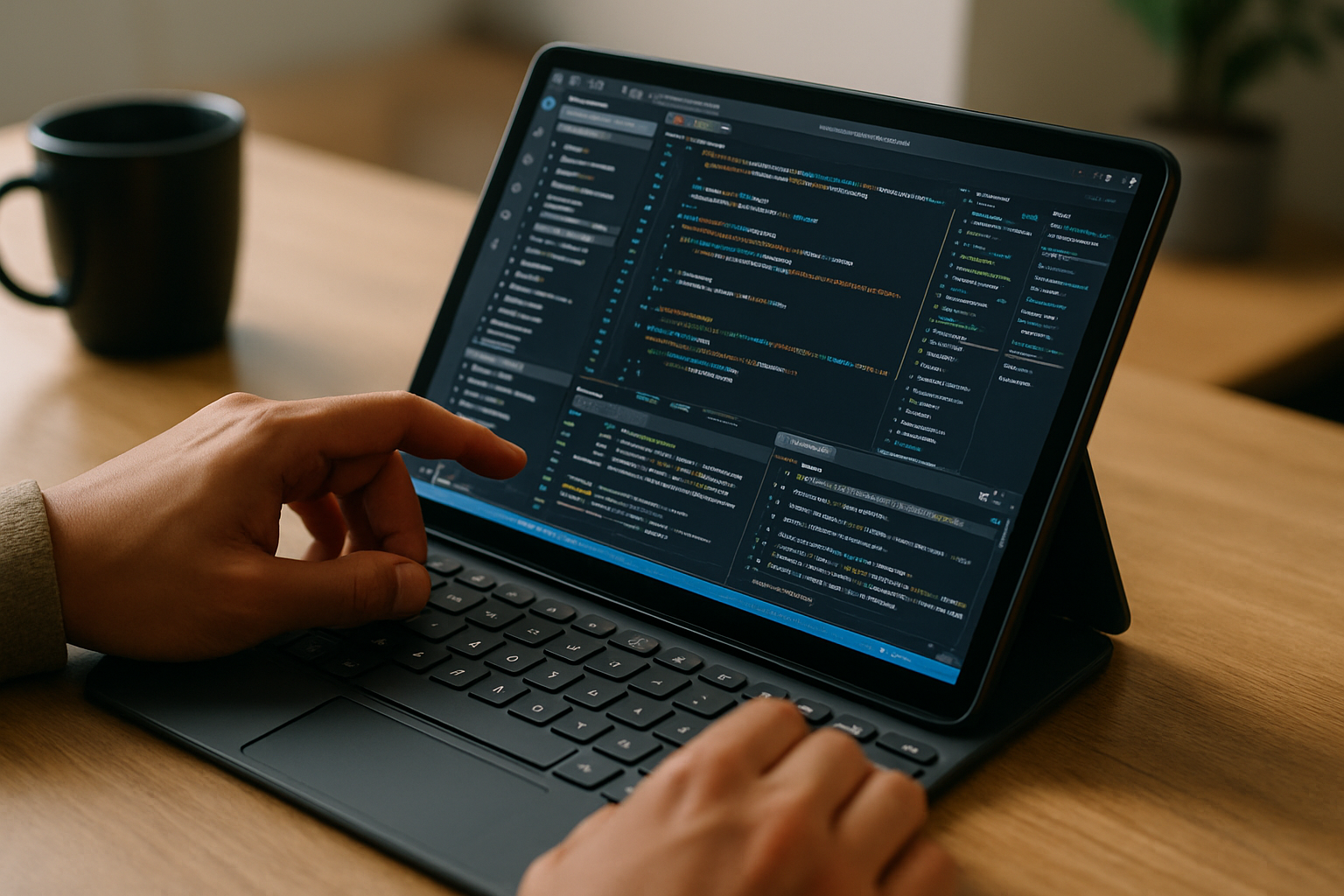
Aristeem provides a virtual Windows PC that runs in your browser, so you can install the full Visual Studio Code Windows version on Android, add your extensions, language servers, debuggers, and utility tools, and configure the environment to match your usual workflow. There is no device modification, no drivers to hunt down, and no fragile hacks — just open your browser and work. You can also use the Programs catalog to find the relevant software, then tailor your environment, use your own licenses when required, and keep a consistent workspace that’s ready on any device. Your workspace remains available as a persistent Windows environment, so you can keep the editor, terminal, Git tools, and project settings together. For a more detailed look at this setup, see our guide to Visual Studio Code for Android.
Keep Your Development Workflow Available on Android
If your goal is a dependable, desktop-grade setup, you don’t need to compromise or rewire your device. With a browser-based virtual Windows PC, your extensions, terminal workflows, debuggers, and settings remain available from your Android device. Explore launching professional tools via web interface to keep your projects and workflows consistent wherever you open your tablet.


