


Blog
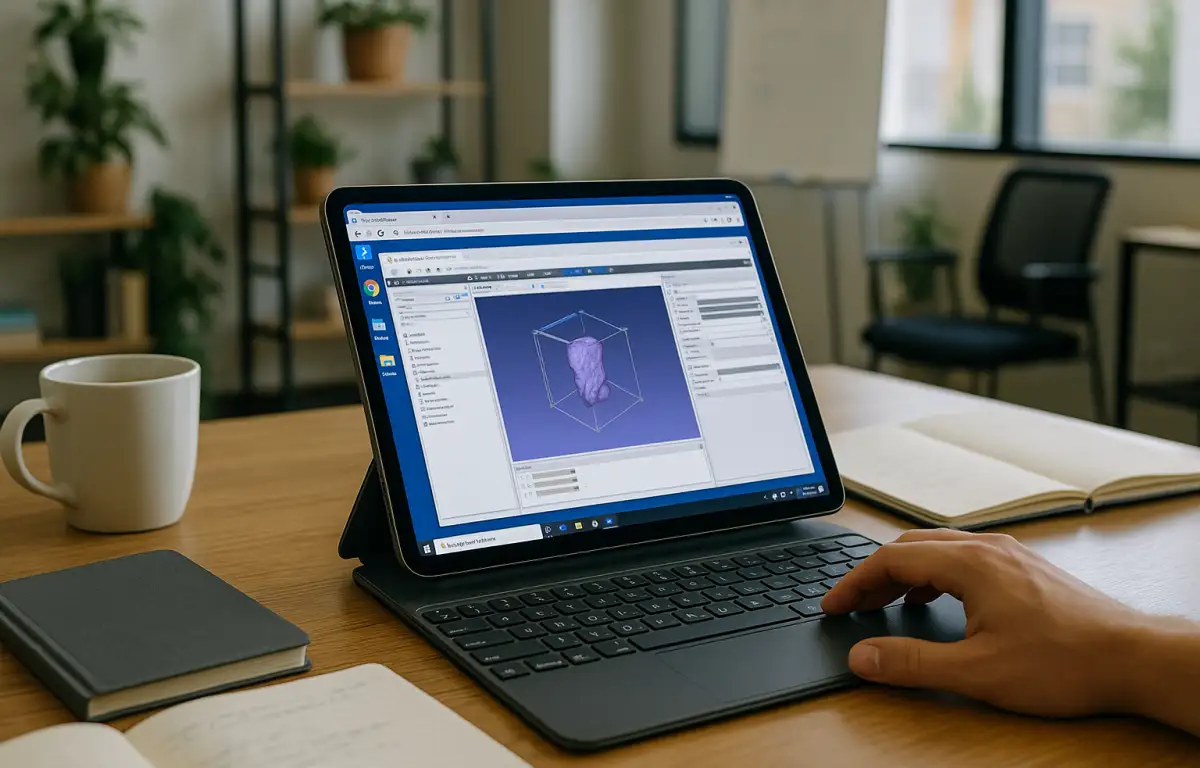
3D Slicer for iPad: Consistent Field Reviews
Take 3D Slicer into the field with iPad access to your cloud Windows PC, keeping essential extensions, imaging presets, and MRML/DICOM projects within reach.
Read More
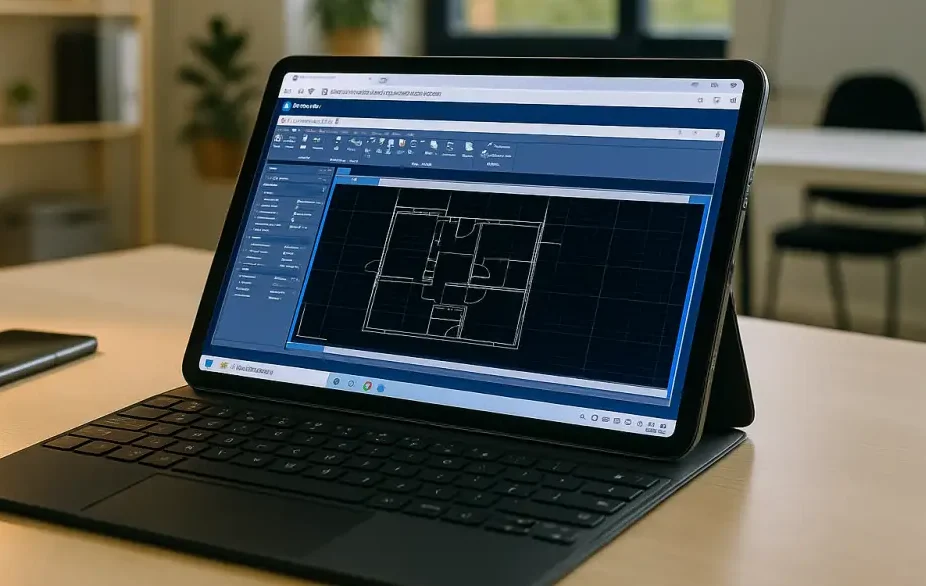
AutoCAD on iPad for Field Markups and DWG Edits
Open DWG files on iPad for markups and measurements, then finish xrefs and publishing in your desktop AutoCAD setup through a cloud Windows PC.
Read More
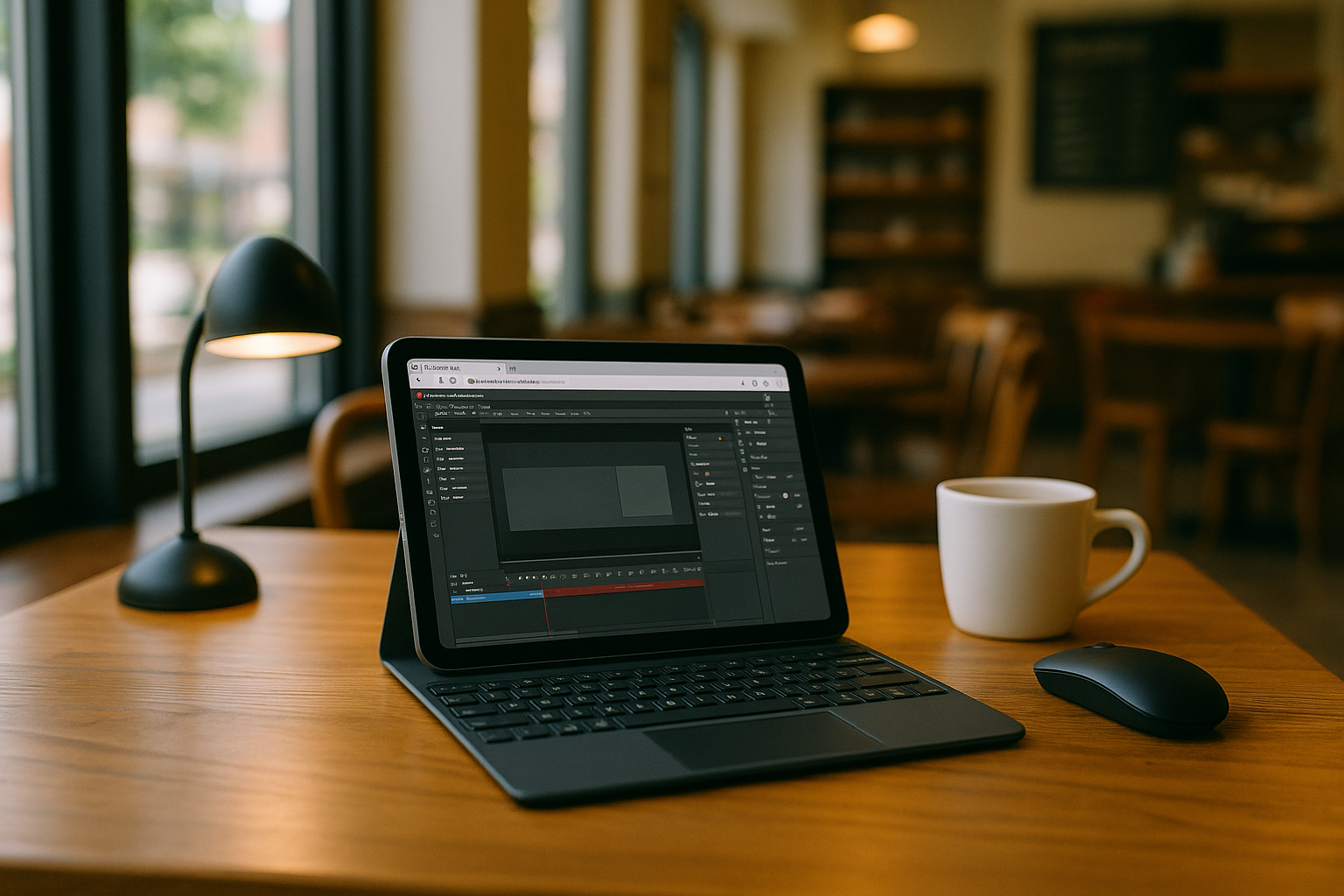
Adobe Animate for iPad: Production Workflow on the Go
Access desktop Adobe Animate on an iPad to review scenes, adjust timelines, update symbols, and prepare HTML5 Canvas or MP4 exports for client reviews.
Read More
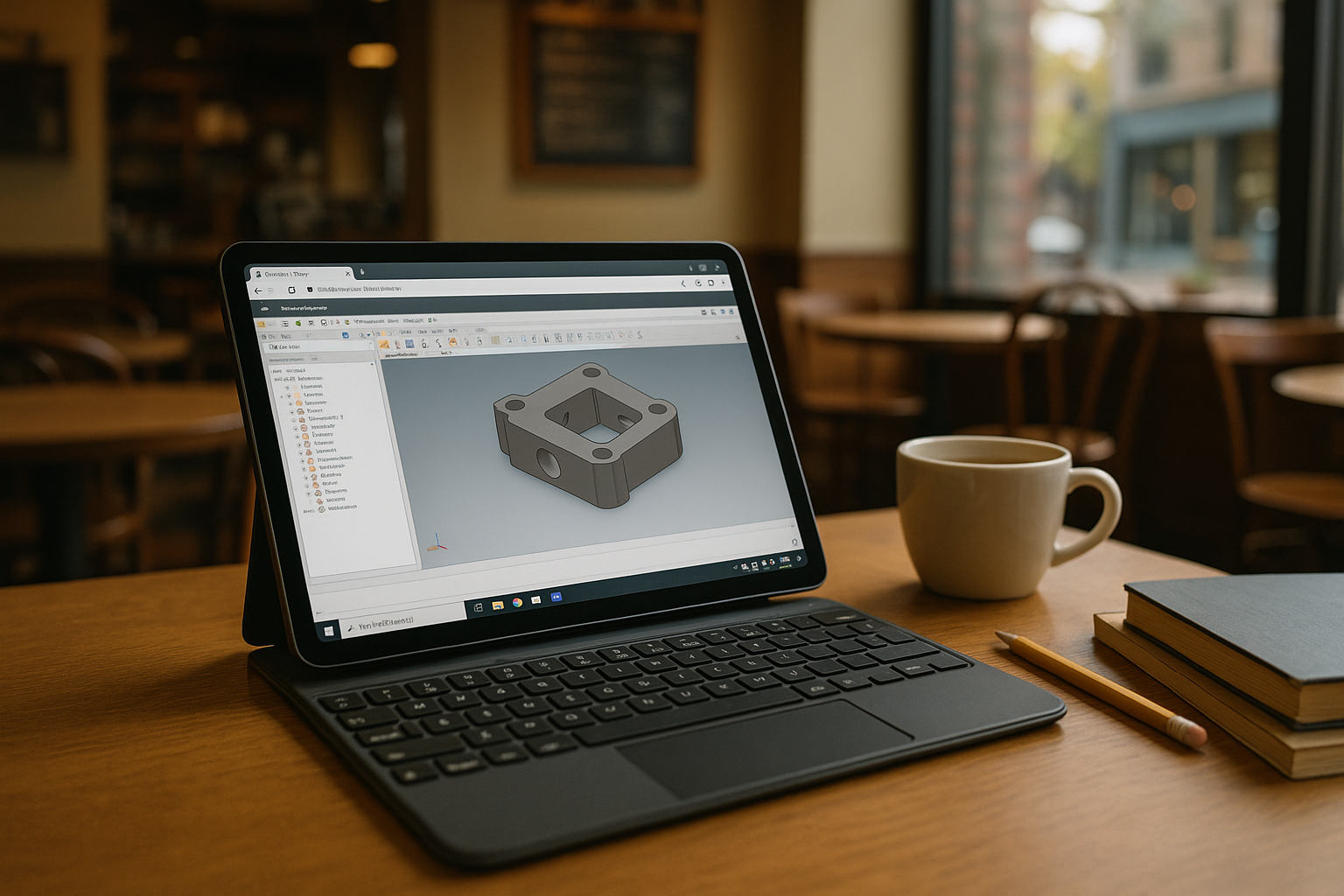
iPad Inventor: Use Inventor on iOS
Need Autodesk Inventor on iPad with exact desktop features, add-ins, and version control? Learn how to keep your workflow on iOS without buying new hardware.
Read More
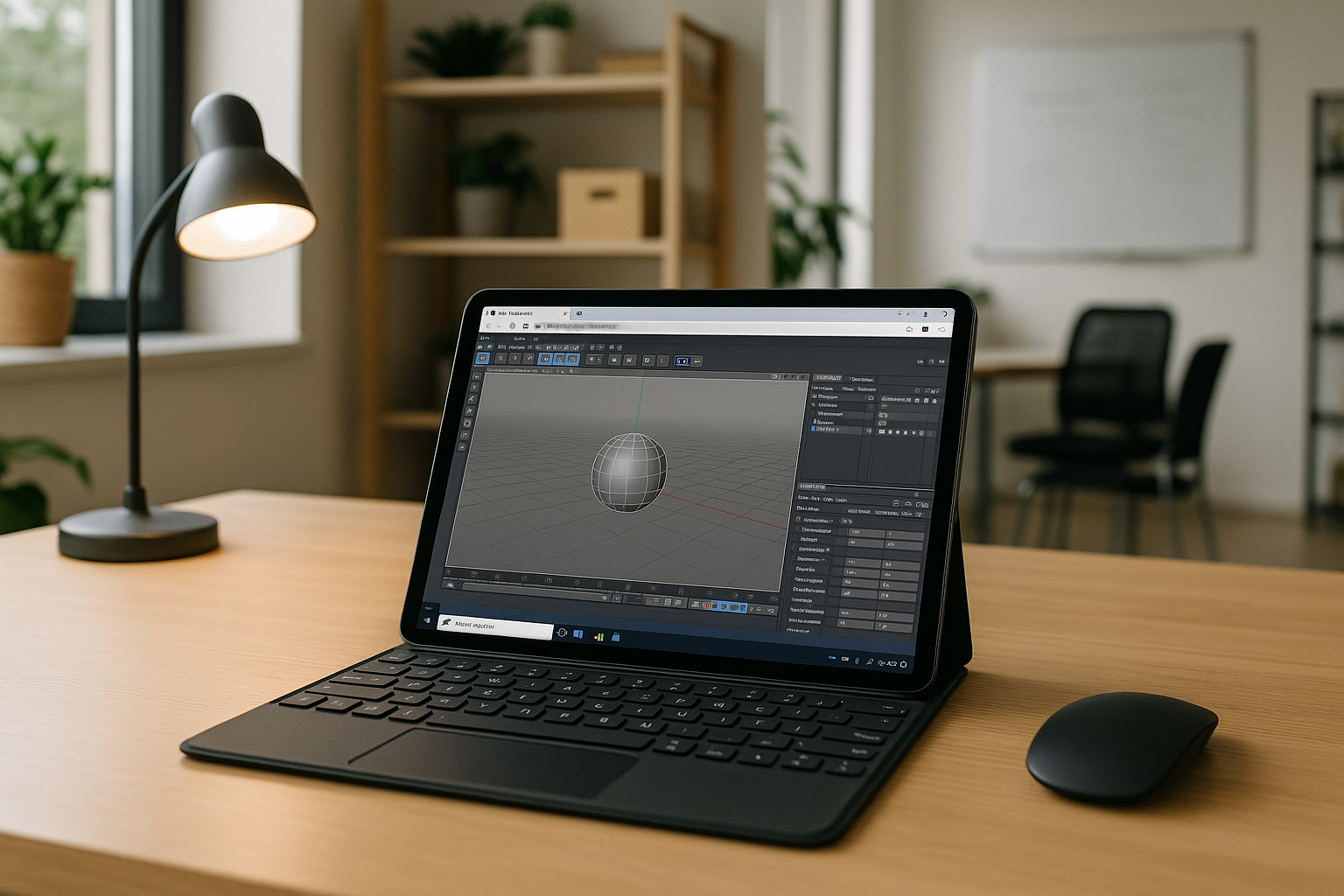
Cinema 4D on iPad: Real Options That Work
Need full Cinema 4D on iOS while away from your workstation? Discover how to open, edit, and render C4D scenes with plugins on iPad without changing devices.
Read More
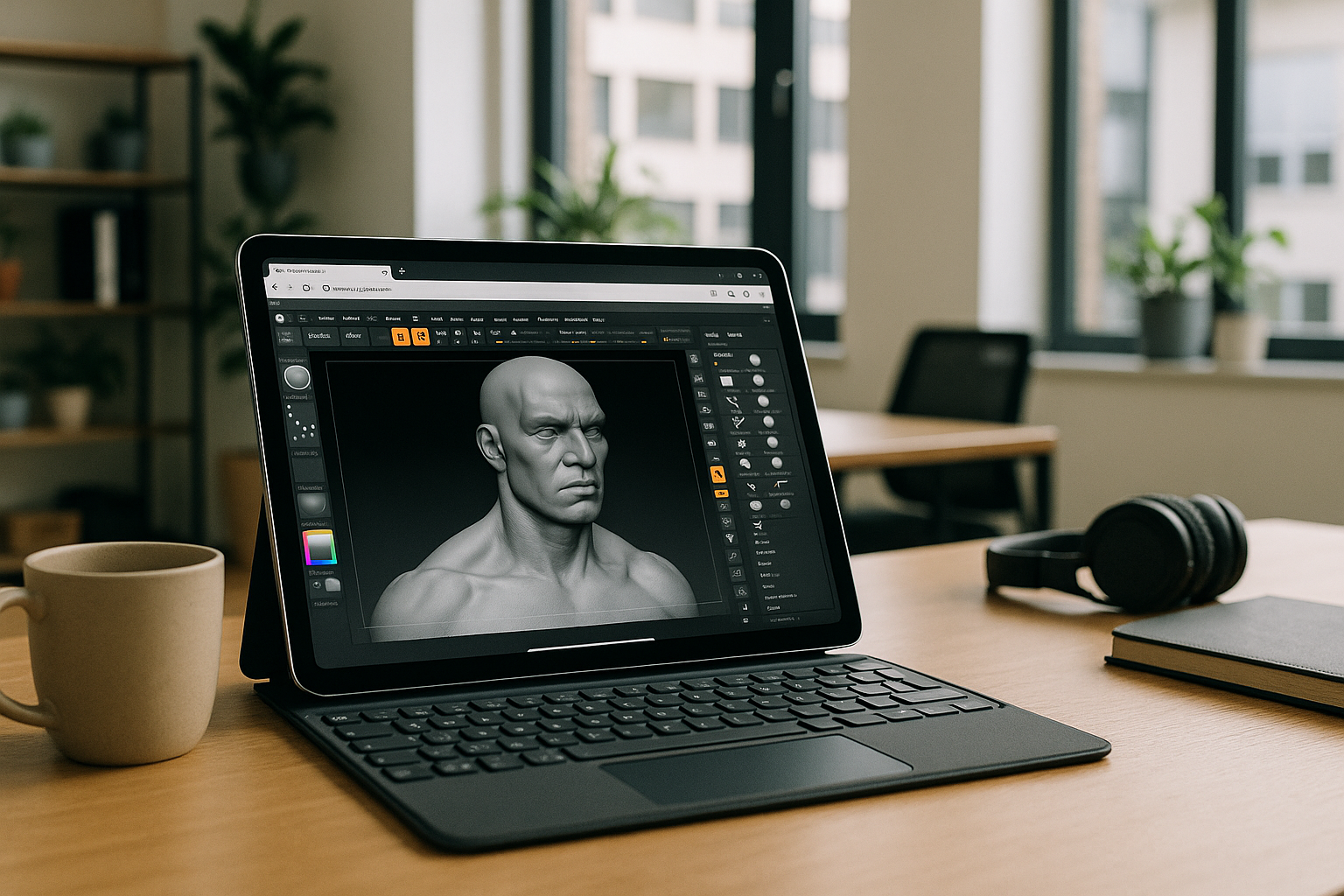
ZBrush on iPad: Run the Full Windows App on iOS
You want the full desktop ZBrush on your iPad with Apple Pencil, but there’s no native app and your workflow depends on specific versions, brushes, and plugins. Here’s a dependable way to keep your exact setup and run it from iOS.
Read More
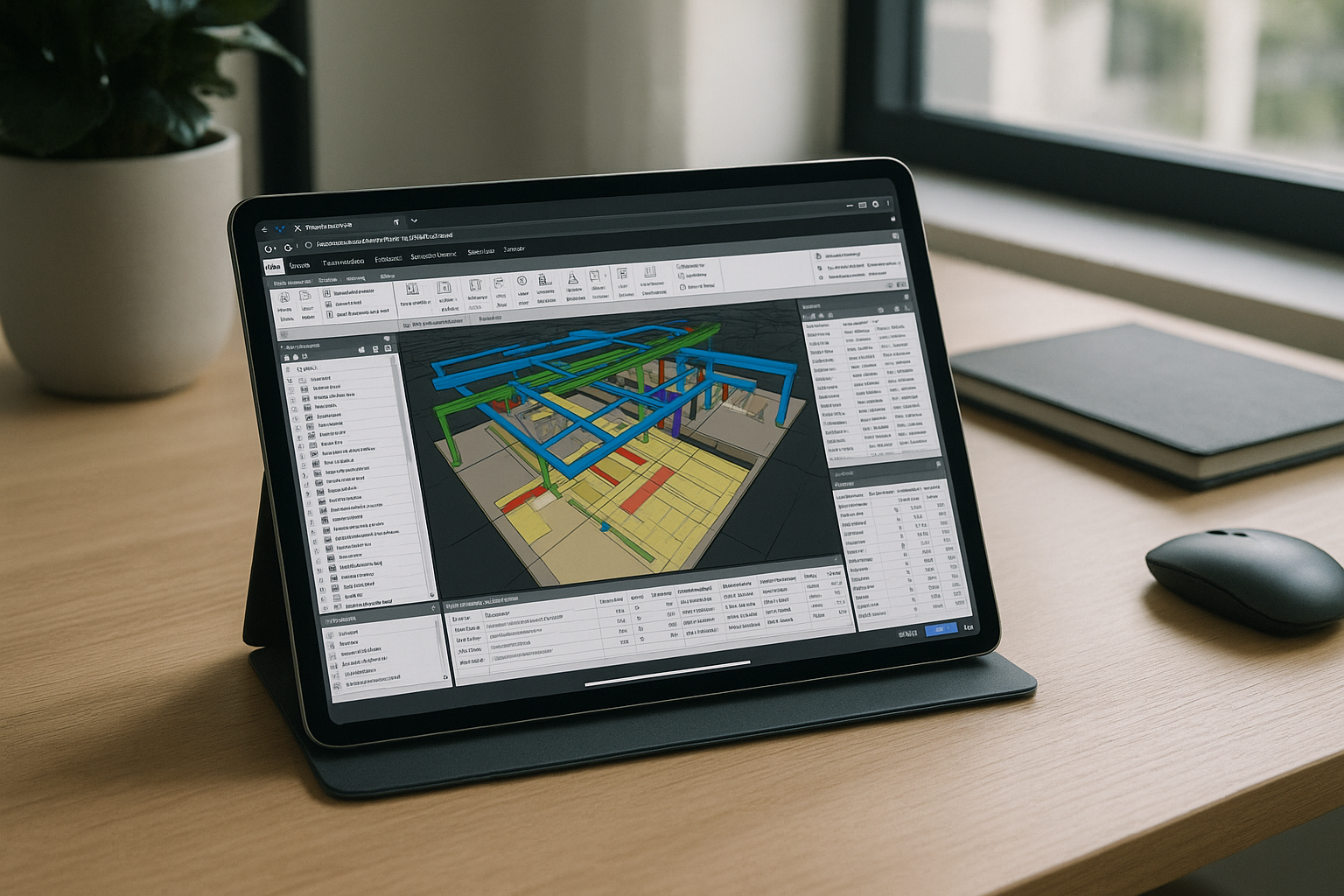
Navisworks Manage on iPad: Full Desktop in Browser
You need full Navisworks Manage capabilities on an iPad, but there’s no native iOS app. This guide shows a practical way to run the complete desktop experience in a browser without compromises.
Read More
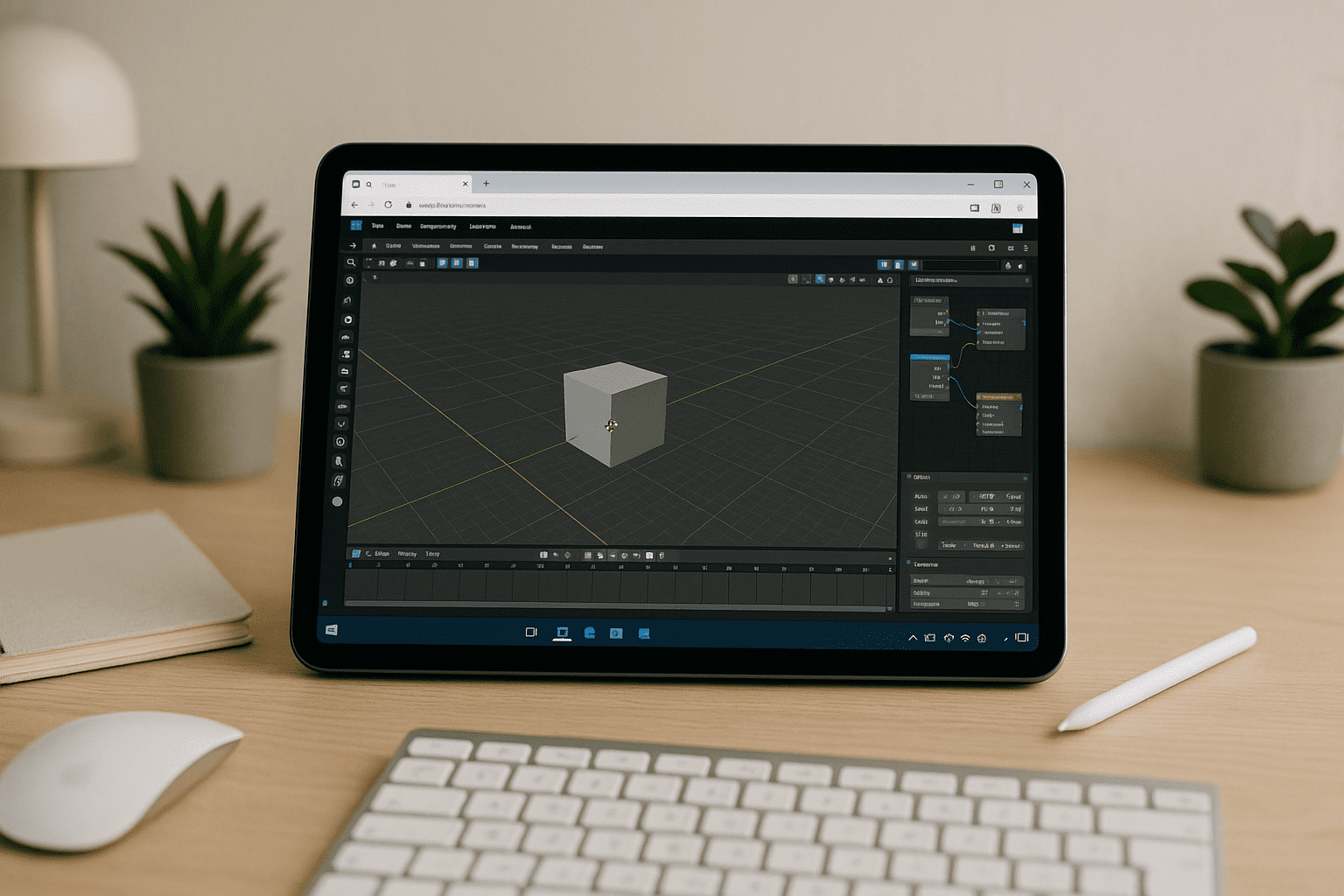
Blender for iPad: Run the Desktop App in Browser
There’s no native Blender app for iPad, and the App Store doesn’t provide the full desktop build, stalling professional 3D workflows on Apple tablets. Here’s how to run the complete desktop experience in your browser without local installs.
Read More
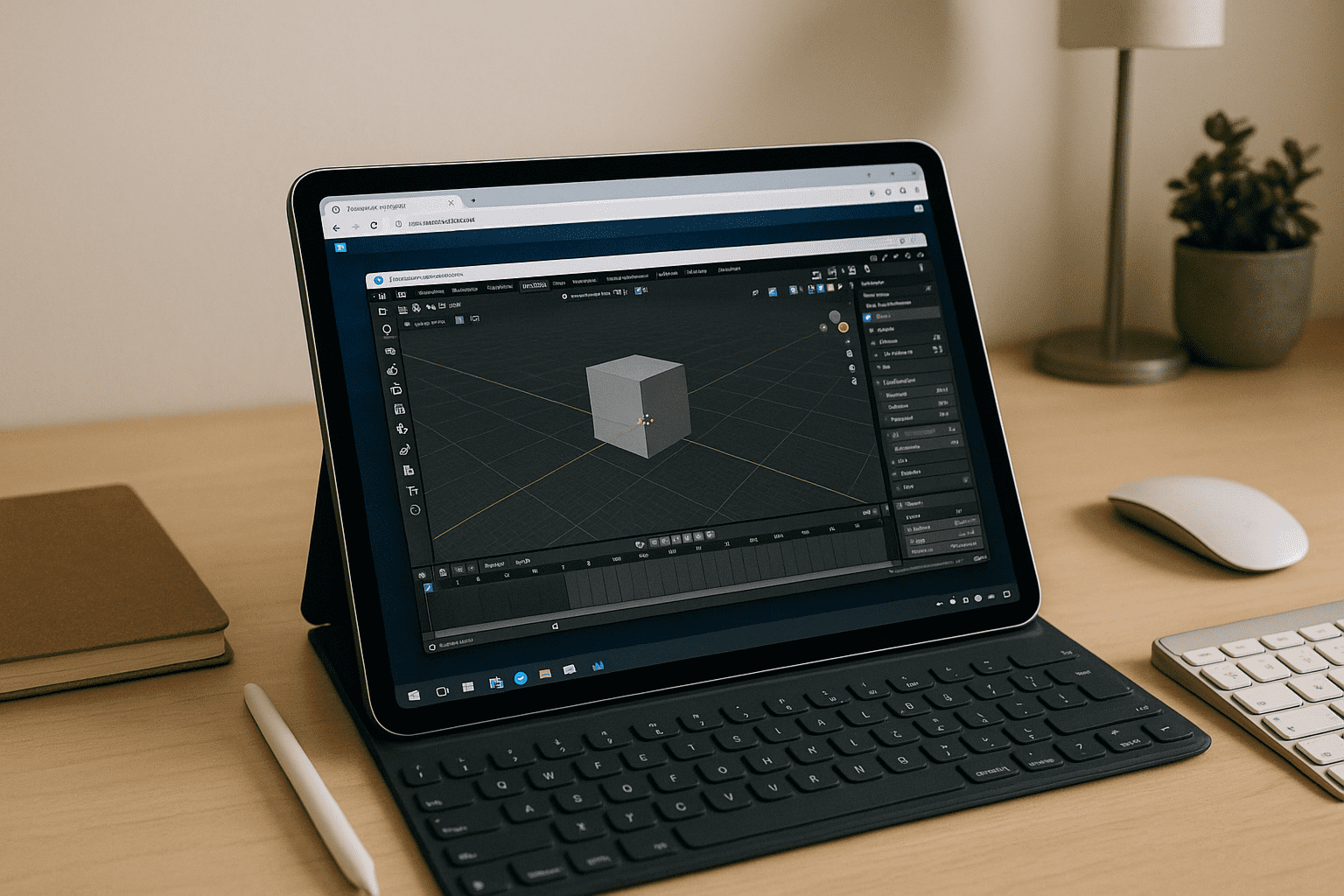
Blender on iPad: Keep Your Desktop Workflow Anywhere
There is no native Blender for iOS and iPadOS cannot install the desktop app, blocking serious 3D work on mobile devices. This guide explains a practical way to use the full desktop Blender on iPad with performance, plugins, and file compatibility.
Read More
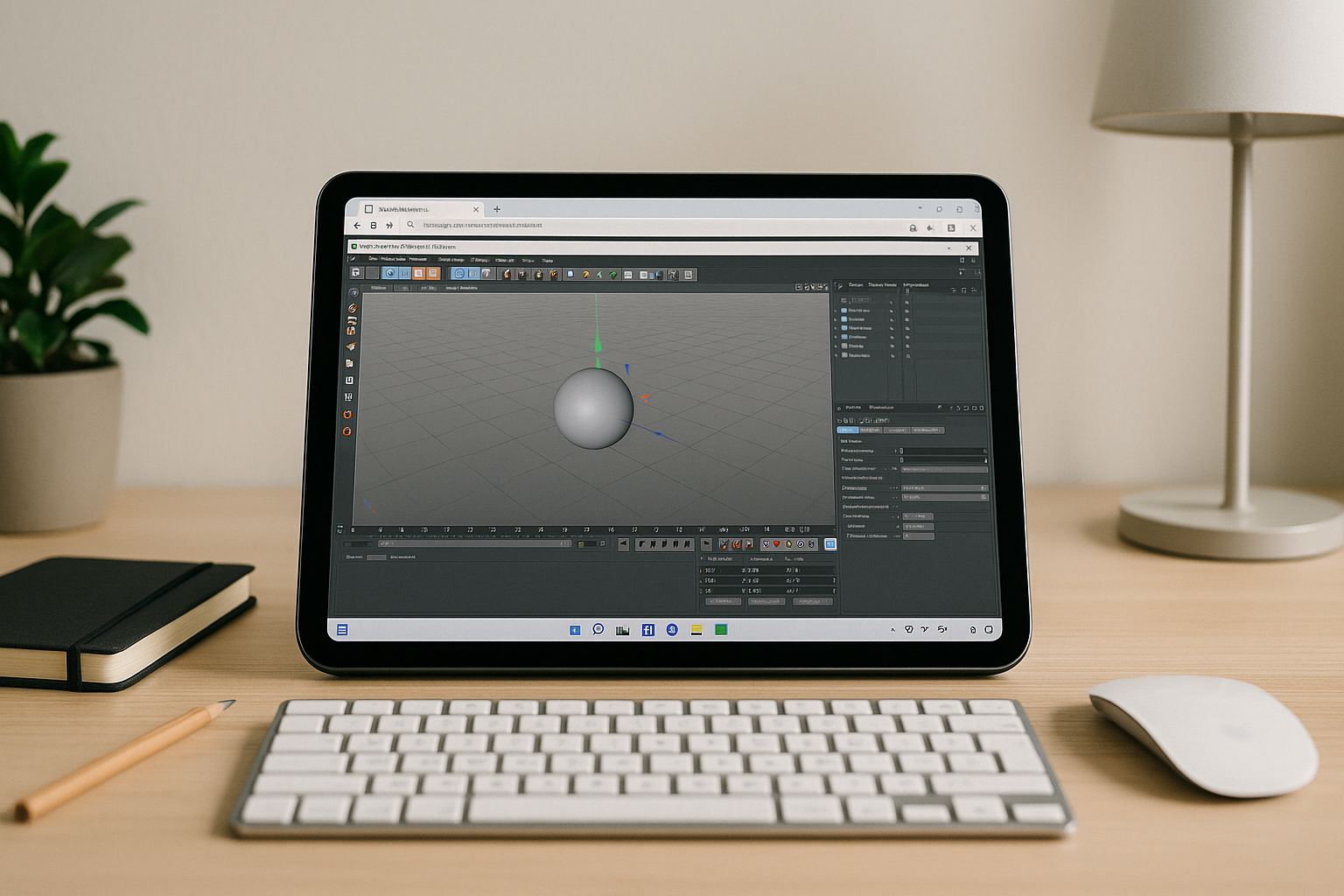
Cinema 4D on iPad: Desktop Power from a Cloud PC
iOS can’t run the full desktop version of Cinema 4D, so artists on iPad lose critical features and GPU rendering. This guide shows a reliable way to open the real app in the browser with stable performance and plugin support.
Read More
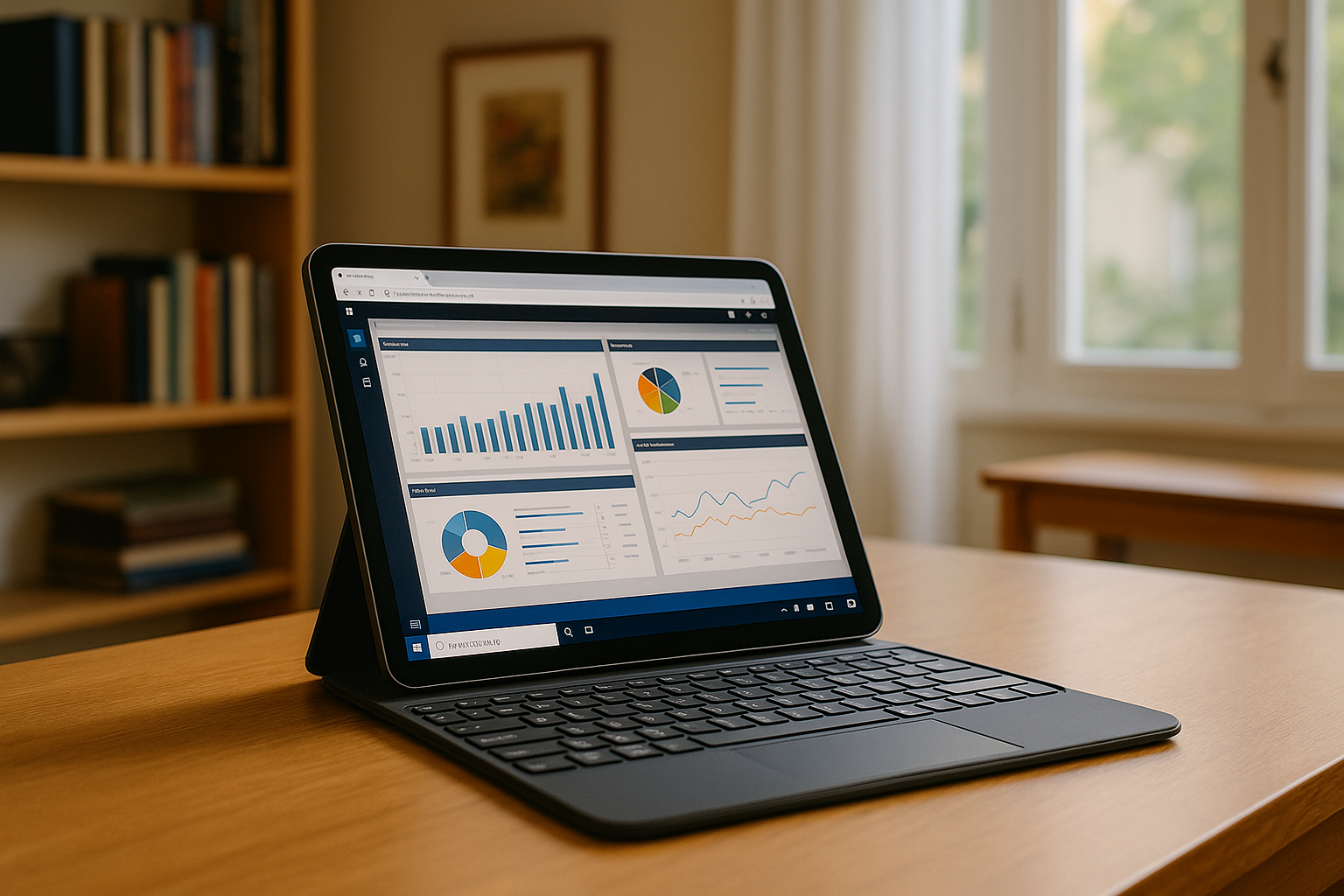
Can’t Install Power BI on iPad? Here’s What Actually Works
If you need real modeling, DAX, and Power Query on an iPad, chasing installations or configuring fragile workarounds wastes time. The straightforward path is a Windows environment that opens instantly in your browser, where Power BI Desktop is available and reliable.
Read More
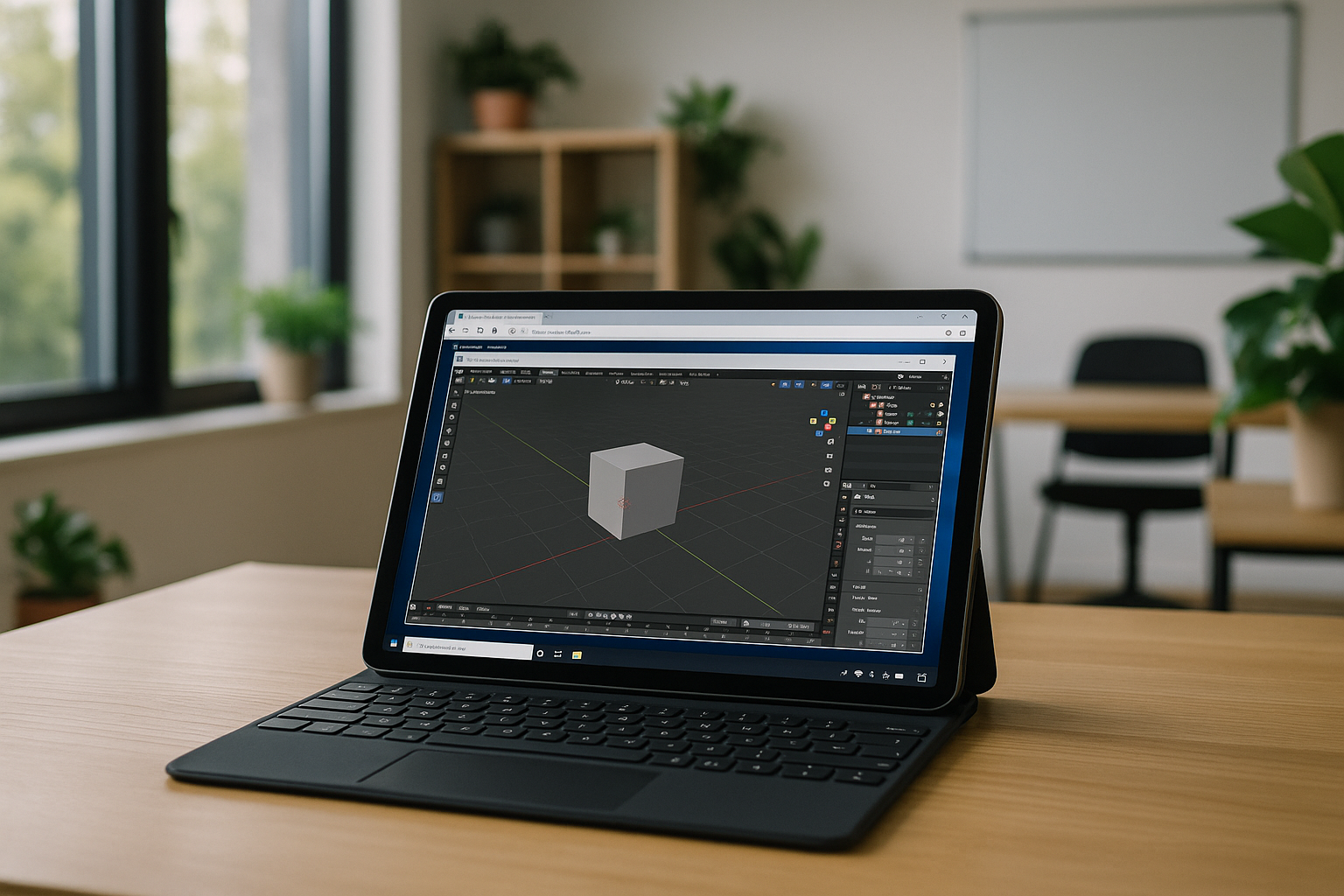
Blender on Tablet – iPad, Android and Mobile Alternatives
Blender is one of the most powerful 3D creation tools available today, widely used for modeling, animation, rendering, and visual effects. However, many users are now looking for more flexible workflows and want to know whether Blender on tablet devices is possible.
Read More


