


Blog
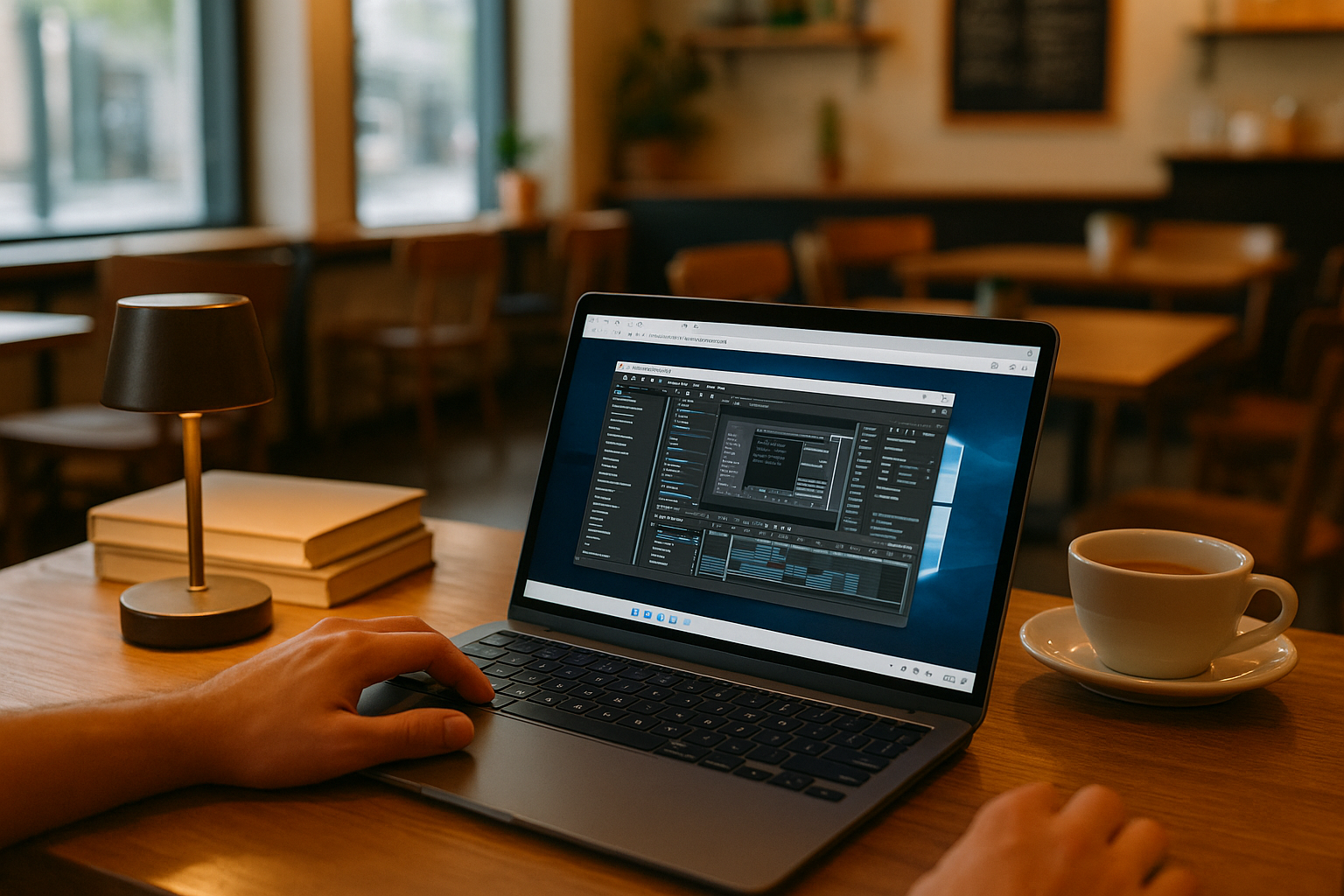
VM for MacBook for Professional Work on the Go
Use Windows-only professional software on your MacBook during client reviews and travel, with the required versions, plugins, and settings in one accessible environment.
Read More
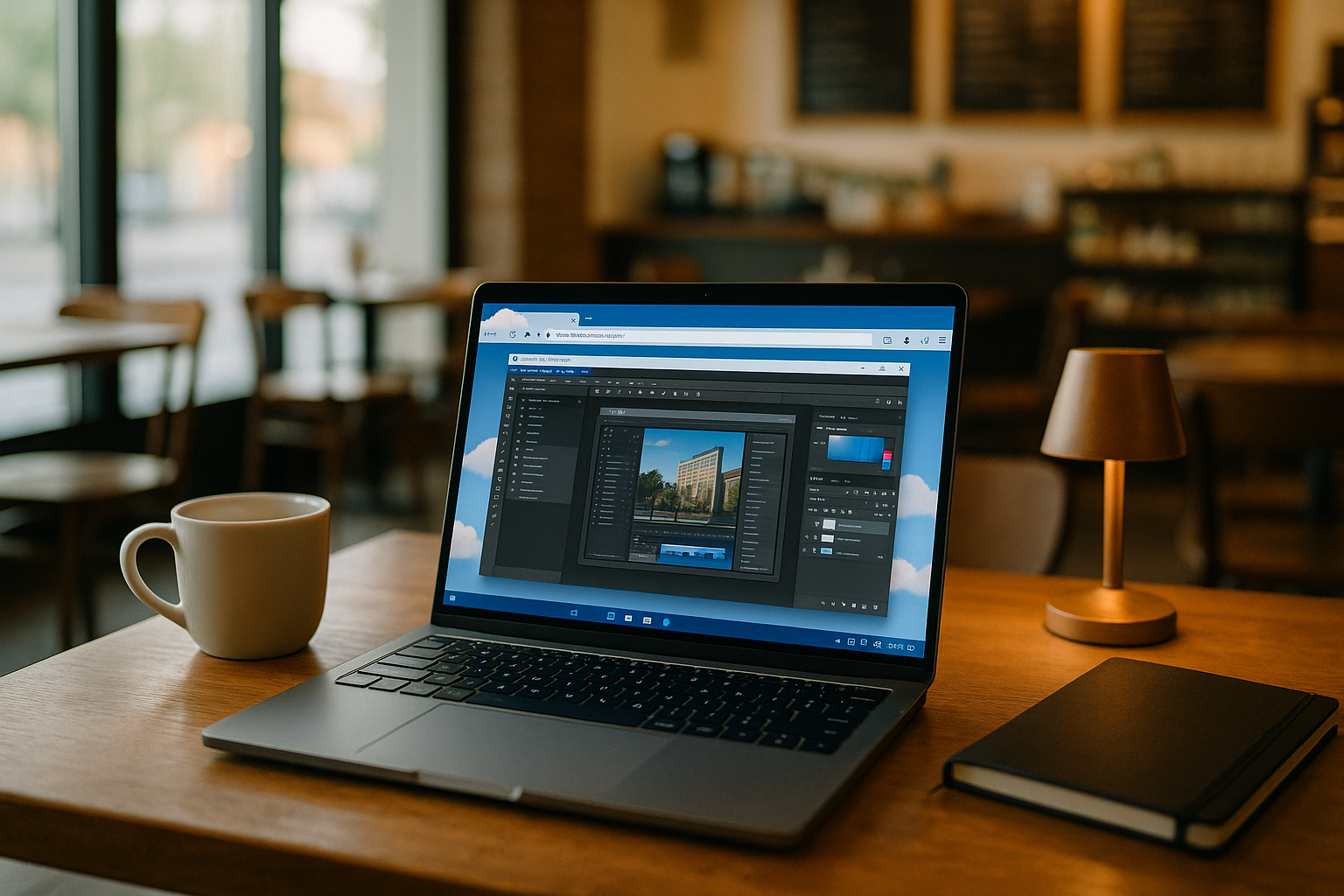
When Windows Software Won’t Launch: A PC in Cloud Fallback
Your essential Windows app won’t launch and deadlines can’t wait. Here’s a practical fallback to keep working with a Windows desktop in the cloud.
Read More
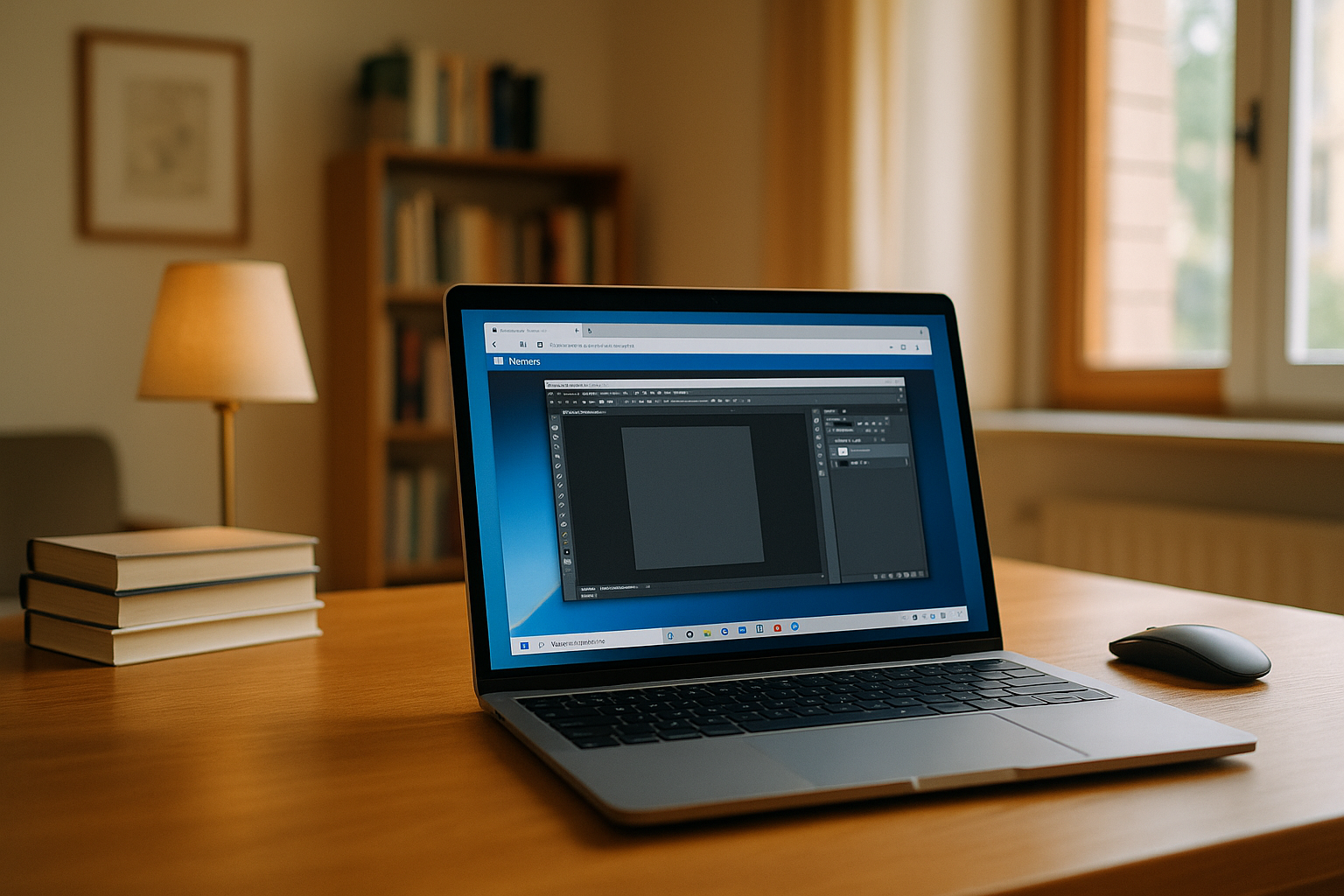
VM for MacBook in Browser: Run Windows Apps
Need a VM for your MacBook to open Windows-only apps without a heavy virtualization launch? Get a full Windows desktop in the browser and start working fast.
Read More
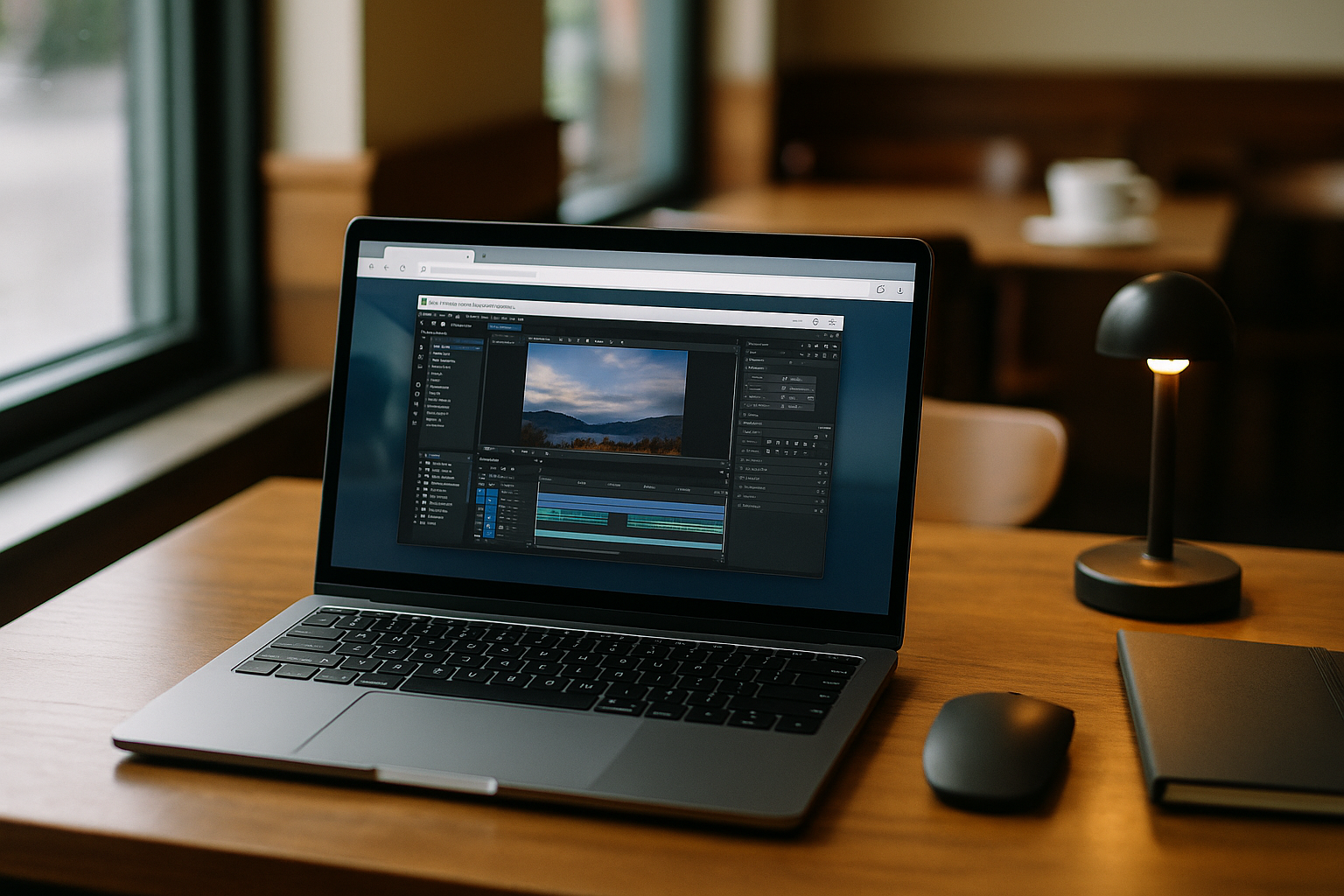
Turn Your Browser Into a Cloud PC Windows Desktop
Need a clean Windows environment without installing another client? This article explains how to access a full virtual Windows desktop through your browser on a PC while keeping the apps and versions you rely on.
Read More
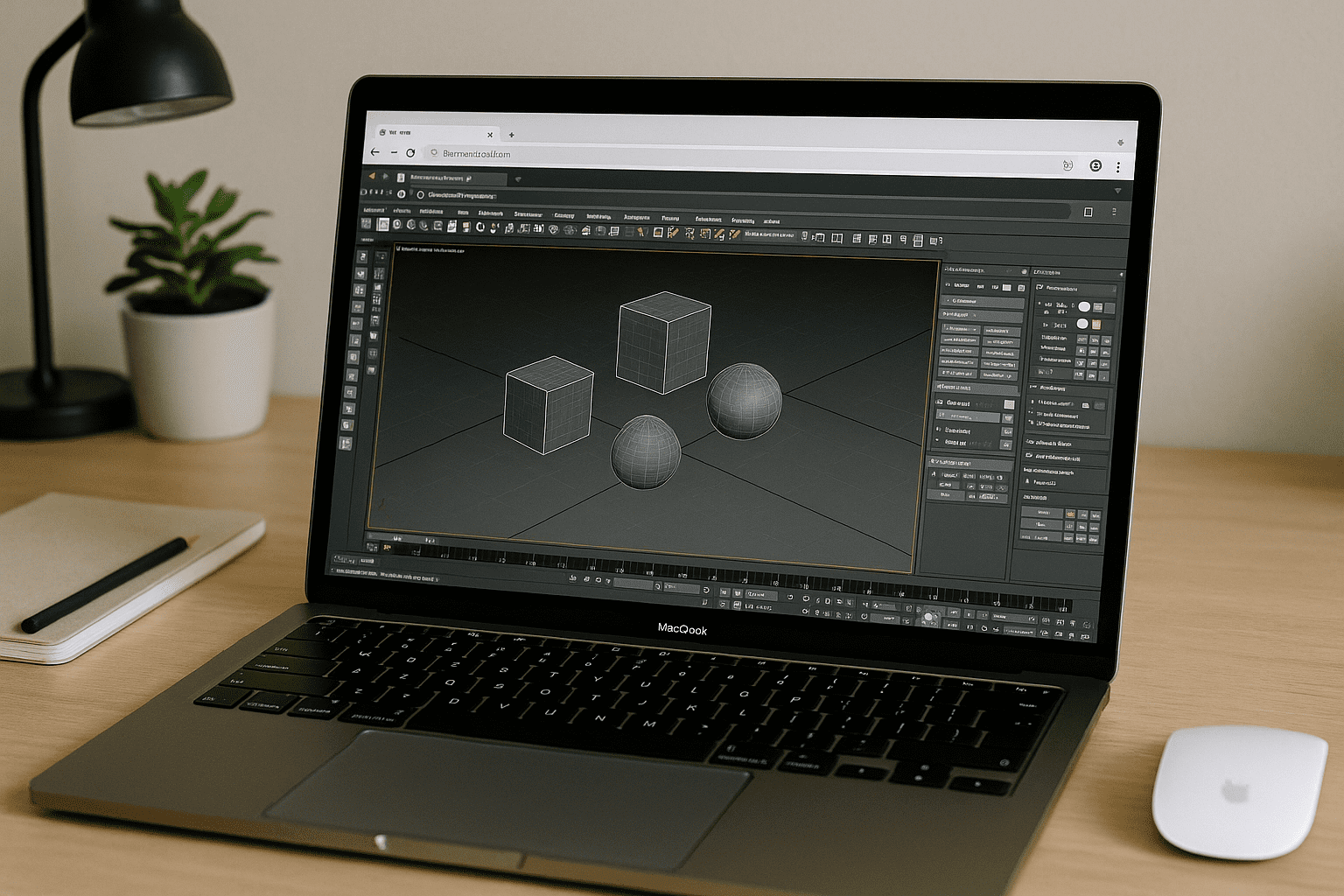
Cloud Rendering 3ds Max Without Installing Locally
Your machine is too slow or locked down to run 3ds Max, yet deadlines demand exact plugin and version matching for rendering. Here’s how to use cloud rendering for 3ds Max entirely in the browser while keeping your production setup consistent — without launching 3ds Max locally.
Read More

Cloud Based AutoCAD for Distributed CAD Teams
When CAD projects span offices, construction sites, and contractors, inconsistent workstations slow everyone down. There’s a better way to keep every workspace consistent—without relying on local hardware or installations.
Read More
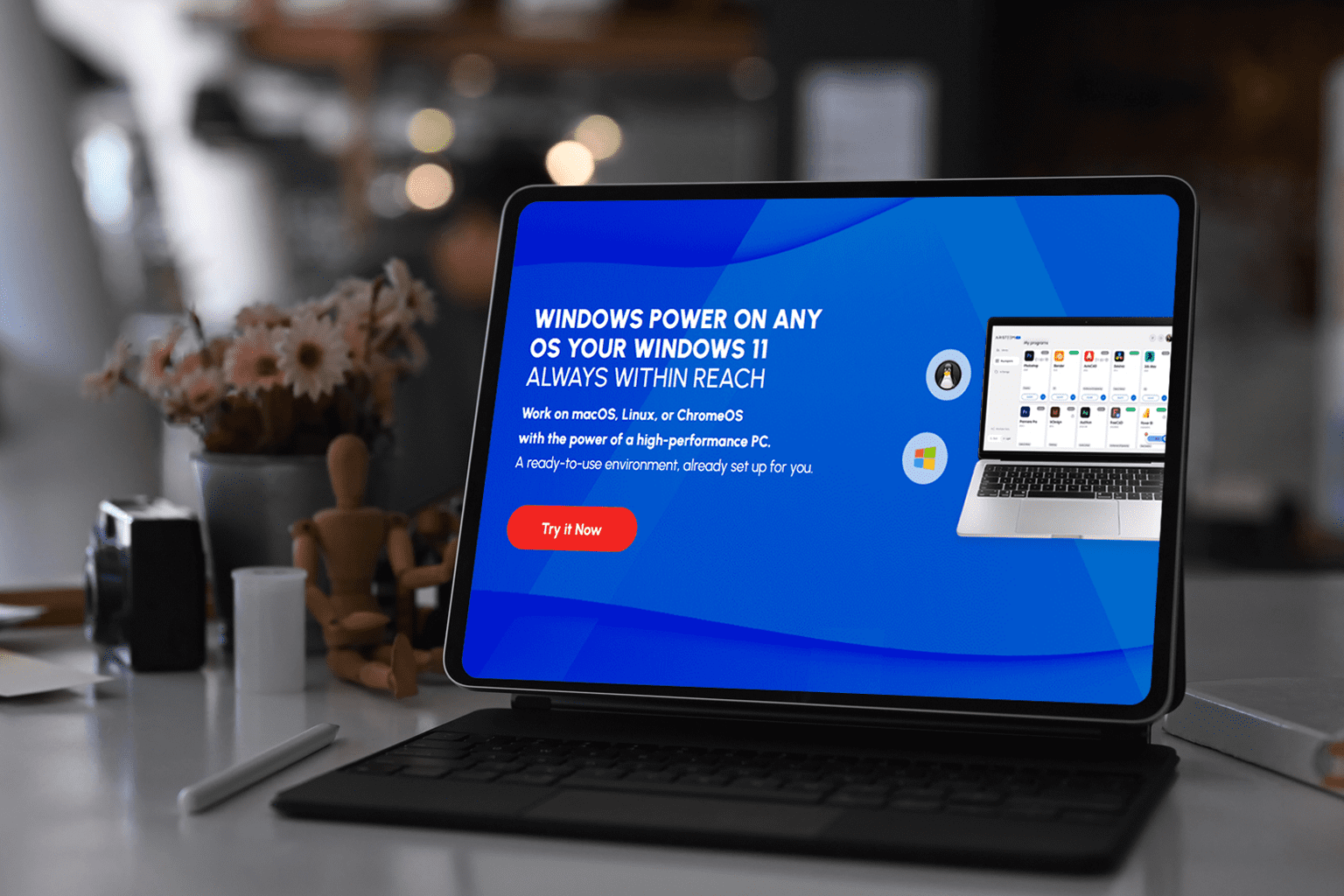
iPad VM: Use a Full Desktop from Any iPad Browser
Need desktop-only software on your iPad? While iPadOS doesn't support traditional virtual machines, you can still access full Windows and Linux desktops through your browser.
Read More
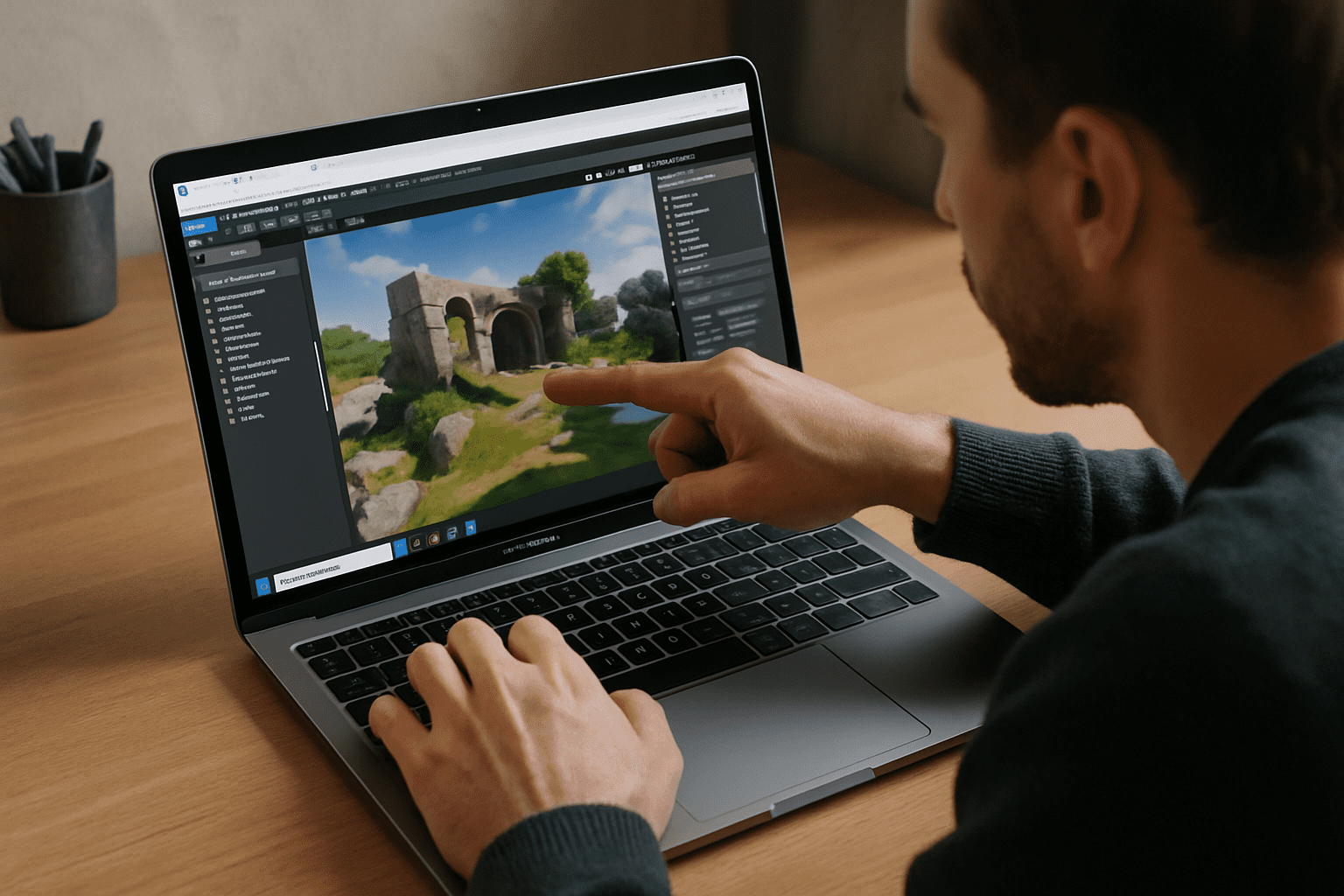
Windows Virtual Machine for Mac: Run Windows in Your Browser
Need Windows apps on your Mac but can't use local virtualization? Learn how to launch a full Windows desktop in your browser with zero setup, even on Apple Silicon.
Read More
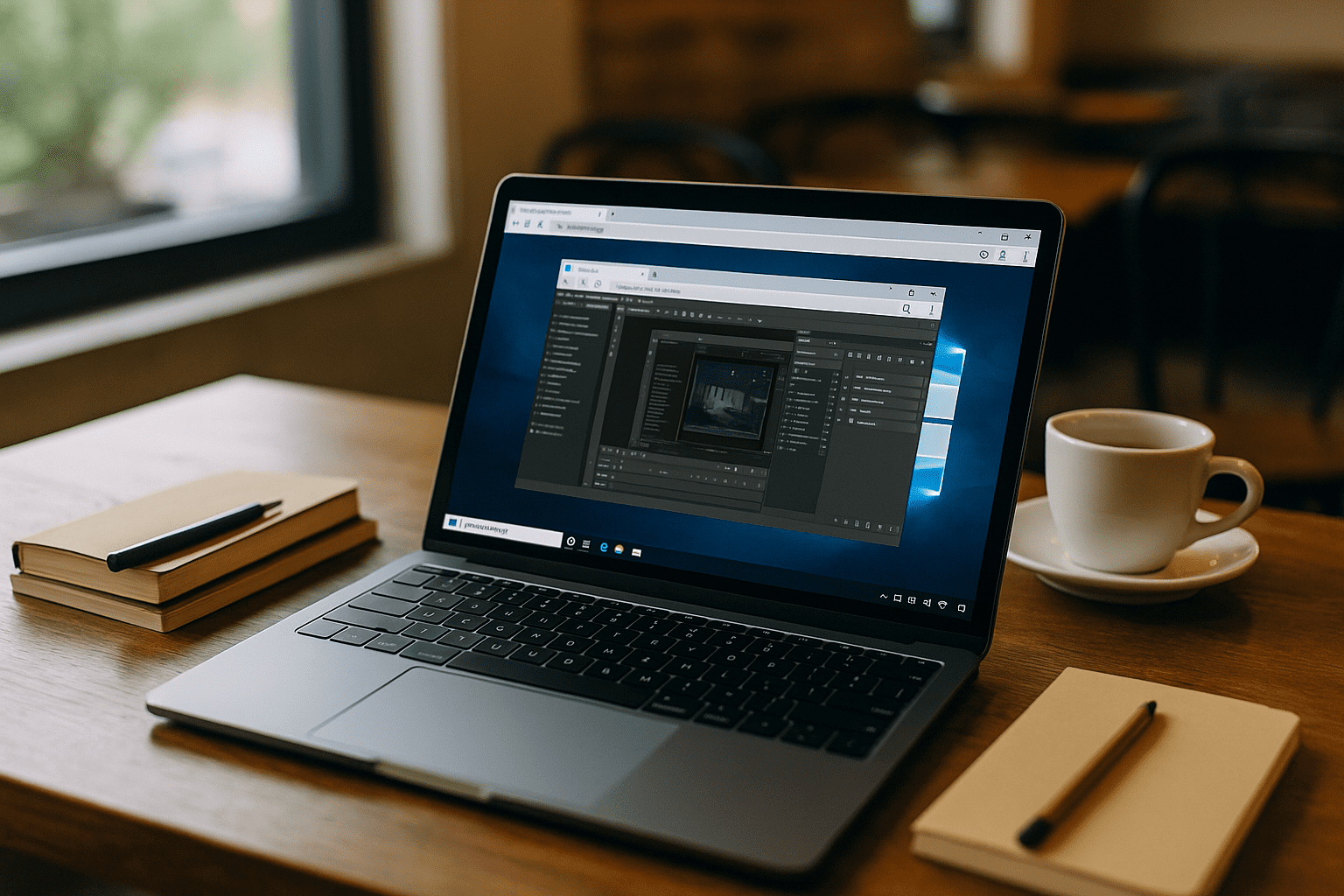
Virtual Machine for PC on macOS — Browser Alternative
Need to run Windows-only tools on a Mac without installing or starting them locally? Explore a browser alternative to a virtual machine for pc that removes admin hurdles and heavy setup.
Read More
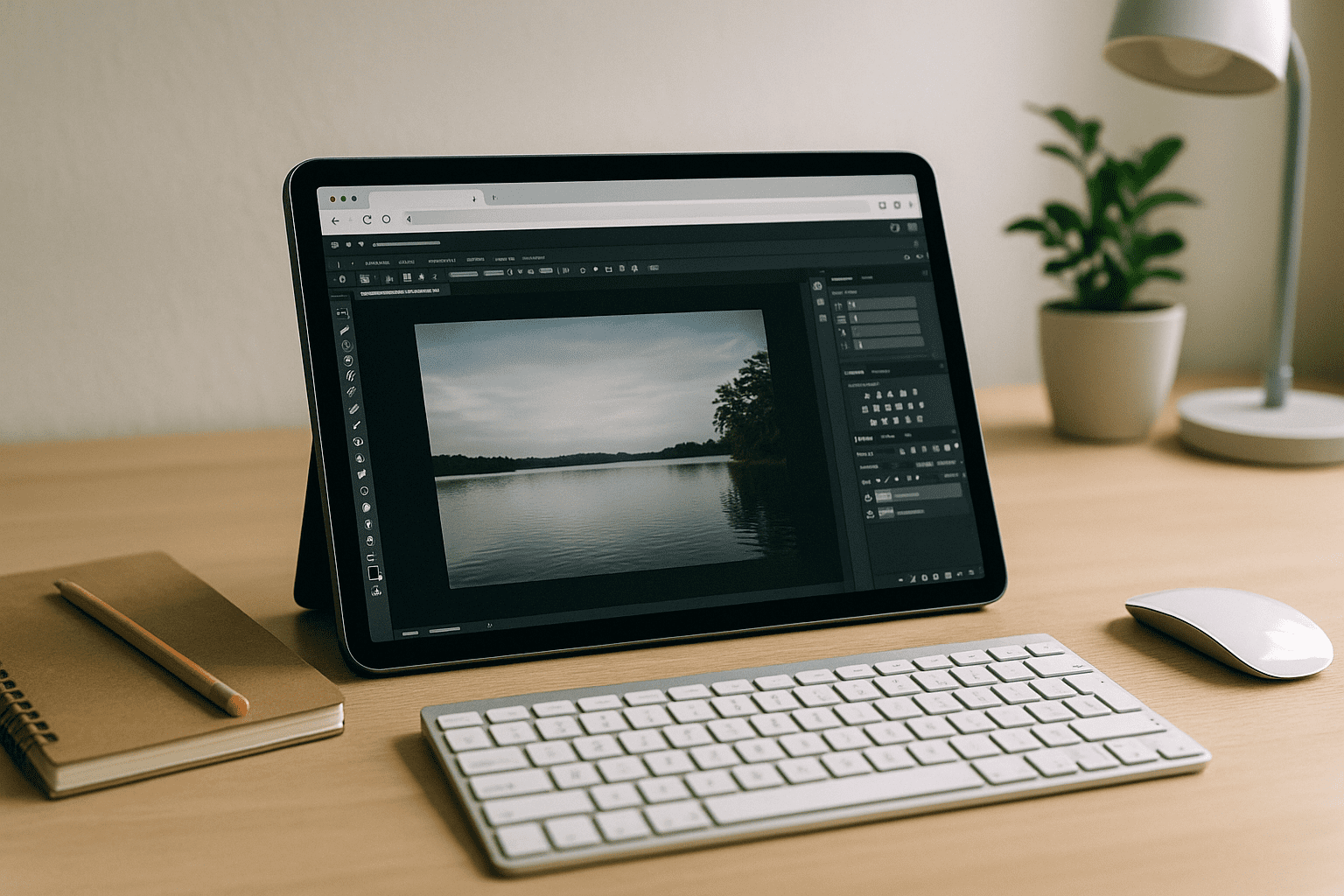
Cloud PC in Browser — Without Starting the Program
You need to open heavy desktop software on a PC without installing or even starting the program locally because of weak hardware, admin restrictions, and version conflicts. Here’s a practical path to run full apps in the browser without touching your base system.
Read More
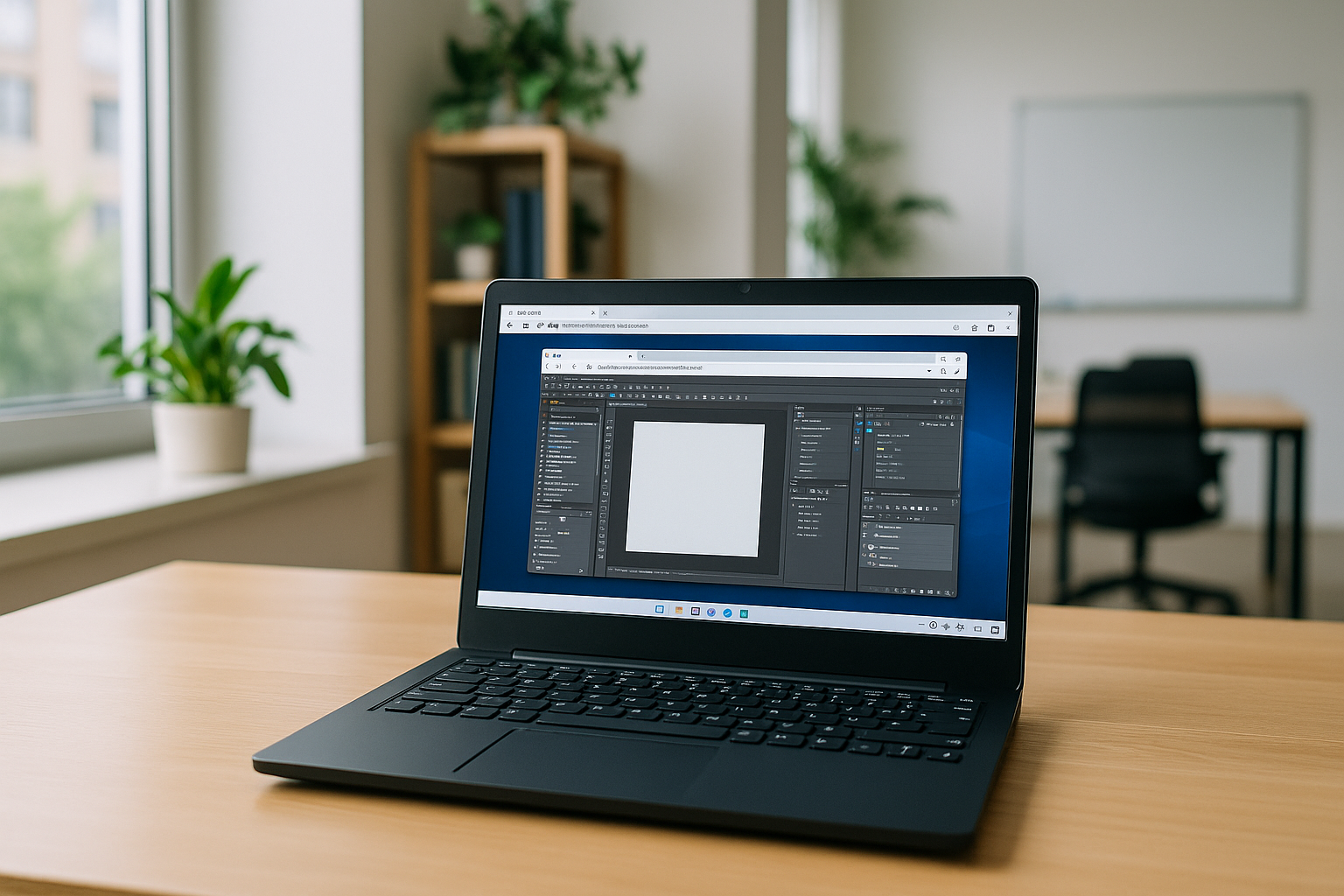
Virtual Machine for OS X — Run Apps Without a VM
Professionals on OS X need non‑native, heavy desktop tools but can’t afford the delays and hassles of starting a local VM, driver issues, or Apple Silicon roadblocks. This article shows a faster path to open the required software without launching a traditional virtual machine.
Read More
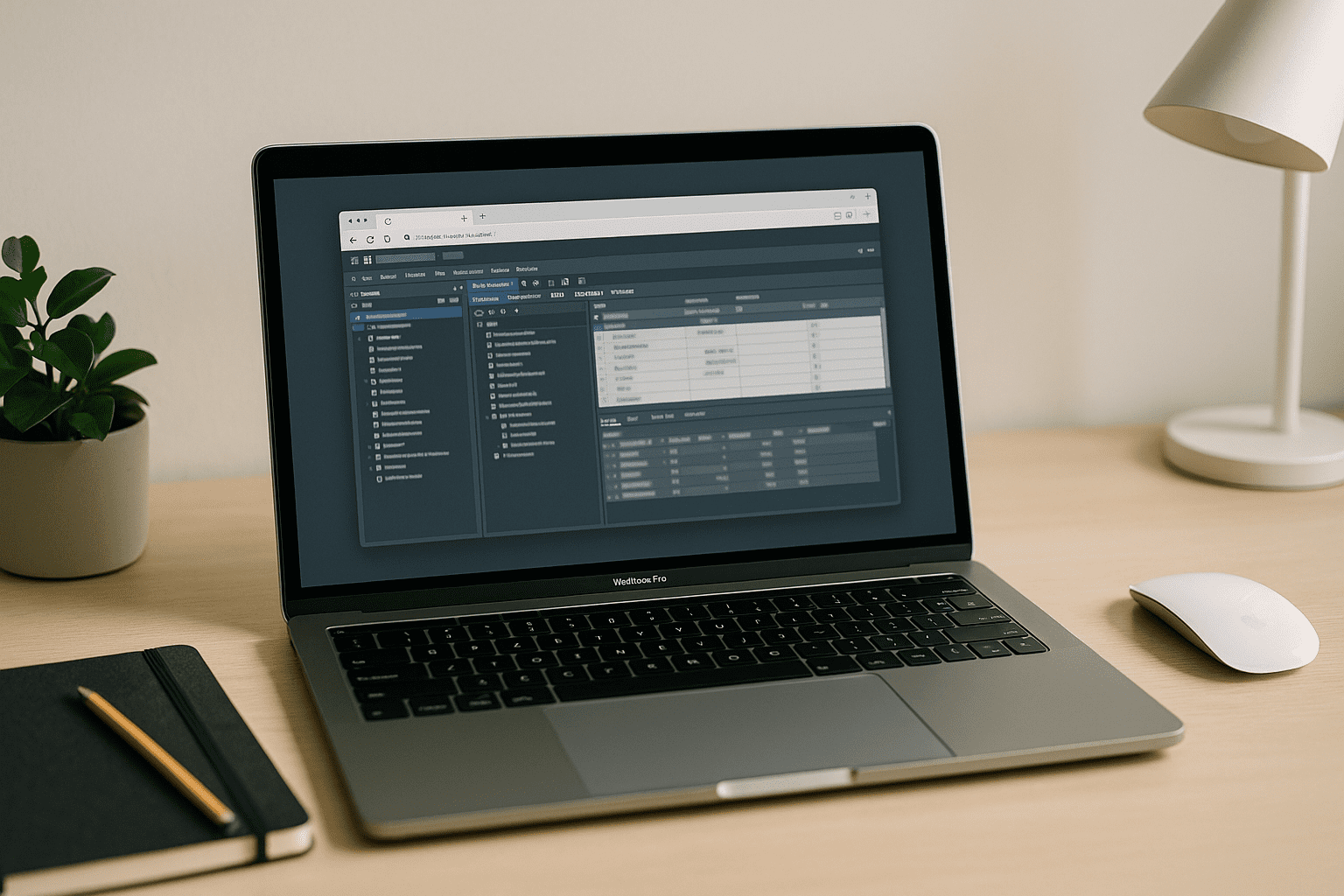
Cloud PostgreSQL: Run Databases Without Local Setup Hassles
Setting up PostgreSQL locally often leads to version conflicts, extension issues, and constant setup fixes that slow work down. Cloud PostgreSQL removes this friction and lets teams start querying instantly from any device.
Read More


