


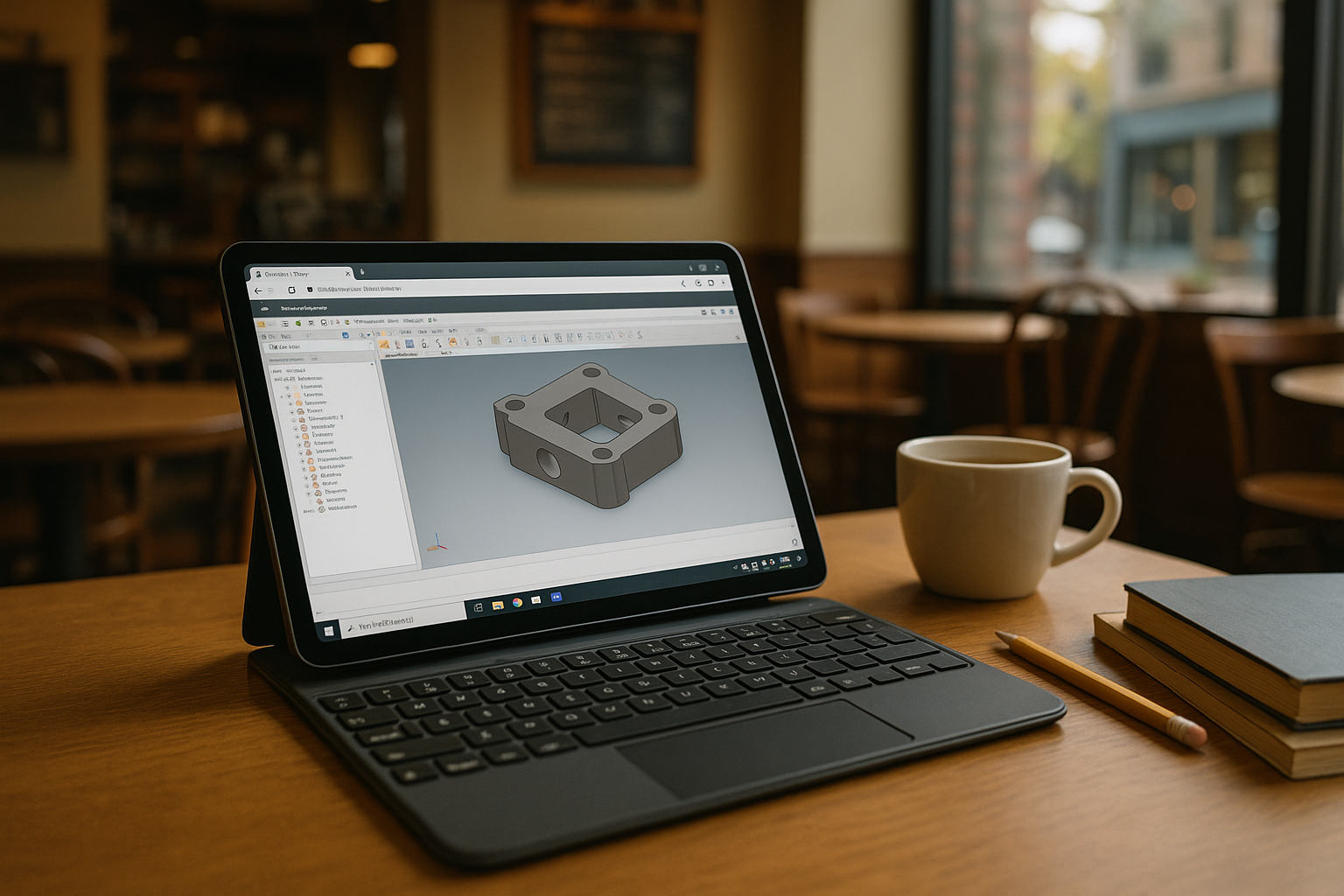
When iPad Inventor Must Match Your Desktop Workflow
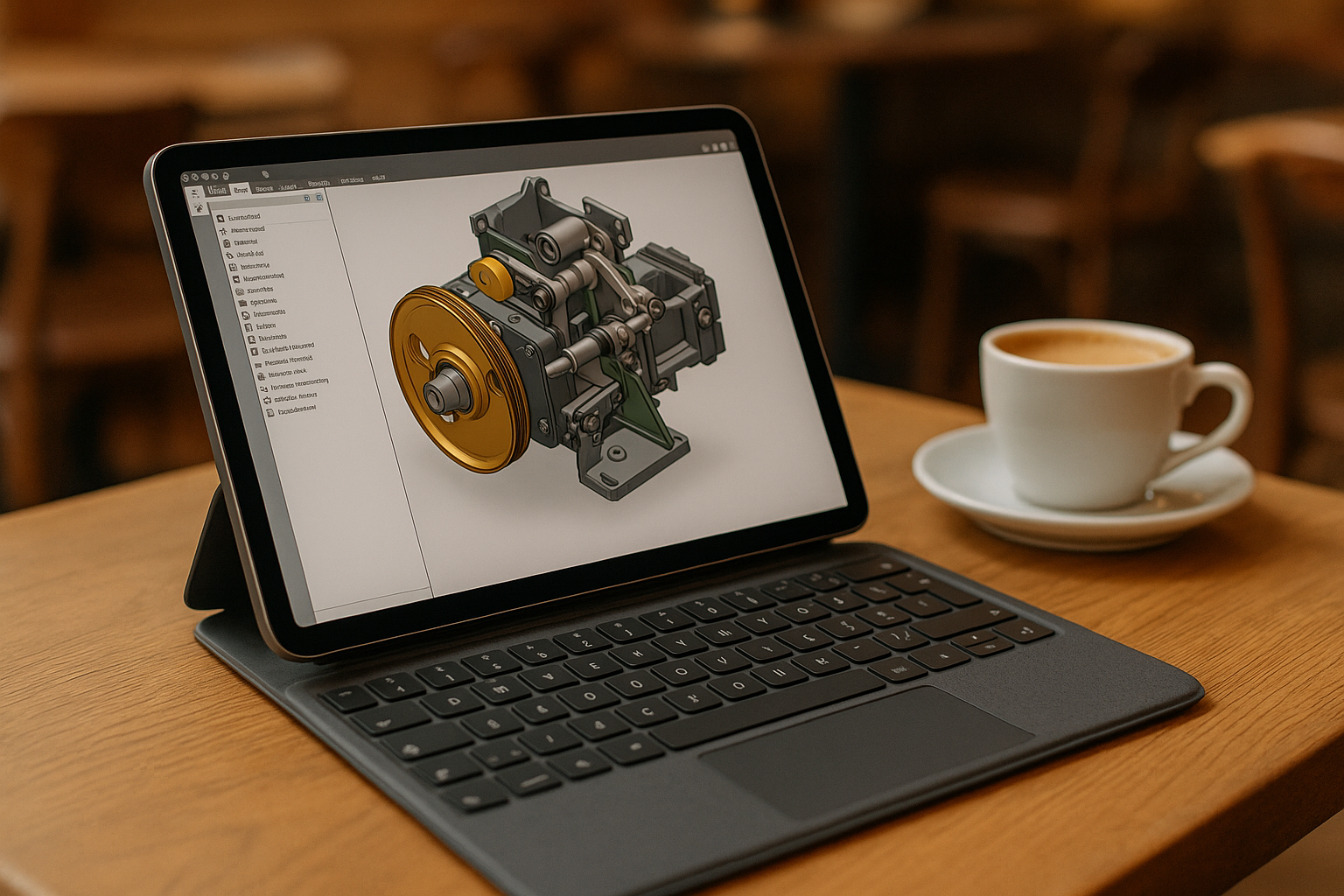
You’re on site with an iPad and need to open a large assembly, tweak constraints, and export a drawing exactly as at the office. Viewer apps fall short: you can’t rely on add-ins, iLogic rules, or your specific content libraries. What you need is access to the desktop version of Inventor on your iPad, with the Windows environment, version, templates, and tools your workflow requires. Professionals searching for Inventor on iPad or Inventor iOS need access to the desktop workflow when mobile viewer apps are not enough for their projects.
Why Buying a Windows PC Isn’t Ideal for Inventor on iPad
Purchasing a Windows laptop seems straightforward: install Autodesk Inventor, bring it to meetings, and move on. In practice, it fragments your workflow. Files and libraries drift across devices, add-ins diverge, and you risk version mismatches between home, field, and office machines. Managing additional software, project files, libraries, and license activations on another computer adds overhead. You also lose the convenience of your iPad. For many teams aiming for Autodesk Inventor iPad mobility, a second PC becomes expensive, heavier to carry, and harder to maintain over time.
A Better Path for Inventor on iPad: Full Windows in the Browser
Instead of buying hardware, compare a virtual Windows desktop in the browser. You can install the Inventor version, templates, and add-ins your workflow requires while working from the same iPad you already carry. It gives you one persistent Windows environment where your installed applications and settings remain available between sessions. Against a second PC, this approach can reduce configuration drift by keeping your Windows environment available from the iPad. For engineers searching “Inventor on iPad,” it provides access to desktop Inventor for opening assemblies, updating drawings, and continuing work from anywhere.
How Aristeem Delivers True iPad Inventor Parity
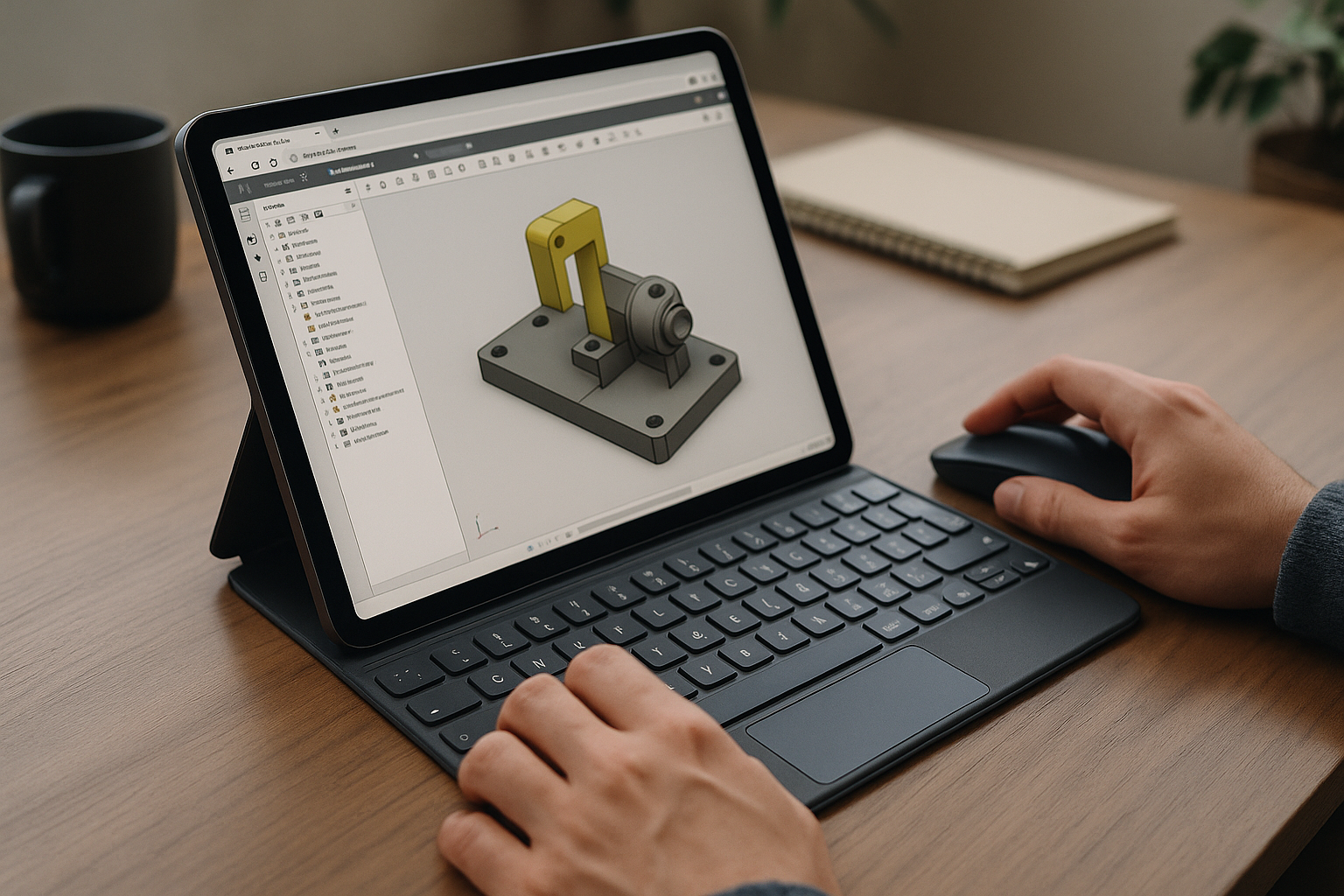
Founded in 2024, Aristeem began as a cloud service for access to professional software across engineering, design, and data work. By studying real workflows, it evolved into a virtual Windows machine that runs in your browser — without changing the OS on your device. You can install the Inventor version, add-ins, and tools your workflow requires, using your existing license where required.
Keep Your Desktop Workflow With iPad Inventor
If your goal is to access desktop Inventor from an iPad, running a virtual Windows machine in the browser lets you work with the Windows application and the software environment you need. ou can keep your projects and installed software in the same persistent Windows environment and save your work to Aristeem’s cloud storage. That gives you a practical way to access desktop Inventor from the iPad without replacing your existing device or local operating system. Explore how Inventor online with Aristeem lets you access the full desktop version of Inventor directly in your browser from an iPad or other device.


