


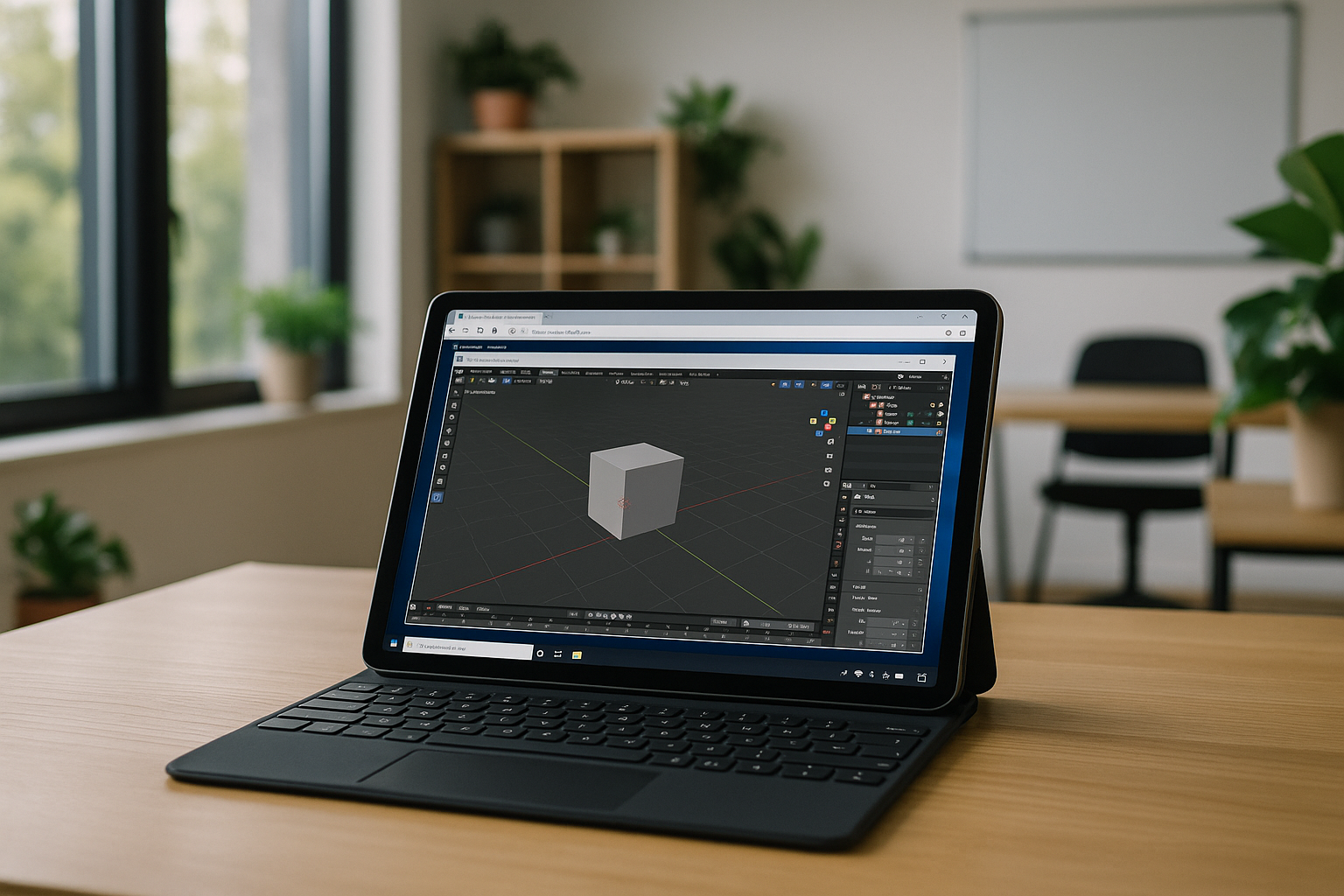
Blender is one of the most powerful 3D creation tools available today, widely used for modeling, animation, rendering, and visual effects. However, many users are now looking for more flexible workflows and want to know whether Blender on tablet devices is possible. This includes common questions about Blender for iPad, Blender on Android tablet, and how to work with 3D tools on mobile devices.
We’ll explain what’s реально possible, what limitations exist, and what alternatives or workarounds you can use.
Can You Use Blender on iPad or Android Tablet
Blender is not officially available for tablets. There is no native version of Blender for iPad or Android tablet devices because the software is designed for desktop operating systems such as Windows, macOS, and Linux.
This means:
- You cannot directly download Blender on iPad
- There is no official Blender app in the App Store or Google Play
- Tablet hardware and operating systems are not optimized for full desktop 3D workflows
So if you’re asking can you download Blender on iPad, the answer is no in the traditional sense.
How to Get Blender on iPad and Tablets – Available Methods
Even though there is no native version, there are still ways to access Blender on tablet devices.
The most effective method is using cloud-based or remote desktop solutions. These platforms allow you to run Blender on a powerful remote machine and control it from your tablet through a browser or app.
This approach allows you to:
- Access full Blender functionality
- Work on complex 3D scenes
- Use your iPad or Android tablet as a portable workstation
For users wondering how to get Blender on iPad, cloud access is currently the most practical solution.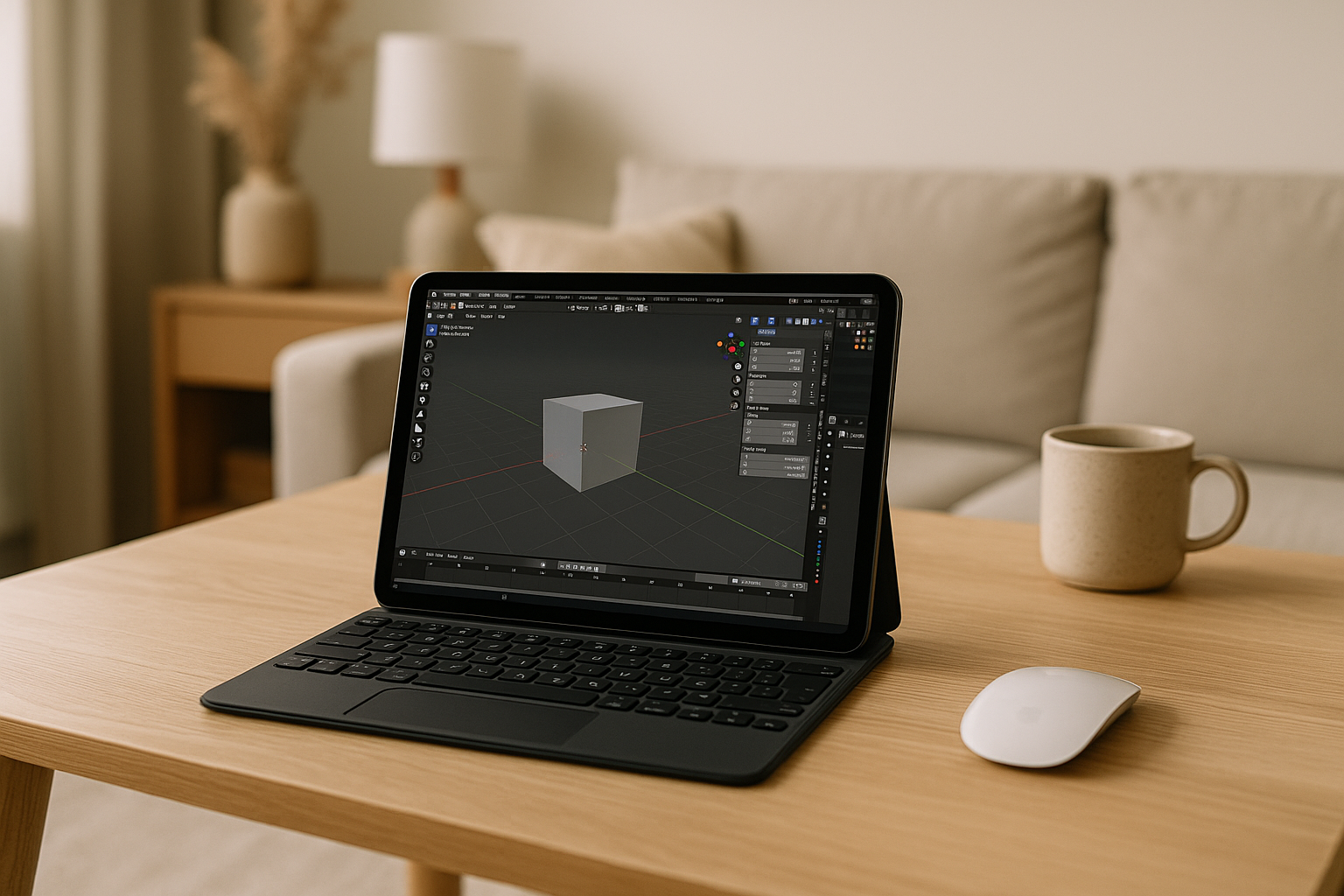
How to Use Blender on iPad in Practice
Using Blender on a tablet requires a slightly different workflow compared to desktop use.
Key considerations include:
- Touch controls instead of mouse and keyboard
- External accessories like stylus or keyboard for better precision
- Stable internet connection for cloud-based workflows
While performance depends on the setup, this method allows you to work with the same projects across devices. It’s especially useful for reviewing models, making quick edits, or working on the go.
So when asking how to use Blender on iPad, it’s less about installing the app and more about accessing the software remotely.
Blender on Android Tablet and Mobile Devices
The situation for Blender on Android tablet devices is similar. There is no official Android version of Blender available.
However, Android tablets can also:
- Connect to cloud-based virtual machines
- Use remote desktop applications
- Access full desktop versions of Blender via browser
This makes Blender on tablet devices possible, even without native support.
Apps Like Blender for iPad and Mobile Alternatives
If you prefer native mobile apps, there are several tools that offer simplified 3D functionality.
These apps like Blender for iPad typically focus on: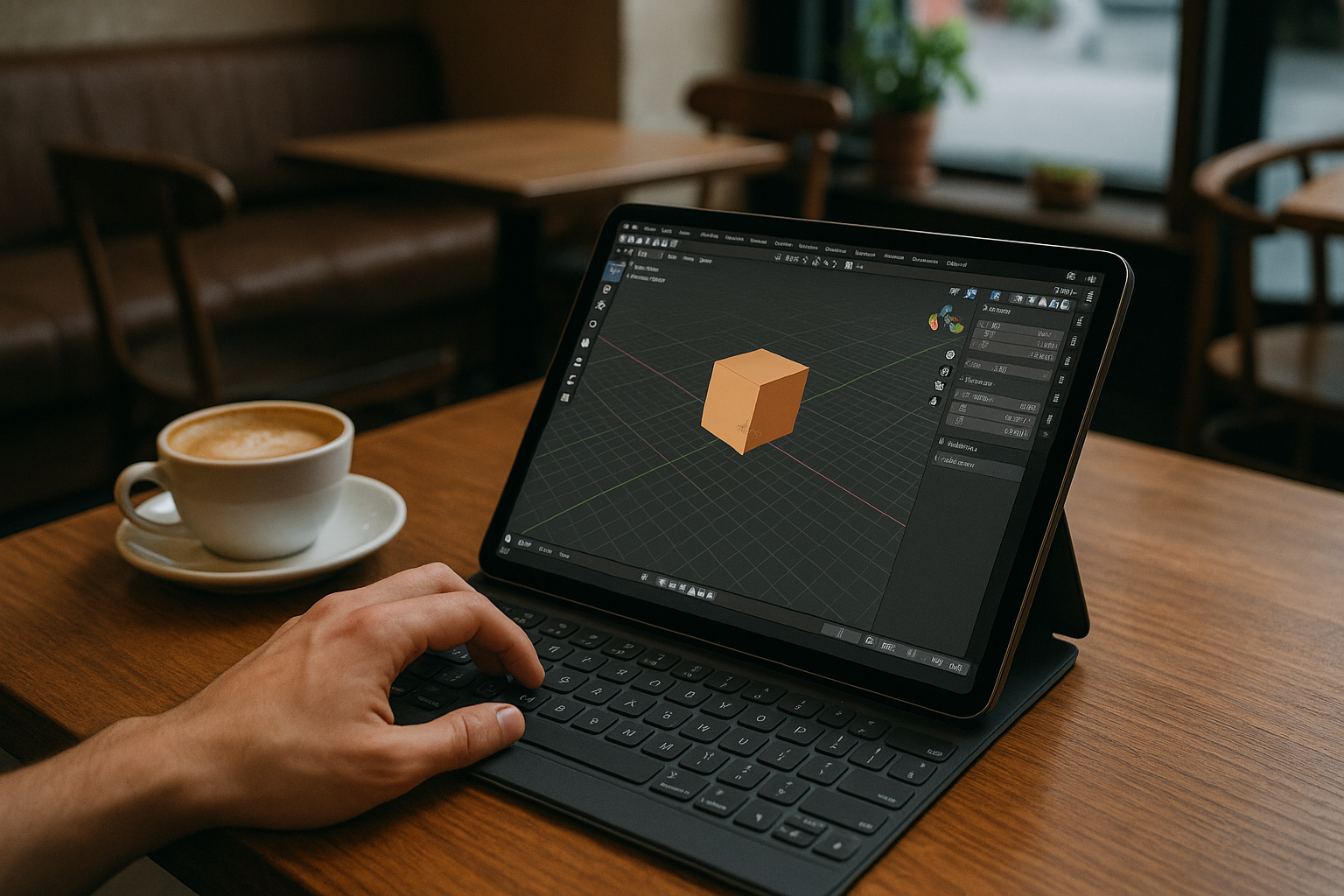
- Basic modeling
- Sculpting
- Simple rendering
However, they do not provide the full feature set of Blender. They are best suited for lightweight tasks or learning purposes rather than professional production.
Conclusion
Blender on tablet devices is not officially supported, and you cannot install Blender for iPad or Android tablets in the traditional way. However, modern workflows make it possible to access the full software through a cloud-based solution such as Aristeem.
Whether you choose remote access or mobile alternatives, tablets can still play a useful role in 3D workflows. The key is understanding their limitations and selecting the right approach based on your needs.


