


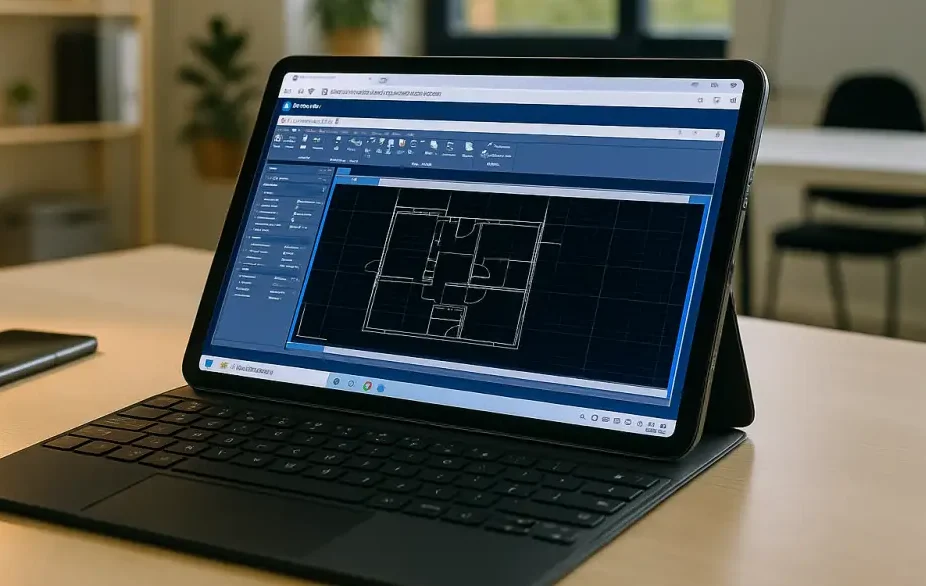
AutoCAD on iPad for site walks and redlines
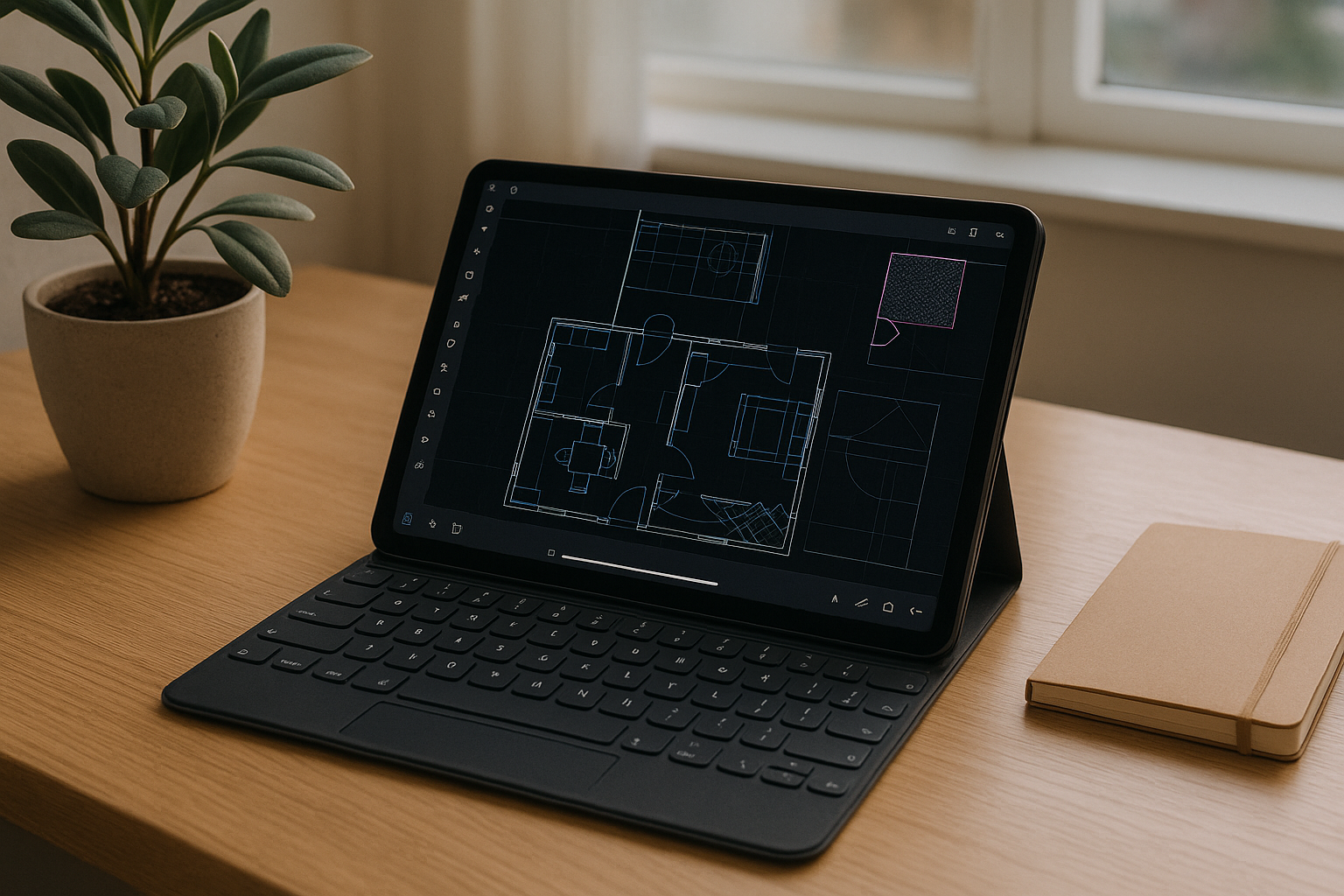
A dawn site walk is scheduled, and a field coordinator needs rapid redlines on plan and RCP DWGs. Before the site walk, the field coordinator opens the project drawings in the AutoCAD mobile app and checks which files and editing features are available offline. During the visit, the team can review drawings, take measurements, and add markups using the tools supported by the app.During the visit, the team measures rooms, adds markups and photos, and records quick revisions using the available AutoCAD mobile tools. After the visit, the team makes the updated drawings available to the design, MEP, and general contractor teams through its established file-sharing workflow. Heavier follow‑ups — verifying geometry, adjusting blocks, managing xrefs, and publishing sheets — depend on the office AutoCAD desktop version with custom tool palettes, LISP, plot styles, fonts, and shared libraries.
Standards and version control for AutoCAD on iPad
Because those field edits must land in the same deliverable set, the workflow ties directly to the desktop setup — specifically the DWGs marked on site must round‑trip into the exact office standards:
- Use the required desktop AutoCAD release to maintain compatibility with the project’s established workflow.
- Custom tool palettes and path mapping for shared DWG block libraries.
- LISP routines and utilities used for QA checks and repetitive edits.
- CTB/STB plot styles, fonts, title blocks, and printer configurations.
- Verify external reference paths and Sheet Set publishing settings in the desktop environment.
The question is which environment on iPad can meet all of these standards without breaking continuity.
Best way to run full AutoCAD tools from iPad
Given those standards, practical options differ in how well they preserve the exact AutoCAD desktop environment. Light markup is fine in AutoCAD iOS, but palette- and LISP‑driven edits, xref control, and publishing require the same configured desktop. A persistent cloud Windows PC aligns with that need while keeping AutoCAD iPad ideal for fast field redlines.
| Approach | Capabilities | Complexity |
|---|---|---|
| AutoCAD mobile app | Supports mobile drawing review and selected editing tools; desktop-specific workflows such as custom LISP routines, tool palettes, and full sheet publishing may require AutoCAD on Windows. | Low |
| Carry a Windows laptop | Desktop AutoCAD with the required version, palettes, LISP, plot styles, fonts, xrefs, and sheet sets, once configured | Medium–High (hardware, IT, travel) |
| Cloud Windows PC | Install required AutoCAD version, palettes, LISP, CTB/STB, fonts, libraries, printers; persistent paths | Low–Medium |
This points toward a persistent Windows desktop that complements AutoCAD iPad field work.
Aristeem: consistent AutoCAD on iPad workflow
For more than two years, Aristeem has focused on giving professionals access via the cloud to engineering and design software, studying real workflows and improving reliability. Today it offers a virtual Windows machine in the cloud without replacing the OS on your device, and continues expanding flexibility. Applied here, you install your licensed AutoCAD version, palettes, LISP, plot styles, fonts, libraries, and printers, then pair it with fast AutoCAD iPad field work. See Aristeem or start your setup.
One AutoCAD on iPad workflow, start to finish
AutoCAD on iPad makes it easier to review drawings, capture measurements, and record markups during site visits. When projects require desktop tools, custom LISP routines, or established plotting configurations, Aristeem lets you access a cloud Windows environment and set it up with your licensed AutoCAD version and required project resources. Continue your workflow across field visits and desktop work with Aristeem AutoCAD Online.


