


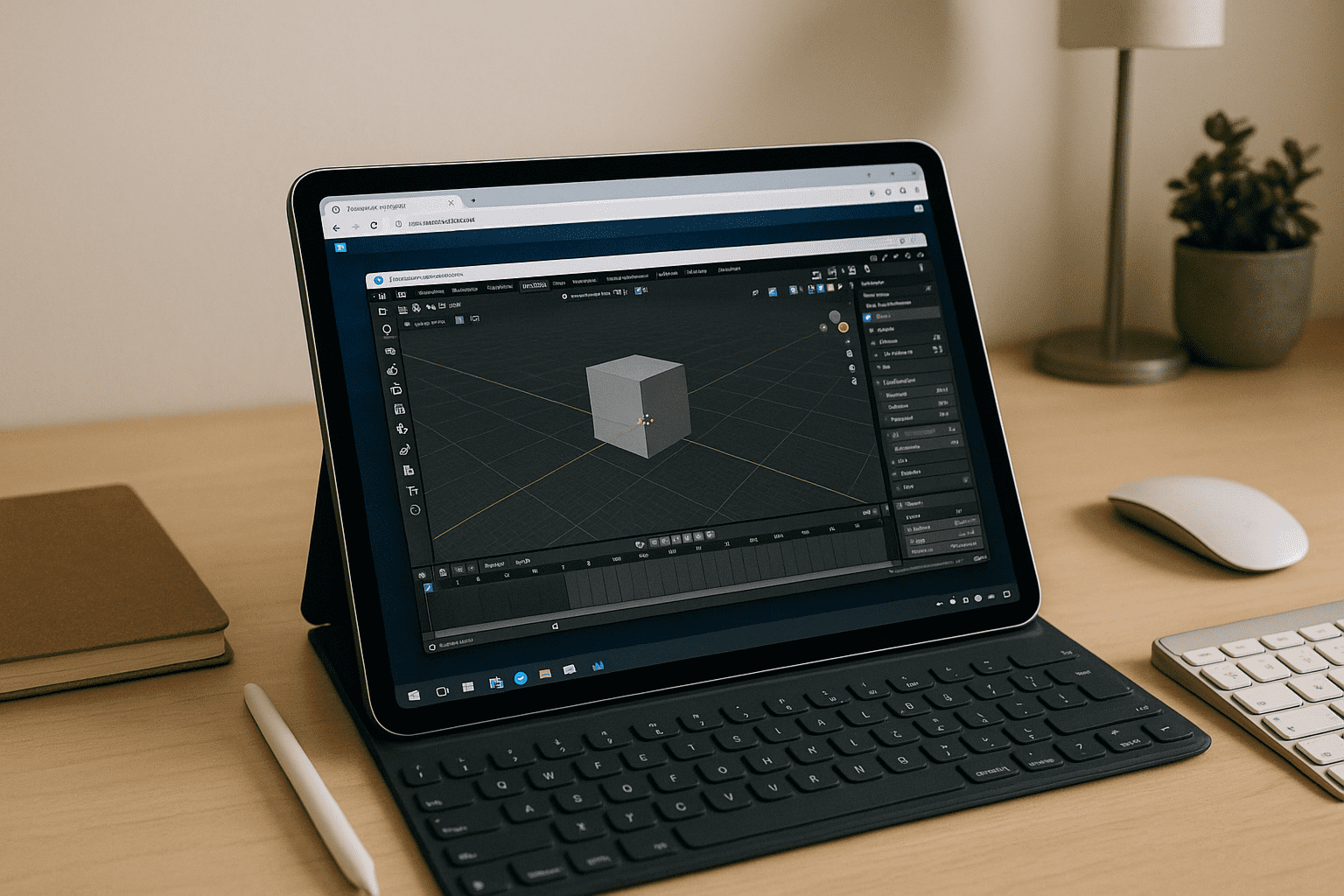
The practical roadblock with Blender on iPad for mobile production
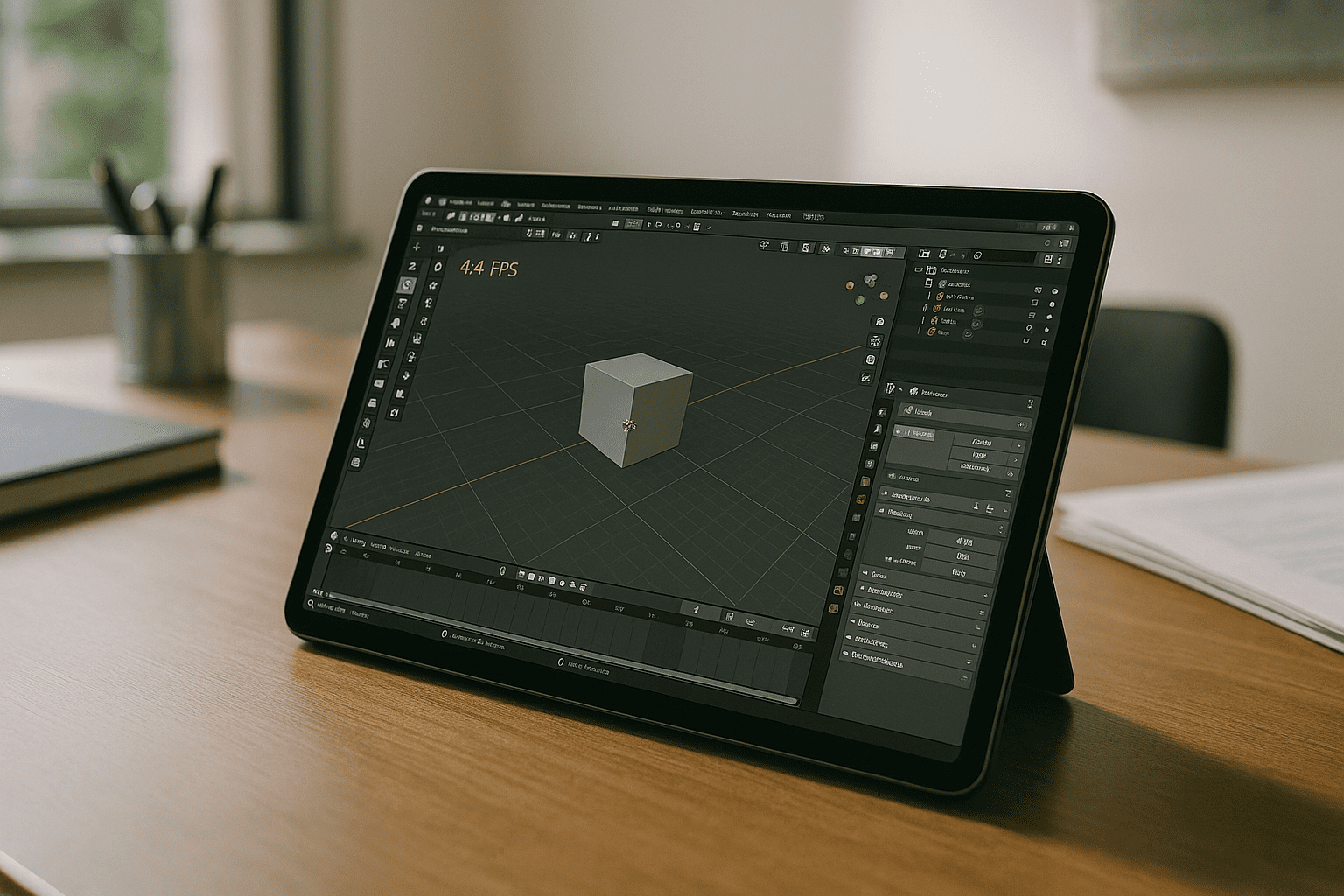
You need the full Blender toolset, but iPadOS has no native app and cannot install the desktop version. Project reviews, quick edits between meetings, or rendering previews while traveling become impossible, and your pipeline stalls until you return to a desktop. Professionals searching for Blender on iPad or even Blender on iOS solutions quickly hit the same wall: mobile hardware is capable, yet the OS blocks execution.
Typical workdays today mix on-site capture, client feedback calls, and asset tweaks on the go. Without reliable access to desktop Blender, you can’t validate geometry, adjust rigs, or test materials in context. File round-trips stack up, handoffs get messy, and deadlines creep closer while the iPad sits underutilized.
Using Blender on iPad Through a Browser
Since the desktop version of Blender cannot be installed directly on iPadOS, one option is to access it through a browser. Blender runs in a Windows desktop environment while the iPad is used to access the application.
For practical use, a keyboard and mouse or trackpad can make the desktop interface easier to control, while a compatible stylus can be useful for viewport navigation and sculpting. Projects and Blender settings remain in the desktop environment rather than being converted to a separate mobile version.
The best way to run Blender on iPad: full desktop in the browser
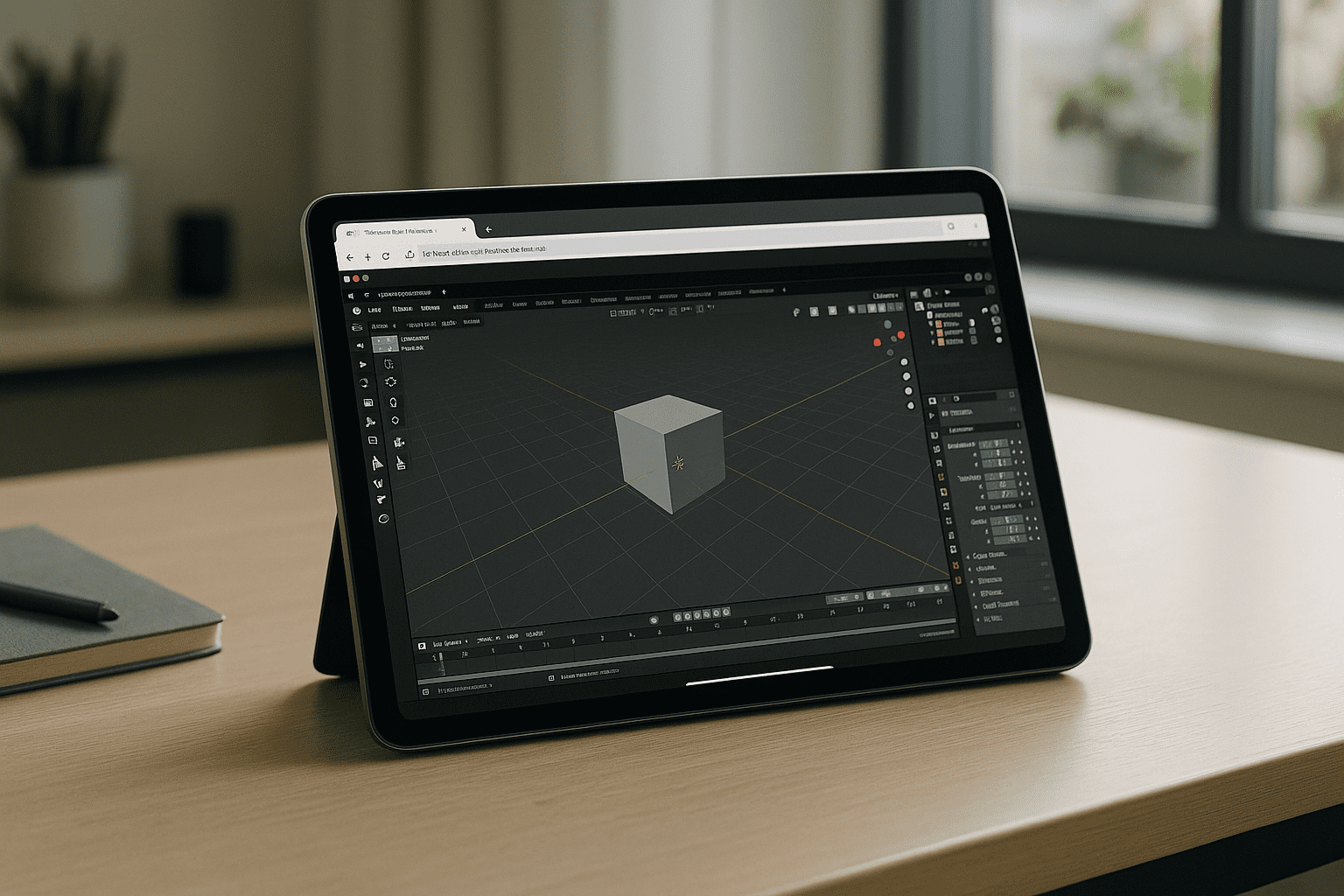
Common mobile alternatives break production continuity; exporting files between native tablet viewvers and your main desktop app frequently leads to data corruption, broken dependencies, and file translation loss. A modern answer is executing the real desktop Blender in a secure, high-performance environment you open in Safari or Chrome, with GPU acceleration, plugin support, and persistent storage. This preserves your exact toolchain, so you can handle complex scenes, physics, and rendering while staying on the move.
With this approach, you keep your keyboard shortcuts, add-ons, and hotkeys, while pen and touch input complement precision tasks. The result is the practical realization of Blender on iPad: desktop-grade performance and workflows, accessed instantly through the browser, without local installs or emulation.
Aristeem brings Blender on iPad to life with instant browser access
Aristeem delivers the full desktop environment directly in your browser — no setup, no local installs, and not an emulator or a remote desktop. Blender is pre-installed and pre-configured, so you simply open the application from the library and get to work; if Blender requires a license or add-ons, you manage them as usual within the environment. You can install plugins, map input to your preferred shortcuts, and rely on persistent storage for projects and caches.
Performance is backed by GPU acceleration for heavy scenes, while keyboard, trackpad, mouse, and stylus inputs feel natural for viewport navigation and sculpting. Your pipeline stays intact: USD, Alembic, EXR, custom add-ons, and color management travel with you, device-agnostic. For deeper context on stylus optimization and painting controls, see this guide on Blender on iPad tablet workflow precision, and keep your team aligned around one environment that works everywhere.
Conclusion: Blender on iPad without compromise
Running the true desktop Blender through the browser solves the iPadOS limitation while preserving performance, plugins, files, and muscle memory. It replaces fragmented workarounds with a stable, secure environment that follows you from desk to tablet without reconfiguration. If you want a clear overview of Blender on iPad in practice, explore how this experience works by checking how software runs directly in a browser and see how your 3D workflow can stay continuous on any device.


