


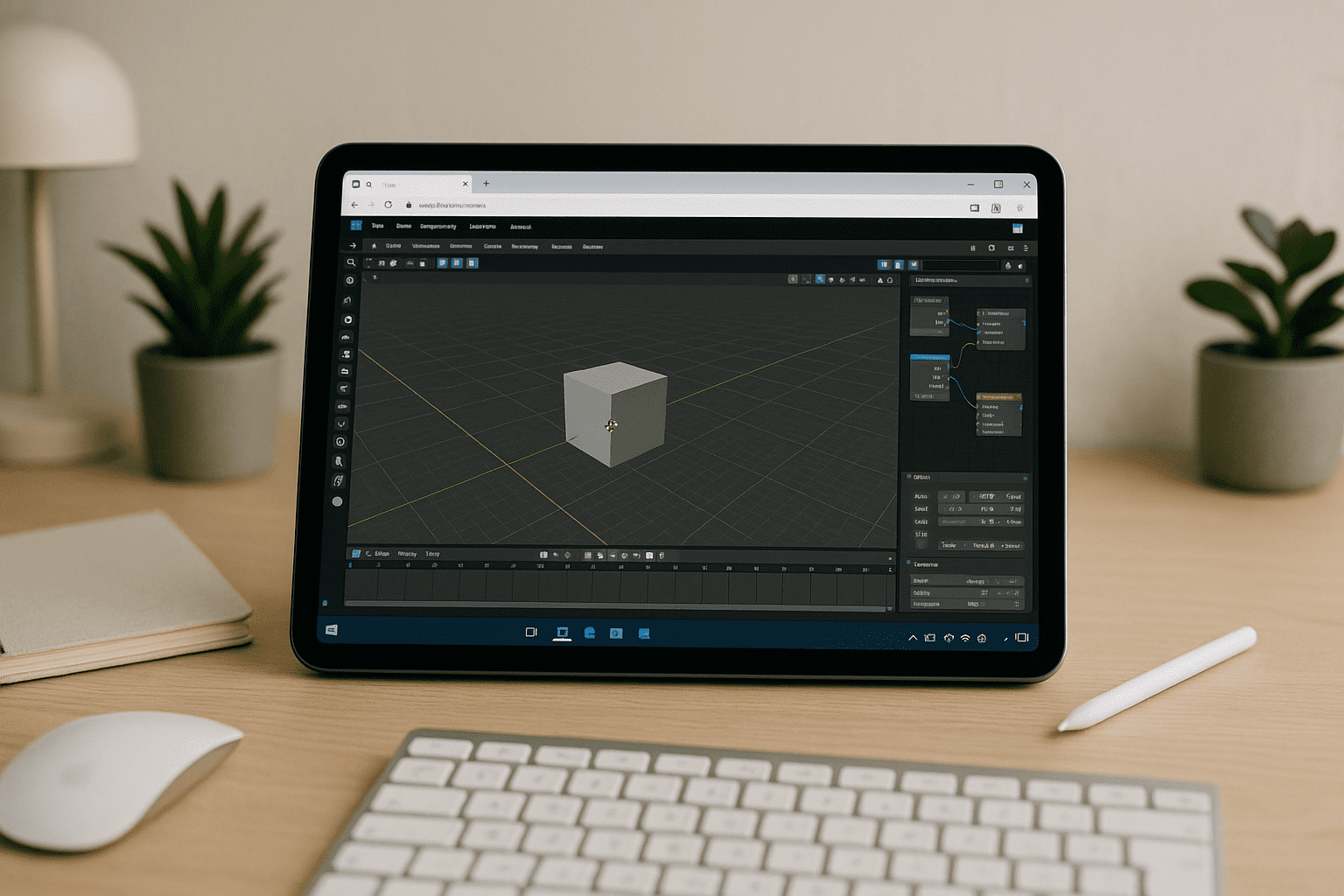
Blender for iPad: production work blocked by no native app
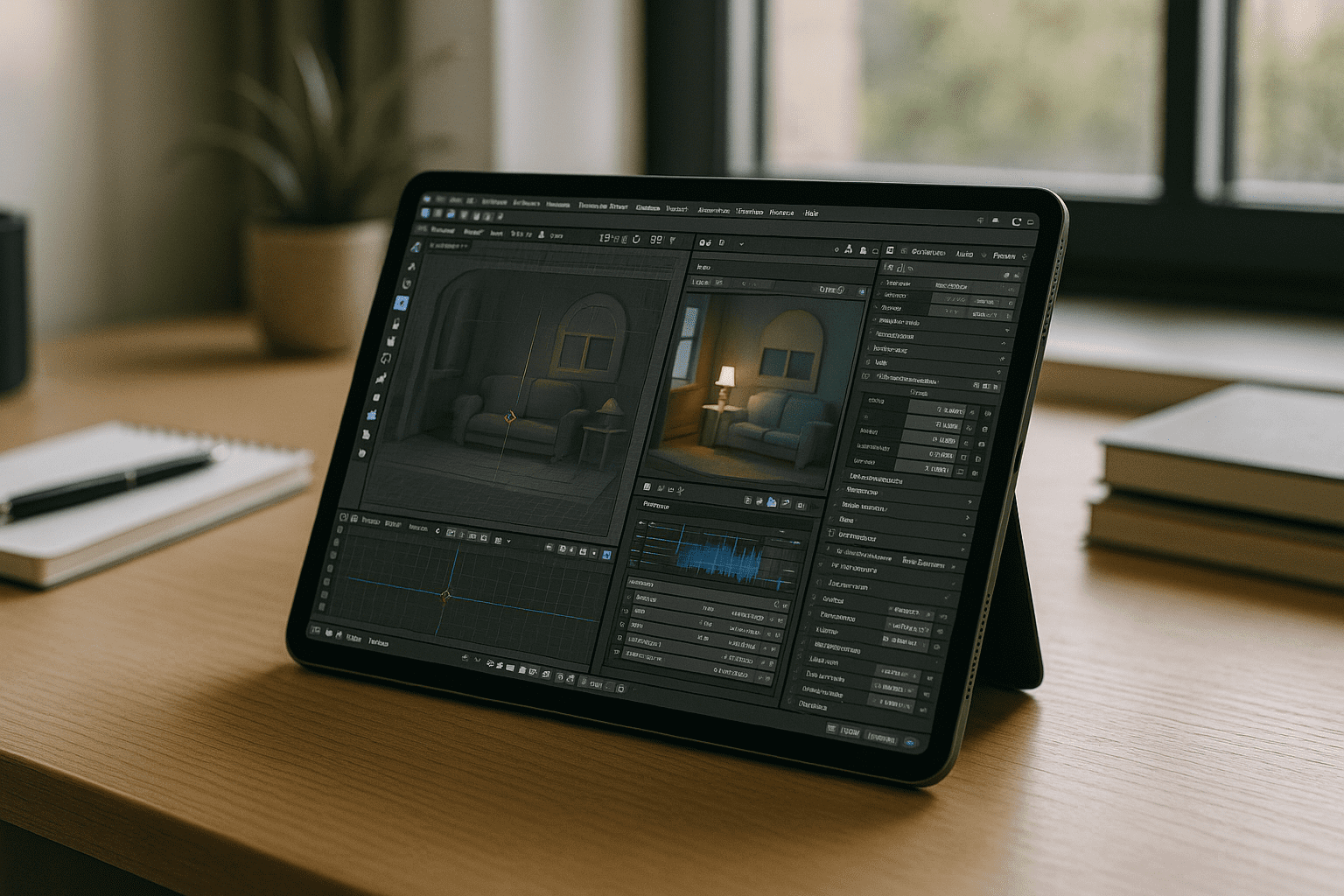
Teams need scene reviews, quick fixes, and add-on–driven tasks on the move, yet the App Store has no full desktop Blender. Artists juggling dailies, rig tweaks, or shader edits on iPad hit a wall: no installer, no add-ons, no familiar hotkeys, and limited file I/O. This stalls approvals, slows handoffs, and forces awkward detours.
If you’re searching for Blender for iPad, you likely need the exact desktop toolchain — complete UI, Python add-ons, custom keymaps, and reliable rendering — available right inside the tablet you already carry.
When using Blender on iPad, the challenge is not only launching the software. Professional workflows also depend on the exact Blender version, add-ons, custom keymaps, Geometry Nodes, Python tools, and render settings. A useful solution therefore needs to preserve the same desktop environment rather than forcing artists to convert projects between mobile and desktop tools.
App Store Alternatives vs. The Desktop Blender on iPad
When artists realize there is no native desktop Blender for iPad, the immediate reflex is to download mobile 3D apps like Nomad Sculpt or Shapr3D. While these tools are excellent for isolated digital sketching, they fail catastrophically when forced into a professional Blender pipeline:
-
Broken Asset Networks: Exporting heavy production scenes via OBJ or FBX between iPadOS apps and your main workstation destroys your geometry nodes, complex modifiers, and custom shading setups.
-
No Add-on Compatibility: Mobile alternatives cannot run critical Python-based Blender extensions, hard-surface rigging tools, or custom pipelines scripts your studio relies on.
-
Material and Render Mismatches: You lose the ability to preview shaders natively with Cycles or Eevee in real-time, forcing you to guess how lighting and textures will look until you return to a desktop PC.
-
File I/O Bottlenecks: Managing dense multi-gigabyte production files inside iPadOS’s restricted file system quickly leads to storage errors and application crashes during import/export cycles.
Best path to Blender for iPad: compare practical approaches
Below is a quick view of workable options and why a browser-based desktop environment is the most direct way to get the full Blender experience on iPad.
| Approach | Capabilities | Complexity |
| Browser-based environment | Full desktop Blender, add-ons, files; no local install | Low — sign in and start |
| Native iOS 3D apps (Nomad, Shapr3D) | Basic viewing, sketching, or edits; not the Blender toolset | Medium — high pipeline friction (constant file conversion) |
| Remote desktop to a home/office PC | Desktop Blender through your own machine | Medium — depends on network, setup, uptime |
| Screen-mirroring (Sidecar / Astropad) | Projects your desktop; introduces brush lag and visual artifacts | High — breaks hotkeys, requires physical proximity to host PC |
For users who need the desktop Blender workflow on an iPad, a browser-delivered Windows environment provides access to the full desktop interface, add-ons, and existing project files.
How to Get Blender on iPad Without Installing It Locally
The simplest way to use desktop Blender on iPad is to run it through a browser. You don’t need to install Blender locally — Aristeem provides access to a Windows desktop environment where you can launch Blender and continue working without installing the application on iPadOS.
- Open Aristeem in a supported browser on your iPad.
- Connect a keyboard and mouse for desktop-style control.
- Open Blender and work with your projects, settings, and add-ons without installing the software on iPadOS.
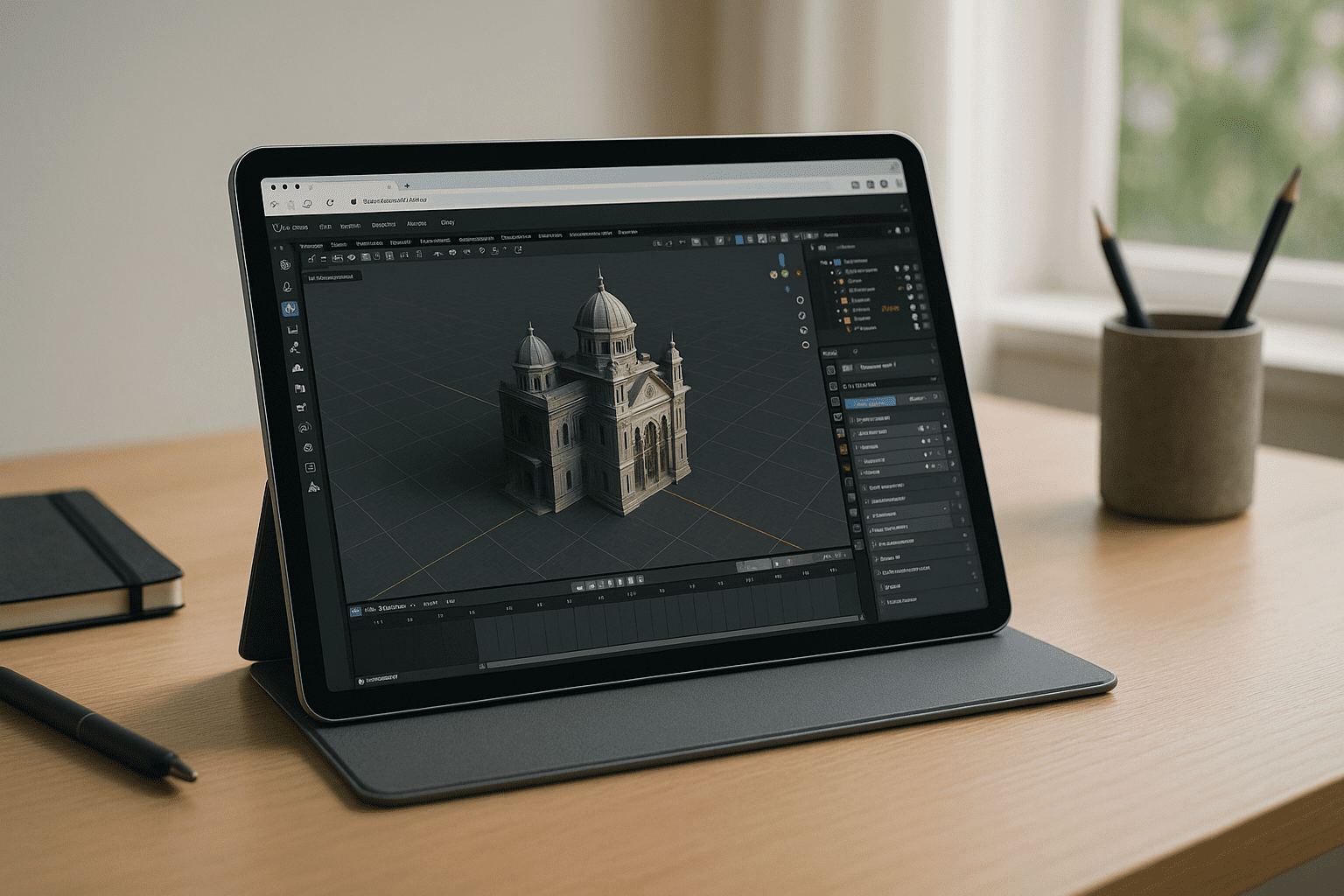
Run Blender for iPad in your browser with Aristeem
Aristeem delivers the full desktop workflow inside your browser, so you open your iPad, sign in, and start working with pre-installed Blender — no system setup, no drivers, no manual configs. Press the Launch button in the application library and the full environment opens with GPU acceleration, persistent storage, and support for your add-ons; a license is needed only if the software requires it. If you want to understand how a centralized cloud infrastructure preserves your custom add-ons and configurations across different platforms, see our comprehensive guide on running Blender online with full desktop power to see how this browser-first architecture eliminates hardware boundaries entirely.
Blender for iPad — the practical, production-ready route
Running desktop Blender through a browser gives iPad users access to the desktop application environment without installing Blender locally on iPadOS. This keeps the workflow centered on the desktop version of Blender while using the iPad as the device for access.


