


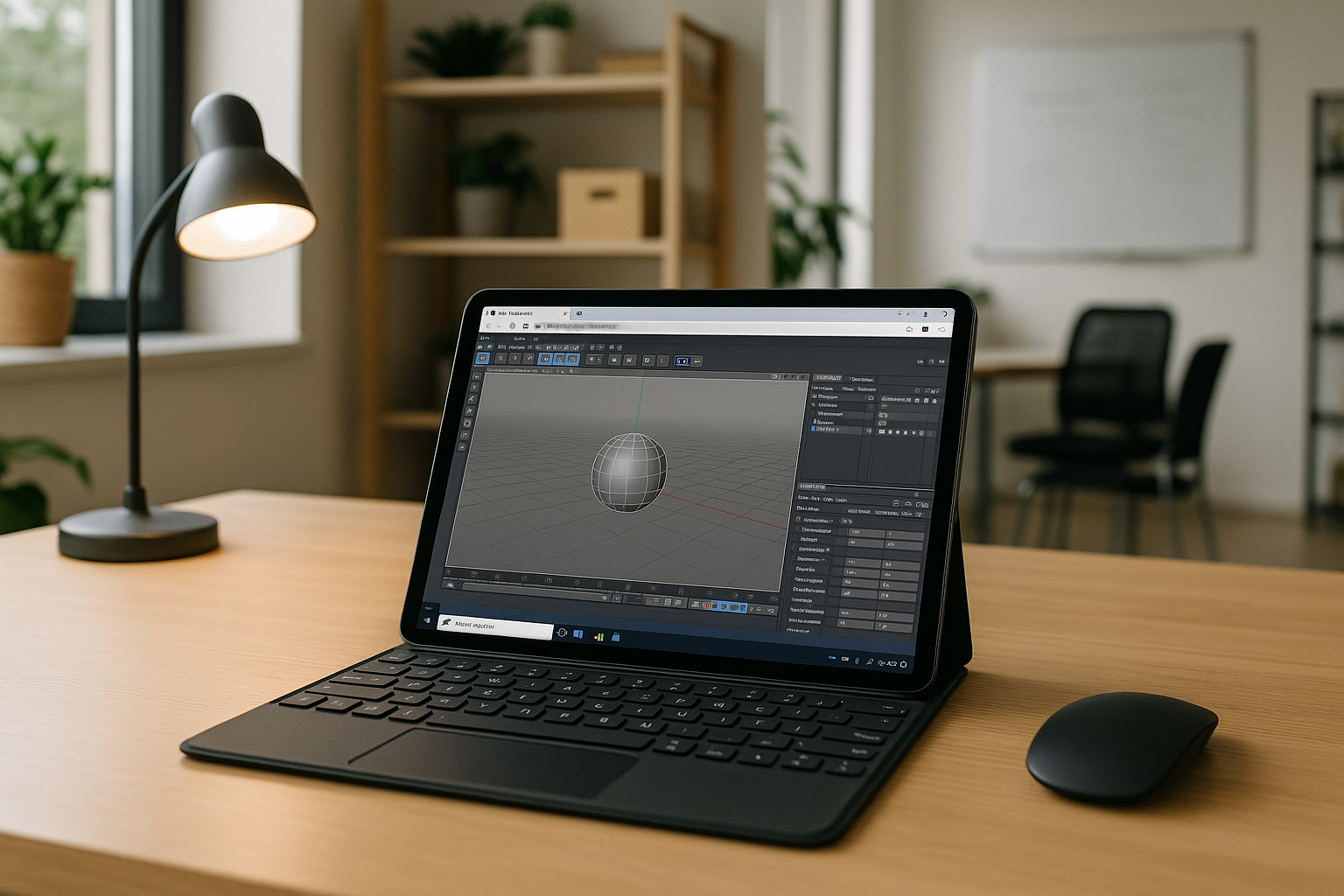
iPad C4D: A Practical Workflow for Cinema 4D Projects
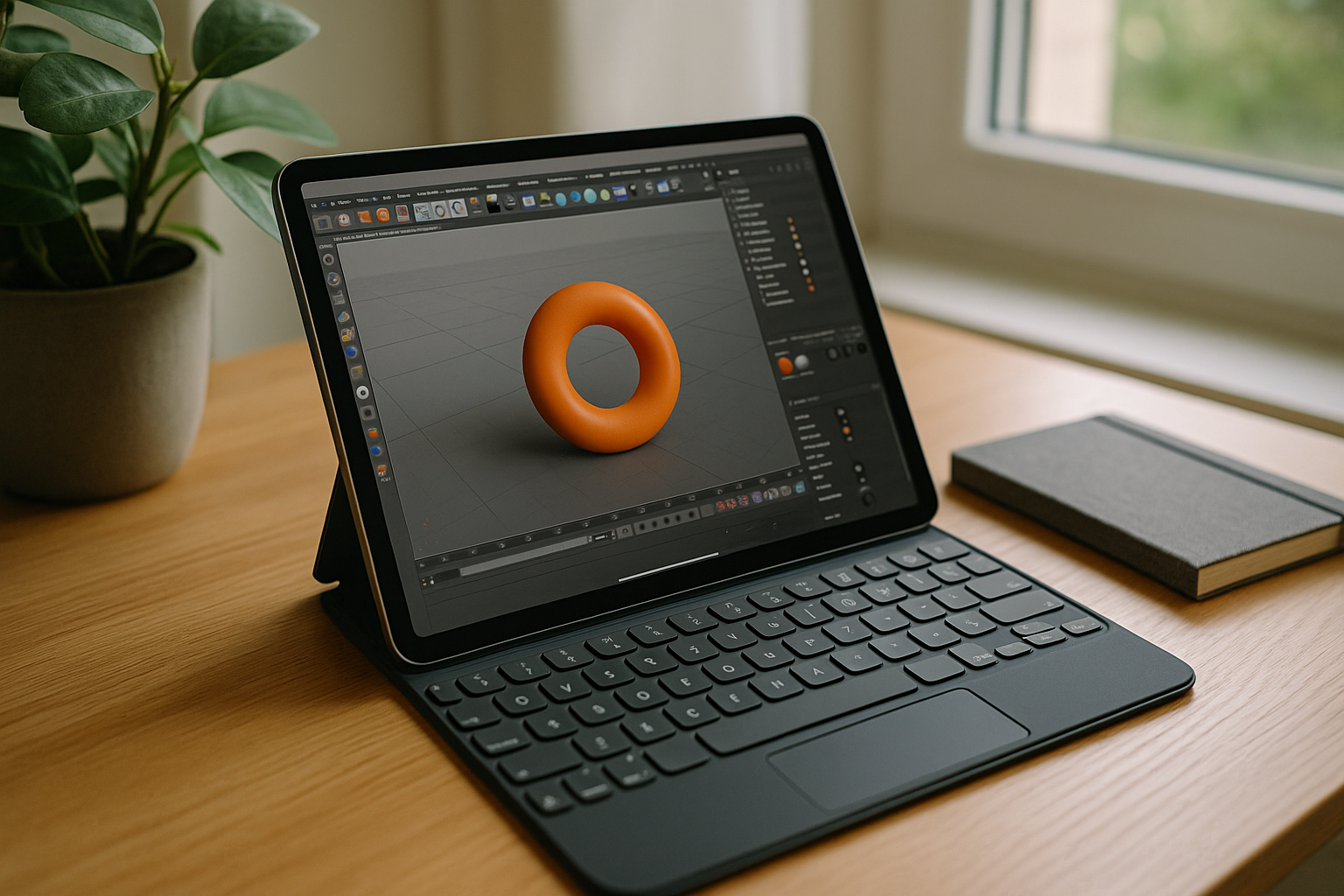
You’re traveling with an iPad, a keyboard, and a deadline. A client sends last-minute notes on a .c4d scene that depends on custom Xpresso rigs, Redshift materials, and folder-based assets. Cinema 4D is not available as a native iPad app, so the challenge is keeping the same desktop toolchain available when you are away from your workstation. Attempts to hand off to lightweight viewers break the pipeline, and remote into a powered-on workstation is unreliable on hotel Wi‑Fi. You need access to your familiar desktop setup, installed plugins, and renderers — without carrying a tower. For many artists, iPad C4D is not about a new app; it’s about accessing the full, familiar environment anywhere.
What an iPad C4D Workflow Needs
For motion designers and 3D generalists, Cinema 4D is the project hub. Scene hierarchies, Fields and Mograph setups, Xpresso drivers, Takes, and renderer-specific shaders are all tuned inside one ecosystem. Shortcuts, custom scripts, and plug‑ins shape daily speed. When a client asks for a tweak, you need those exact stacks, deformers, caches, and AOVs ready to go in the same interface.
Switching to an alternative seems tempting, but it breaks continuity. Materials convert imperfectly, rigs need rebuilding, and complex node graphs rarely match one-to-one. Switching tools can require time to learn different workflows and recreate effects chains instead of continuing with the existing Cinema 4D setup. In the middle of a delivery sprint, that detour is risky. Keeping access to the original software is more practical than rebuilding everything around a substitute.
Cinema 4D iOS Workflows and Hardware Independence
Studios are standardizing on browser-first workspaces for heavy applications, separating creative output from local device limits. Teams want the same environment on any screen, whether that screen is a desktop, a laptop, or an iPad. Centralized desktops make plugin parity, asset paths, and color pipelines consistent, while letting each user sign in from wherever production happens. As 2027 approaches, flexible access and predictable environments matter more than raw device specs. Teams that work across multiple locations increasingly expect their tools to follow them, not the other way around. The goal is clear: full-featured workflows with total hardware independence.
Best Way to Use C4D on iPad in the Browser
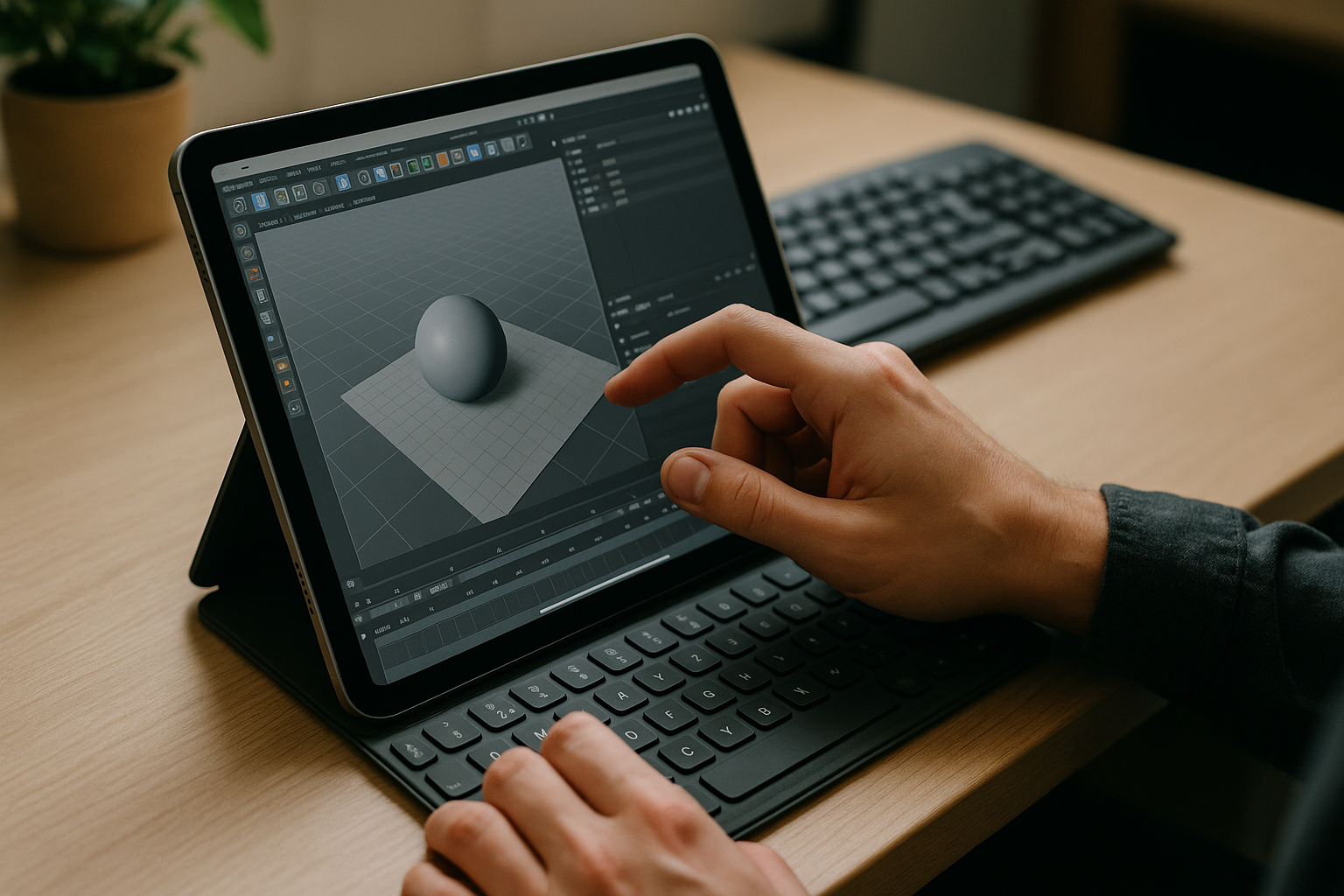
Viewer-only iOS apps let you glance at assets, but they don’t give you your plugins, Takes, or renderer settings. Screen-sharing into a studio machine can work, but it depends on that machine being available and reachable when you need it. Deferring changes until you are back at a desk keeps projects moving slowly and leaves clients waiting. Users who move between different projects and locations need the same Windows desktop each time they sign in, with licenses, hotkeys, and extensions intact. The practical answer is a browser-accessible Windows workspace where you can use your Cinema 4D setup, so iPad C4D feels like your real desk, not a compromise.
Using Aristeem for an iPad C4D Workflow
For more than two years, Aristeem has focused on giving professionals access to demanding software via the browser. We’ve learned from real workflows and refined the service: a full Windows desktop you control, without replacing the OS on your device. You install the version you need, add plugins, drivers, and your licenses. We continue testing new options to expand flexibility. Applied to Cinema 4D, this means access to your Cinema 4D setup, installed plugins, and rendering workflow from iPad.
Cinema 4D on iPad Without Compromise
The value is simple: keep your Windows setup, your Cinema 4D version, and your plugins, and reach it from iPad through a browser. No new app to learn, no broken materials, no waiting for a desk — just your real environment wherever you work. If you want a concise overview of how to use Cinema 4D from an iPad, explore the workflow and see how it fits your pipeline. The fastest path is the one that preserves your tools.


