


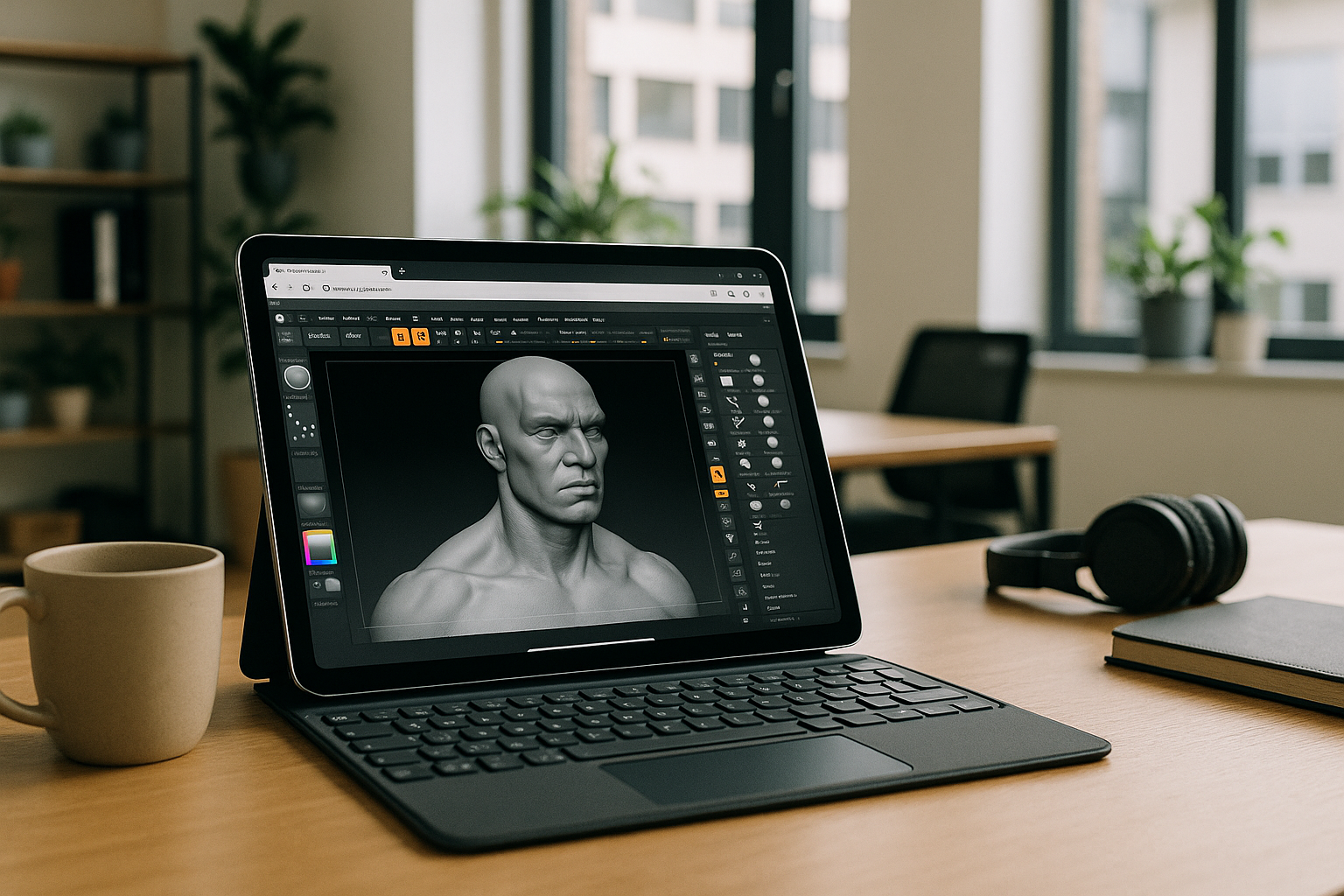
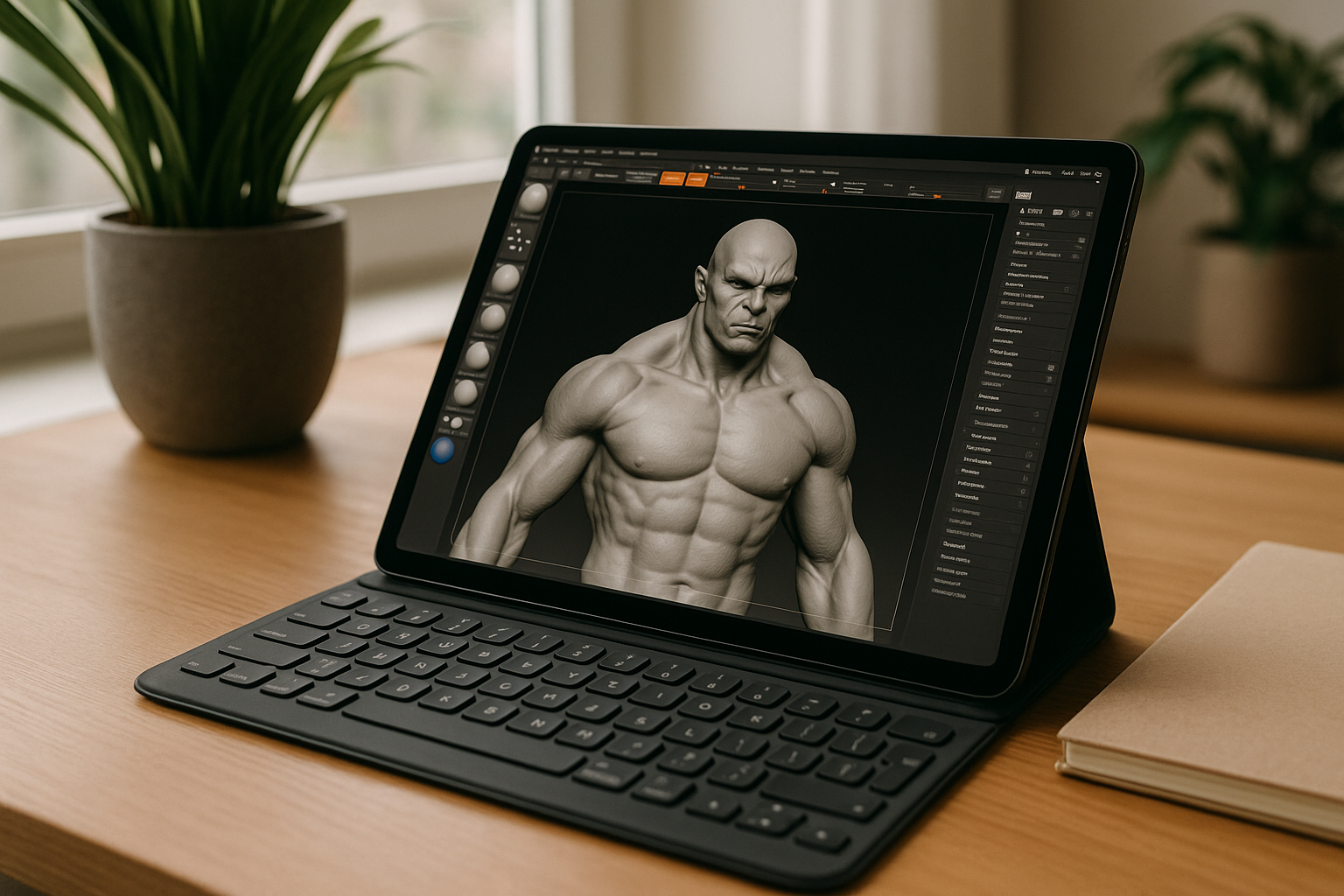
There is no native ZBrush app on iPad, yet many artists want to sculpt with Apple Pencil and keep the same desktop brushes, plugins, hotkeys, and project folders. When deadlines hit, switching tools or losing your custom IMM packs, materials, or scripts is not an option. If your pipeline depends on precise versions, you need a way to run the full desktop app on iOS without hacks — ideally a solution that preserves your license, pressure input, and file paths. That is the exact challenge behind ZBrush iPad: use the real Windows version and keep everything you rely on, right from your tablet.
Run ZBrush on iPad vs Buying a Windows PC
Many artists consider buying a separate Windows PC just to run ZBrush, but that quickly turns into a maintenance burden. You add cost, desk space, OS updates, backups, antivirus, driver conflicts, and duplicated assets—plus you still can’t use Apple Pencil directly on the new machine. Version-locking your studio PC while traveling with an iPad creates constant file shuffling, plugin mismatch, and color/profile inconsistencies. For professionals who move between home, office, and set, buying new hardware solves compatibility on paper but fractures daily work. A better path is keeping your entire desktop workflow reachable from iPad, so ZBrush iPad isn’t a compromise but the same environment you trust.
ZBrush iOS: The Browser-Based Windows Answer
Instead of owning a second machine, the practical route is a full Windows desktop you open in the iPad browser. You control the environment, install the exact ZBrush version you prefer, load your brushes and plugins, and keep paths and hotkeys intact — then access it anywhere you have your tablet. Compared to buying and maintaining hardware, this approach is simpler to manage, faster to set up, and easier to standardize across a team. It keeps pen and touch input in play, so your Apple Pencil remains central to your sculpting. Most importantly, it delivers the real app and files you already use, making the iPad a direct extension of your studio setup.
Aristeem for ZBrush on iPad: Full Desktop Control
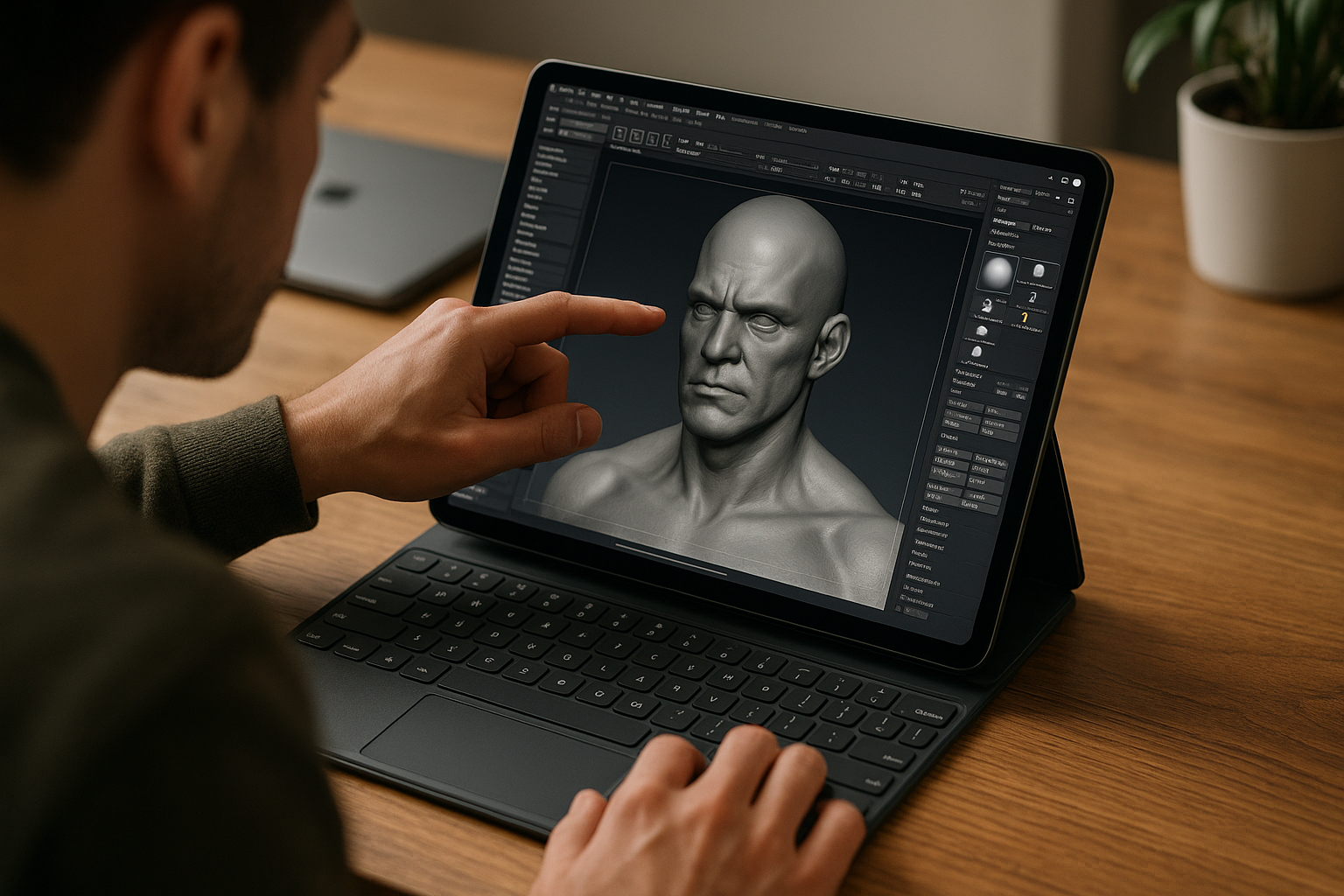
Aristeem provides a full-featured Windows-based virtual PC that runs in your iPad browser, so you install any ZBrush version you need, add your plugins and extensions, and bring in drivers or utilities for your workflow. You use your own license if the software requires one, and you keep working with familiar folders and tools — no re-learning, no watered-down features. Touch and pen input are supported, so Apple Pencil fits naturally into your sculpting. Aristeem is not an emulator and not a remote desktop; it’s your controllable Windows environment available on demand. For more details, see ZBrush for iPad in a browser. With this, ZBrush iPad means the full Windows app, your plugins, and your versions — accessible from iOS.
ZBrush on iPad: Keep Plugins, Versions, and Pencil
Run the real desktop ZBrush from iPad, keep your brushes and plugins intact, and stay version-locked across devices without buying another computer. Work at home, on set, or in transit with Apple Pencil while your Windows environment remains consistent and under your control. If you want a dependable way to continue your exact workflow from iOS, learn more about ZBrush on a tablet and make this setup a seamless part of your day-to-day production.


