


Blog
Blog
The Cinema 4D OSX Render Wall: Why a New Mac Won’t Fix It
On Mac, Cinema 4D often hits version lock, GPU limits, and plugin mismatches that block installs or slow production. Here’s a practical way to keep working at full speed without local upgrades or re-installs.
Read More
Blender Online: Full Desktop Power in Your Browser
Blocked installs and underpowered hardware make 3D work unpredictable. Discover how to open Blender in your browser with full performance and zero setup.
Read More
Autodesk Maya for Linux: Full Power in Your Browser
Linux creators often hit dead ends trying to run Autodesk Maya due to distro support gaps, dependency conflicts, and GPU driver issues. Discover a faster path that avoids installs, dual-boot, and VMs without sacrificing performance or compatibility.
Read More
Run Adobe Illustrator on Linux with a Cloud PC
There’s no native Linux version of Adobe Illustrator, and workarounds like Wine, Proton, VMs, or dual-boot break professional workflows and GPU acceleration. Here’s a production-ready way to keep your Linux setup and run Illustrator reliably.
Read More
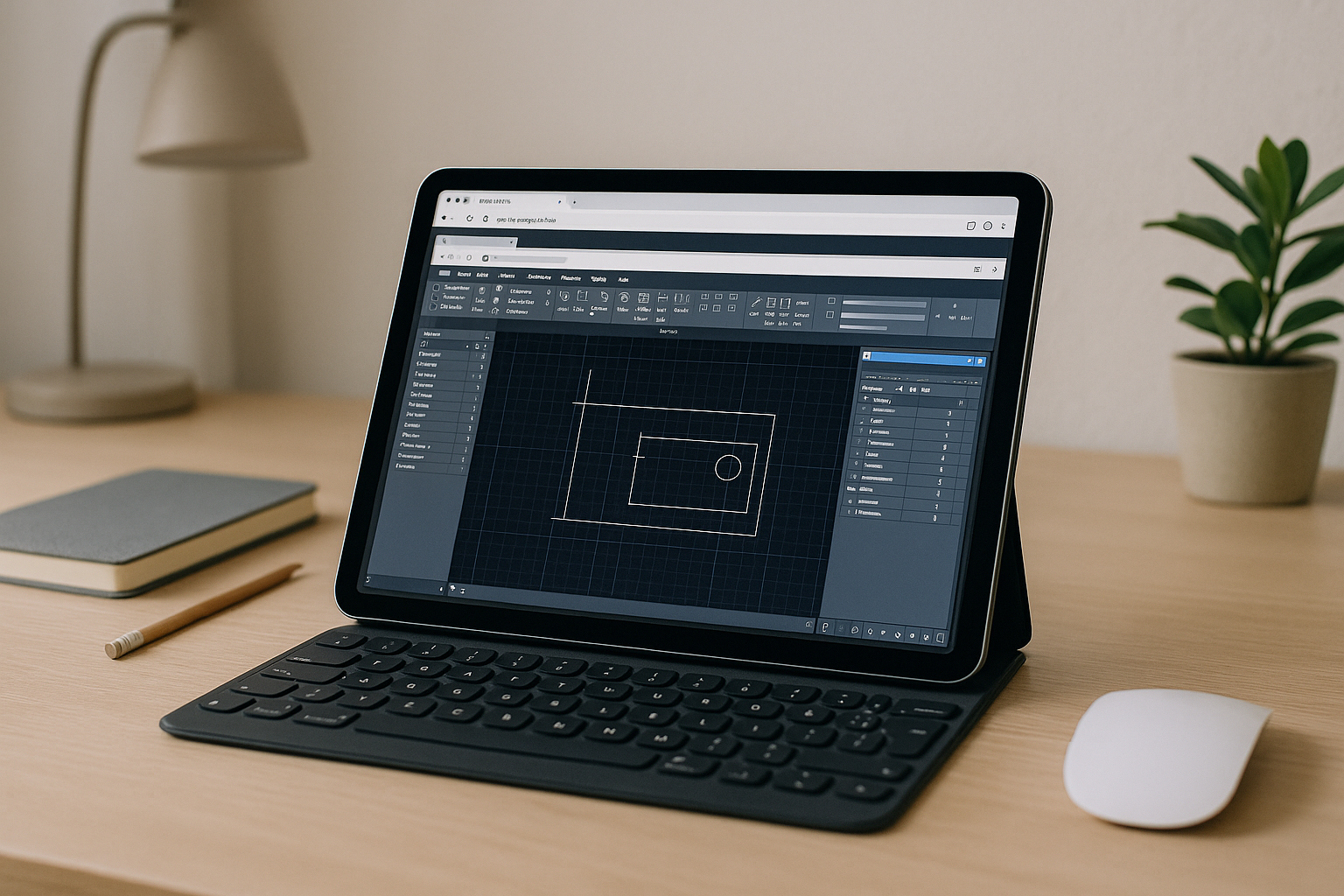
Cloud Based AutoCAD for Traveling Engineers & Contractors
You need full AutoCAD, but your local machine can’t meet GPU, storage, or IT policy requirements. See how to keep licensing compliant and run desktop AutoCAD in the browser with consistent performance.
Read More
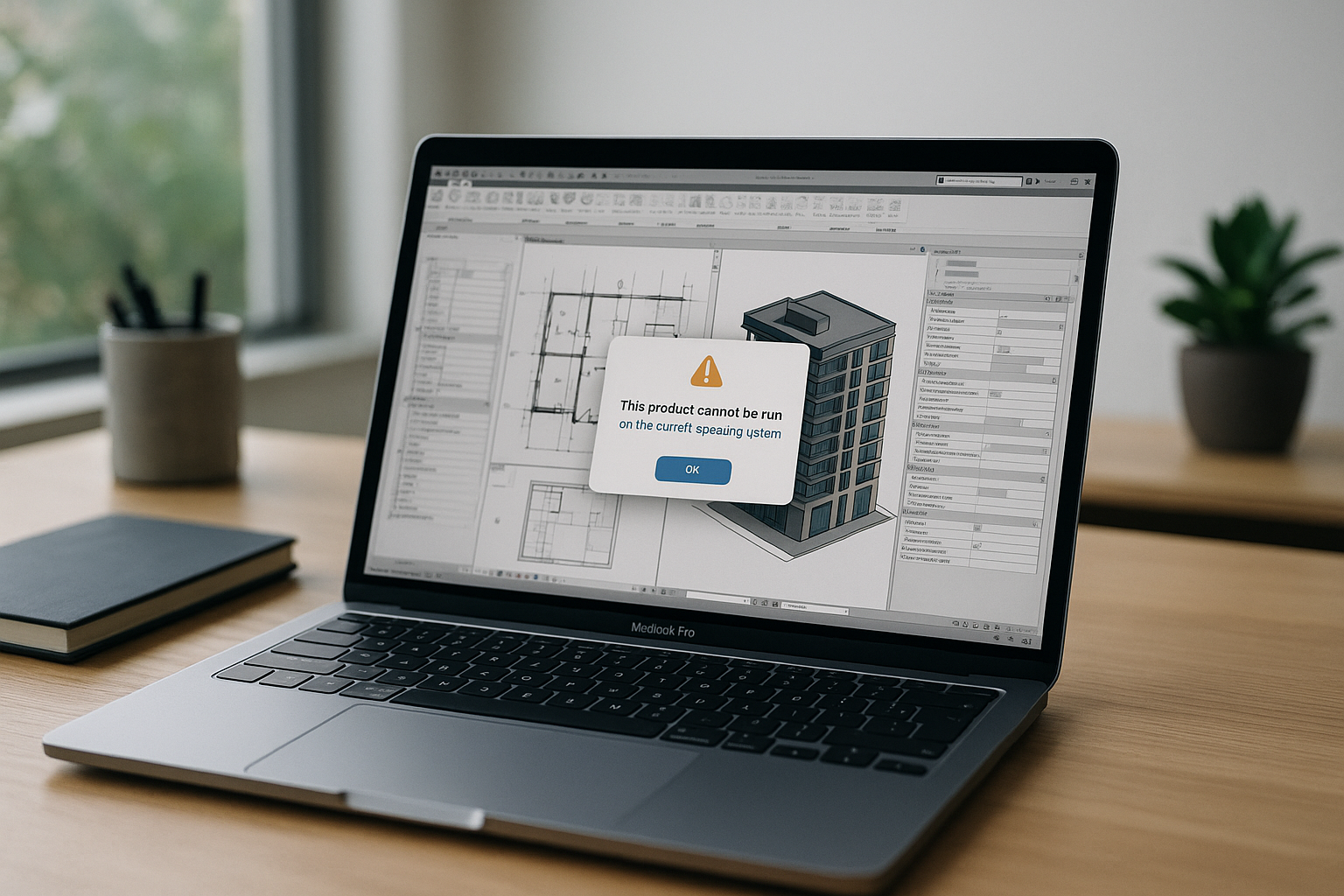
Revit on Mac: Why Heavy BIM Models Lag
Revit has no native macOS version, and Apple Silicon breaks traditional Boot Camp while many local VMs struggle with GPU acceleration and DirectX. See how to run full-performance Revit on Mac without complex setup or compromised graphics.
Read More
Full-Power Autodesk Maya on Mac — Straight in Your Browser
Long installs, broken plugins, and missing GPU features make heavy 3D work on Mac unreliable for Maya users. Here’s a stable way to get full performance and compatibility without touching your system.
Read More
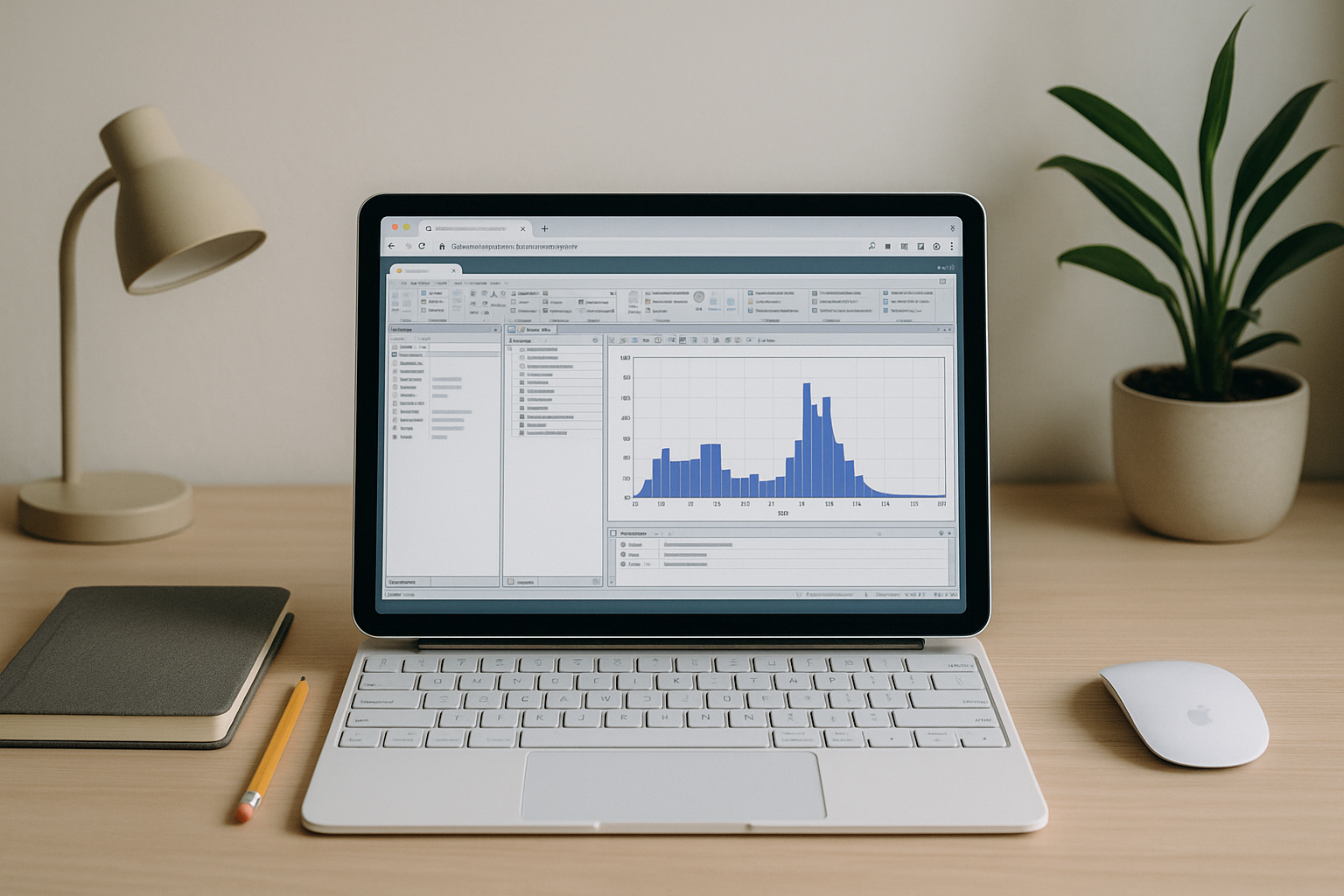
Run Ansys on Linux Without Dual‑Boot or Local Virtual Machines
Linux teams need Ansys modules that ship with Windows-only interfaces, but dual-boot, VMs, and Wine derail performance, graphics, and licensing. See how to run Ansys reliably from Linux with full features and predictable speed.
Read More
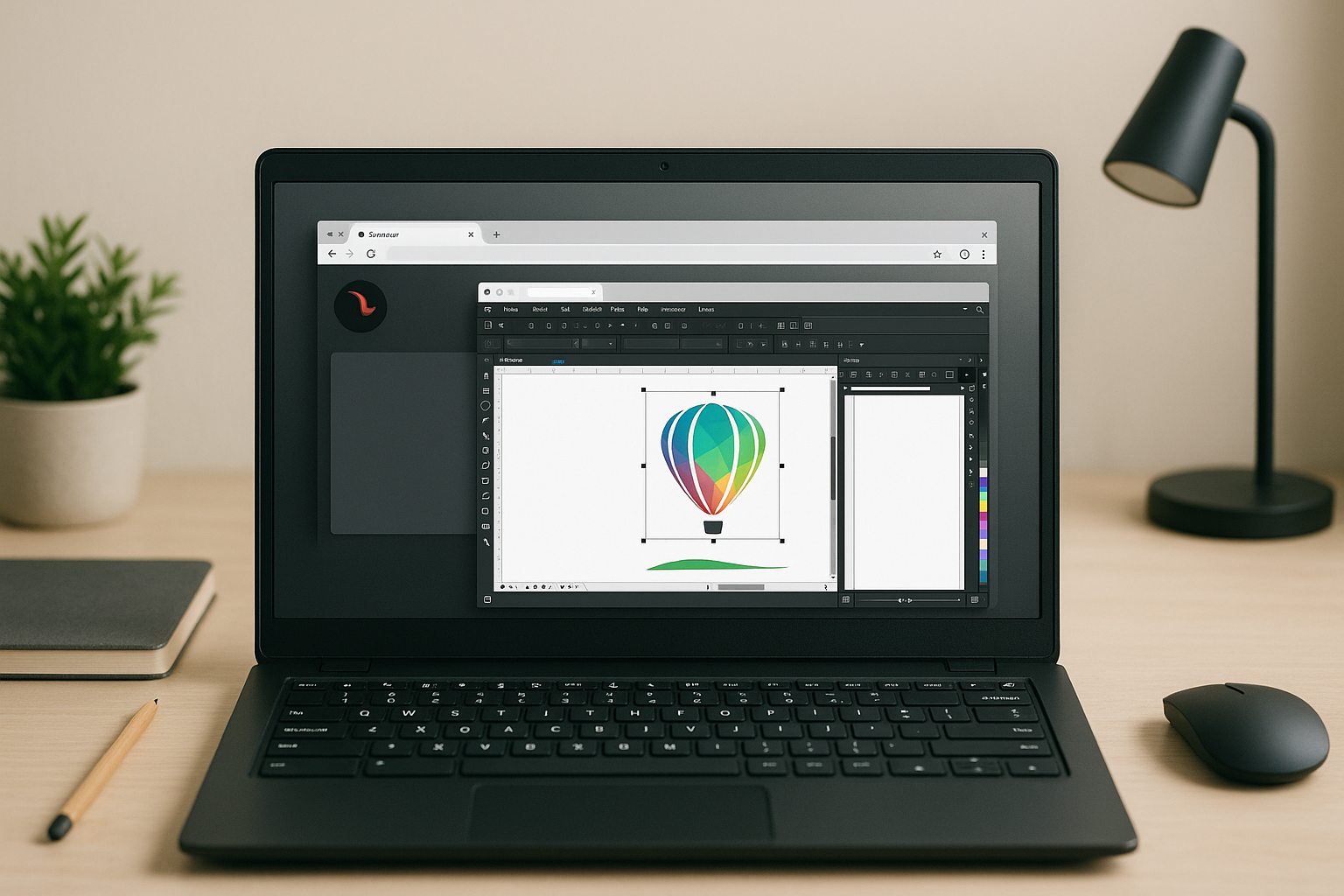
Stop Looking for a CorelDRAW Linux Alternative
CorelDRAW Graphics Suite has no native Linux version, and Wine or local VMs often break GPU acceleration, fonts, printing, and color management. Learn how to open it reliably with full performance and predictable workflows on any distro.
Read More
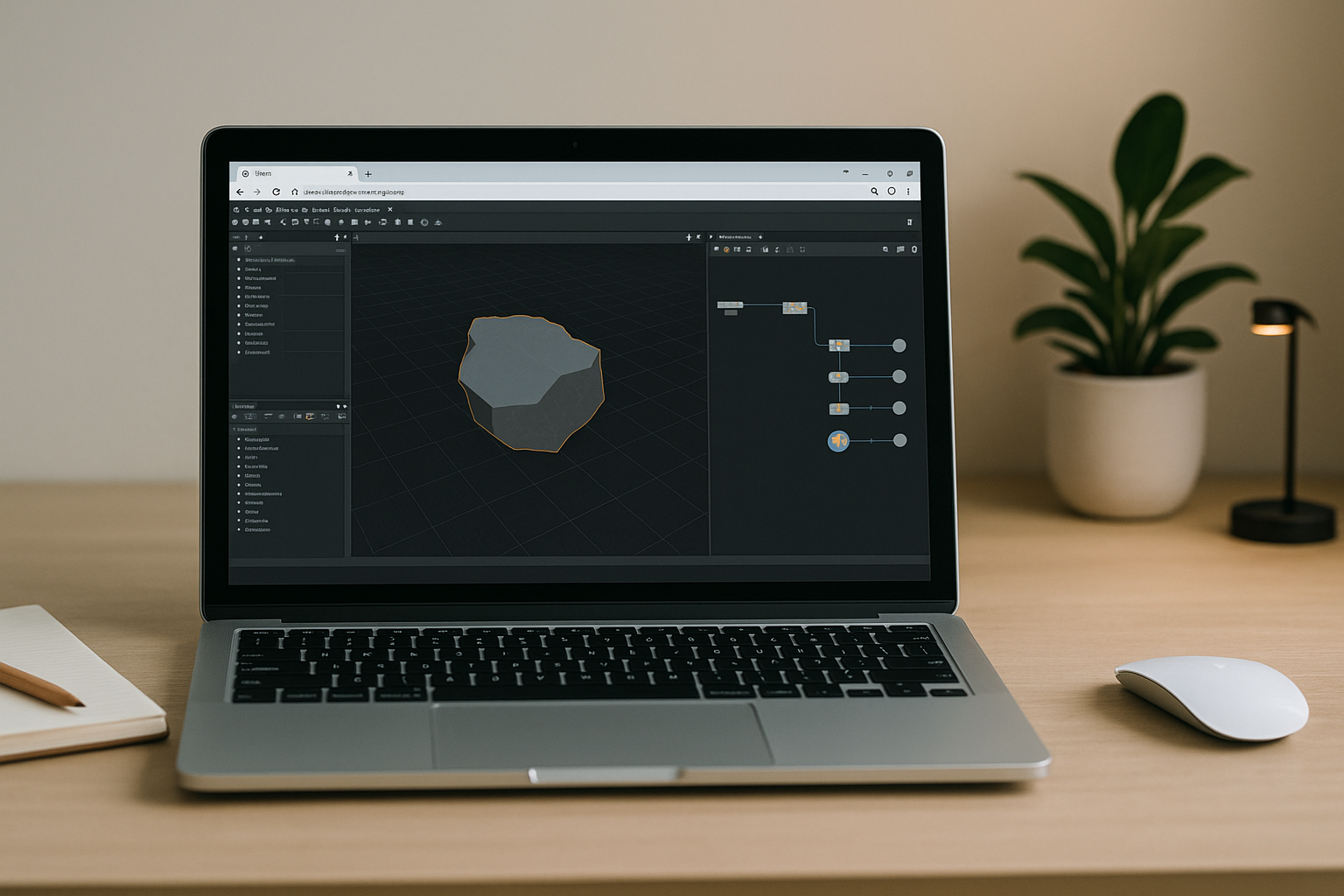
Houdini 3D Software Without the Hardware Bottleneck
You want to run Houdini Apprentice, but installs, OS limits, and missing GPUs slow you down or stop you entirely. Learn a faster way to use Houdini from virtually any device with reliable performance.
Read More
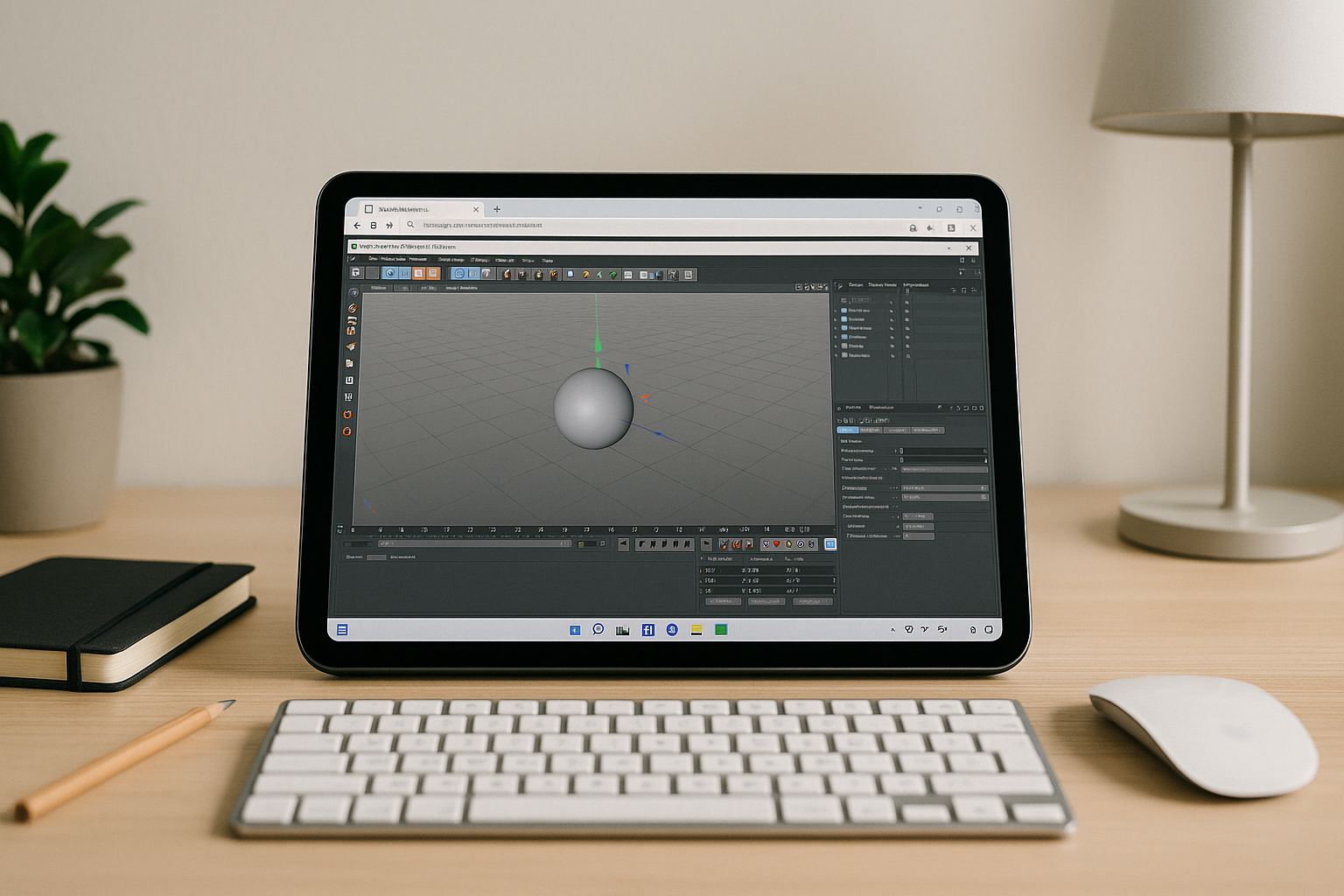
Cinema 4D on iPad: Desktop Power from a Cloud PC
iOS can’t run the full desktop version of Cinema 4D, so artists on iPad lose critical features and GPU rendering. This guide shows a reliable way to open the real app in the browser with stable performance and plugin support.
Read More
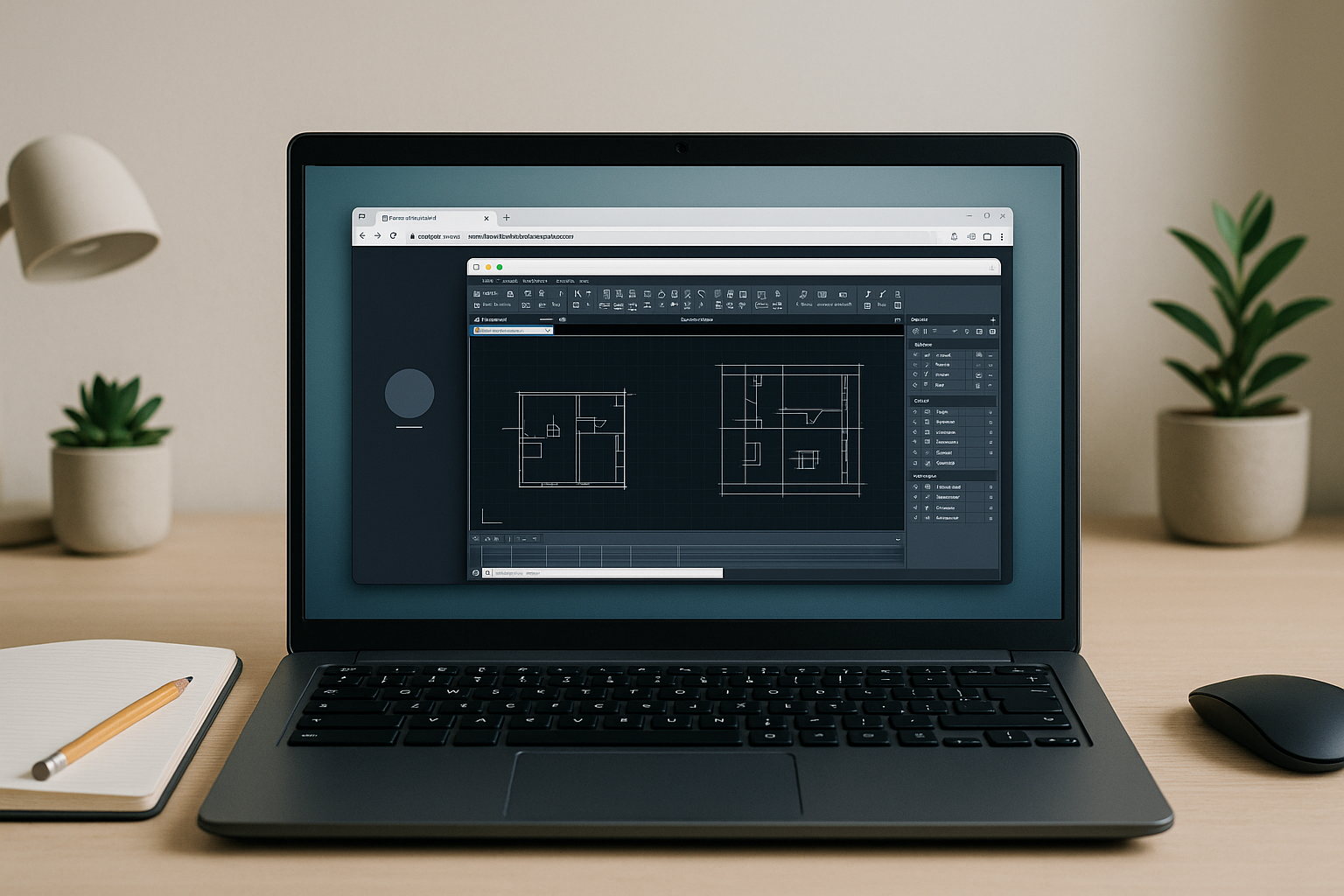
AutoCAD Alternative for Linux with a Cloud PC
AutoCAD doesn’t install natively on Linux, and Wine/Proton or local VMs often break DWG features and GPU acceleration. Here’s a way to keep full performance and DWG fidelity without changing your OS or workflow.
Read More


