


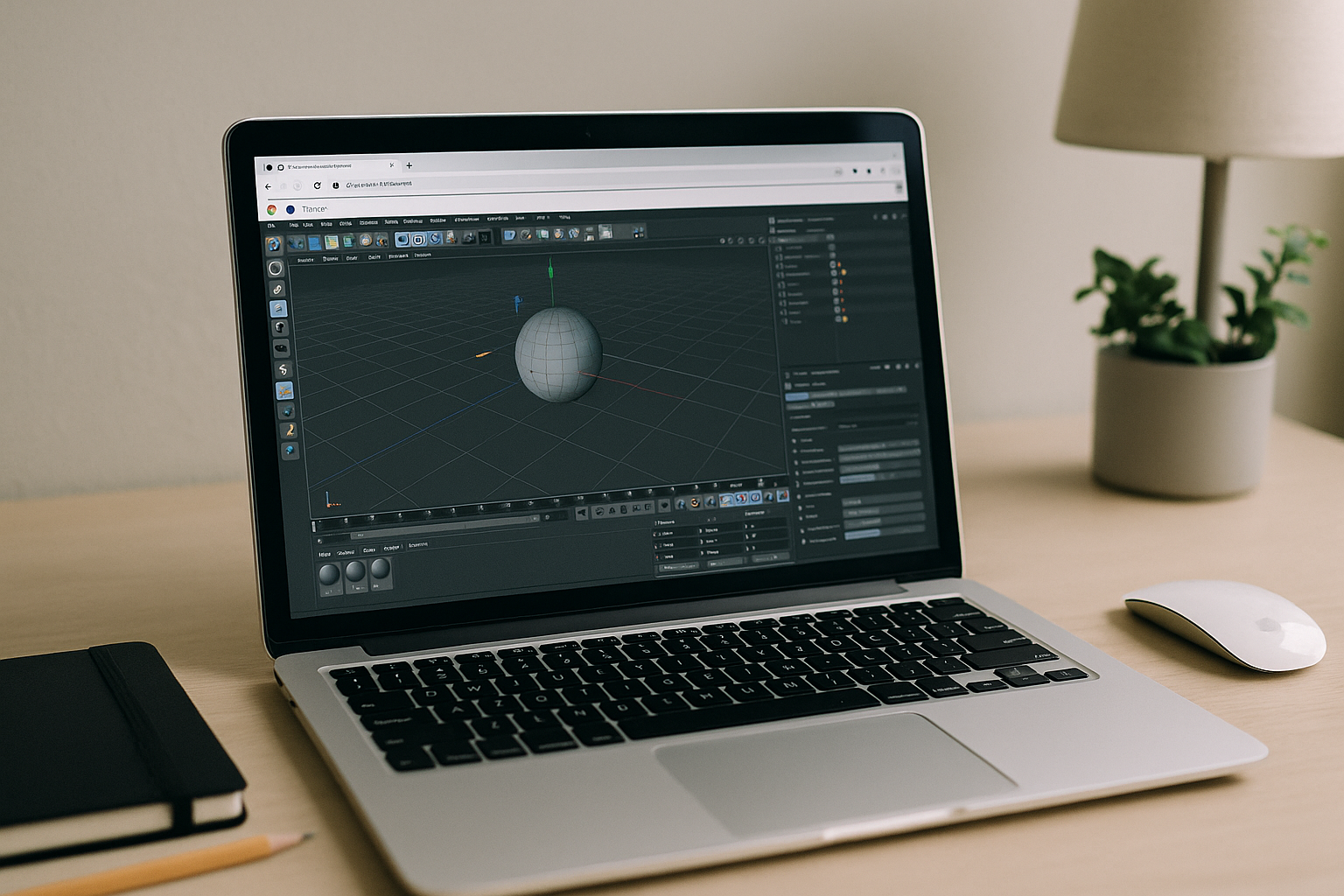
The Cinema 4D OSX compatibility wall on Mac
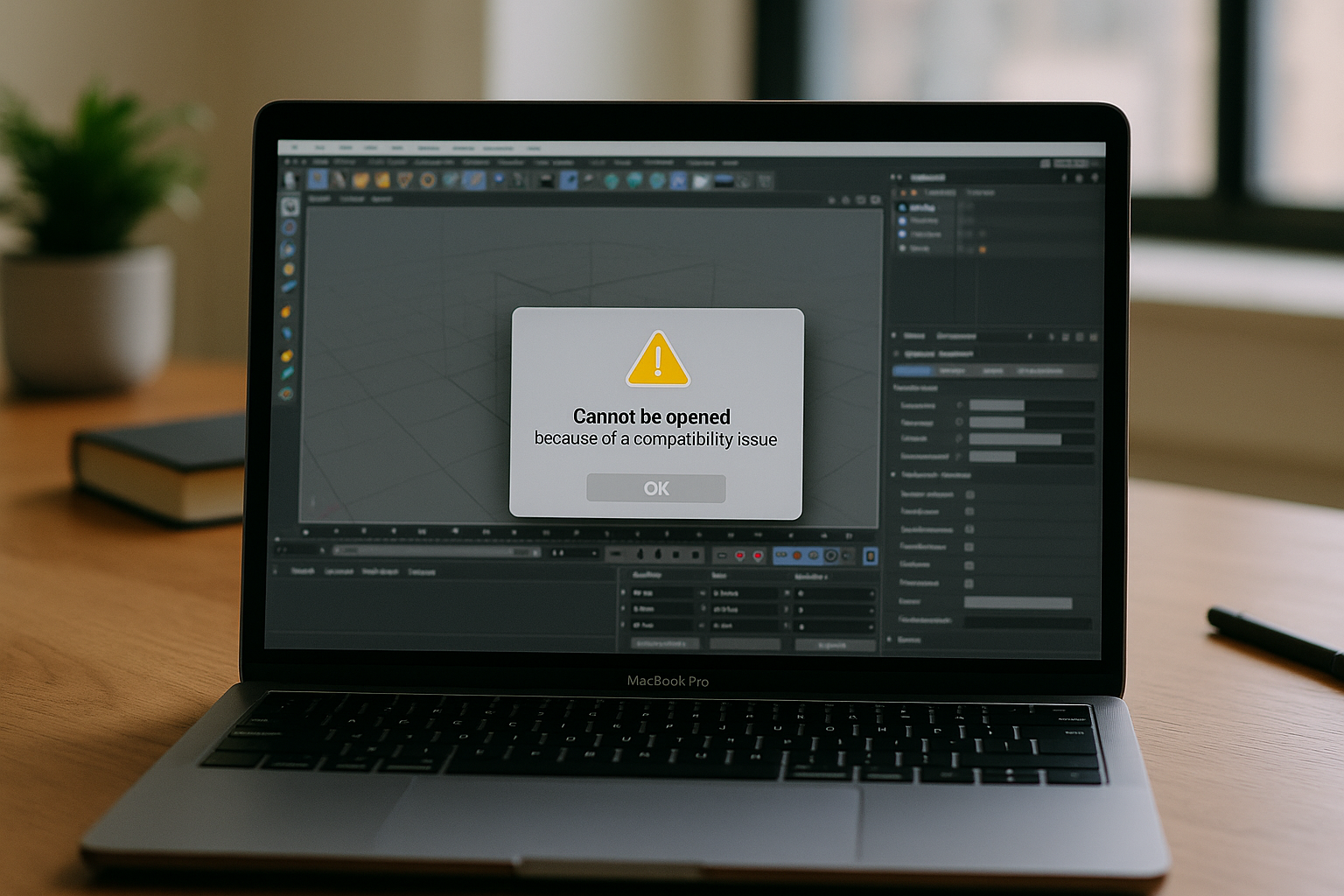
If you work on Mac, pushing into advanced rendering or matching team pipeline standards makes Cinema 4D OSX a complex juggling act. Projects frequently stall due to Metal vs. OpenGL conflicts, M‑series architectural shifts, and version-locked Python plugins that cause sudden render crashes or silent failures. This friction forces teams into a destructive loop: upgrading to open shared studio files risks breaking legacy extensions, while staying put cuts you off from current shots. Ultimately, you waste hours shuffling backup installers and maintaining parallel plugin folders just to keep scenes stable, all while heavy local rendering throttles your laptop and leaves the entire OS sluggish.
It’s not just performance; it’s predictability. What you need is consistency and headroom without starting a weeks-long upgrade path or re-authoring your environment from scratch.
Buying a new Mac to fix Cinema 4D OSX limits
Upgrading hardware is the most obvious response because more CPU/GPU sounds like a cure-all for Cinema 4D OSX compatibility. However, for professional rendering pipelines that rely on Chaos V-Ray or Corona, a new Apple Silicon machine hits a hard architectural wall. These industry-standard engines are natively optimized for NVIDIA CUDA, meaning that even a top-tier Mac setup lacks the dedicated hardware ray-tracing and AI-denoising capabilities found on Windows workstations.
First, a premium Mac is a massive upfront expense that doesn’t eliminate this fundamental graphics friction: CUDA-centric features will remain unavailable or severely throttled under macOS graphics frameworks. Second, architectural shifts mean that hardware speed alone cannot restore missing GPU features in legacy plugins or reinstate older extensions. Finally, you still face massive downtime — migrating assets, reinstalling libraries, and realizing that your new laptop still can’t match the studio’s dedicated render baselines.
A stable way to run Cinema 4D OSX without reinstalls
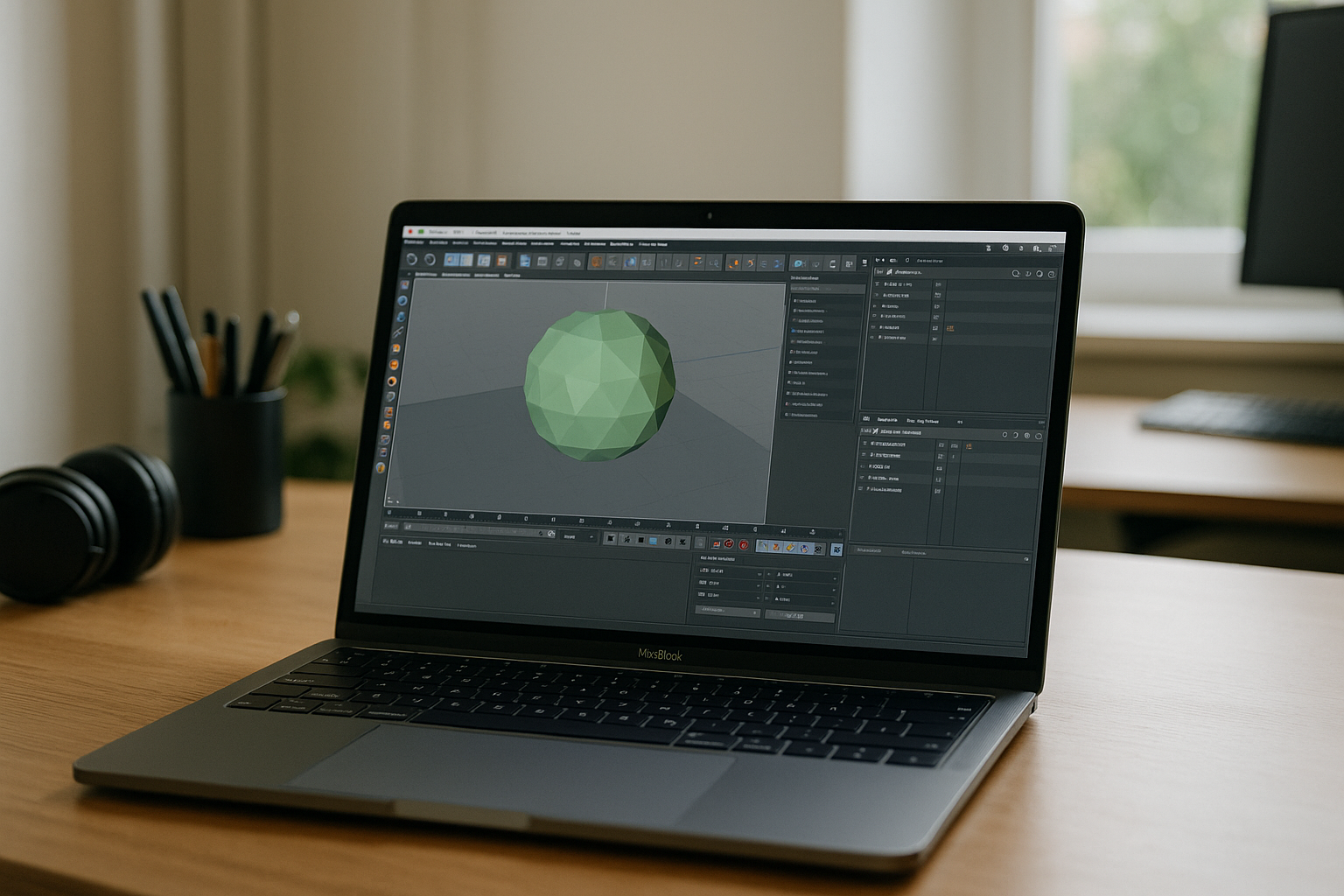
Instead of chasing hardware upgrades that lack CUDA, you can run the full desktop app in a browser backed by dedicated NVIDIA RTX hardware. Keeping your current Mac, you simply access a maintained workspace where native NVIDIA drivers and CUDA frameworks stay put. This unlocks high-end GPU rendering in V-Ray or Corona, powers heavy interactive previews, and keeps your production pipelines operational—all without touching your local Cinema 4D OSX setup.
This approach aligns with professional pipelines, allowing you to map storage, move assets, and render on demand utilizing massive GPU throughput while avoiding OS-level drift. It is ideal for studio collaboration, letting you match any required hardware stack without jeopardizing your primary machine. The result is zero device lock-in, minimal downtime, and the flexibility to scale up when rendering peaks — then scale back when projects taper.
Run Cinema 4D OSX instantly in your browser with Aristeem
Aristeem provides a full working environment in the browser — no setup, no local installation, and consistent performance across sessions. It is not an emulator and not a remote desktop; you launch pre-installed, pre‑configured desktop software from a library by clicking Launch, and only provide a license if the program requires one. For Cinema 4D OSX, this means you can open complex scenes, keep plugin stacks aligned, and render without throttling your Mac.
Because the environment is persistent, your tools, caches, and paths remain stable between sessions, so you avoid the whiplash of version drift or driver surprises. You can install the extensions you need, work with large assets, and maintain predictable performance on any Mac without buying new hardware or risking your primary setup. For details about working in a browser-based 3D workspace, explore this overview of Cinema 4D plugins on Aristeem.
Cinema 4D OSX without hardware upgrades or re-installs
If compatibility tangles, plugin mismatches, and GPU limits are slowing delivery, keep your Mac and shift the workload to a consistent browser environment instead. You get instant access, predictable updates, and the freedom to match client toolchains without reconfiguring your local machine. Explore Cinema 4D online on Aristeem to launch a dedicated GPU workspace instantly.


