


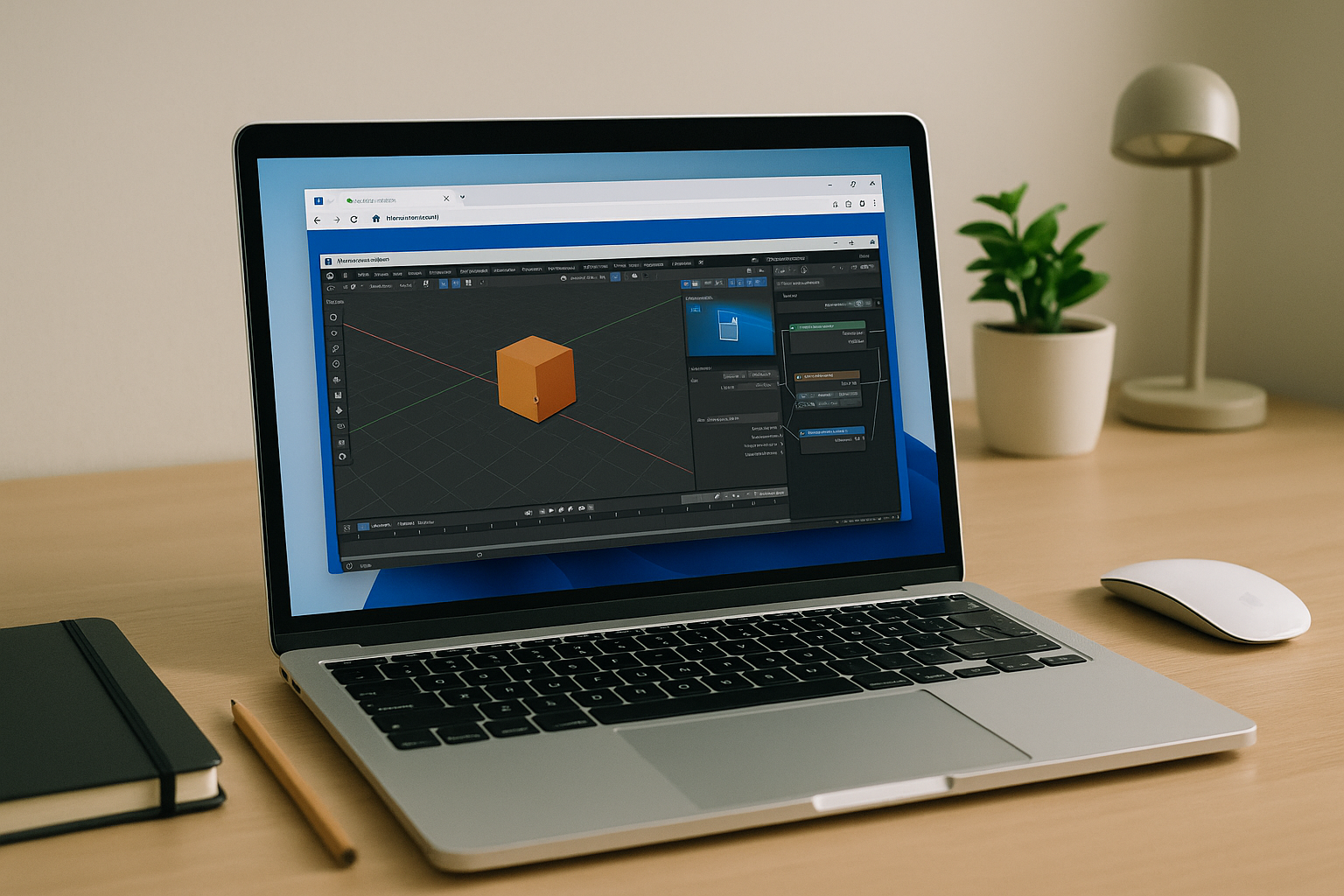
The Real Pain Behind Blender Online Needs
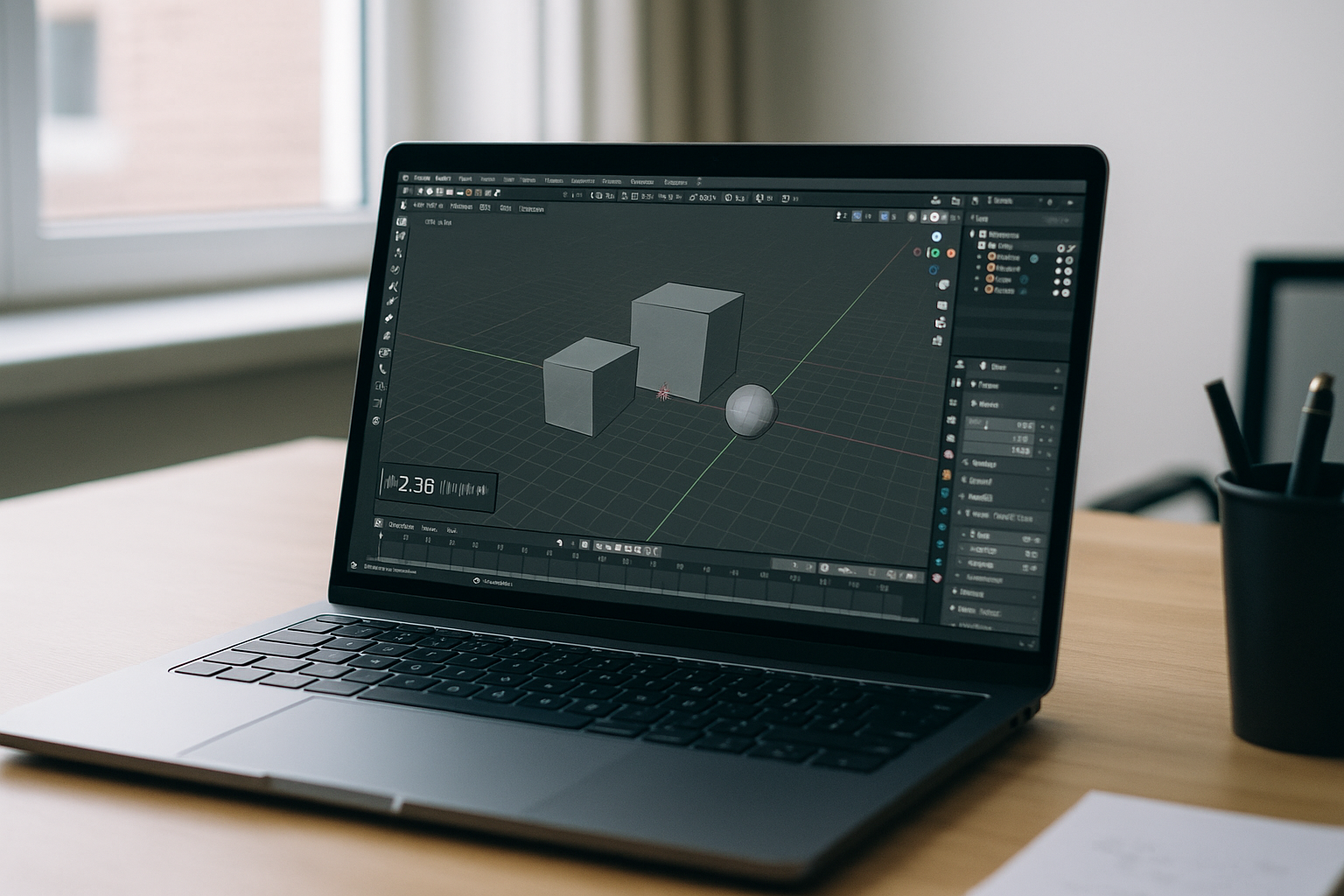
Your project is due, but IT blocks installs on your work laptop, the school lab resets nightly, and your personal machine stutters on complex scenes. You jump between a home PC, a Chromebook, and an office Mac, and every switch breaks add-ons, hotkeys, and paths. You don’t need another setup guide—you need Blender online that opens fast, loads heavy scenes, and keeps your environment the same on every device.
Why Buying a New PC Fails for Blender in Browser Goals
Upgrading to a powerful workstation feels like the obvious fix, but it locks you to one desk, one device, and an endless maintenance cycle. Procurement delays, driver updates, OS imaging, and warranty repairs all slow down real work while budgets absorb a big upfront cost. Even if you buy a new PC, hauling heavy hardware around and constantly syncing files wastes hours, without ever giving you true portability.
2026 Trends Point to Browser-Based Blender
Creative and engineering teams in 2026 are standardizing on cloud-native workflows that decouple software from local hardware. GPU-accelerated browser sessions, policy-based access, and centralized storage deliver consistent performance anywhere with far less setup. Studios now prioritize instant, secure sessions over device specs, so artists can open Blender online, pull assets from shared libraries, and render without caring what computer they’re holding.
Best Way to Run Blender Online With Full Performance
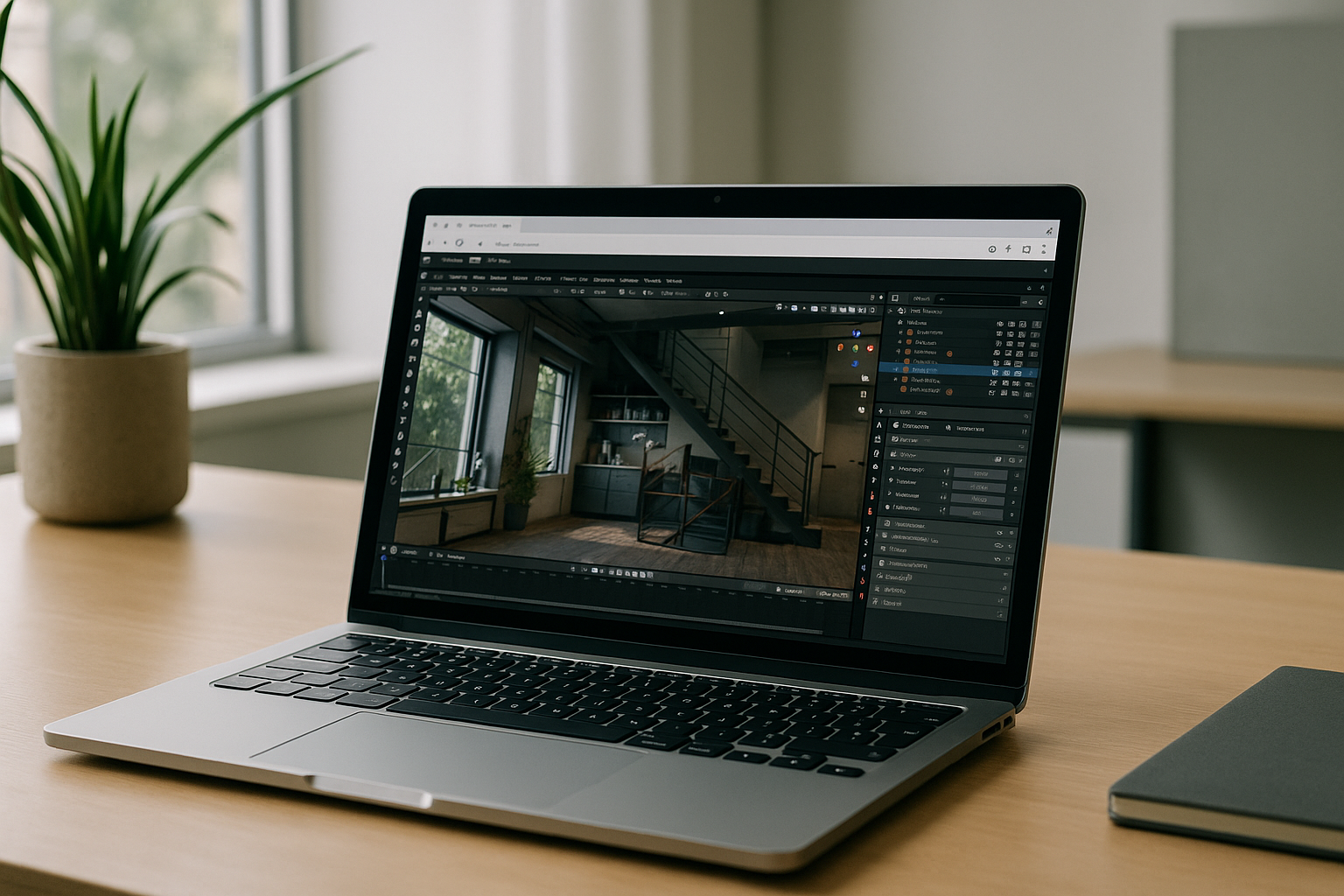
Shipping project files to a lab PC, renting a render farm, or carrying a portable SSD only patches parts of the workflow. You still battle installs, version drift, and weak GPUs that choke viewport playback. The clean, durable approach is to run a full desktop experience in the browser — open, create, simulate, and render on demand — so you truly Blender online without local setup or hardware constraints.
Aristeem Delivers True Browser-Based Blender
Aristeem runs as a full desktop environment in your browser — no installs, no drivers, no configuration. It’s not an emulator or remote desktop; it’s a complete, GPU-accelerated workspace that opens Blender in seconds. Just sign in, find Blender in the library, and click “Launch.” Applications are pre-installed and pre-configured; only a license is needed if the program requires one. Your add-ons, hotkeys, and asset folders persist, so scenes stay consistent whether you’re on Mac, Linux, iPad, Chromebook, or a weak PC.
With Aristeem, you can import heavy textures and keep projects synced without touching local storage. You get the same environment on every device, perfect for classrooms, agencies, and freelancers who need predictable delivery. If you want dependable Blender online performance without buying hardware, launch from the dedicated page: Run Blender Online.
Start Blender Online With Desktop Power Anywhere
Skip installs, skip upgrades, and get straight to work with a consistent, high-performance Blender environment in your browser. Aristeem gives you instant access, zero setup, and the freedom to create from any device. Ready to move faster? Launch Blender in your browser now and keep your projects moving.


