


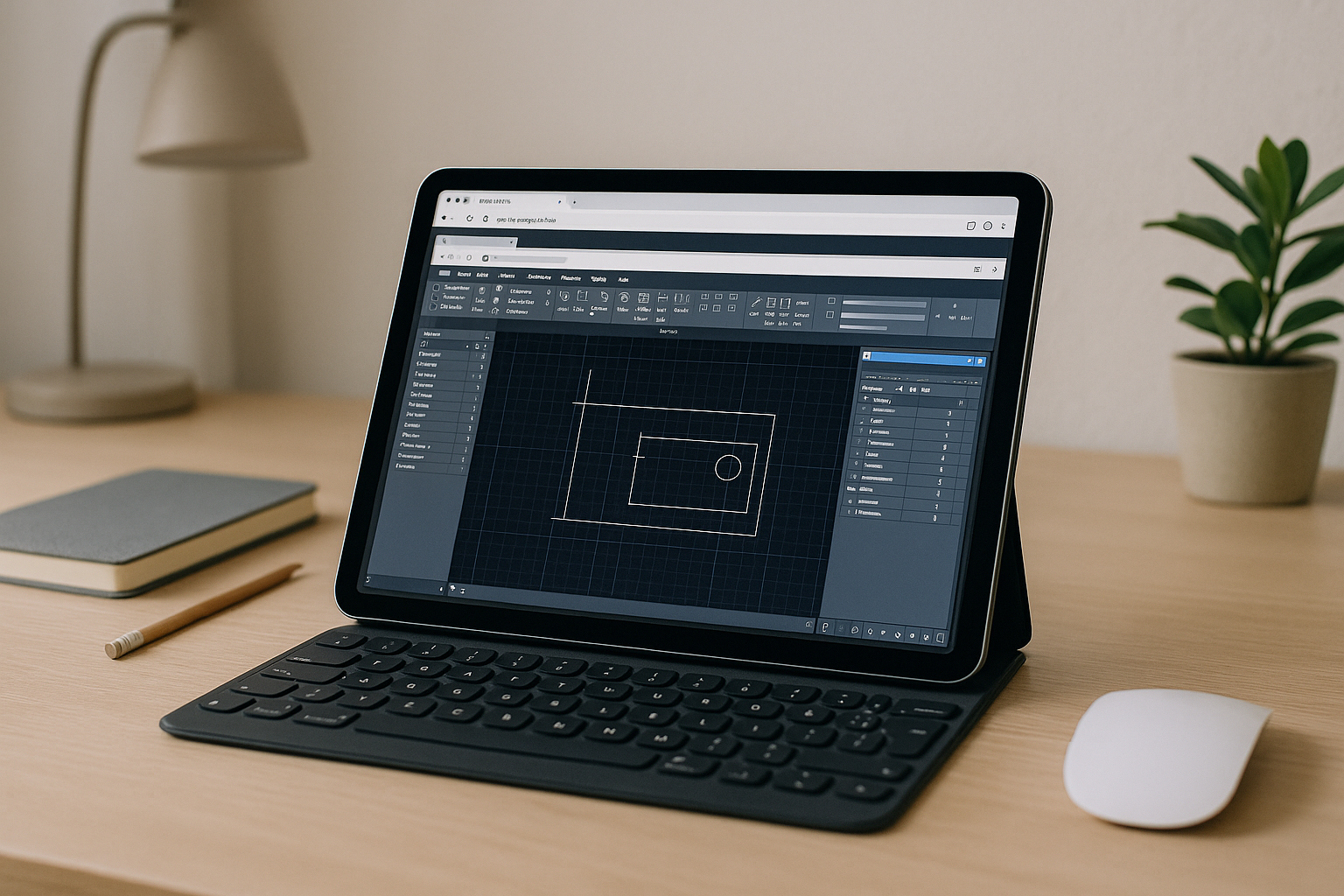
When You Need cloud based AutoCAD but Local PCs Fall Short
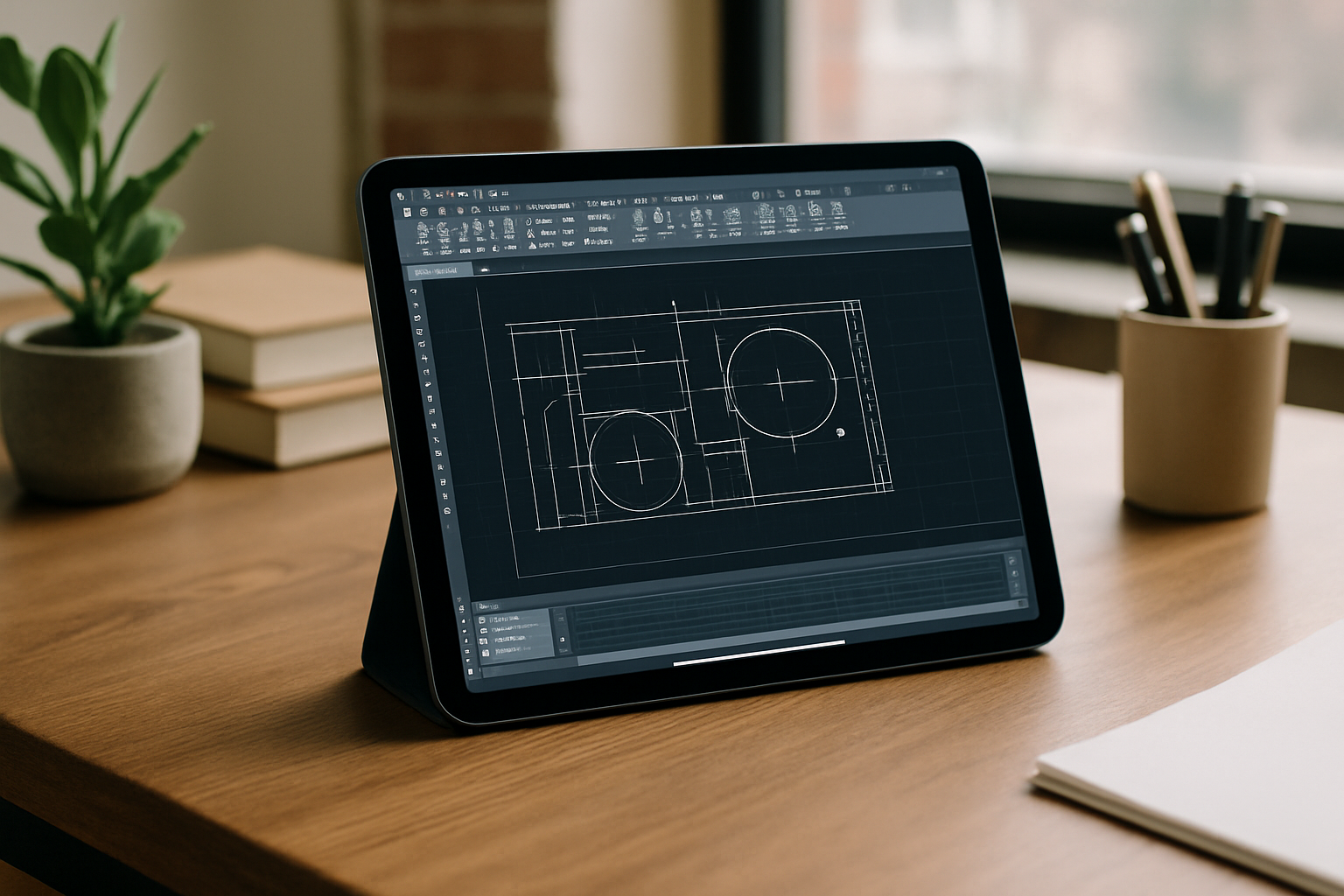
Deadlines do not pause when your workstation stutters on large drawings or your IT team blocks desktop installs. Many teams still rely on laptops without discrete GPUs, small SSDs that fill up mid-project, and restricted user permissions that stop AutoCAD from being installed or updated. The result is interrupted sessions, corrupted temp files, and unpredictable frame rates that make precise drafting frustrating.
On top of that, traveling engineers, consultants, and contractors must jump between client environments, where installing tools is prohibited and drivers are locked. Licensing remains your responsibility, but even with a valid subscription, you may be unable to run the software where you actually work. This is why professionals search for cloud based AutoCAD that behaves like a stable workstation they can open right in the browser, wherever they are.
Buying a New PC for AutoCAD: Costs, Delays, and Limits
Upgrading to a powerful tower or mobile workstation seems straightforward: add more GPU, more RAM, and a larger SSD to keep AutoCAD happy. In practice, procurement cycles stretch for weeks, budgets are tight, and what you buy today may still struggle with next quarter’s models and point clouds. Even after the purchase, you must maintain drivers, patches, and backups — plus carry bulkier hardware while traveling or moving between job sites.
A new machine also does nothing to ease software restrictions on locked-down networks, nor does it help when you are on a borrowed device where installation is off-limits. You still face variable performance once the system heats up, and storage can fill quickly on local disks during rendering or when caching references. Professionals consider a hardware upgrade because it is familiar, but many discover it is an expensive, slow fix that fails to deliver the flexibility and predictability they actually need from cloud based AutoCAD – style access.
Why an AutoCAD cloud PC Outperforms Hardware Upgrades
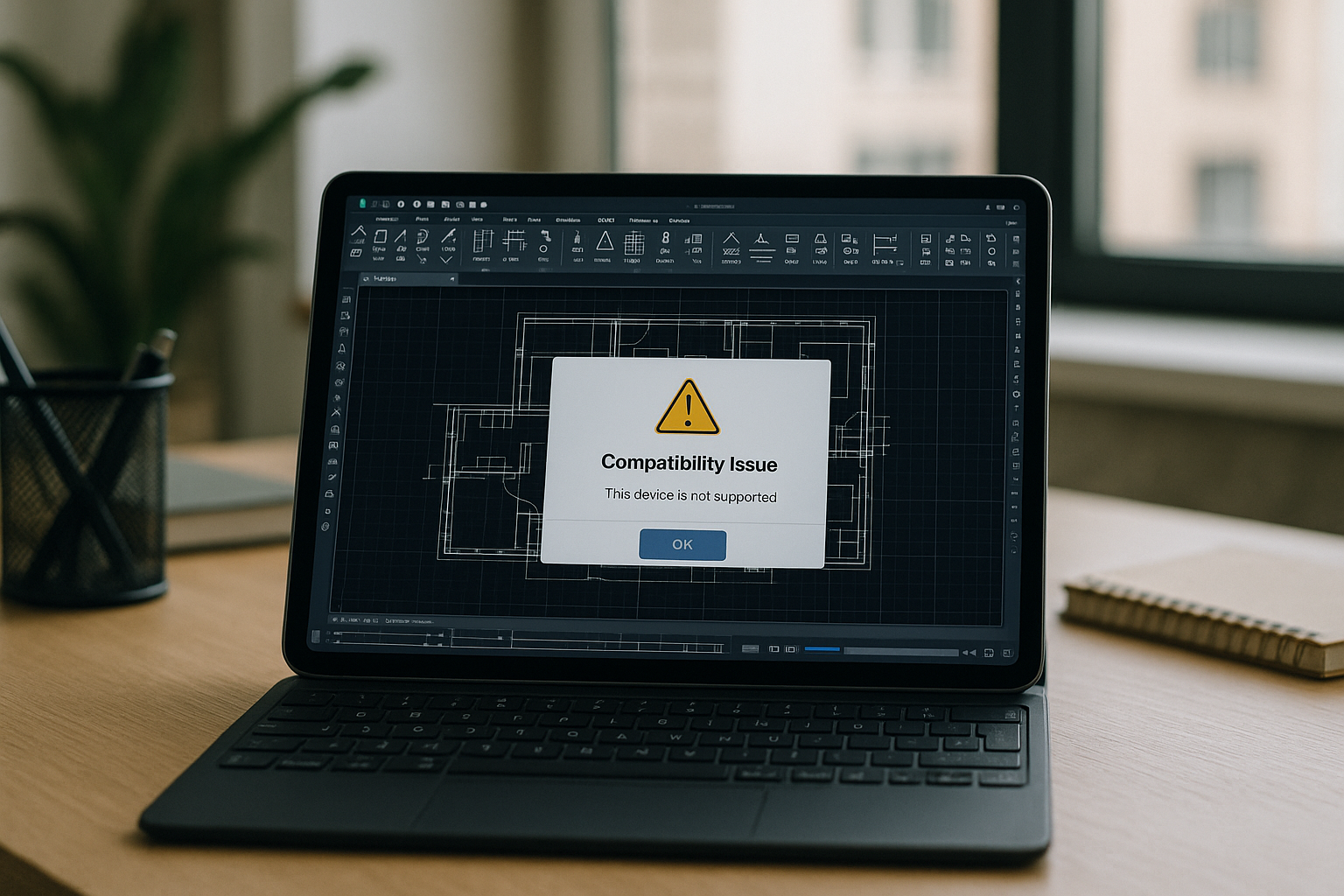
A managed AutoCAD cloud PC replaces guesswork with consistent, provisioned performance that does not depend on your local GPU, storage, or admin rights. Instead of installing, configuring, and tuning, you open a full desktop workspace in the browser and get straight to drafting with stable resources sized for CAD. This approach behaves like hosted AutoCAD in a secure, always-ready environment, so you can work from any device while keeping your paid license compliant.
Compared with buying new hardware, a cloud workstation scales instantly for larger models, isolates CAD workloads from your personal machine, and avoids driver conflicts or OS-level restrictions. It also gives consultants and distributed teams a consistent virtual Windows environment for AutoCAD, ensuring the same paths, fonts, and settings across projects. For professionals who need reliability over raw device specs, cloud based AutoCAD in the browser delivers the predictability local upgrades often fail to provide.
Launch cloud based AutoCAD in a Managed Browser Workspace
With Aristeem, AutoCAD is already pre-installed inside a managed, GPU-accelerated cloud PC. You simply click Launch in your browser, sign in with your Autodesk license, and start drafting—no local installation, driver configurations, or IT exceptions required. It is a complete, low-latency working environment engineered specifically for CAD stability.
This cloud-based AutoCAD approach safeguards corporate security: sensitive client drawings and temp files remain isolated in an encrypted environment, eliminating the risk of leaving confidential data on external flash drives or local laptop disks. You can safely connect from any device — Mac, Linux, iPad, or a modest PC — while keeping your workflow compliant and your local hardware clean.
Contractors and distributed teams gain a standardized workspace with uniform fonts, paths, and tool palettes, removing configuration drift across projects. When demands spike, your resources scale instantly inside the browser, keeping deadlines safe without the overhead of shipping or maintaining local hardware.
Run cloud based AutoCAD Anywhere with Predictable Performance
If your projects outgrow your laptop, your company blocks installs, or your field work demands mobility, a managed browser workstation is the pragmatic path forward. Instead of wrestling with procurement, drivers, and storage ceilings, you launch once and draft with steady frame rates, reliable caching, and licensing handled by your Autodesk sign-in. Professionals who value momentum, standardization, and security gain exactly that by choosing cloud based AutoCAD that behaves like a dependable desk they can open from any device.
Skip the upgrade treadmill and keep your focus on deliverables, not device specifications. Open the dedicated workspace, sign in, and start producing drawings and details with confidence and consistent performance. Try it now from the AutoCAD cloud PC page and see how quickly your workflow becomes installation-free, responsive, and ready wherever you are.


