


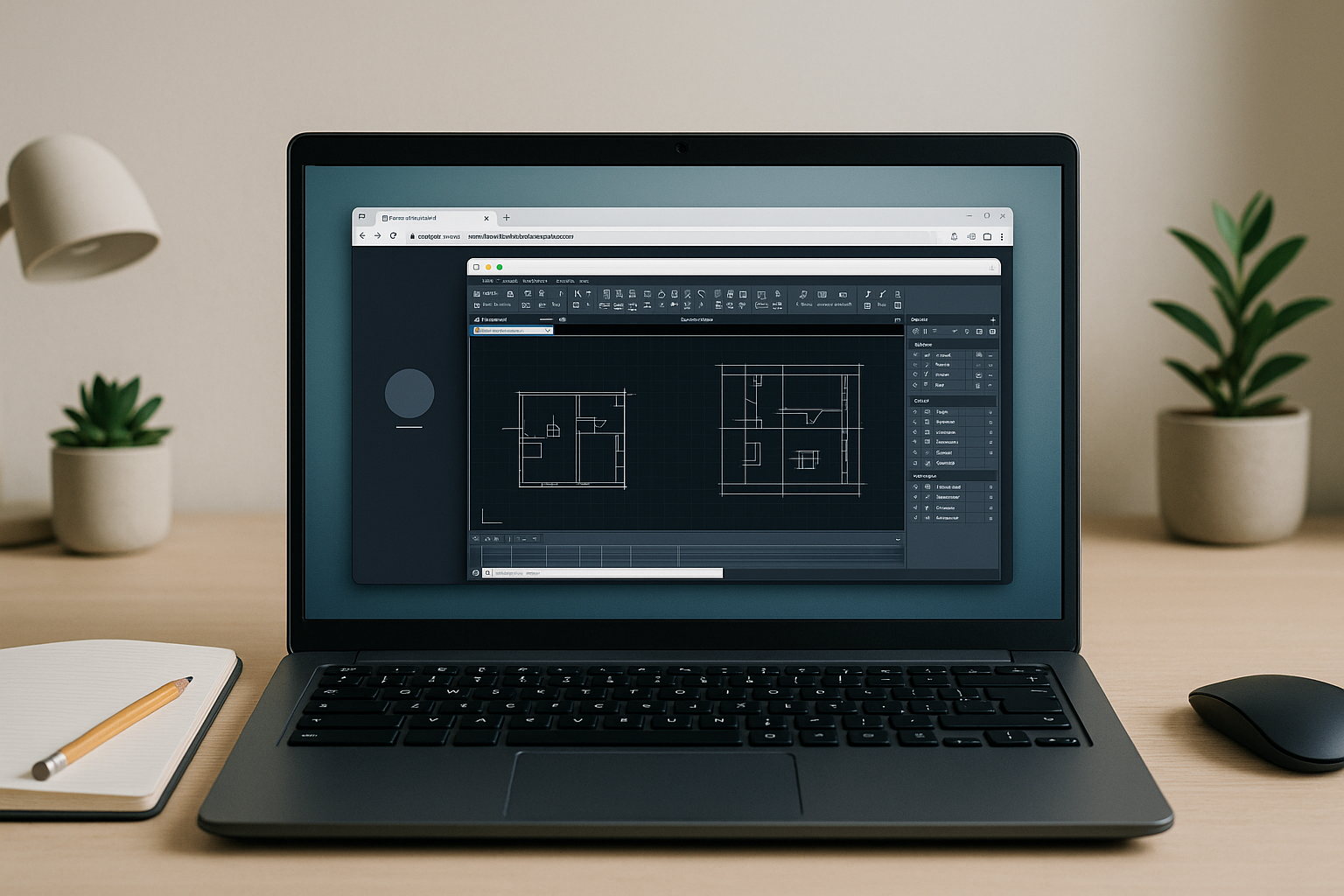
The Real Challenge Finding an AutoCAD alternative for Linux
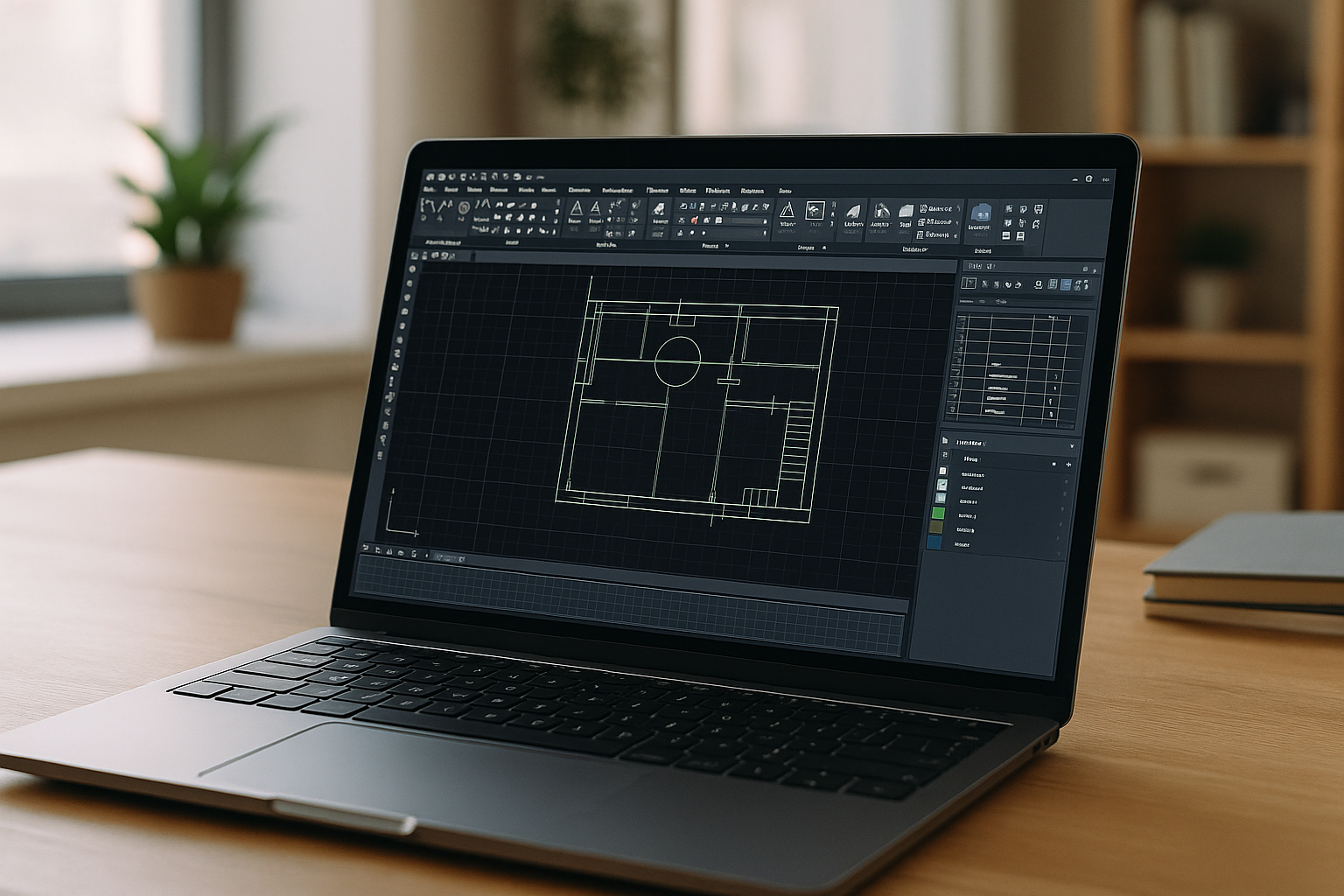
You rely on Linux for stability and tooling, but projects, teams, and clients still trade DWG. Installing native AutoCAD isn’t possible, and attempts through Wine/Proton or ad‑hoc VMs often break GPU-accelerated orbit, viewports, plot styles, or external references. When deadlines loom, what you really need is a dependable AutoCAD alternative for Linux that keeps DWG fidelity and performance intact.
In practice, graphics-heavy models crash, SHX fonts go missing, annotation scales render incorrectly, and plotting becomes unpredictable. Switching operating systems mid-project derails your pipeline and introduces new IT overhead. Lightweight clones can misinterpret dynamic blocks or sheet sets, which risks deliverable quality and rework across your collaborative chain.
Common Ways People Try AutoCAD on Linux
One route is buying another workstation just to run one application. This adds cost, device management, and context switching between keyboards, displays, and files. It may deliver performance, but it fragments your environment and complicates collaboration and storage.
Another option is dual‑booting or installing a second operating system. That means reboots, driver upkeep, and constant partition and update management. Many also try remote desktop to an office machine, but latency, color profile inconsistencies, and admin policies can limit CAD precision and daily productivity when you aim to use AutoCAD on Linux reliably.
The Best Way to Run AutoCAD on Linux Without Compromise
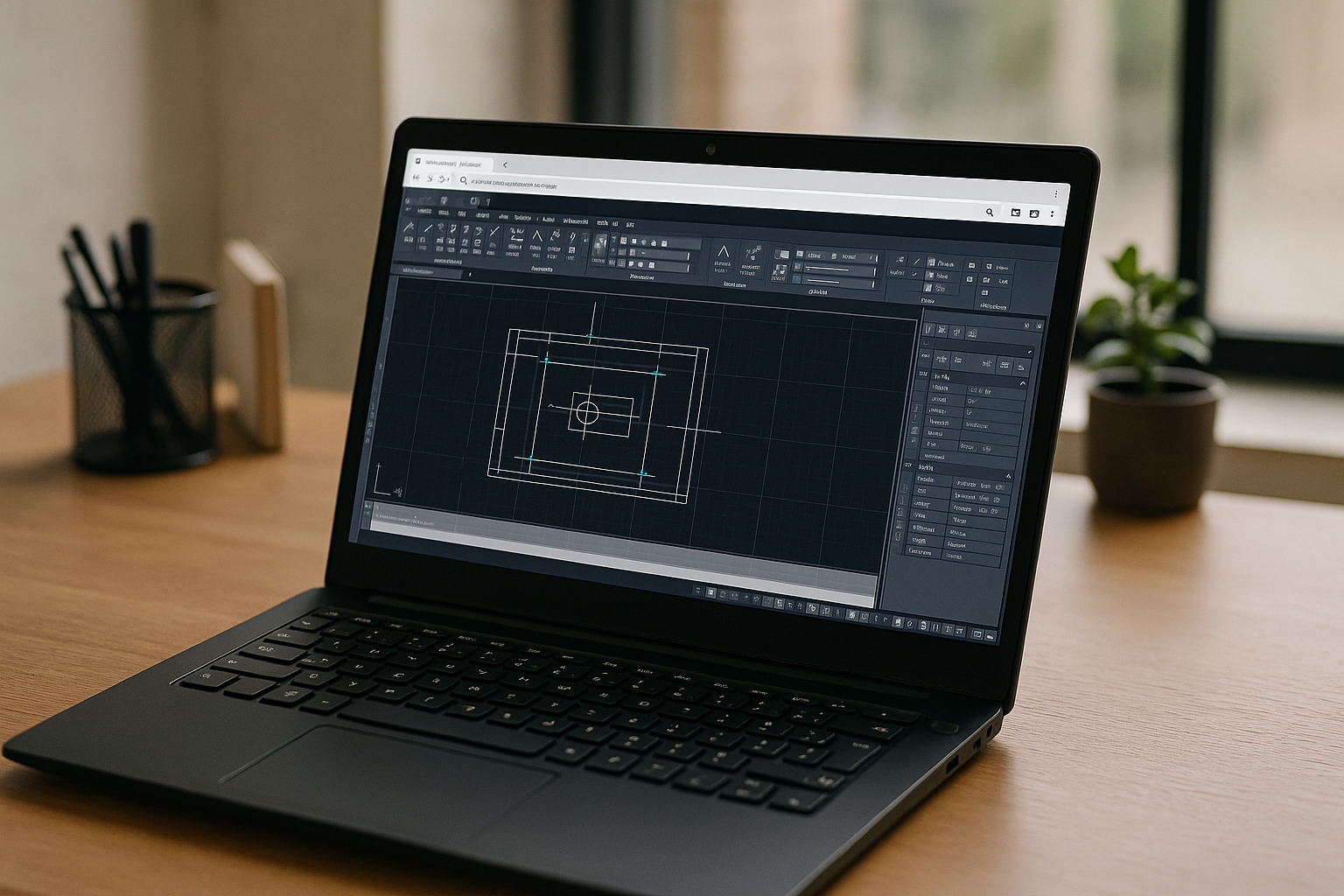
A more practical approach is a browser-based, GPU-powered desktop environment dedicated to heavy software. It keeps your Linux setup intact while delivering native-like responsiveness for complex 2D/3D work, large coordinate models, and sheet sets. Instead of tweaking drivers or VMs, you get consistent performance and predictable plotting from any device with a modern browser.
With pre-configured AutoCAD ready to go, you can run AutoCAD on Linux while preserving xrefs, SHX fonts, CTB/STB styles, and printing workflows your collaborators expect. Your team keeps exchanging DWGs without conversion penalties, and you keep your tooling, shell, and productivity habits on the same machine you use every day.
How Aristeem Delivers a Practical AutoCAD alternative for Linux
Aristeem provides a full working environment in your browser, purpose-built for heavy desktop apps. It is not an emulator and not a remote desktop, so you avoid the usual latency and driver headaches. AutoCAD comes pre-installed and pre-configured — just open the app library and click Launch; if the software requires it, you simply sign in with your own license and start drafting.
Because the environment is GPU-accelerated and tuned for CAD, you get smooth orbit, reliable plotting, correct SHX rendering, and stable xrefs at scale. Your workspace persists across sessions, so tool palettes, CTB/STB files, and custom folders stay put. To experience this workflow and keep your pipeline intact, launch a CAD-ready cloud PC on Linux and keep building without reconfiguring your machine.
Start a Reliable AutoCAD Linux alternative Today
If your goal is to maintain DWG fidelity, CAD performance, and collaboration while staying on Linux, a browser-based desktop with pre-installed AutoCAD is the most direct path. It removes the tuning, driver hunts, and breakage that come with ad‑hoc virtualization. Most importantly, it keeps your workflows and deliverables consistent with what partners and clients expect.
Get the simplicity of click‑to‑launch and the power of a persistent, GPU-capable environment — without buying new hardware or changing your operating system. To begin with a true AutoCAD Linux alternative online that preserves your DWG workflow end to end, start your session now and focus on your drawings, not your setup.


