



The Daily Friction of Ansys on Linux for Engineering Teams
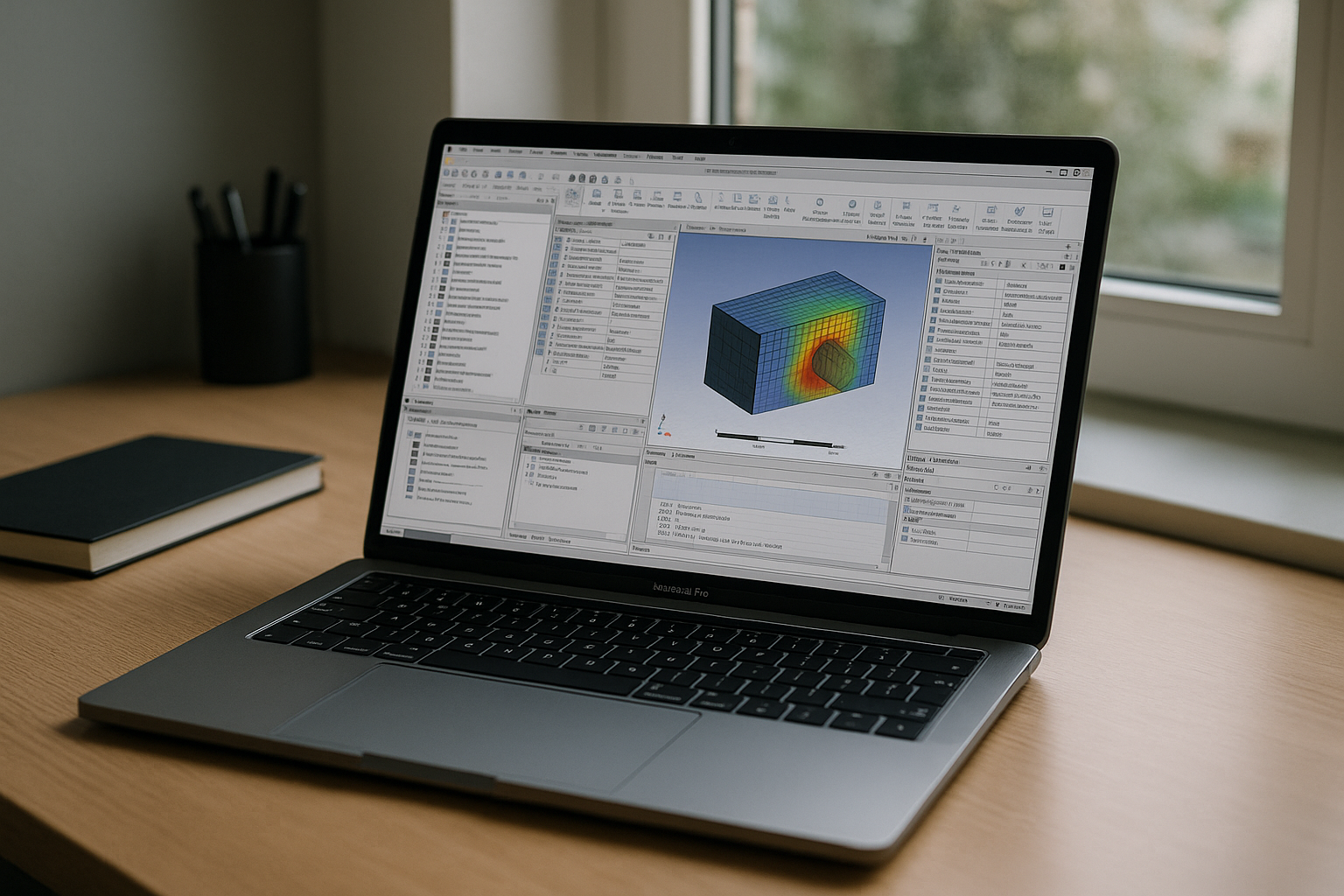
You manage simulation workstations on Linux, yet the projects demand Workbench flows, Electronics Desktop for HFSS, and scriptable automation that all assume the Windows build. Every sprint, analysts lose hours juggling partitions, GPU drivers, and file paths just to get a solver run started. When geometry prep shifts to Workbench or a colleague ships an HFSS project, your carefully tuned Linux stack stalls at the GUI step and handoffs multiply. That is why reliable Ansys on Linux becomes less about compute and more about getting the full Windows interfaces without breaking your environment.
Why Local Virtual Machines Fail for Ansys on Linux at Scale
Local virtual machines feel like the obvious fix: keep Linux as the host, spin up a Windows guest, and run the full toolchain there. In practice, 3D acceleration and GPU passthrough are fragile, version-bound, and time-consuming to maintain, while vGPU licensing, hypervisor differences, and driver pinning make performance unpredictable across teams. USB license dongles, FlexLM broadcasts, and network isolation between host and guest add brittle points that break when you update kernels or switch laptops.
For Ansys Workbench flows and interactive HFSS post-processing, the frame pacing overhead in a VM makes model navigation choppy and UI reactions lag under pressure. Snapshot rollbacks often desynchronize drivers or licensing, and IT must validate kernel, BIOS, and hypervisor updates before anyone can safely upgrade. What starts as a clever shortcut becomes an operational tax: analysts wait, IT babysits stacks, and leadership sees missed deadlines instead of reliable Ansys on Linux. If you’ve already tried the standard manual Ansys Linux installation and hit a wall with graphical UI stability, you know that local workarounds fail at scale.
2026 Reality: Cloud-Native CAE and the Path to Ansys on Linux
In 2026, engineering organizations are standardizing on cloud-native workspaces that detach software performance from local hardware variability. Centralized GPU pools, elastic compute, and browser-delivered desktops let teams run heavy applications from any device without wrestling with drivers or OS constraints. Security teams prefer this model for its unified identity, policy control, and auditable data boundaries, while operations gain consistent images that scale from pilots to global rollouts.
The Reliable Path to Ansys on Linux Without Dual‑Boot or VMs
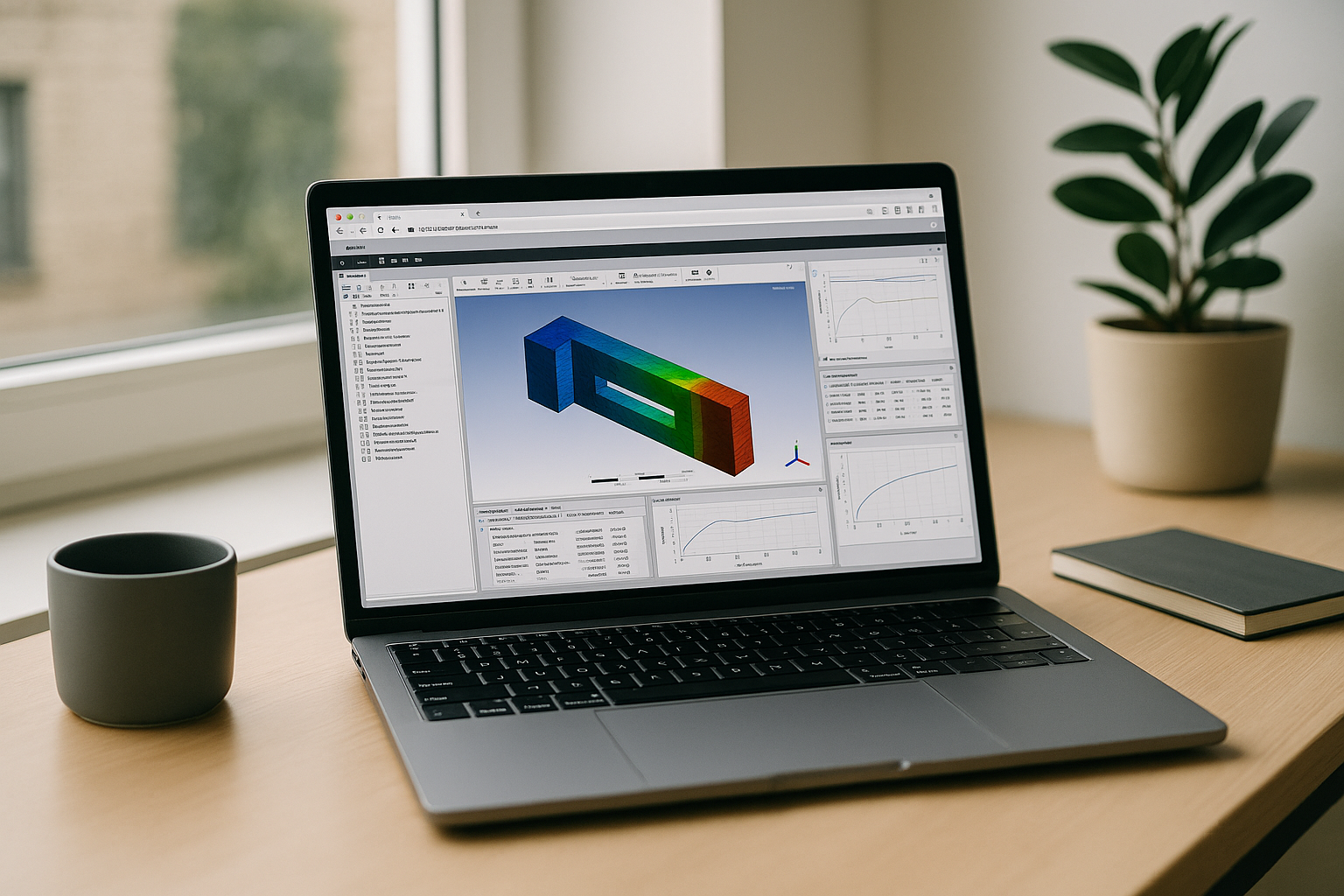
There are four practical routes to run full-featured Ansys workflows from Linux: dual‑boot into another OS, use a local VM, remote into a physical workstation, or adopt a modern browser-based cloud PC. Dual‑boot disrupts flow and invites driver drift, while VMs add graphics overhead and complex licensing topology. Remoting to a single on‑prem workstation creates a bottleneck and depends on office network conditions that often fail at the worst time.
A browser-based cloud PC avoids these pitfalls by centralizing a tuned desktop with optimized GPU, validated drivers, and known-good application images accessible from any Linux device. For teams that must standardize on dependable Ansys on Linux, this route consistently delivers the fidelity, stability, and speed missing from local workarounds.
Run Ansys on Linux Instantly with Aristeem
Aristeem delivers the browser-based desktop that makes Ansys on Linux dependable, fast, and easy. It is not a remote desktop or an emulator; it is a full working environment in your browser with optimized GPU, validated drivers, and zero local installs. Open your browser, sign in, and click Launch in the library to start pre‑installed, pre‑configured applications such as Ansys Workbench; bring your own license if the program requires one.
Because everything runs in a tuned environment, you avoid host driver conflicts, hypervisor tweaks, and license broadcast headaches. Interactive 3D stays smooth, large datasets feel responsive, and your team can work from Linux laptops, desktops, or thin clients with consistent results. Ready to experience predictable performance and full feature support today? Launch Ansys on Linux in your browser and move from workaround to workflow in minutes — no dual‑boot, no VM, no local setup.
Confidently Adopt Ansys on Linux for Production Work
The fastest way to stop losing time to installs, drivers, and licensing tangles is to standardize on a browser-delivered desktop that simply works. With centralized, GPU‑optimized images and instant access from any device, your analysts gain the reliable Ansys on Linux workflow they need to deliver on schedule. Skip the maintenance burden and focus on results — your models, your runs, your deadlines.
If you are ready to modernize your simulation stack, streamline IT overhead, and give engineers a stable environment for Workbench and HFSS, take the next step now. Get started with Ansys on Linux and turn fragile workarounds into a predictable, production‑grade workflow.


