


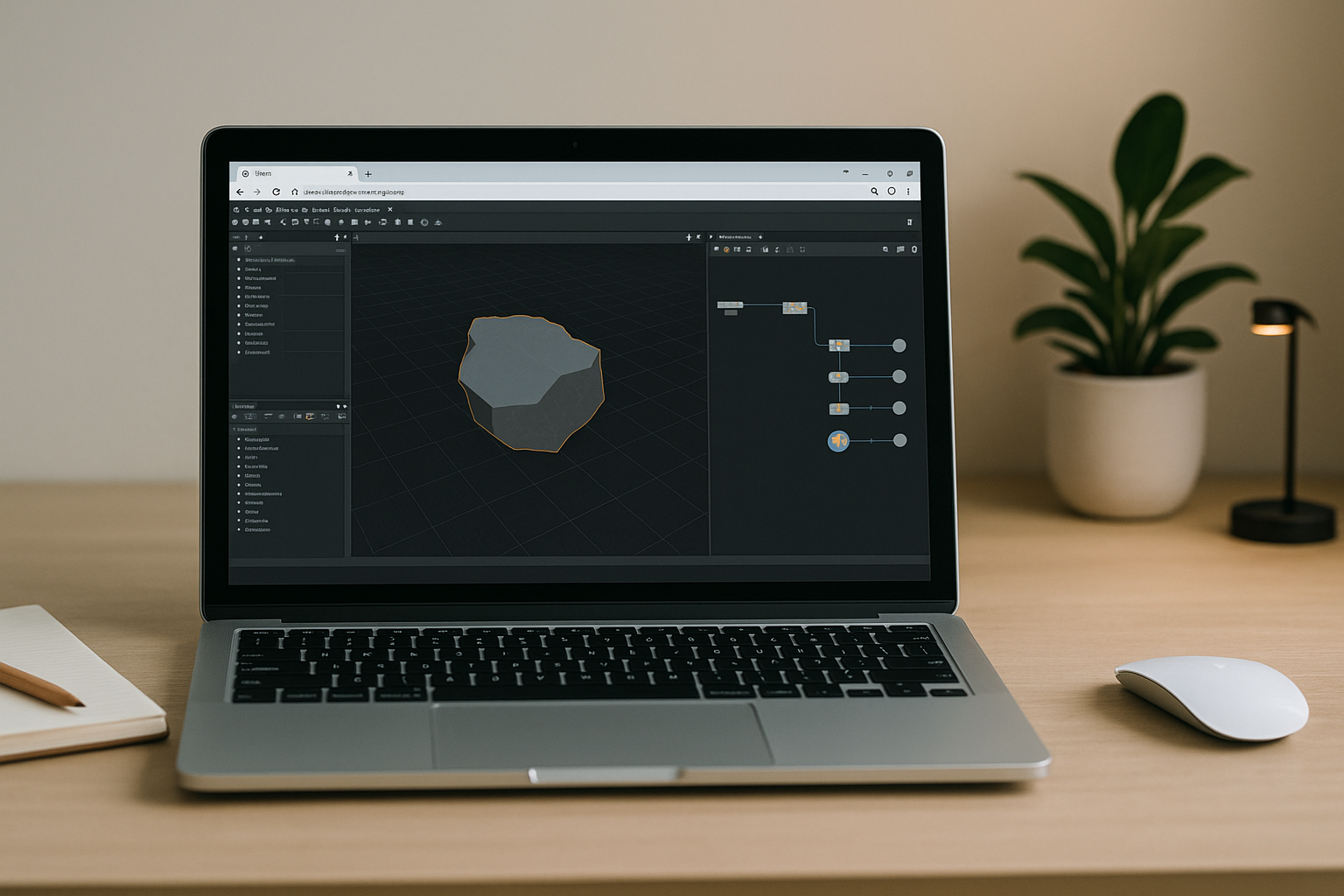
Why Houdini 3D software Feels Out of Reach on Your Device
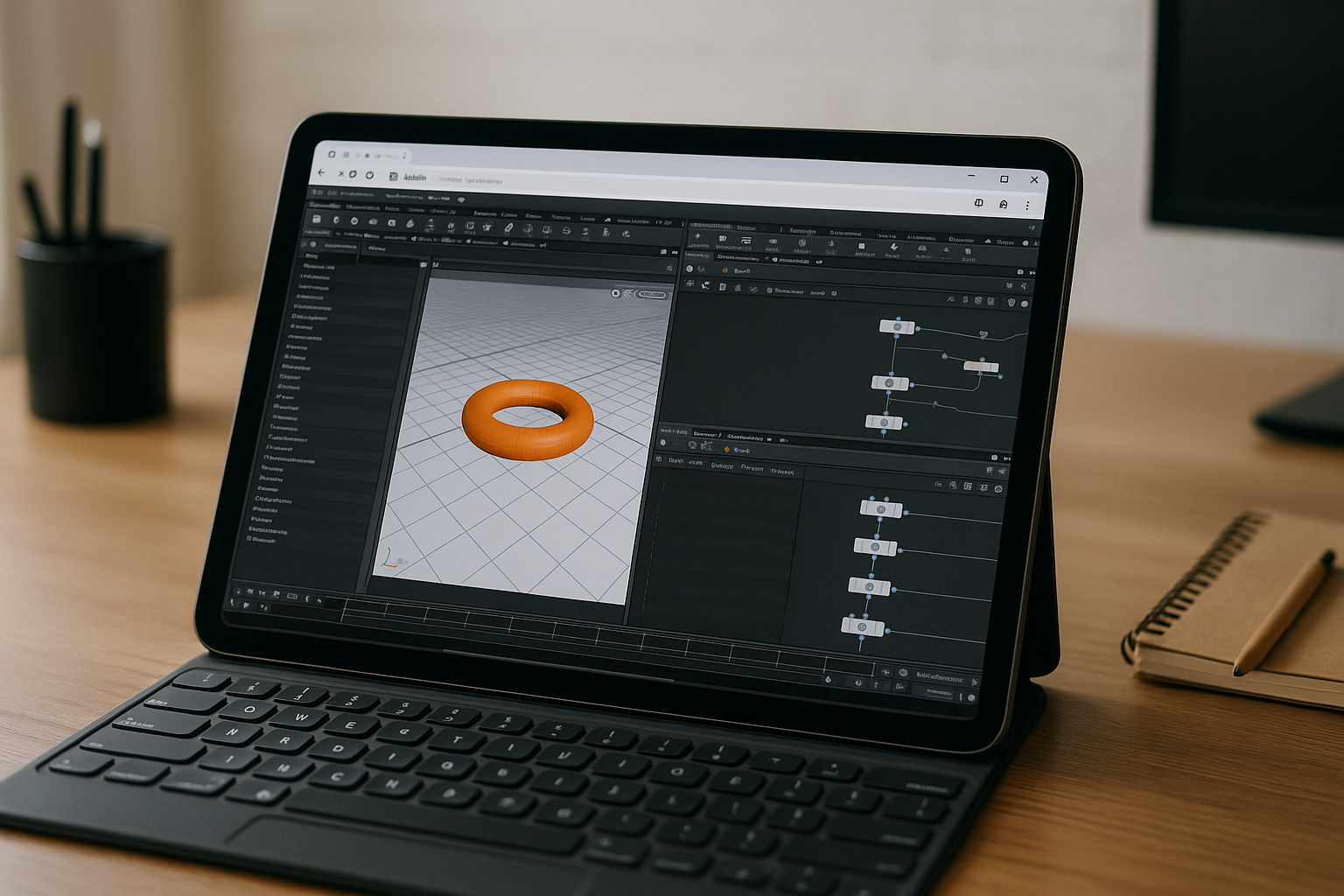
You’re ready to learn procedural workflows and FX, but installing Houdini 3D software hits a wall on your everyday machine. The installer stalls on corporate laptops, drivers won’t cooperate on mixed-OS setups, and machines without a modern GPU choke on even simple viewports. By the time you finish wrestling with settings and dependencies, performance still lags and you’re back to square one.
Maybe you’re on macOS, Linux, an iPad, or a Chromebook and just need to practice on the go, yet IT policies, OS compatibility, or missing hardware keep blocking you. Even when you carve out time to configure everything, sims and previews crawl, and deadlines don’t wait. You don’t need yet another setup guide — you need a path that lets Houdini Apprentice simply open and run at full speed.
Common Ways People Try to Run Houdini Apprentice
Buying a new high‑end workstation with a recent GPU will run Houdini software 3D natively and can feel great when it finally arrives. But it’s expensive, hard to justify for short projects or learning, and you still face drivers, OS updates, and ongoing maintenance. Plus, if you travel or switch locations, you’re either lugging heavy hardware or leaving power behind.
Installing or dual‑booting another OS can work in theory, yet it demands time, partitioning, drivers, and a willingness to risk your current setup. On corporate devices, this path is usually blocked by policy and admin rights. Even when it works, you’re still limited by your machine’s CPU, RAM, and GPU.
Remote desktop into a powerful office PC sounds convenient, but frame‑to‑frame interactivity often suffers and compressed streams don’t do complex viewports justice. You’re also at the mercy of network conditions, VPN latency, and someone else’s maintenance window. It’s not a reliable way to explore node networks, tweak parameters live, or cache FX when inspiration strikes.
The Best Way to Use Houdini 3D on Any Device
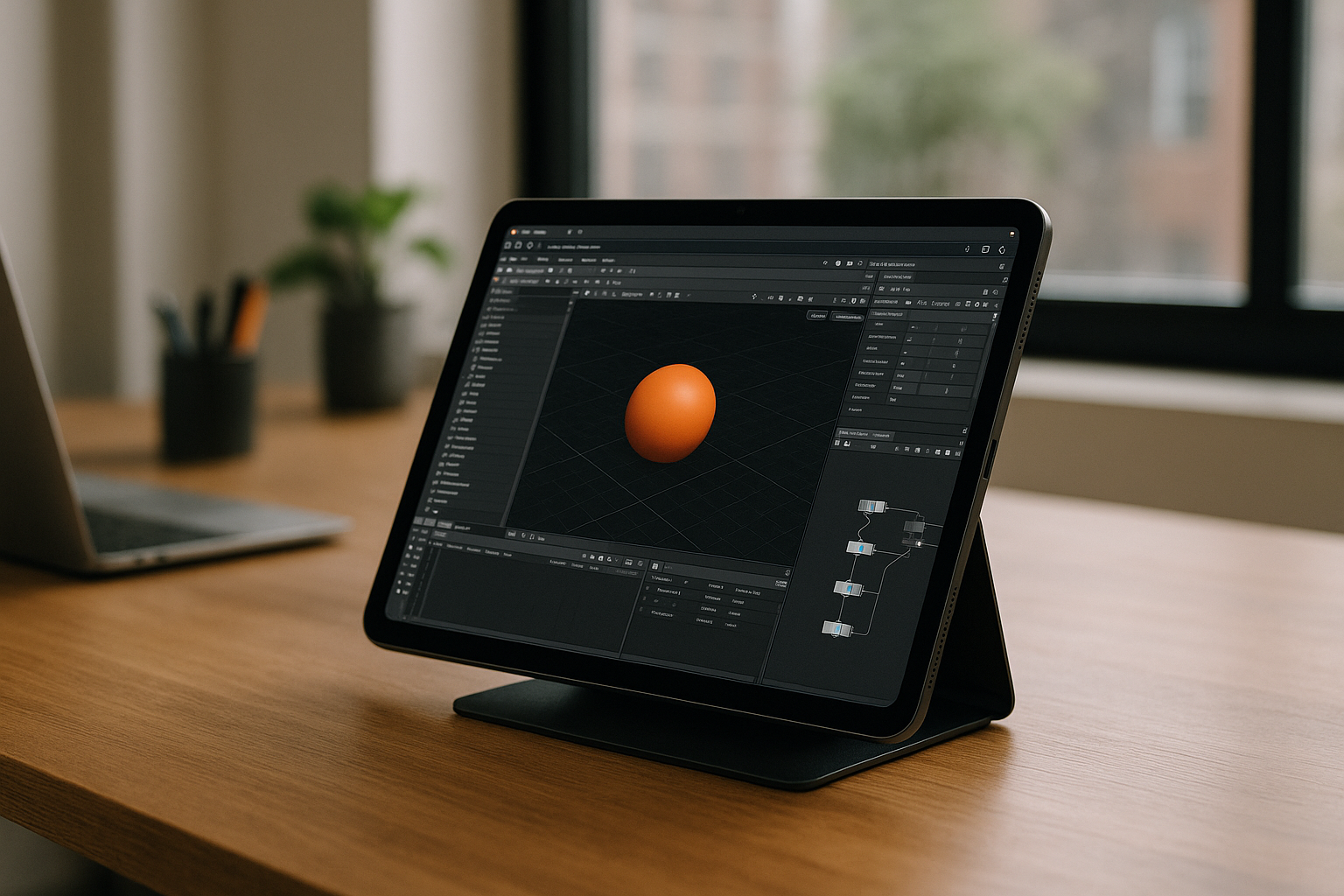
A better approach is running your tools in a browser‑accessible, GPU‑ready environment that behaves like a full desktop, without local installs. You log in from whatever you have — Mac, Linux, iPad, Chromebook, or a weak PC — and get consistent performance for complex node graphs and FX sims. This isn’t about screen‑sharing a distant desktop; it’s about opening a ready workspace where Houdini 3D actually runs.
Compared to buying hardware or rebuilding your OS, this path starts instantly and scales with your workload. It removes driver hunting, admin permissions, and setup drag, so you can spend your time iterating, not configuring. When you’re done, your files and caches are right where you left them —the environment is persistent and ready for your next session.
Run Houdini Apprentice Instantly with Aristeem
Aristeem gives you a ready‑to‑use workspace in the browser, with Houdini Apprentice pre‑installed and pre‑configured. You simply click “Launch” in the library and start creating — no drivers, no downloads, no admin rights. If a program requires a license, you only provide it when prompted; otherwise, just launch and work.
Aristeem is not a remote desktop or an emulator — it’s your full working environment available anywhere, designed for instant access and consistent GPU performance. Work from Mac, Linux, iPad, Chromebook, or a modest PC and still run Houdini 3D software smoothly. Cache sims and pick up your projects from any device when you click Launch Houdini Apprentice in the library.
Start Creating in Houdini 3D software Without Hardware Limits
If installs, drivers, and weak GPUs keep derailing your learning or production time, it’s time to change the approach. Open a stable environment in your browser and move directly into node‑based modeling, lighting, and FX. With Houdini 3D software ready to go, you can iterate faster and focus on the craft, not the setup.
Get hands‑on in minutes and keep working from any device without buying new hardware or begging IT for permissions. Spin up a session, experiment with ideas, and return later to the same configured workspace. When you’re ready, jump in here: Try Houdini Apprentice on Aristeem.


