


Can Revit Work on Mac? The Real-World Roadblocks
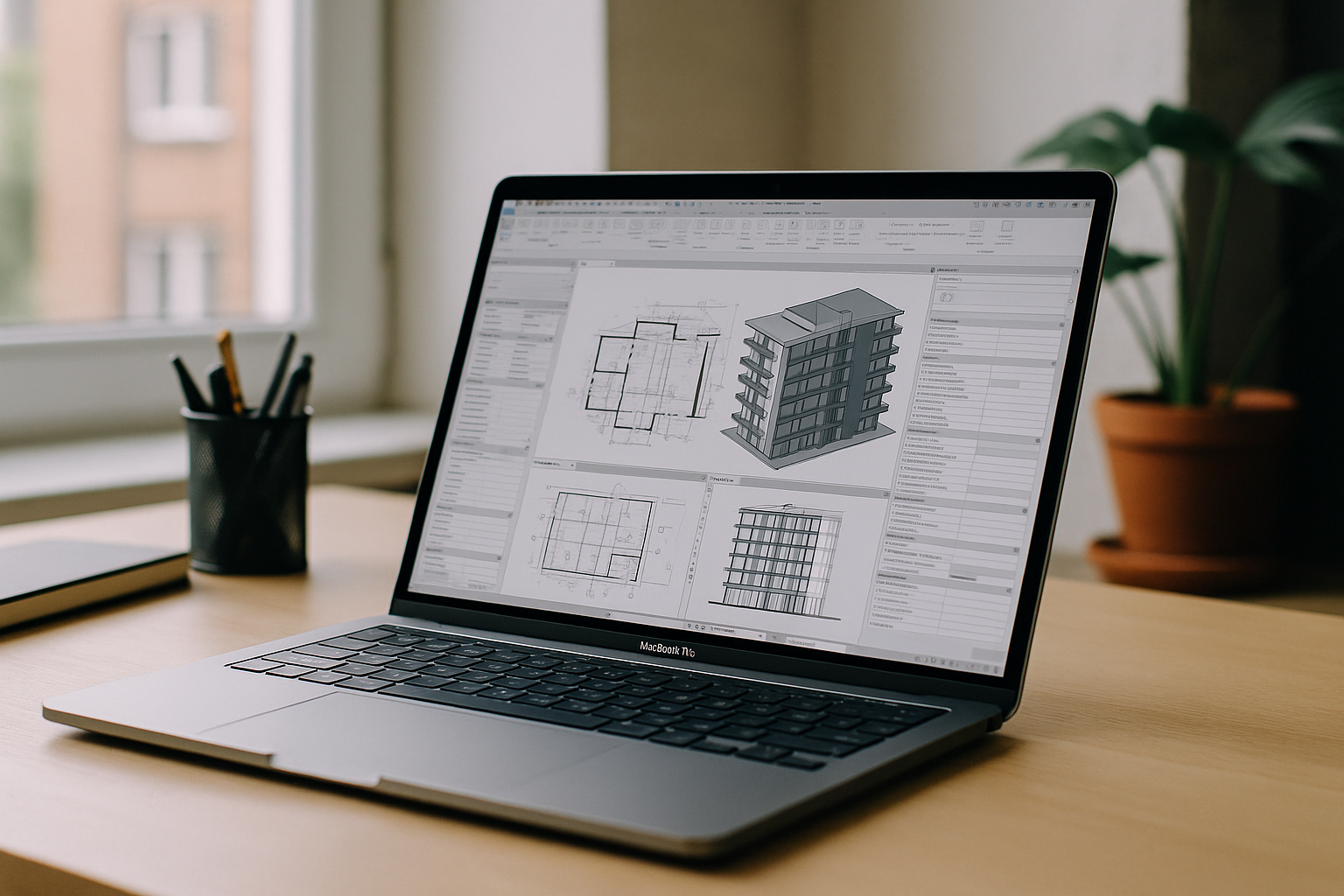
If you are moving projects between home and studio, you have likely asked yourself: can Revit work on Mac? Revit does not have a native macOS version, and that creates friction the moment you try to open a large BIM model on a MacBook. On Apple Silicon machines, Boot Camp is unavailable, while virtual machines often falter on GPU acceleration, DirectX features, and driver stability.
Professionals feel this immediately: navigation lags in complex views, render times spike, and plugins behave unpredictably. Teams that need to run Revit on macOS for quick edits or full production work end up juggling clunky workarounds and lost time. The result is missed deadlines, inconsistent graphics quality, and a constant fear that the next OS or VM update will break a carefully balanced setup.
Trying to run Revit on Mac by Installing Windows
Installing Windows locally is the first idea many consider to run Revit on Mac, but it quickly gets complicated. On Apple Silicon, Boot Camp is not available, so you are pushed toward virtualization that often cannot deliver reliable DirectX 11/12 GPU acceleration Revit expects. Even when a local VM launches, heavy 3D views, ray trace, and real‑time navigation can stutter or crash, and graphics drivers are frequently a moving target.
The maintenance burden grows over time: managing Windows updates, disk images, GPU workarounds, and external storage for large project sets means more risk during crunch time. Many users also discover that plugins, renderers, and collaboration tools behave inconsistently in virtualized environments. For short tests a VM might suffice, but as a daily workflow this approach is fragile, slow on large models, and exhausting to support.
Revit on macOS Without Compromise: Local Windows vs Cloud PC
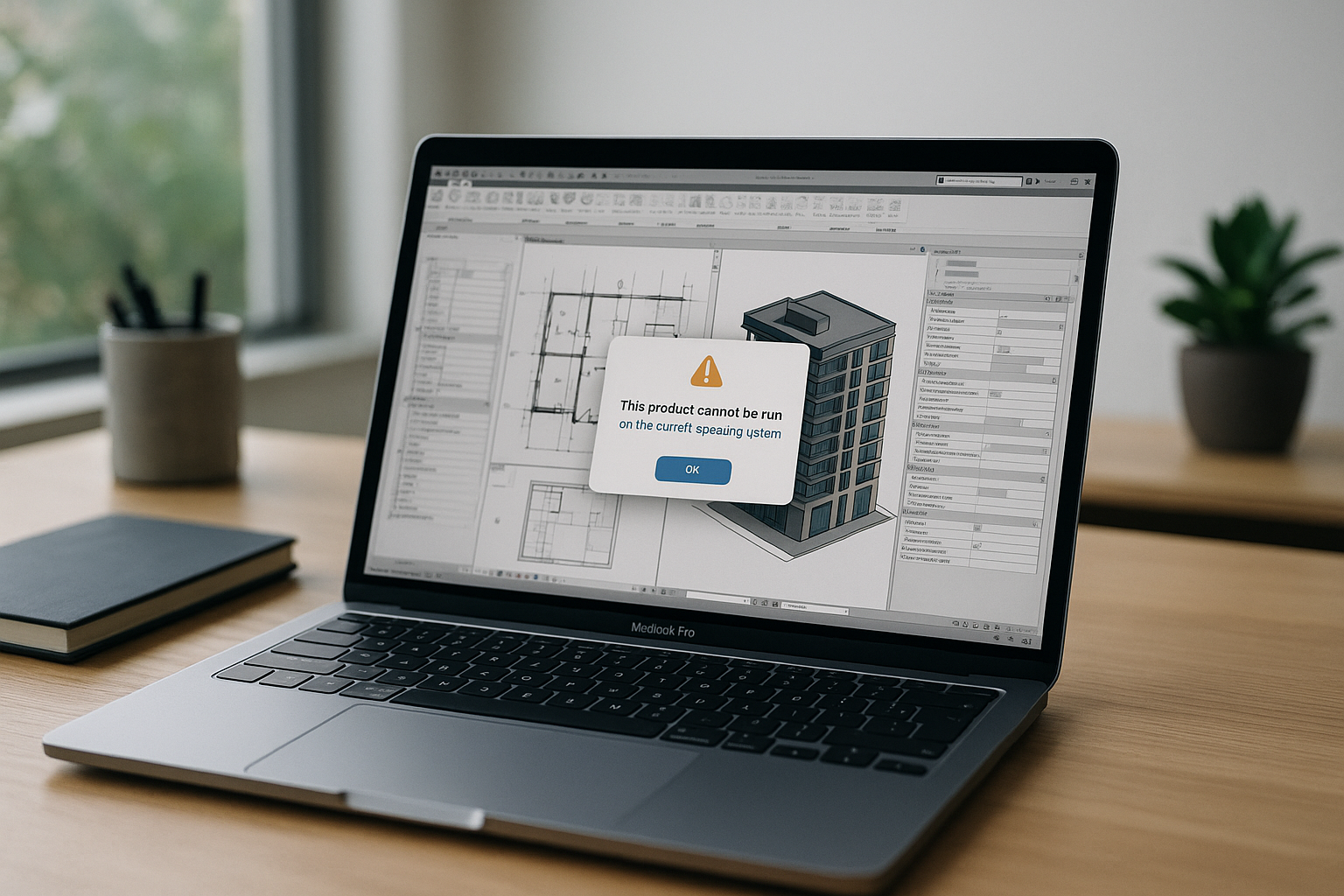
When comparing local Windows installs on a Mac versus a browser-based cloud PC, the gap in reliability and performance becomes clear. Local installs face GPU driver limitations, DirectX issues, and OS compatibility traps that often surface only when a deadline approaches. A high-performance cloud PC removes those constraints by providing a tuned Windows environment with stable, dedicated GPU resources, so navigation, rendering, and large-model workflows remain smooth.
For teams that must run Revit on macOS and move between devices, the cloud approach also protects consistency: the same environment, same drivers, and same plugins everywhere. Instead of rebuilding workstations or re-imaging VMs, you just open the browser and keep working. This lets architects and engineers focus on modeling and coordination rather than wrestling with installs and graphics settings.
Run Revit for MacBook Instantly with Aristeem Cloud PC
Aristeem delivers a full Windows environment in your browser with stable, dedicated GPU resources optimized for BIM workloads. It is not an emulator and not a traditional remote desktop; instead, you get a high-performance cloud PC you can open from any Mac, including Apple Silicon, with consistent DirectX support and graphics stability. The environment stays the same on every login, so large models remain responsive and visual styles render smoothly.
There is no setup: Revit is already in the application library, pre-installed and pre-configured. You simply click Launch, sign in with your valid license, and start working; plugins and project tools can be added inside the environment as needed. Skip VM tuning, driver hunts, and OS gymnastics — just launch Revit in your browser and keep your focus on design and coordination.
Can Revit Work on Mac Reliably? Start in Minutes
The most dependable path to production-grade performance is to stop fighting the machine and open a ready Windows workspace in your browser. With a tuned environment, dedicated GPU resources, and instant access from any Mac, the question can Revit work on Mac becomes a simple yes — without driver drama or VM slowdowns. If you need consistent rendering, smooth navigation in large BIM models, and full plugin compatibility, this is the practical route.
Get back to modeling instead of maintaining computers. Start your next session now and run Revit on Mac in the browser with a setup that scales from quick markups to full project delivery.


