


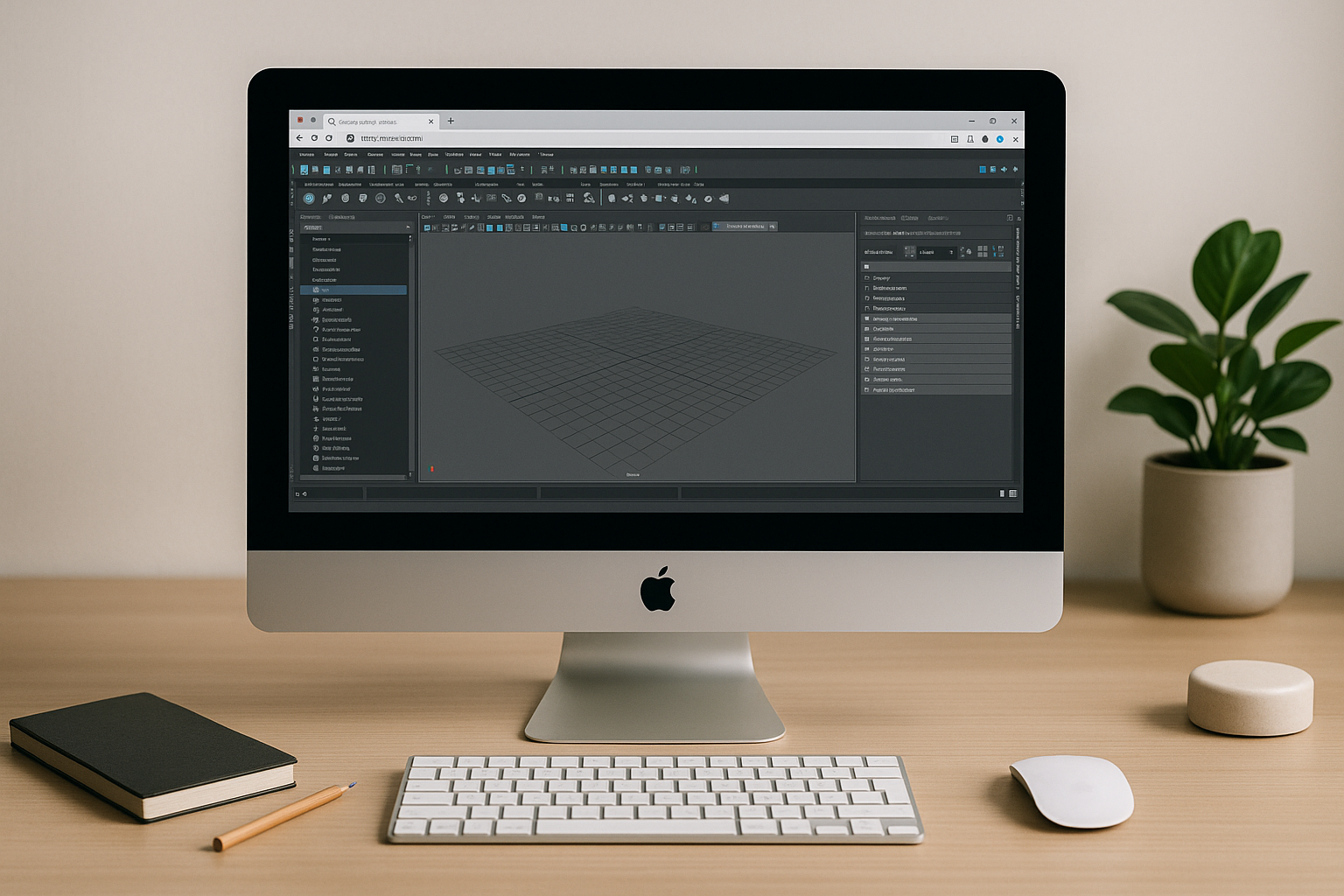
The Real Roadblock to Autodesk Maya on Mac
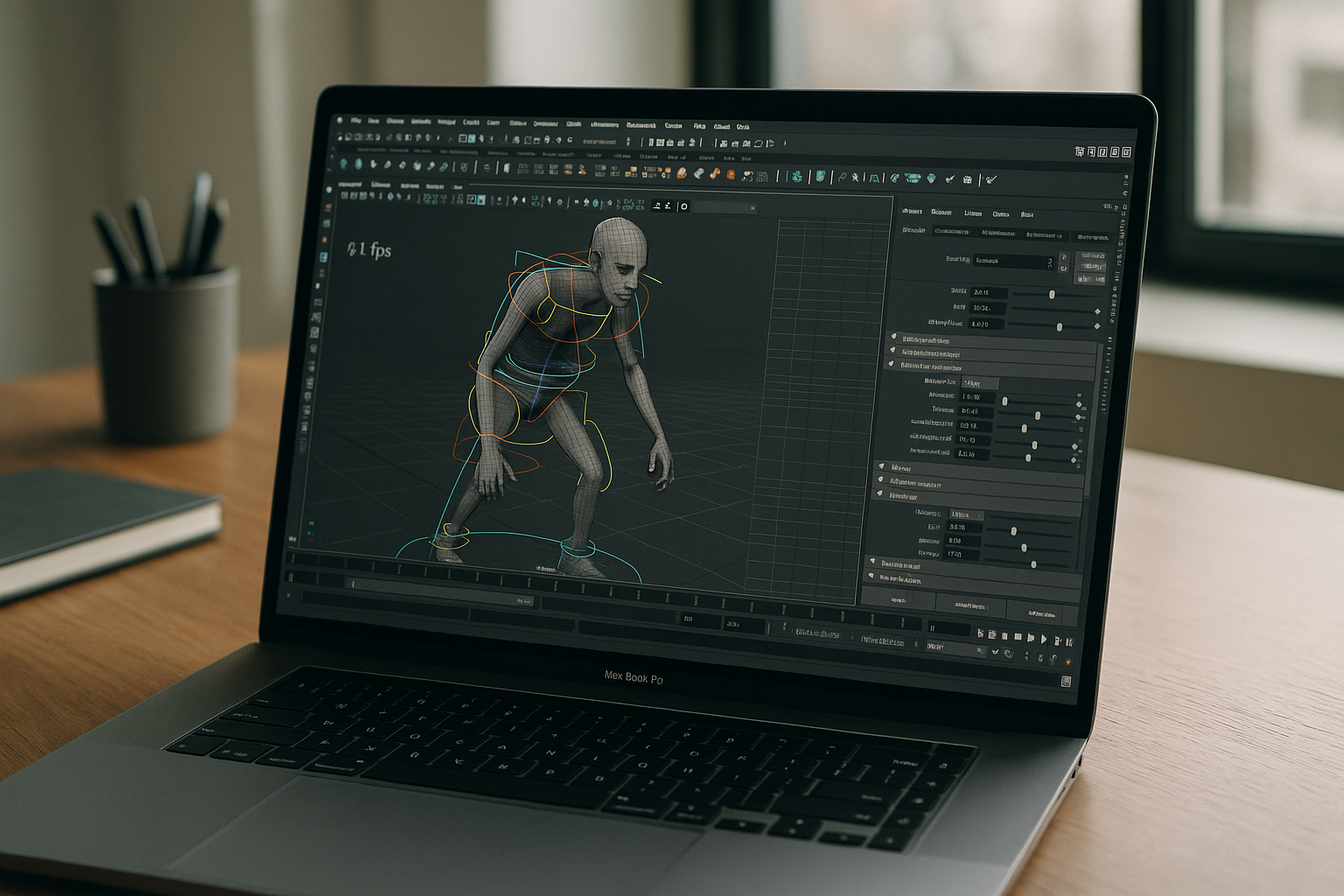
If your day depends on complex rigs, caches, and high-res textures, you know how fragile Autodesk Maya on Mac can feel. Lengthy installs and patches disrupt schedules, plugins behave inconsistently, and CUDA-based rendering or GPU features are often unavailable. On newer chips, large scenes and simulations hit a hardware ceiling, forcing compromises like proxying assets, dropping viewport quality, or waiting on offline renders that stall collaboration.
Why Installing Another OS Won’t Fix Maya for Mac
Many studios try to dual-boot or side-load another OS (like Linux or Windows) to access missing plugins and GPU features. In practice, this hits a hard architectural wall. Modern Mac hardware lacks the bare-metal driver stacks needed for alternative operating systems, completely blocking the hardware-dependent frameworks required for studio-grade 3D work.
Instead of fixing your pipeline, a second OS introduces severe technical risks:
-
Broken Compute & Rendering: Without native GPU driver support, advanced simulation nodes, CUDA-based rendering, and viewport acceleration fail to initialize.
-
Pipeline Fragility: Custom boot layers cause hardware-ID mismatches, frequently breaking node-locked licenses, local storage partitions, and automated backup routines.
-
Zero Predictability: Constant reboots destroy creative momentum, while a single firmware update can brick the custom setup hours before a critical project delivery.
2026 Cloud-Native Reality for Maya on macOS
For studios, TDs, and 3D generalists, the real challenge isn’t just running Maya on macOS — it’s managing complex pipelines and multi-version workflows. An artist often needs Maya 2024 with older plugin dependencies for a legacy project, while simultaneously spinning up Maya 2026 for a new production. Managing these conflicting environments locally on Mac is a technical nightmare.
That is why forward-thinking teams are shifting to cloud-native pipelines that abstract Maya from local hardware entirely:
-
Streamlined Multi-Version Workflows: Instantly launch isolated environments for any Maya version — complete with project-specific plugins and scripts — without version conflicts or system clutter.
-
Unified Pipeline Deployment: Maintain one “golden image” in the cloud. Toolchain updates roll out to the entire global team instantly, eliminating individual workstation troubleshooting.
-
Elastic Infrastructure for Leads: Scale GPU power up or down on demand — whether running heavy simulation caches or final renders — all while keeping artists inside their preferred macOS ecosystem.
This shift transforms the Mac from a performance bottleneck into a flexible terminal, giving production leads total hardware independence and predictable, studio-grade stability.
The Most Reliable Way to Run Maya for Mac
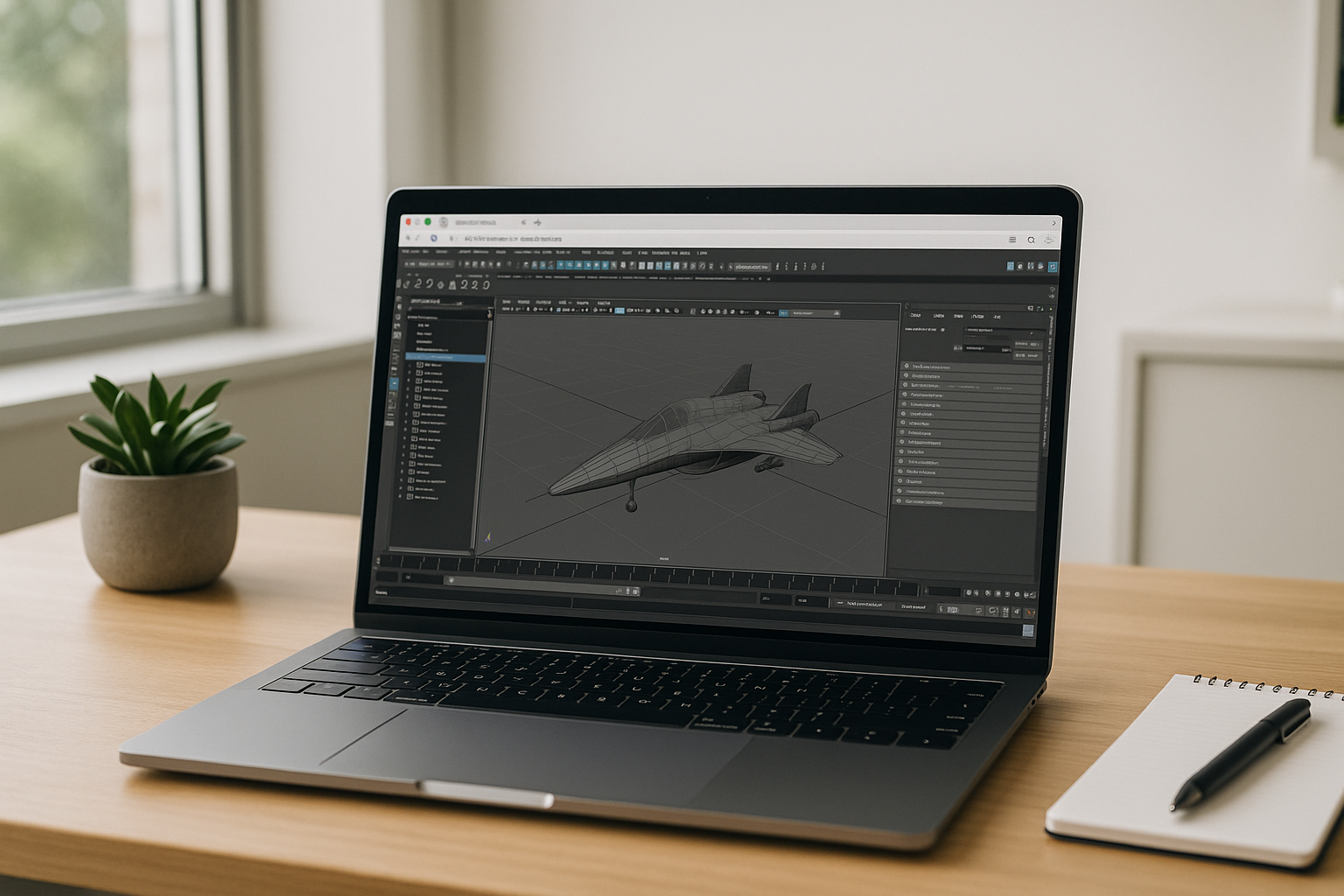
You can buy new hardware, fight with a second OS, or attempt local virtualization, but each path adds maintenance and risk while still capping performance. A browser-based Cloud PC sidesteps the machine entirely: zero installs, consistent drivers, and dedicated GPUs ready for renderers, caches, and simulations. Your asset library, plugins, and versions stay aligned across the team, and sessions resume from any device. The result is the simplest way to run Autodesk Maya on Mac with full power and predictable stability.
Aristeem: Instant Autodesk Maya on Mac in the Browser
Aristeem delivers a full desktop environment in your browser — no installs, no virtualization, no emulation—and it is not a remote desktop. Open the library and click “Launch” to start the pre-installed, pre-configured app; bring your license only if the software requires one. You get dedicated GPU acceleration for heavy viewports, CUDA-based rendering, stable I/O, and plugin ecosystems that are typically unavailable on macOS. Multi-version workflows are simple: pin project-validated builds and switch instantly without touching your local system. Ready to try it now? Launch Autodesk Maya on Mac in your browser and keep working without reboots or setup.
Conclusion: Autodesk Maya on Mac Without Installs
A browser-based workflow removes the friction that slows production: no local maintenance, consistent performance, and immediate access to the tools your scenes demand. With predictable GPUs, stable plugins, and one-click starts, your pipeline stays fast and repeatable. Keep your Mac clean and your projects moving — start Autodesk Maya on Mac in your browser and focus on the work, not the workstation.


