


Blog
Blog
PyCharm Mac: Run Data Analytics Without Local Installs
Installing and maintaining PyCharm on macOS often hits admin-rights blocks, Apple Silicon plugin issues, and clashing Python environments. See how to run a full PyCharm workspace for data analytics without local installs or permissions.
Read More
Run ZBrush on macOS Without Installs or Hardware Limits
Mac artists can run ZBrush, yet heavy scenes, Apple Silicon compatibility questions, limited storage, and install restrictions on managed devices often break workflows. This article shows how to keep full performance without local installs or OS/version conflicts.
Read More
Create Alignments in Autodesk Civil3D Without Installs
Need to place PIs, tangents, and curves in Autodesk Civil3D right now but can’t install it on your device or access the right version? This article shows how to start alignment creation instantly in the browser without buying hardware or waiting on IT.
Read More
3D Render Online Without Starting the Program
You need to render 3D scenes without launching heavy desktop software because your device is weak, locked down, or incompatible. Learn how to keep full fidelity and formats while doing it entirely in the browser.
Read More
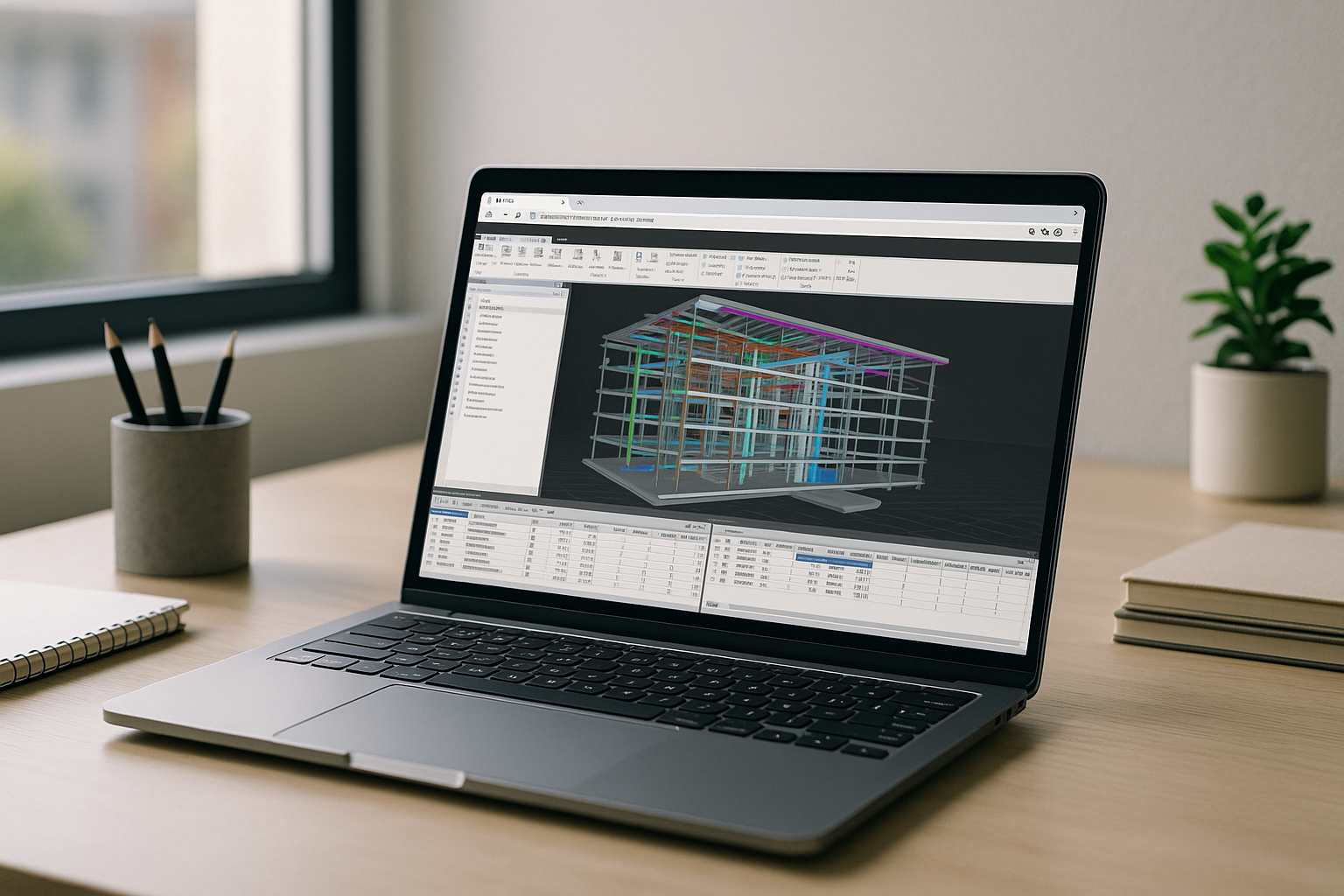
Autodesk Navisworks Manage in Browser, No Installs
Teams struggle to open and coordinate large models because Autodesk Navisworks Manage demands heavy GPUs, complex installs, and admin access. This slows clash detection and project reviews across mixed devices and remote locations.
Read More
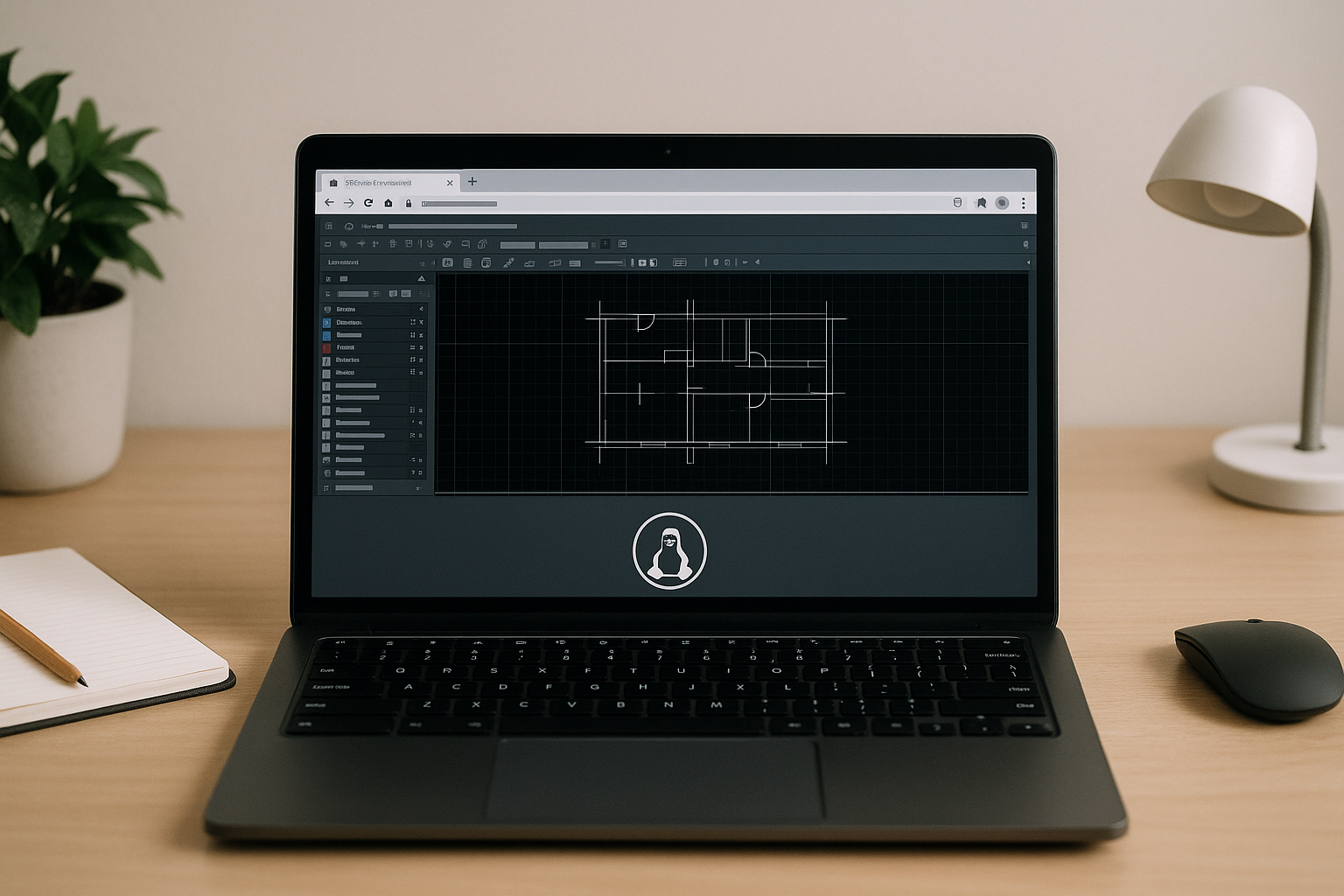
AutoCAD and Linux: Run Full AutoCAD on Any Linux Distro
AutoCAD isn’t supported on Linux, and Wine or heavy VMs often fail with GPU, driver, and licensing issues. Here’s a reliable way to achieve Windows‑level performance and full compatibility without dual‑boot.
Read More
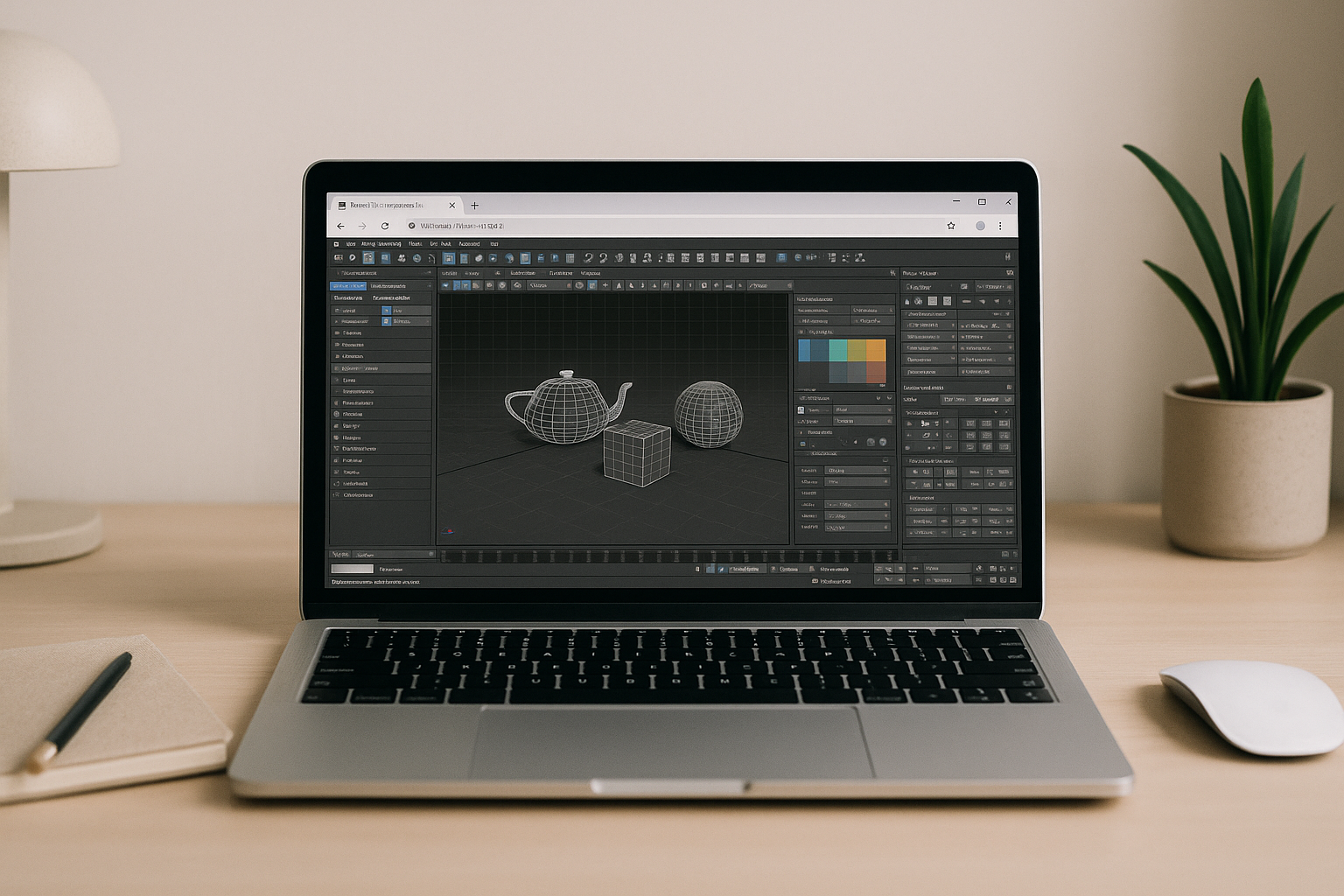
3ds Max Autodesk without installs or hardware limits
You need Autodesk 3ds Max but installs are blocked and your device can’t handle GPU-heavy scenes. Learn how to run it reliably in a browser with full acceleration and no local setup.
Read More
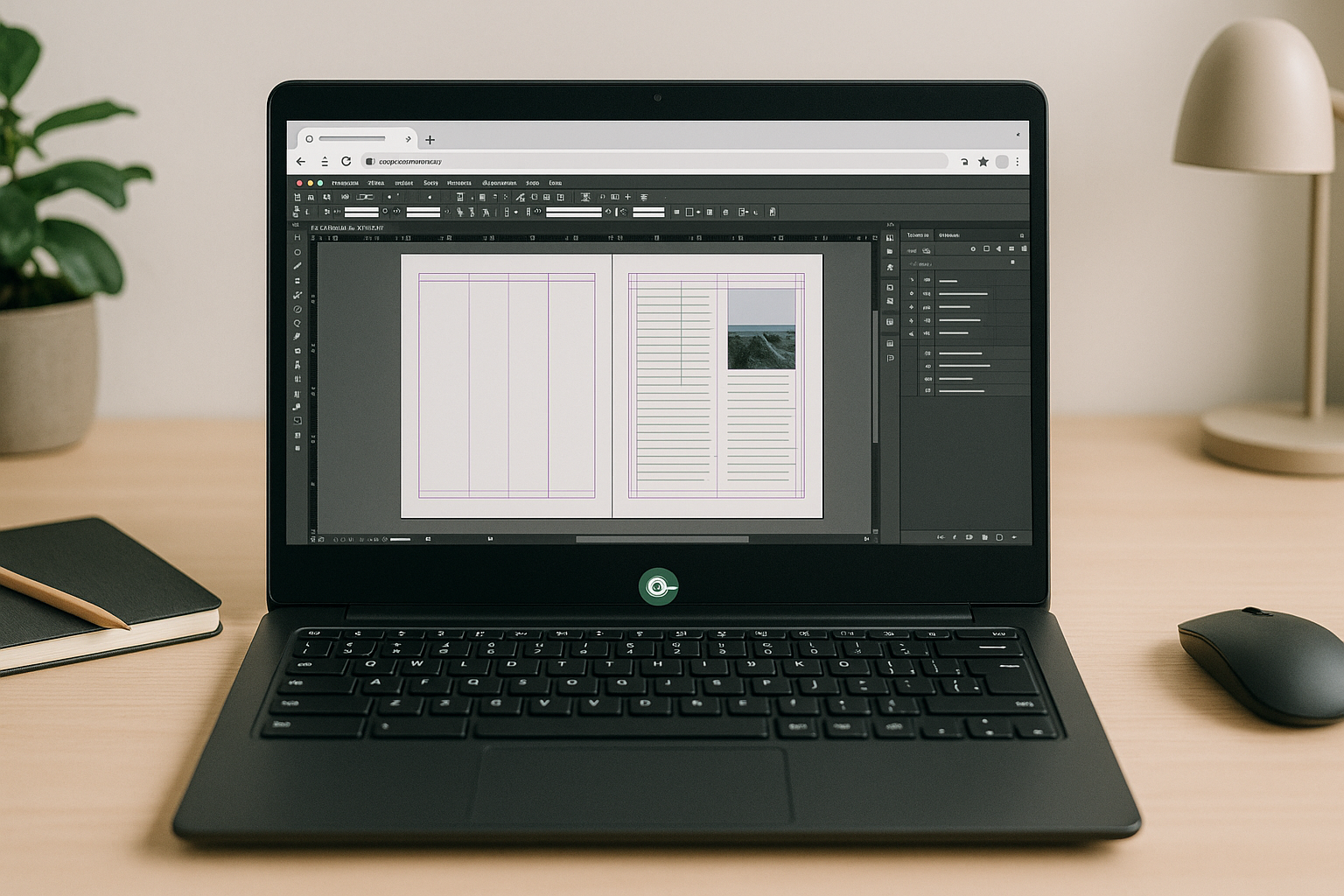
InDesign Linux Alternative: Run the Real App
There’s no native InDesign for Linux, and most substitutes break .indd/.idml fidelity, fonts, and plugins. This article shows a practical way to use the real app in a browser so every file and feature stays intact.
Read More
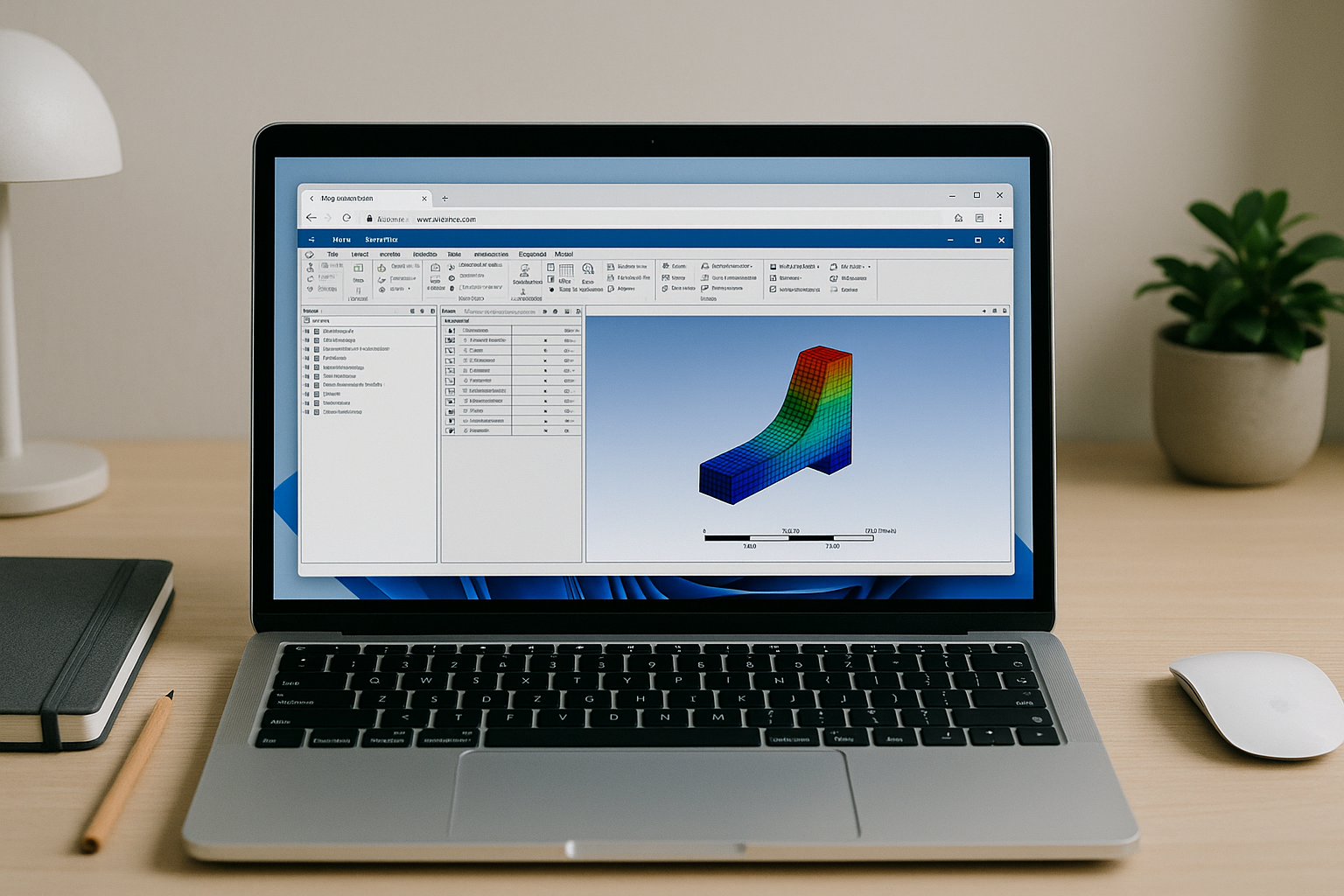
Run Ansys Mechanical in a Browser-Based Cloud PC
Engineers need Ansys Mechanical but struggle with heavy hardware demands, complex installs, and IT restrictions that slow projects. Learn a faster way to launch it instantly in any browser with consistent, pro-grade performance.
Read More
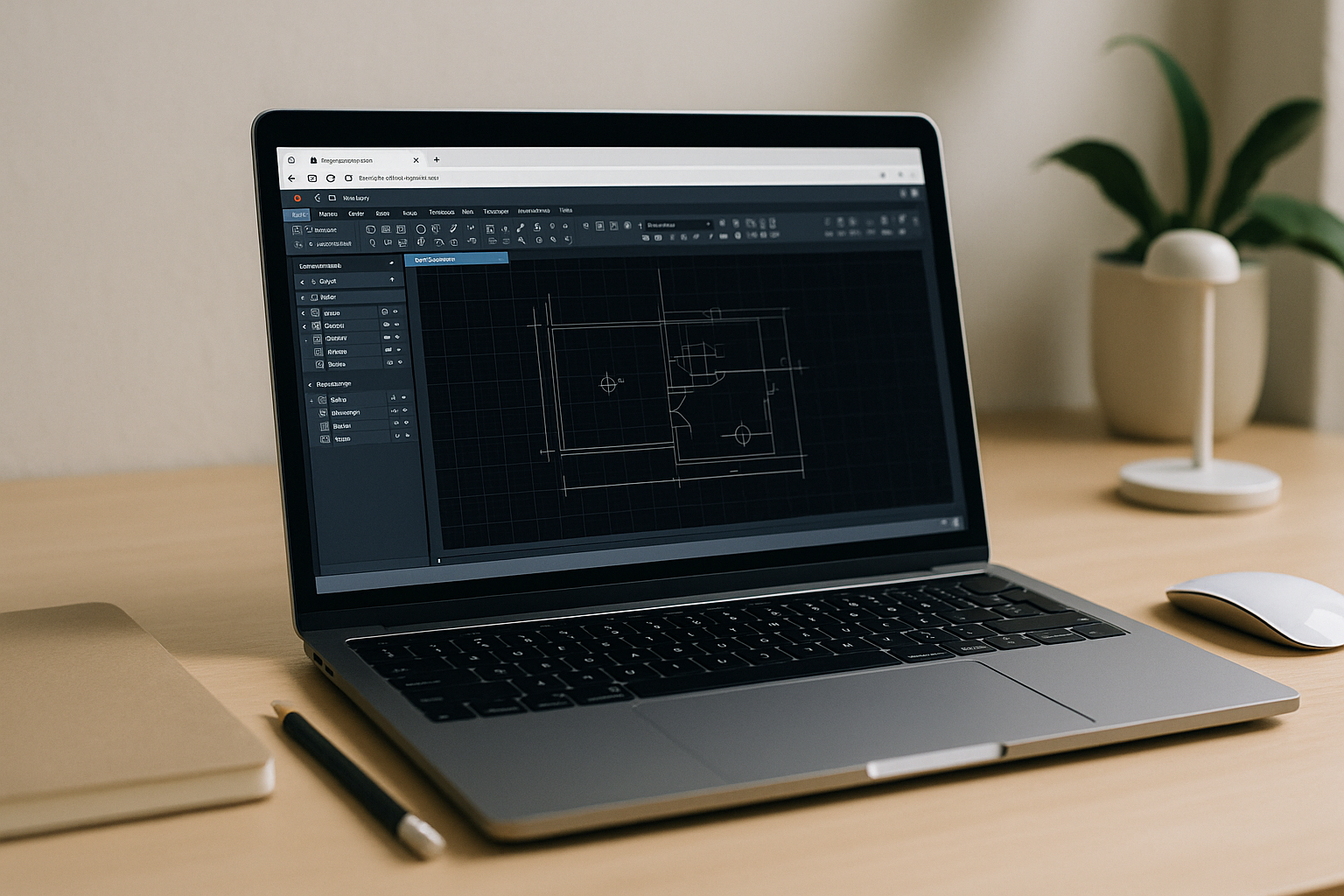
AutoCAD for Mac M1/M2/M3: Full Power on macOS Without Installs
Large installs, missing add-ins, and IT restrictions make AutoCAD work on macOS slow and incomplete—especially with heavy DWGs and Apple Silicon laptops. See how to get the full desktop experience instantly in a browser with no local setup.
Read More
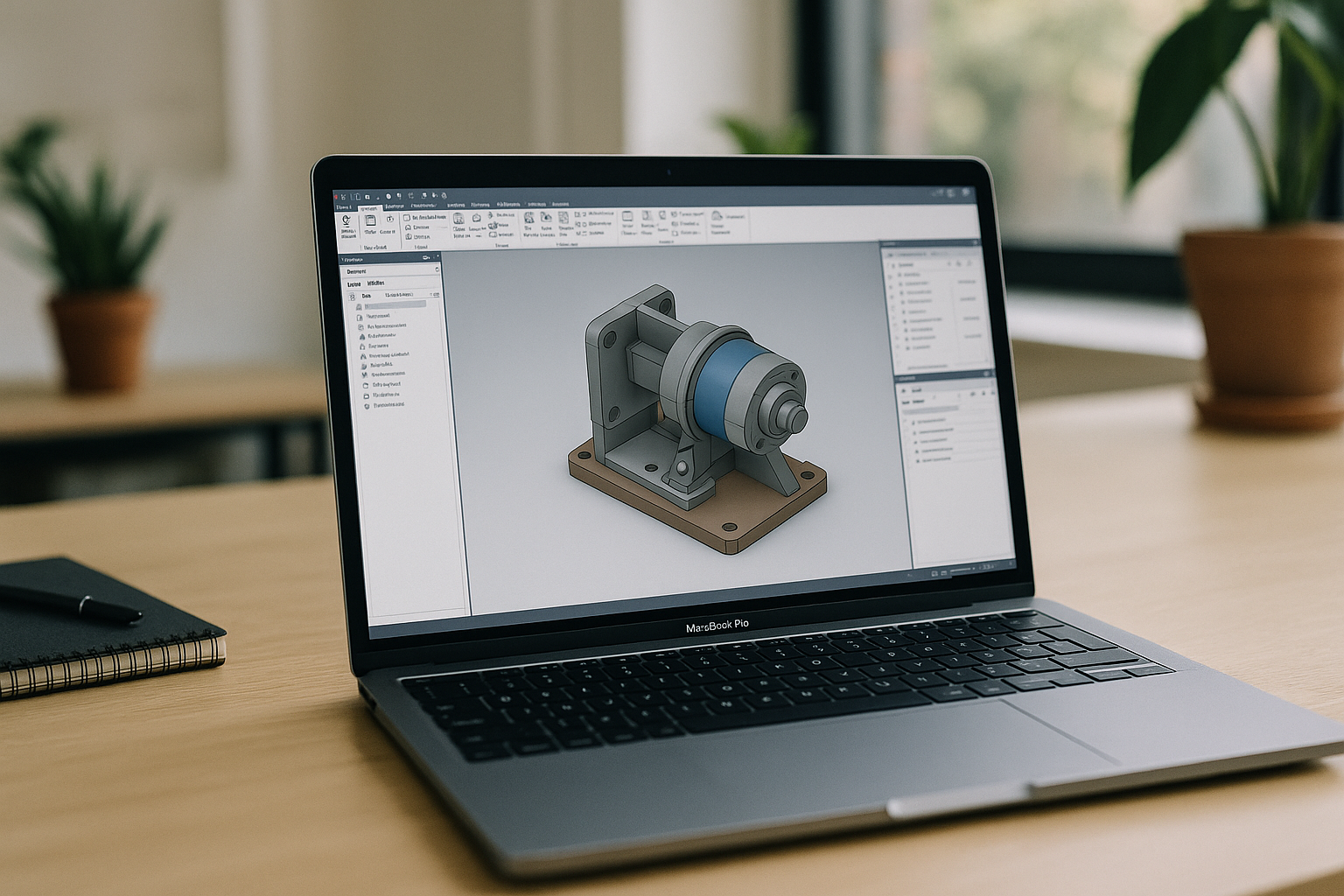
Autodesk Inventor on Mac: Full Power, No Installs
There’s no native Autodesk Inventor for Mac, and Apple Silicon complicates dual‑booting while local virtualization often fails on graphics acceleration—leaving teams stuck before deadlines. This article shows a fast, reliable way to use the full desktop app on a Mac without complex installs.
Read More
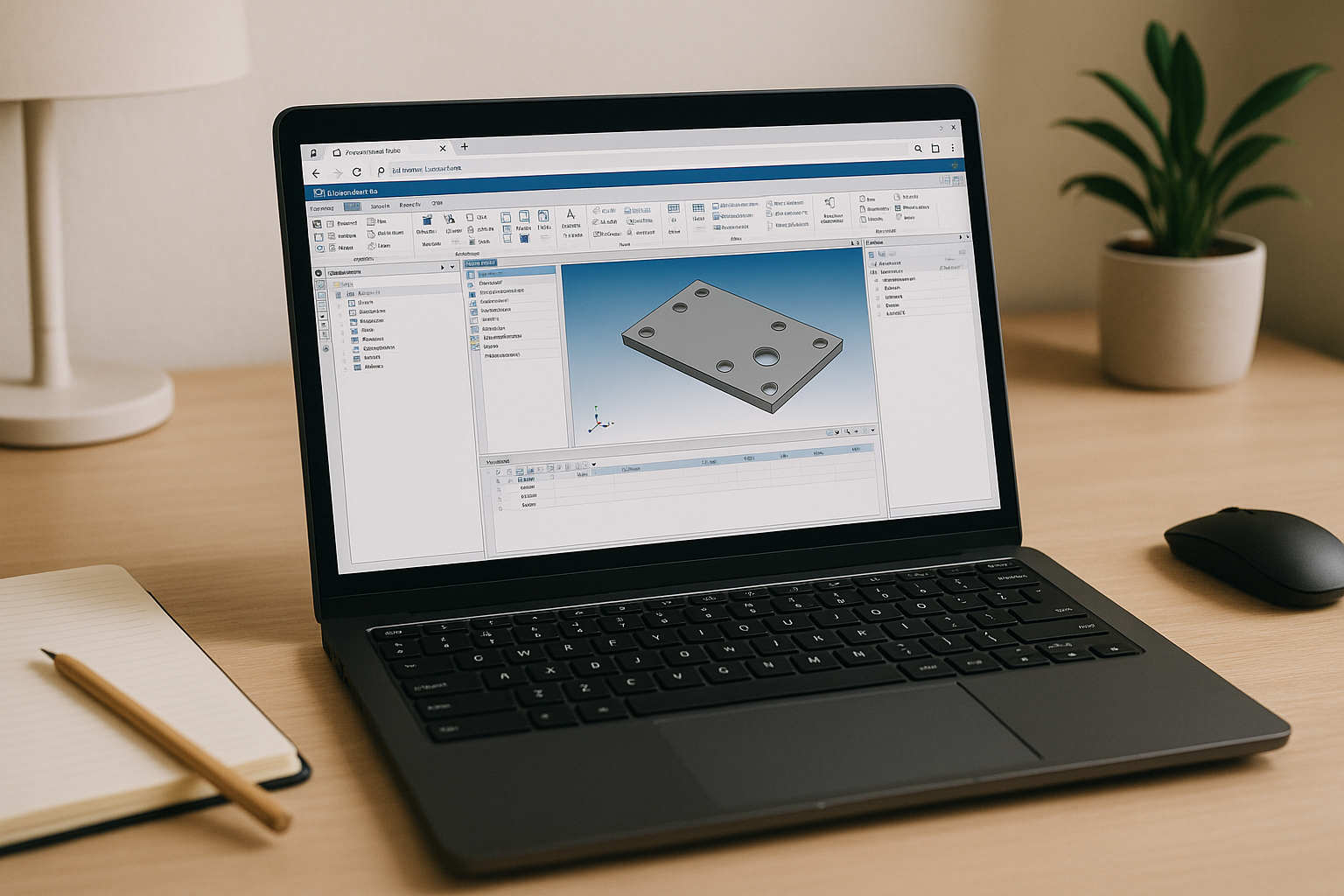
Ansys Linux Installation: Skip Setup, Start Faster
Engineers struggle with distro lock‑in, missing libraries, GPU drivers, and FlexNet setup when dealing with Ansys Linux installation. Here’s how to skip the painful setup and get to results faster without changing your workflow.
Read More


