


What an AutoCAD in Linux Workflow Requires
AutoCAD does not have a native Linux version, so teams using Linux workstations need another way to access the Windows version of the application. Wine and virtual machines can introduce compatibility and configuration issues, particularly when a project depends on specific fonts, plot styles, external references, or add-ins. For production teams, the challenge is not just opening AutoCAD — it is keeping drawings consistent with the standards used by the rest of the team.
Consider an architect reviewing a DWG drawing on-site from a Linux laptop. The project may rely on managed external references (Xrefs), Sheet Set Manager, SHX fonts, CTB or STB plot styles, custom blocks, and established PDF output settings. Opening the drawing is only the first step: the architect also needs the references to resolve correctly, annotations to remain legible, and plotted sheets to follow the project’s standards. These requirements make a consistent AutoCAD environment important when work moves between the office, client meetings, and construction sites.
The Trade-Offs of Using a Separate Windows Computer
A separate Windows computer is one way to run AutoCAD alongside a Linux workstation, but it adds another device to maintain. Teams may need to manage file transfers, keep project resources aligned, and troubleshoot different software versions or configurations across machines. For CAD leads and IT, hardware refresh cycles, image management, and GPU driver updates become a recurring tax on time and budget.
In daily practice, shuttling between machines breaks focus, especially when custom tool palettes, scripts, and fonts must be duplicated in parallel. Travel complicates logistics — lugging extra hardware and managing varying docking setups chips away at billable hours. For mobile teams, carrying another computer or arranging remote access to an office workstation can also complicate site visits and client reviews.
Keeping AutoCAD Project Settings Consistent Across Locations
A cloud Windows environment gives Linux users another way to access the Windows version of AutoCAD without installing a local Windows system. Instead of maintaining a separate computer, users can open the application remotely and work with project files and supporting resources in one persistent environment. The relevant AutoCAD version, fonts, plot styles, external references, and other project dependencies still need to be installed, configured, and maintained as required by the project.
This approach can reduce the need to duplicate AutoCAD settings across multiple computers. It can be useful for architects and CAD teams who move between office work, site visits, and client reviews but need to keep using the same project environment. Actual responsiveness depends on the cloud configuration, network connection, and graphics workload.
Using Aristeem to Access AutoCAD from Linux
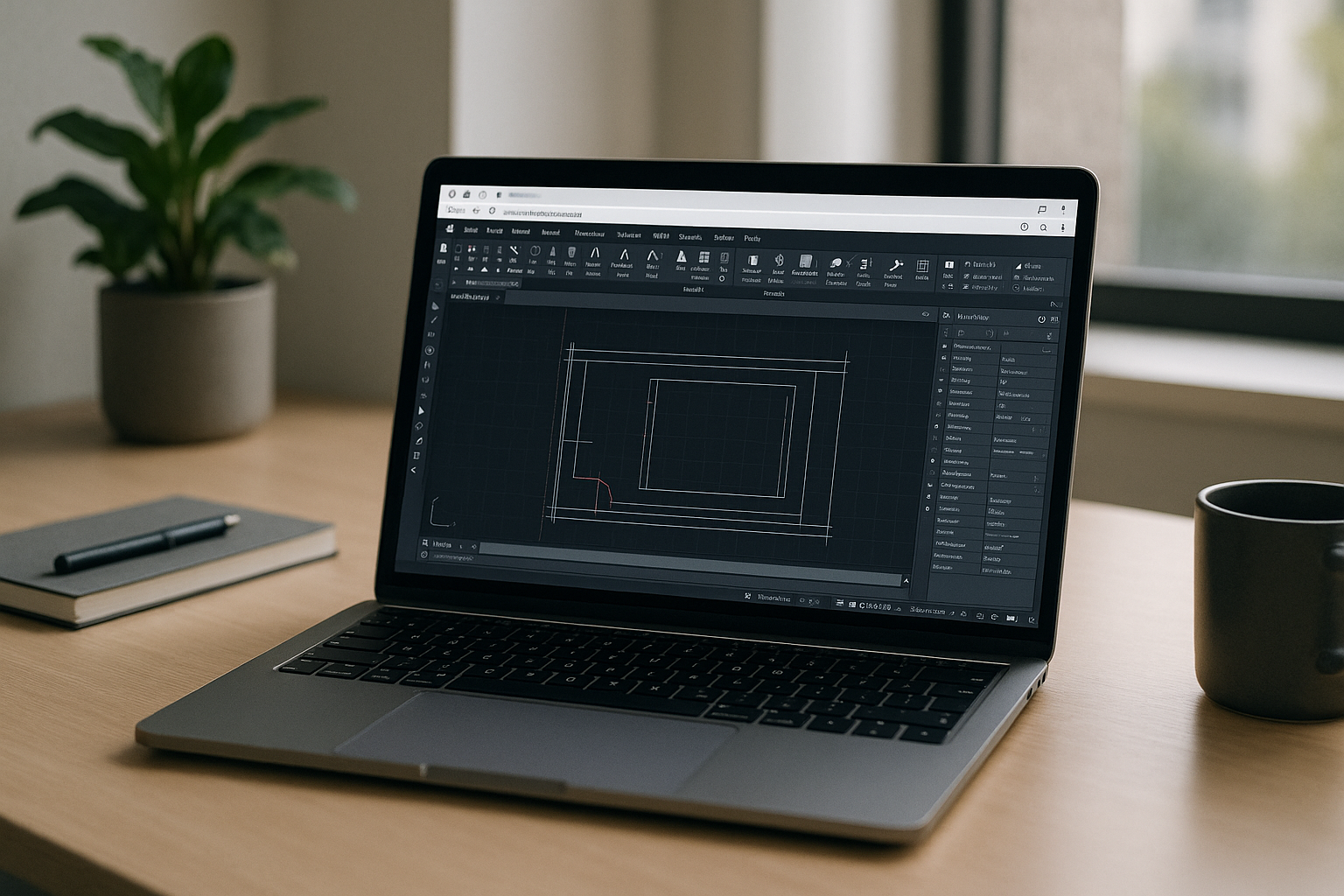
Aristeem provides access to a cloud Windows environment from a Linux computer through a browser. This lets users run compatible Windows software without setting up a local Windows installation, dual boot, or a local virtual machine. Graphics performance and responsiveness depend on the selected environment, the application workload, and the user’s connection. To use AutoCAD, open an available environment and install or configure the application as needed. Users must provide a valid AutoCAD license and configure the required fonts, plot styles, plugins, and project resources where applicable. The environment’s persistent storage can keep installed software and saved configuration files available between sessions. Persistent storage can keep installed software and saved configuration files available between sessions, so users can access their configured environment from different Linux computers.
If you are evaluating an AutoCAD alternative for Linux, a cloud Windows environment offers a different option: use the actual AutoCAD application remotely rather than switch to another CAD program. It can reduce the need for a separate Windows computer, while software licensing, project configuration, and access permissions still need to be managed. For teams that need the Windows version of AutoCAD while working from Linux, this approach offers an alternative to maintaining a separate Windows computer.
Access AutoCAD from Your Linux Workstation
PIf your CAD workflow depends on Windows AutoCAD, specific fonts, plot styles, external references, or project templates, a cloud Windows environment may help you access that setup from Linux without maintaining a separate Windows computer. Review Aristeem for AutoCAD to see whether this approach fits your software, licensing, and project requirements.


