


Blog
Blog
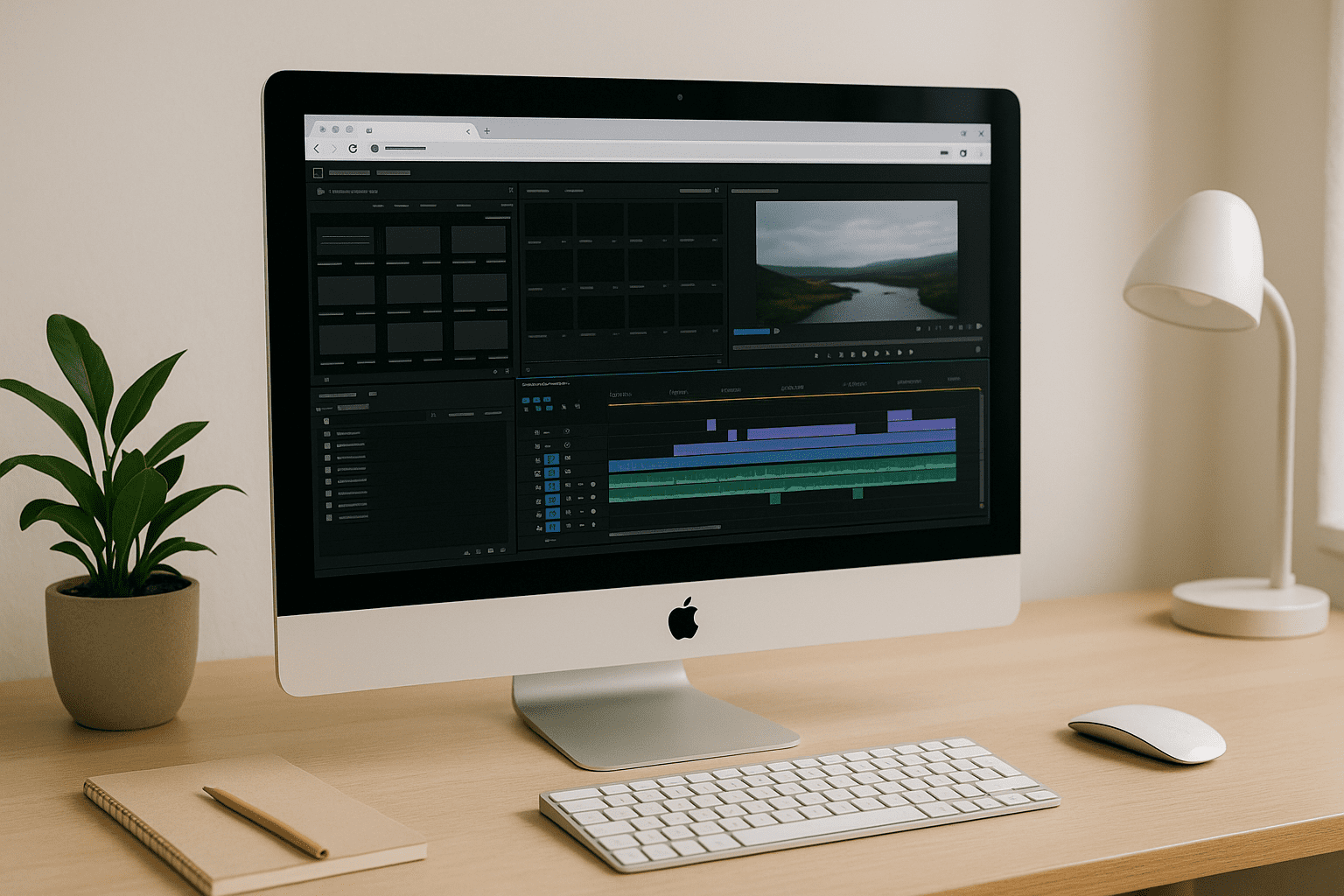
Adobe Premiere Pro Editing Software — In Your Browser
You need Adobe Premiere Pro but can’t install it due to admin restrictions, weak hardware, or massive downloads. Discover how to use the full editor in a browser without changing your device or permissions.
Read More
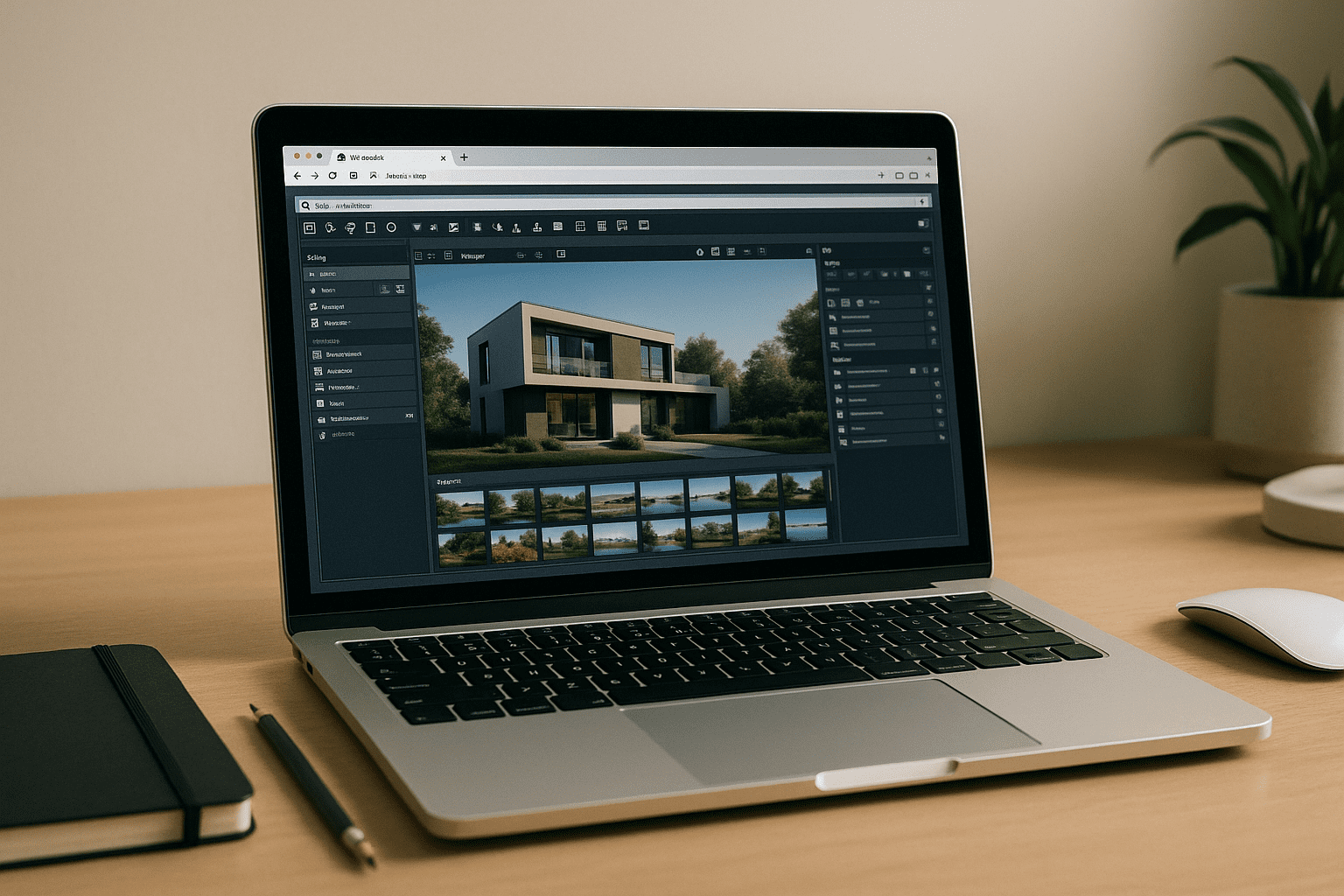
Lumion for MacBook: Run Full GPU in Your Browser
MacBook users hit a wall with Lumion because it’s Windows-only, demands DirectX 12, and needs a strong discrete GPU. Here’s a reliable way to run it on any MacBook with full GPU performance — no local installs.
Read More
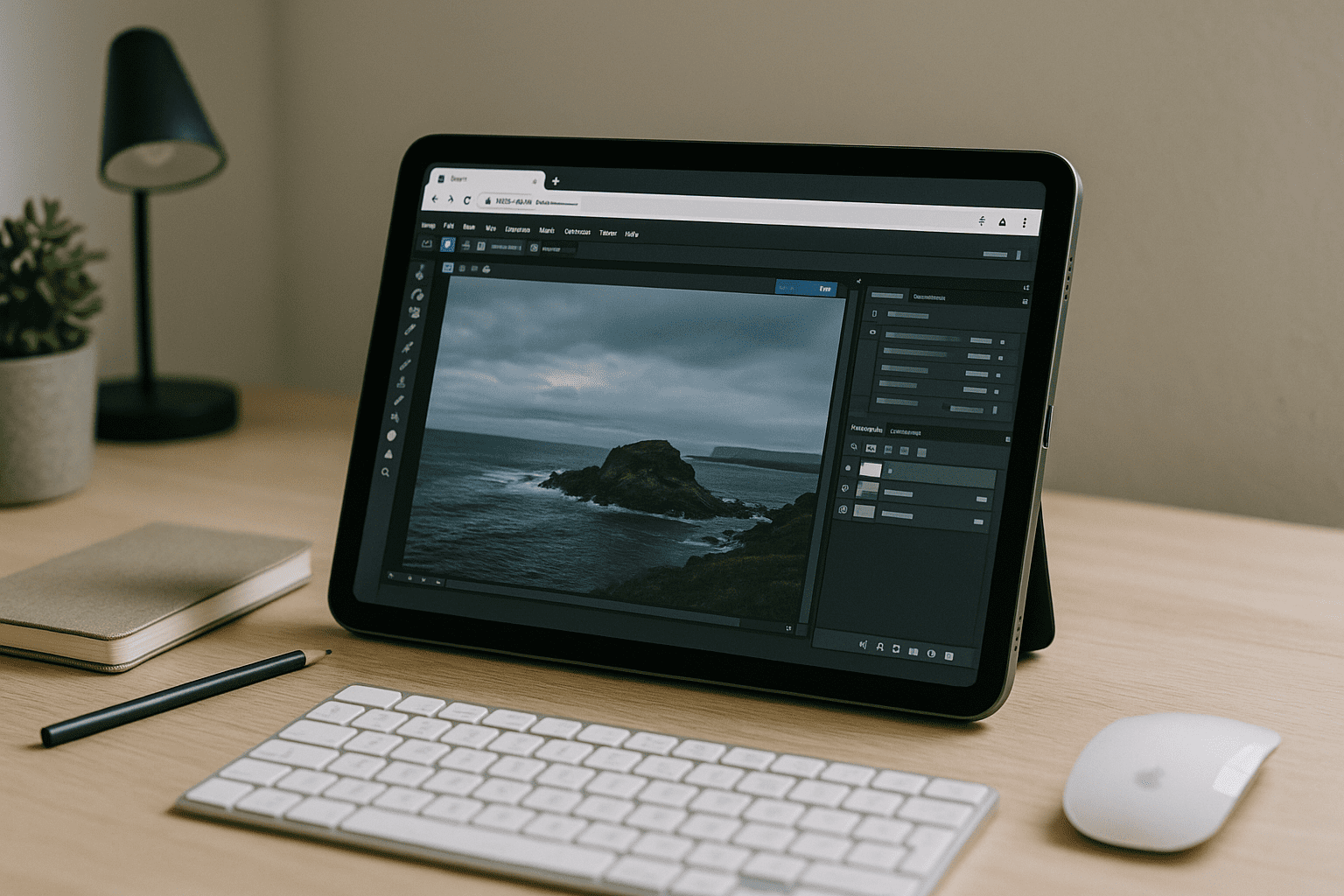
Online Photoshop Software — Run It in Your Browser
You can’t install or run full Photoshop because of locked devices, weak hardware, or OS mismatches — but web alternatives feel limited. Here’s how to use the real desktop experience in your browser without setup or new hardware.
Read More
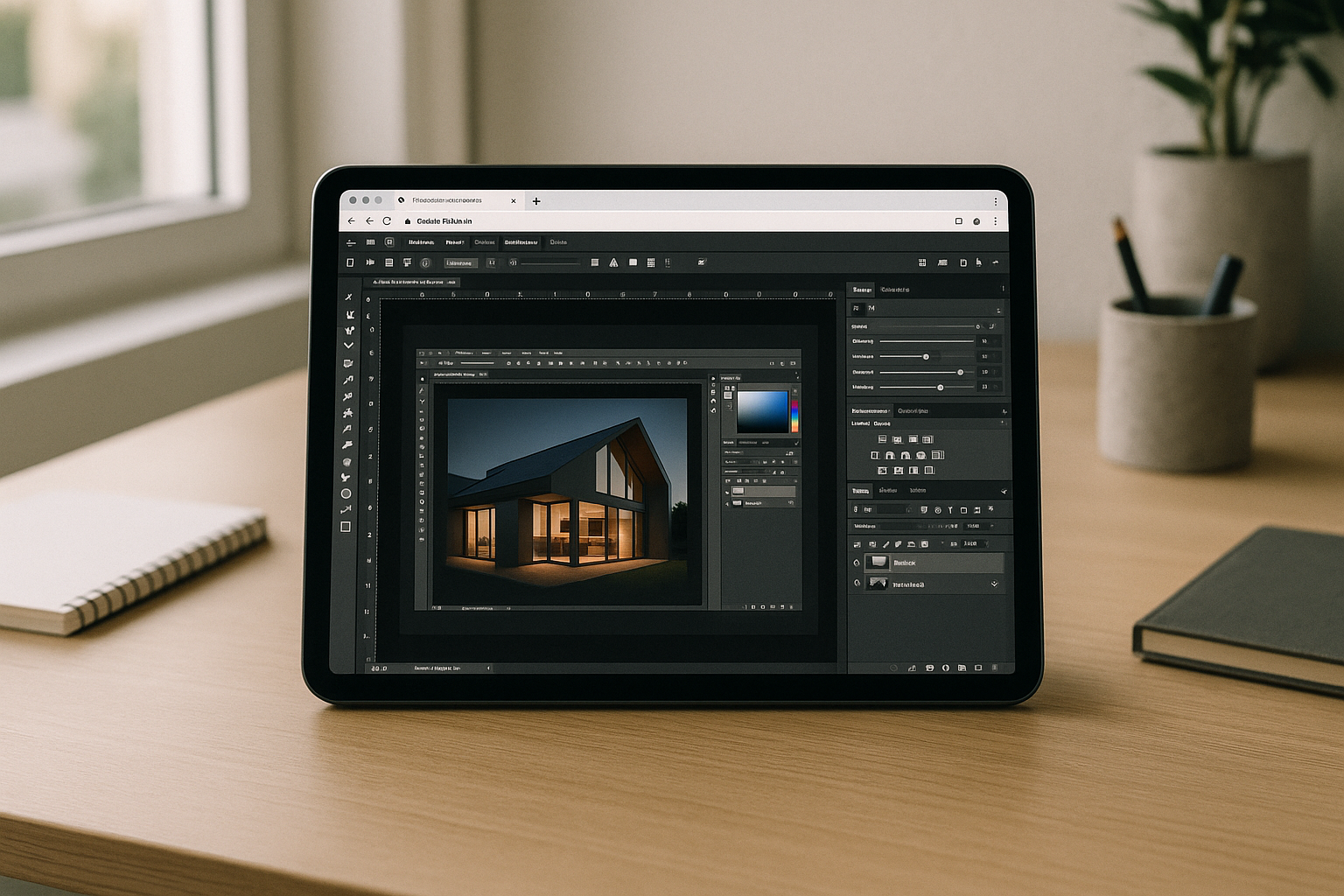
Virtual Machine for iPad: Desktop Power in Your Browser
Professionals want desktop-class macOS tools on iPad, but iPadOS blocks native virtualization and complex workarounds break real workflows. This guide shows a practical path to open full desktop apps in the browser without installing anything locally.
Read More
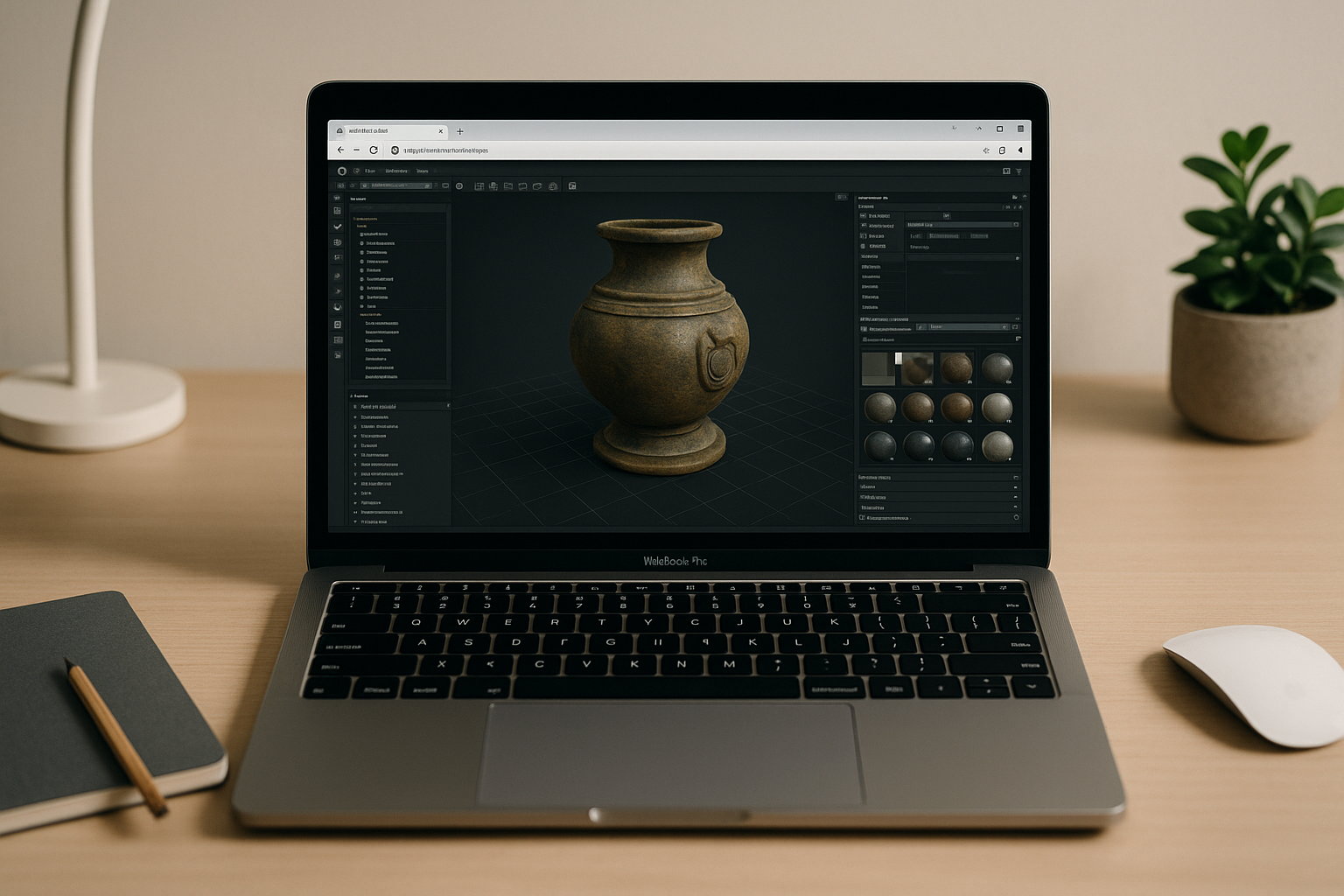
Marmoset Toolbag 5 in Browser — No Installs, Full GPU
You need real-time rendering and baking in Marmoset Toolbag 5, but hardware limits, admin locks, or the wrong OS block installation. See how to run it instantly in a browser with full GPU acceleration and keep your desktop workflow intact.
Read More
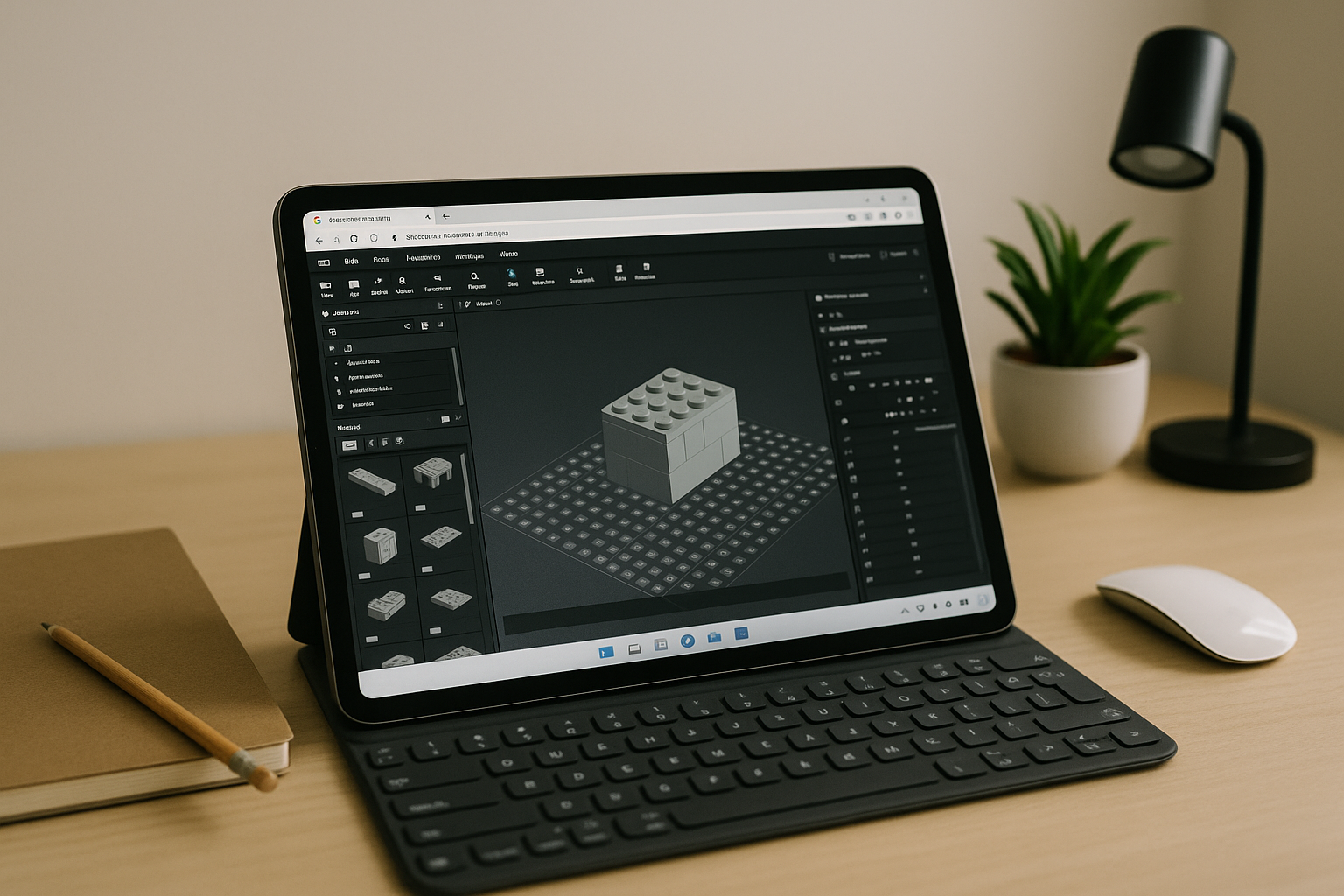
Bricklink Studio Download Problems? Build in Your Browser Instead
Installers failing, admin rights blocked, and outdated hardware often turn a simple Bricklink Studio download into hours of friction. Here’s a faster path that gets you building immediately without local setup.
Read More
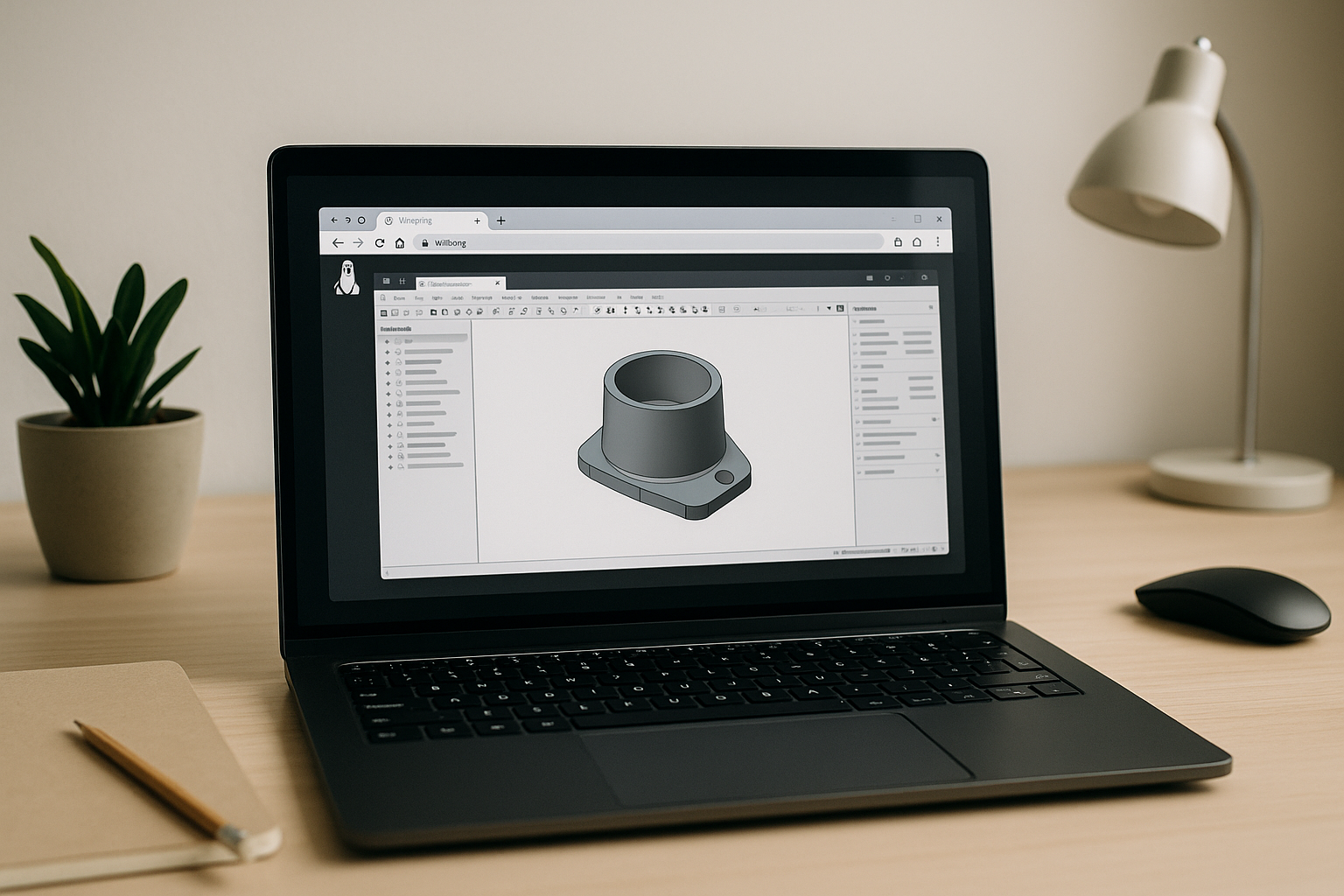
Does SolidWorks Work on Linux? Real Options That Do
Engineers on Linux often need SolidWorks but hit OS incompatibility, unreliable hacks, and slow dual-boot workflows. This guide explains what truly works and how to get full performance without reinstalling anything.
Read More
Zero-Setup Virtual Desktop for OS X via Browser
You need Windows-only desktop apps on OS X but can’t install or even start heavy virtualization tools due to admin limits, storage pressure, or performance hits. This guide shows a fast, program-free path in the browser that gets real work done immediately.
Read More
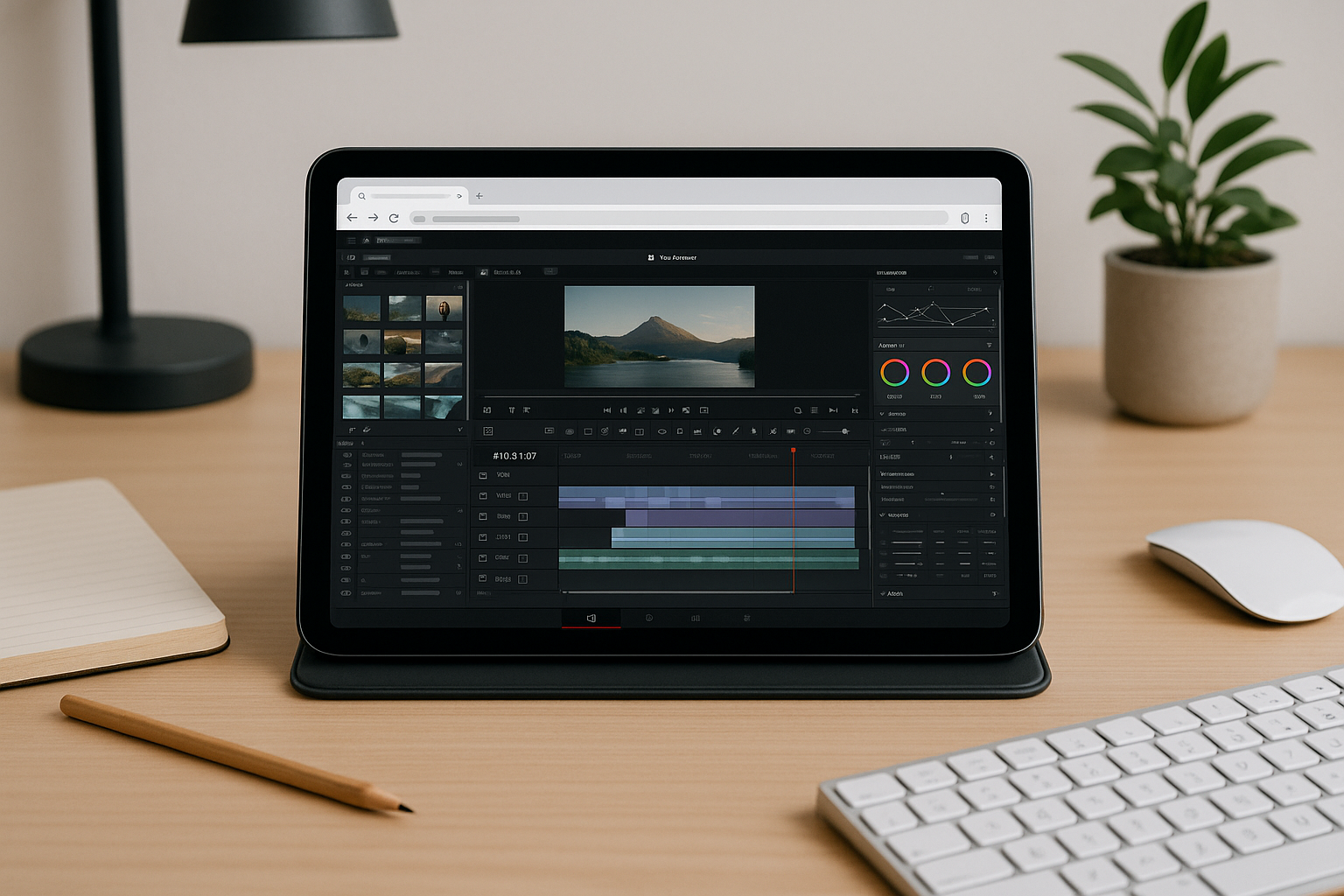
DaVinci Resolve Video Editing Software — In Your Browser
Admin locks, outdated hardware, or strict system requirements often block DaVinci Resolve installs. Discover a practical way to open the full desktop experience in your browser without local setup.
Read More
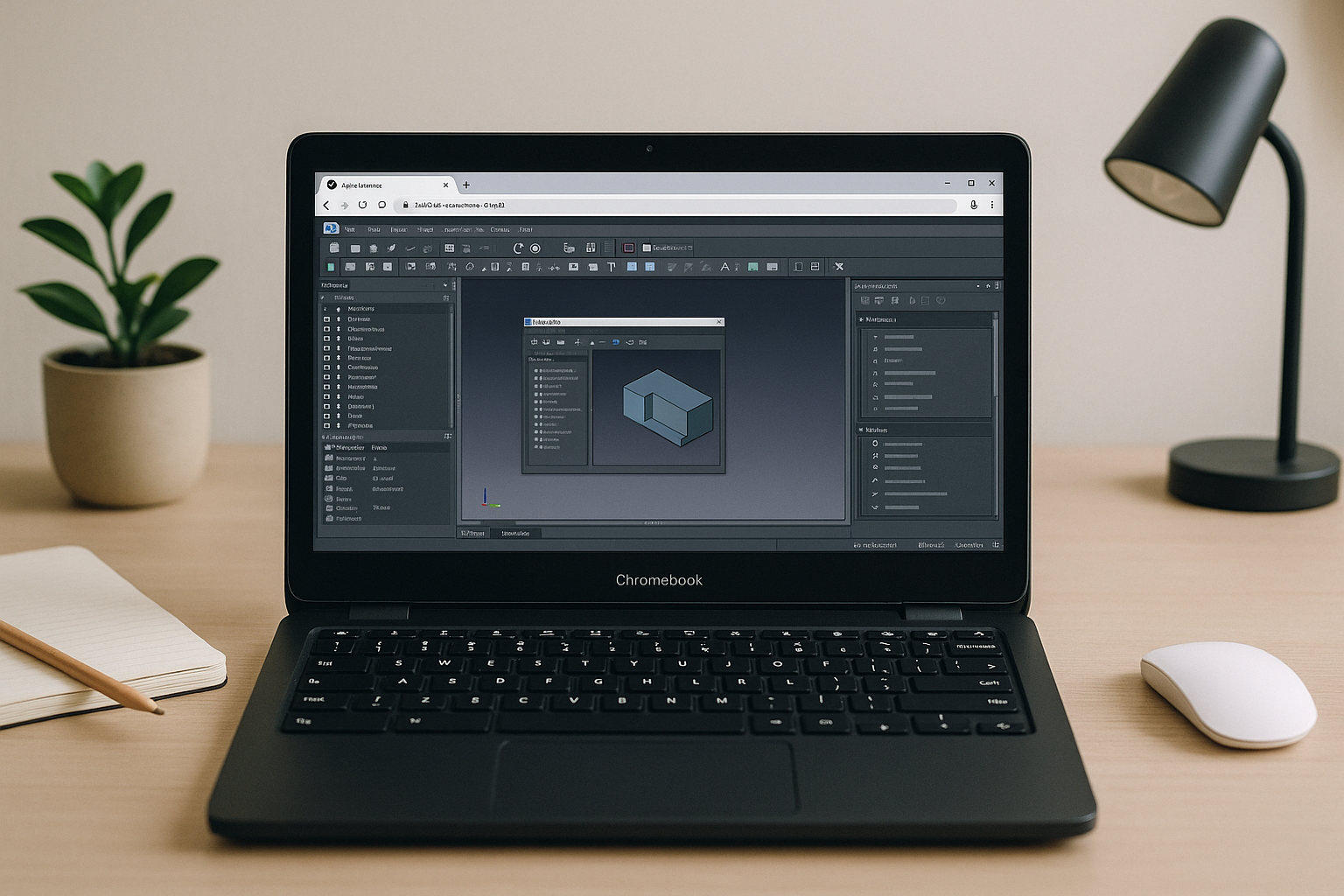
Run FreeCAD in Your Browser — No Installs Needed
Engineers often can’t install or run FreeCAD due to IT restrictions, missing dependencies, or weak GPUs. This article shows a practical way to use the full app instantly on any device without local setup.
Read More
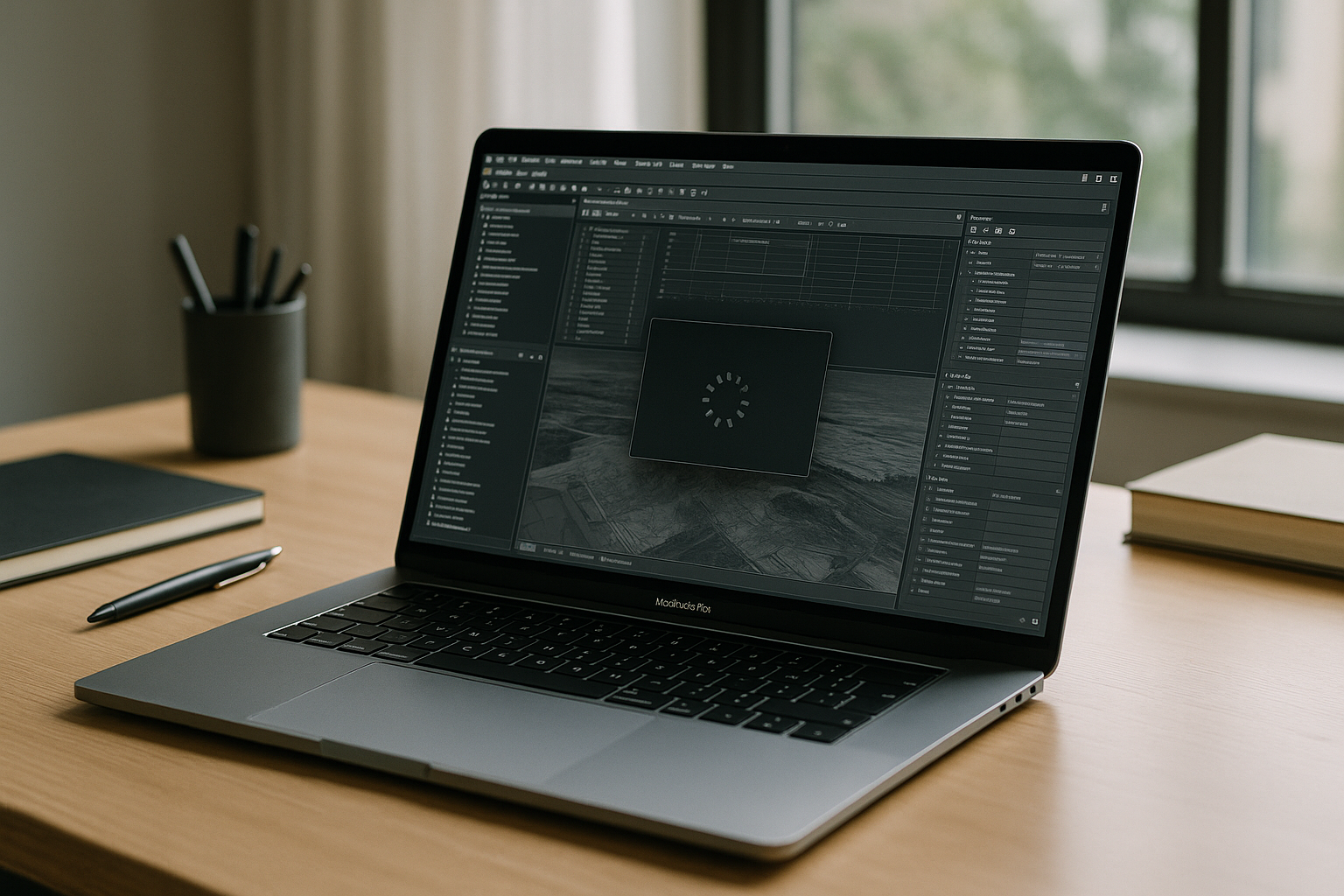
PostgreSQL on Mac: Why Setup Keeps Breaking on MacBook
Local PostgreSQL setups on Mac often break due to version conflicts, Apple Silicon quirks, admin restrictions, and long configuration. Here’s a faster way to start analyzing data without installing or maintaining anything.
Read More
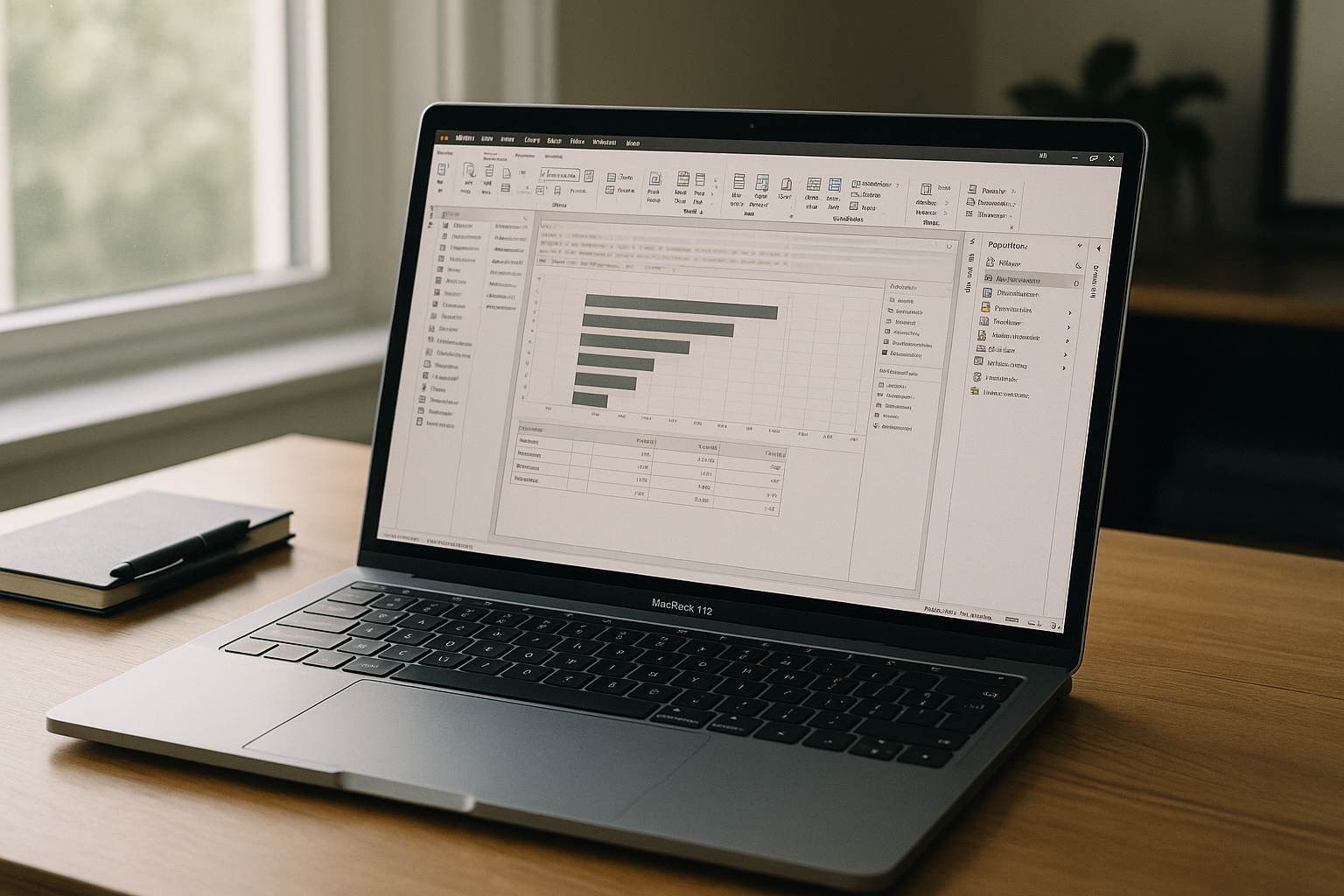
Power BI Desktop on macOS — Instantly in Your Browser
Mac users can’t install Power BI Desktop natively, and workarounds like installing Windows add delays, costs, and maintenance. See a practical way to use full Power BI features on macOS without local Windows setup.
Read More


