


Autodesk Inventor Mac roadblocks when you need full desktop CAD now
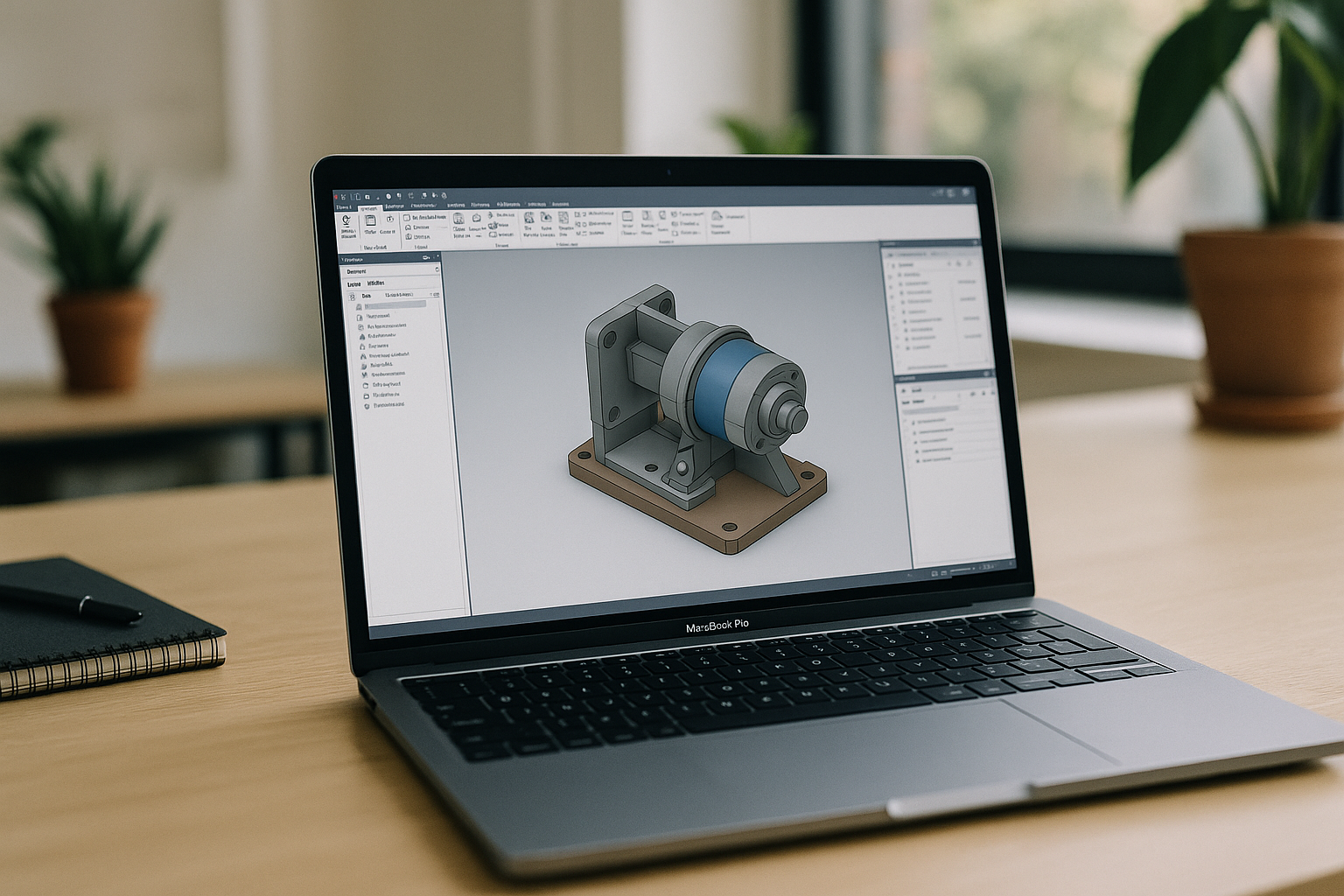
Engineers and product teams often discover there’s no native desktop release for their toolset on Mac. For professionals seeking a dependable Autodesk Inventor Mac workflow, the sticking points are clear: dual‑booting options are restricted on modern hardware, local virtualization struggles with 3D acceleration and drivers, and many organizations forbid complex installs on managed devices. The result is lost time, blocked reviews, and stalled handoffs — precisely when accuracy and speed matter most.
Why installing another OS to run Autodesk Inventor on Mac sounds practical — but isn’t
Many teams consider installing another operating system on their device because, in theory, it offers local, direct access to hardware and drivers. It feels like a straight path to full desktop functionality. In practice, it often fails the reliability and operations test for day‑to‑day engineering work.
- Hardware & performance bottlenecks: Modern Apple Silicon blocks traditional dual-boot paths, while virtualized graphics layers consistently fail under the weight of large CAD assemblies.
- IT governance & compliance: Strict corporate security policies, MDM controls, and lack of local admin rights frequently block secondary OS installs and kernel extensions.
- Operational & infrastructure overhead: Allocating 100+ GB images strains local storage, while constant patch cycles, broken graphics stacks, and brittle peripheral/license mapping waste valuable engineering hours.
Best way to use Autodesk Inventor on Mac without local OS installs
Here’s how common approaches compare when your goal is to keep full desktop features while avoiding fragile device setups.
| Approach | Capabilities | Complexity |
|---|---|---|
| Dual‑boot into another OS | Direct hardware access when supported; full desktop features; requires separate partition | High: partitioning, firmware tweaks, driver hunts, corporate approval |
| Local virtualization | Runs alongside your primary system; convenient file sharing; variable 3D acceleration | Medium–High: hypervisor setup, graphics tuning, periodic maintenance |
| Compatibility layer | Light apps may start; heavy CAD and add‑ins often limited | Medium: trial‑and‑error, manual fixes |
| Browser‑based environment (Aristeem) | Full desktop CAD with data‑center GPU acceleration; zero installs; works anywhere | Low: sign in and press Launch in the library |
For a stable, fast, and compliant pipeline, a browser‑based environment avoids device lock‑in and keeps you productive—making it the most direct path to a dependable Autodesk Inventor Mac experience.
2026 trends: hardware‑independent Autodesk Inventor Mac workflows in the browser
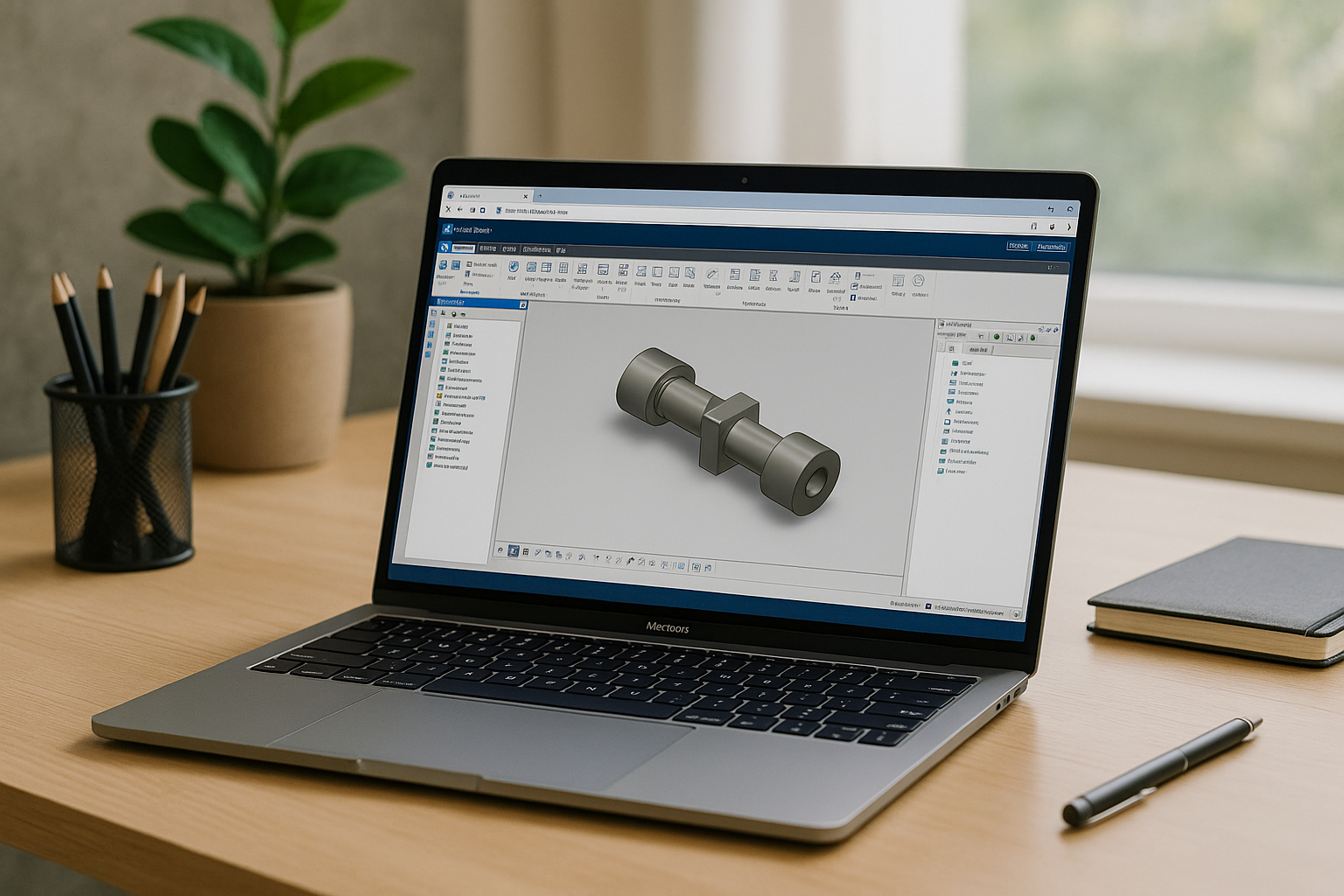
The industry is shifting toward browser-delivered desktops with data-center GPU acceleration. Driven by strict Zero-Trust policies and reduced local admin rights, organizations now prefer running heavy 3D workloads inside a browser tab rather than on local hardware.
This hardware-agnostic approach standardizes the engineering environment. Teams use identical configurations for add-ins, templates, and materials, while cloud capacity scales elastically for large assemblies — ensuring a secure, compliant, and reliable Autodesk Inventor Mac workflow.
Run Autodesk Inventor on Mac in your browser with Aristeem
The Aristeem platform delivers a full desktop environment in your browser—no emulator, no remote desktop — so your CAD session feels immediate and responsive with data‑center GPU acceleration. Programs are pre‑installed and pre‑configured, and you simply click “Launch” from the application library; if a program requires a license, you use your existing one.
Engineers keep familiar workflows: assemblies, add‑ins, iLogic rules, templates, and peripherals work inside a consistently configured environment that doesn’t depend on the quirks of any single machine. Because nothing is installed locally, IT teams gain security and compliance benefits, while users get instant access from any device.
It’s the fastest path to an on‑demand, zero‑setup CAD workstation you can open from anywhere — making it easy to start or scale an Autodesk Inventor Mac session in minutes via a flexible Autodesk Inventor Mac environment in the browser.
Autodesk Inventor Mac: full power with zero installs
Native options aren’t available, local workarounds are fragile, and complex installs run against modern security policies—whereas a browser‑based environment preserves full desktop performance, add‑ins, and workflows without touching your machine. For most teams, this is the most efficient way to keep projects moving at production speed while maintaining a high‑performance Autodesk Inventor Mac workflow directly from the browser.


