


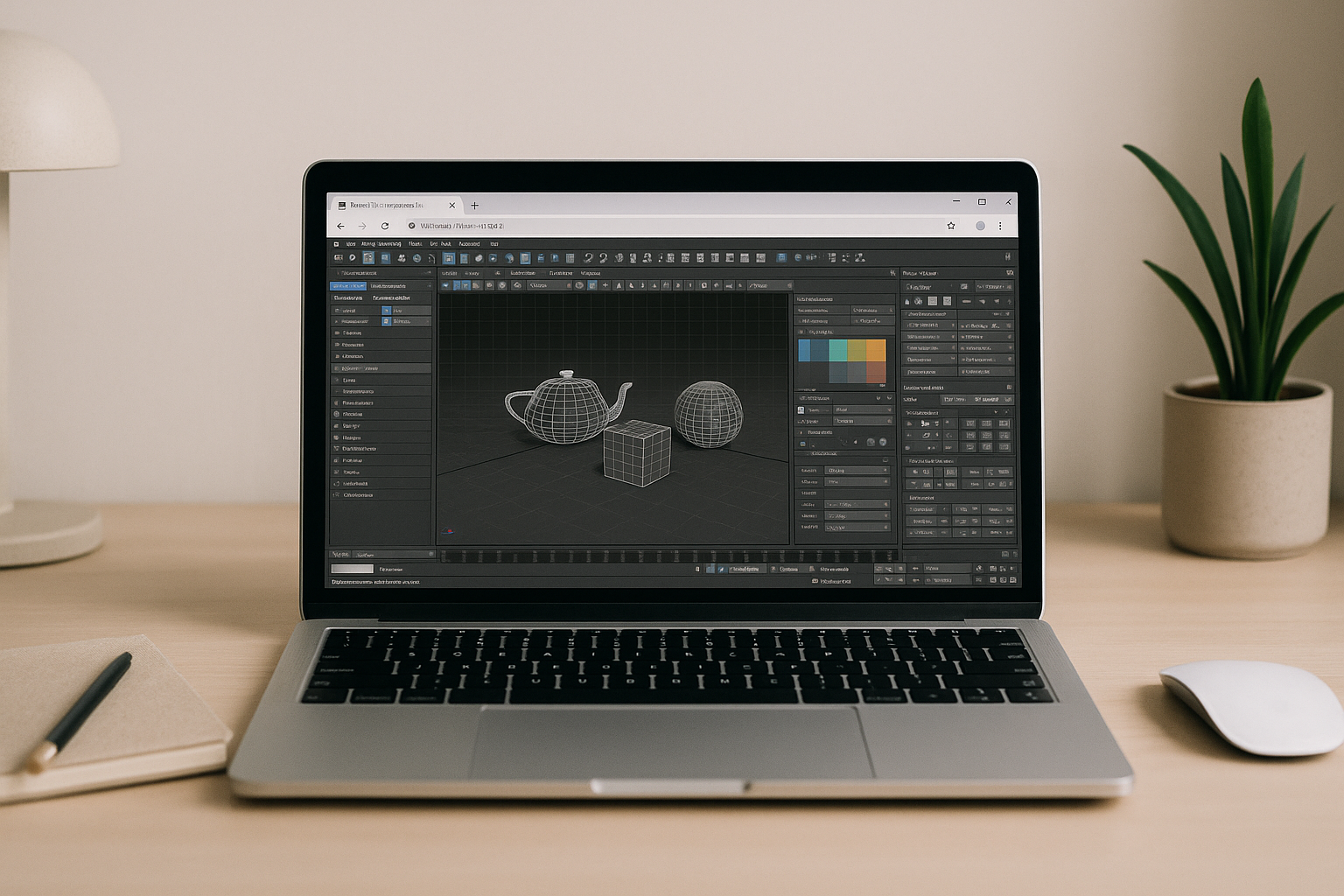
When 3ds Max Autodesk is blocked by installs and weak GPUs
Your project needs 3ds Max Autodesk, but the machine in front of you won’t cooperate. Installers are blocked by admin policies, downloads are heavy, and the GPU either isn’t supported or lacks proper drivers. Viewports crawl, test renders stall, and deadlines slip because you can’t get a stable, accelerated environment on the device you actually use.
Why buying a new PC backfires for 3ds Max Autodesk work
Many teams consider buying a new workstation to run 3ds Max Autodesk, assuming raw power will fix everything. In practice, it’s a big capital expense, slow procurement, and constant maintenance for drivers, storage, and security. It still anchors you to one desk, doesn’t help when you switch devices or travel, and does nothing for colleagues who also need access tomorrow.
2026 shift: run 3ds Max in browser with hardware independence
In 2026, professional pipelines are moving to browser-native workspaces that decouple software from local machines, bringing consistent GPU power on demand. Teams expect instant access, predictable performance, and secure collaboration without device variance, which suits heavy DCC tools perfectly. This model turns hardware into an elastic service, aligning budgets to usage and keeping creatives focused on production instead of setup.
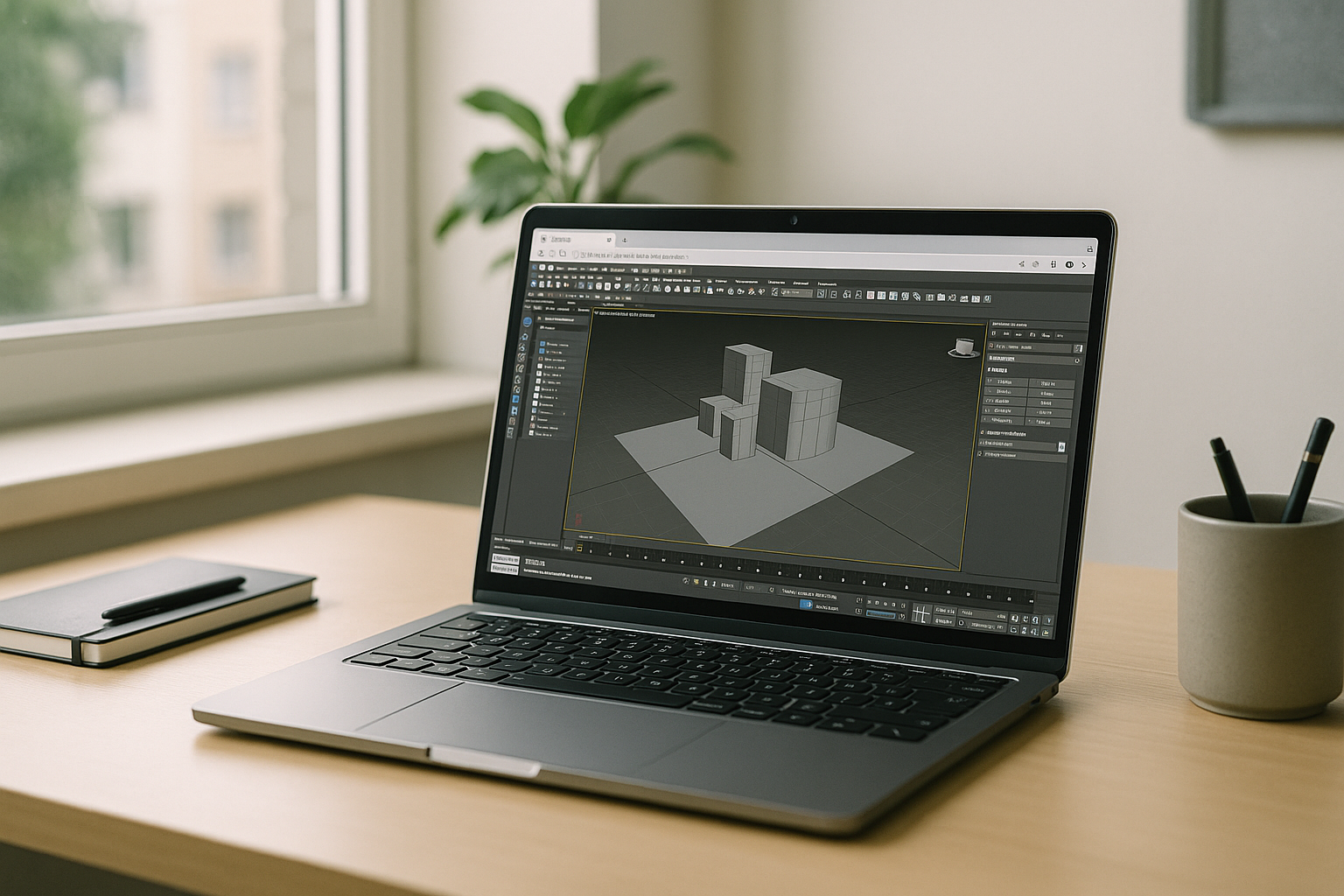
Workarounds like borrowing a colleague’s tower, using only a render farm, or juggling shared lab machines break daily workflows and delay iteration. A modern answer is a zero-setup, browser-based environment that opens your DCC stack with full GPU acceleration on any device. This keeps modeling, lookdev, and rendering together, so scenes stay interactive and output stays on schedule.
Aristeem makes 3ds Max Autodesk effortless in the browser
Aristeem delivers a ready, high-performance environment so you can open 3ds Max Autodesk in your browser with zero setup. Applications are pre-installed and pre-configured; you simply use the Launch button in the library, sign in with your license if required, and get to work. It’s not an emulator and not a remote desktop; it’s a full workspace with GPU acceleration, plugin support, and consistent performance from virtually any device.
Predictable rendering for 3ds Max Autodesk in the browser
A browser-based workflow centralizes power, removes local installation risks, and keeps 3ds Max Autodesk responsive wherever you work. You gain stable viewports, reliable renders, and a clean path to collaborate without buying or maintaining more hardware. If you want a practical next step for production, explore 3ds Max cloud rendering to see how teams keep projects moving with consistent performance.
Conclusion: the fastest route to 3ds Max Autodesk Online
Running 3ds Max Autodesk in a browser removes hardware limitations, installation friction, and strict IT policies while preserving your local device’s performance. For teams balancing tight production deadlines with restricted corporate devices, this cloud-native approach keeps your workflow moving without compromises.
Instead of investing in costly local upgrades, you maintain a high-performance workspace directly from your browser. Ready to bypass infrastructure bottlenecks? Launch your high-performance 3ds Max workspace on Aristeem now to ensure predictable, on-time project delivery.


