


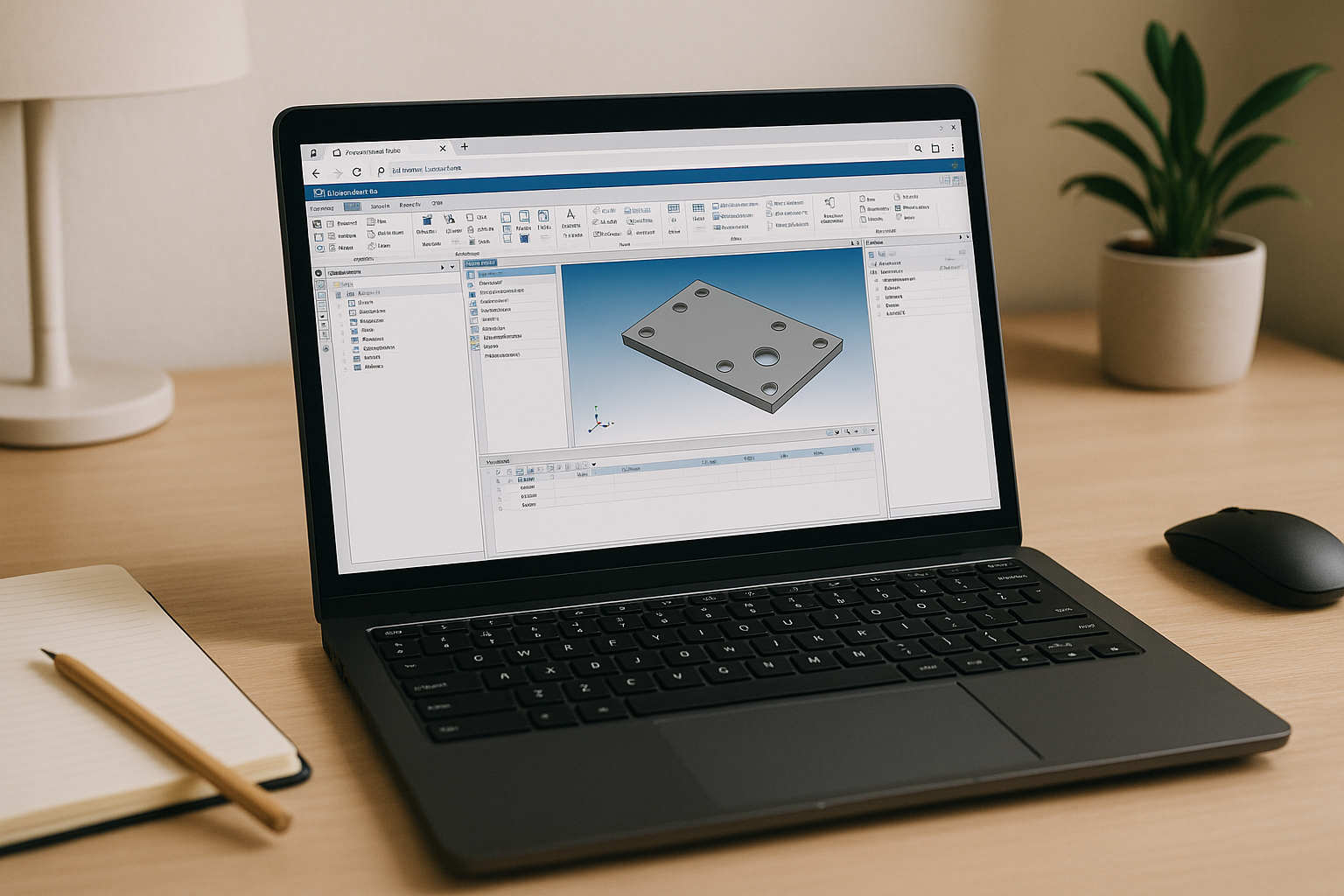
When Ansys Linux installation blocks urgent simulations
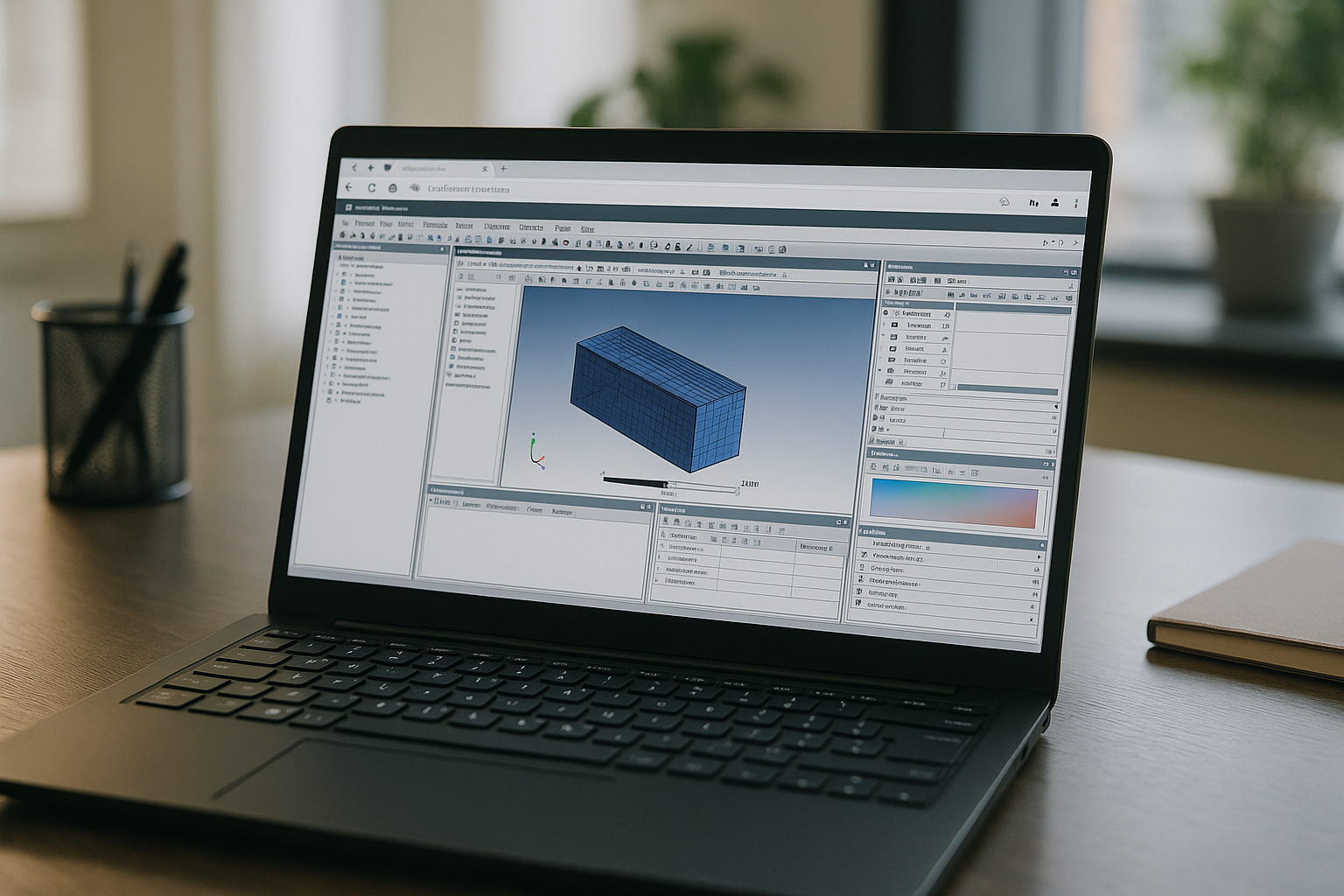
Your project is due, meshes are ready, and the solver needs hours — but Ansys Linux installation issues suddenly block your workflow. The process stalls due to missing OS libraries, graphics driver conflicts, and license manager configuration errors that delay critical simulations.
Consequently, daily workflows suffer: geometry changes cannot be validated, parametric sweeps slip, and team delivery dates are at risk. Instead of iterating designs, engineers waste valuable days troubleshooting workstation dependencies, dealing with IT administration bottlenecks, and recovering from unexpected downtime.
Why buying another PC doesn’t fix Ansys Linux installation issues
Many teams consider a separate workstation with a different OS to sidestep Ansys Linux installation headaches. It feels pragmatic: vendor drivers may be simpler, and local licensing seems familiar. In practice, this fractures your toolchain — paths differ, scripts break, automation desyncs, and project data splinters across machines. You inherit device sprawl, security reviews, image management, and backup policies for yet another endpoint. Most critically, your Linux-centric workflow, CLI tooling, and HPC handoffs don’t translate cleanly, so the time you “save” reappears as rework and maintenance debt.
2026 shift: meeting Ansys Linux system requirements without installs
Today, engineering companies are moving away from tricky local setups and switching to ready-to-use, GPU-powered workspaces right in the browser. This allows teams to meet all Ansys system requirements instantly, regardless of what laptop they are using. Engineers no longer waste days fighting with graphics drivers or specific Linux versions. The software is installed once on a secure central server, giving everyone on the team fast, stable, and compliant access to their simulations from anywhere in the world.
Fastest way past Ansys Linux installation errors
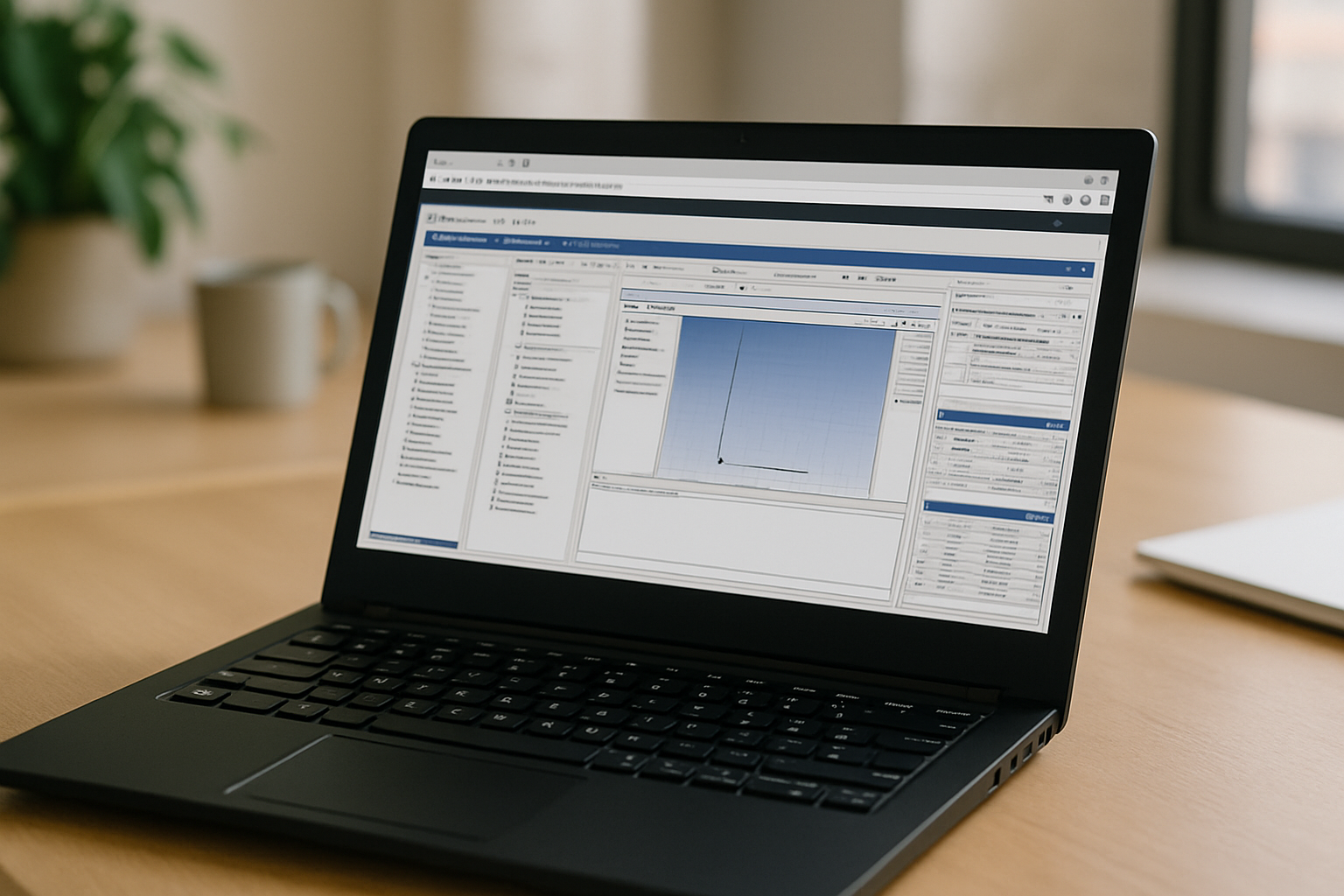
You have three paths: fight local dependencies, buy new hardware, or move to a browser-based workspace. The first two leave you stuck in a loop of patches, reboots, and broken workflows. A preconfigured, GPU-accelerated cloud desktop eliminates setup entirely while keeping your Linux toolchain intact.
-
Local fixes: Unpredictable, time-heavy, and tied to one device.
-
New hardware: Costly, redundant, and fragments your workflow.
-
Browser-based Linux desktop: Stable, fast, and accessible from anywhere.
For growing teams, the browser wins. It stops workstation drift and keeps your Ansys Linux installation perfectly aligned with validated configurations.
Run Ansys on Linux instantly in your browser
Aristeem delivers a full desktop workspace in your browser — no emulator, no remote desktop — and removes setup friction entirely. Open the library and select Ansys; with a single “Launch,” you’re in a preinstalled, GPU-accelerated Linux environment configured for professional work. Import projects from object storage, attach shared folders, and keep your command-line and automation exactly as you prefer.
This approach mirrors a well-tuned engineer’s workstation without the drift. It works from any device while preserving the fidelity of your pipeline: meshing, solving, post-processing, and HPC submission remain consistent. If you need more details specific to this workflow, see Ansys on Linux on our site, which outlines environment specs by Aristeem’s browser-based workspace.
Skip delays and streamline Ansys Linux installation
A browser-delivered Linux desktop removes distro lock-in, driver juggling, and FlexNet guesswork while keeping your workflow intact. You gain instant access, predictable performance, and the freedom to work from any device without rebuilding environments. To go deeper into this zero-setup approach for engineering workloads, explore running Ansys on Linux in a browser-based workspace and align your next simulation with a timeline you can trust.


