


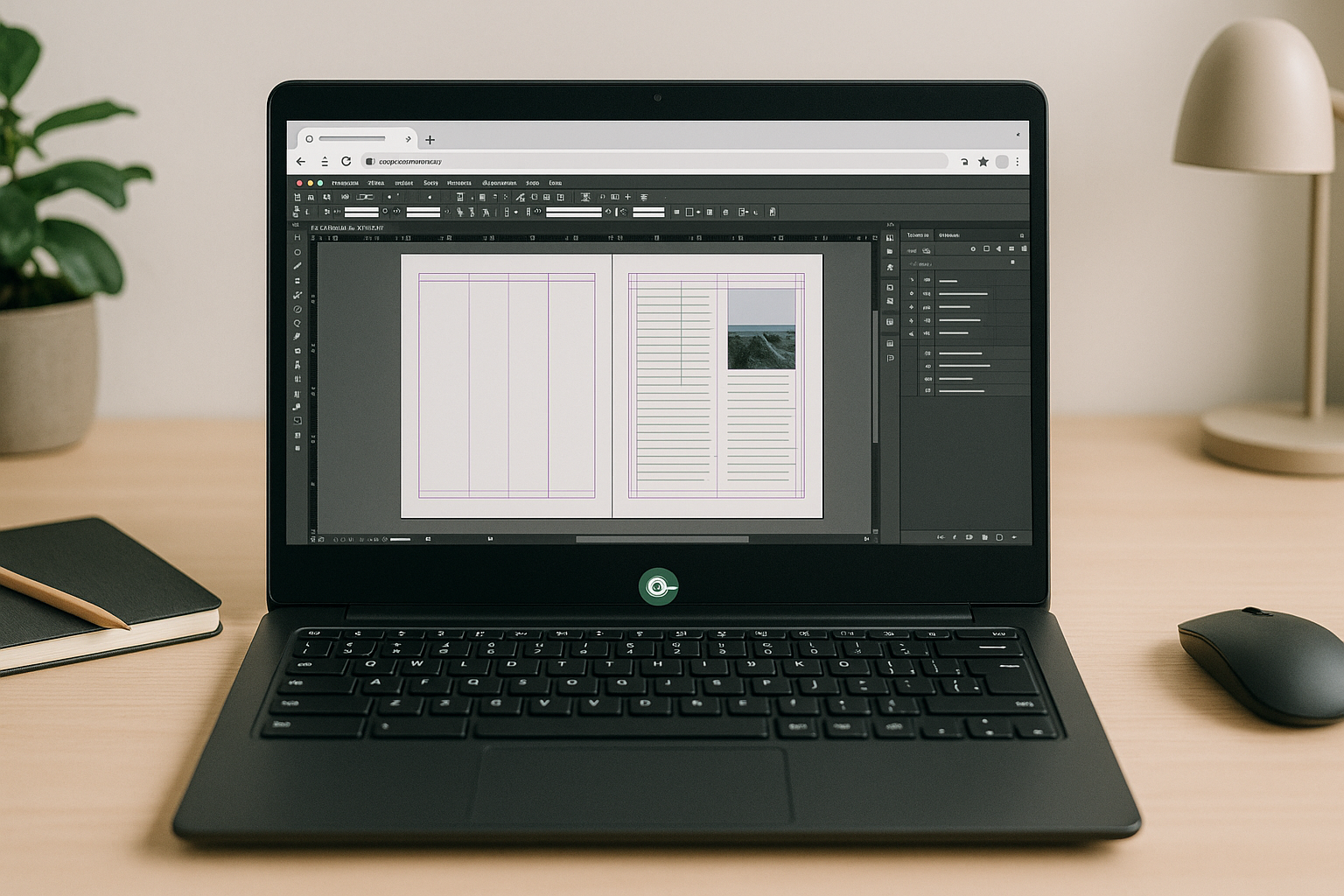
The InDesign Linux alternative professionals actually need
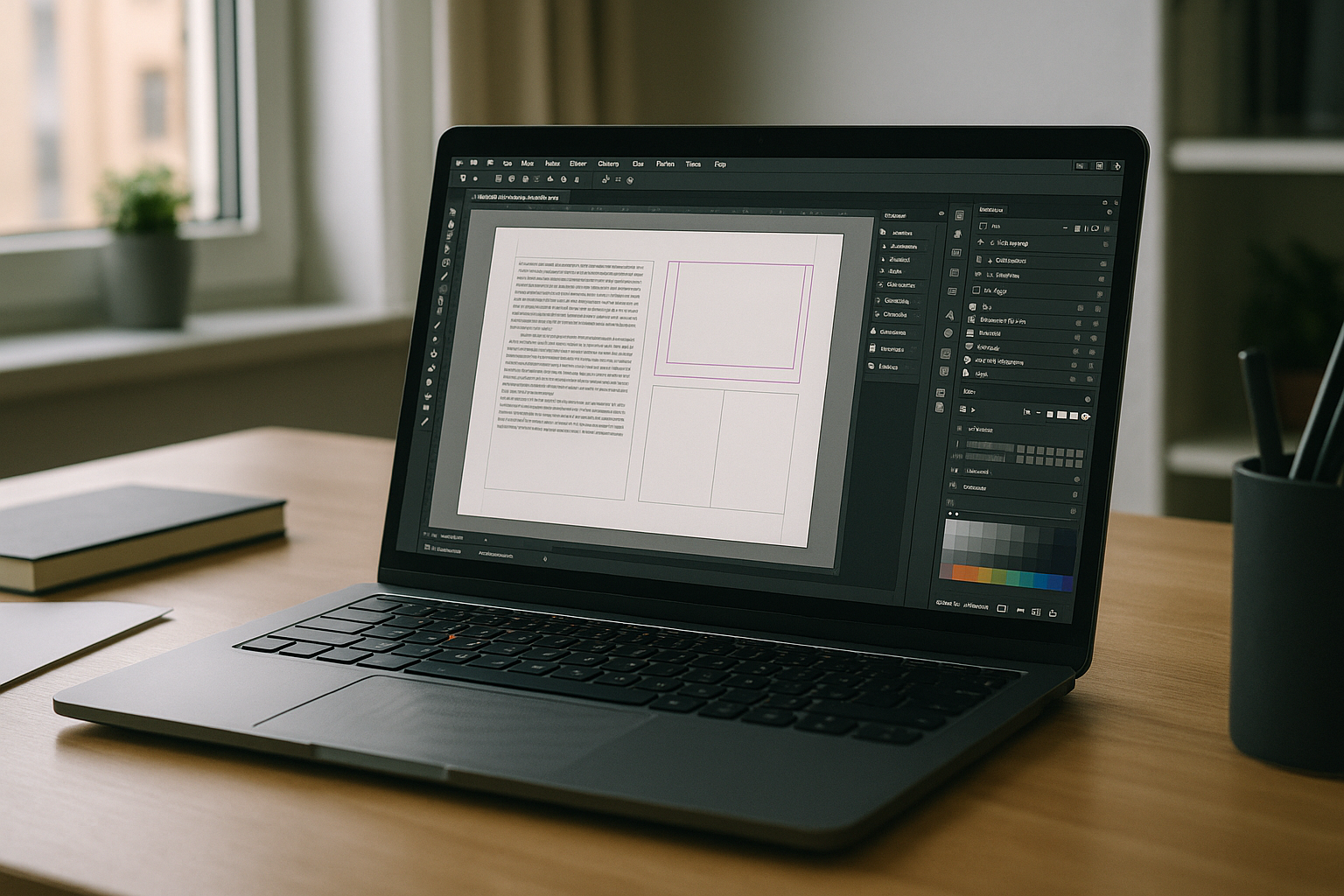
Studios, agencies, and freelancers frequently receive .indd/.idml packages with strict preflight rules, linked assets, color profiles, and scripting. On Linux, substitutes like Scribus or VivaDesigner often miss advanced features — GREP styles, anchored objects, variable fonts, complex master pages — causing reflow, overset text, or color shifts.
If you’re searching for an InDesign Linux alternative, the real goal is unchanged fidelity: open, edit, and output with the same fonts, plugins, scripts, and profiles the team relies on — without rework or risky file conversions.
Why a second PC is a false solution for Linux users
Purchasing a second dedicated workstation might seem like a foolproof workaround to run the software natively. However, in practice, this dual-system approach introduces distinct friction points that can severely bog down production:
- Context switching: moving between machines breaks flow and increases error risk.
- Asset sync overhead: fonts, links, and profiles must be duplicated and kept in lockstep.
- License sprawl: duplicate software and font licensing raises cost and admin time.
- Physical constraints: limited desk space, cabling, and peripheral swapping.
- Operational drag: backups, patching, and security policies to manage on another box.
Choosing the best InDesign Linux alternative approach
Practical paths vary in fidelity and effort. Here’s how options stack up and why a browser-based environment points to the most reliable InDesign Linux alternative.
| Approach | Capabilities | Complexity |
| Alternative layout software (Scribus, VivaDesigner) | Basic Linux-native layout; partial IDML support; misses advanced features (GREP, variable fonts) | High; requires retraining, style mapping, and manual file compromises |
| IDML/PDF round‑trip workflows | View/partial edit; no native .indd | Fragile; risk of reflow and effect loss |
| Second dedicated workstation | Full features on a separate box | High ops overhead; constant syncing |
| Browser-based persistent environment (Cloud PC) | Full InDesign, plugins, fonts, scripts, color | Low; sign in and start working |
Research: 2026 momentum toward hardware‑agnostic InDesign on Linux
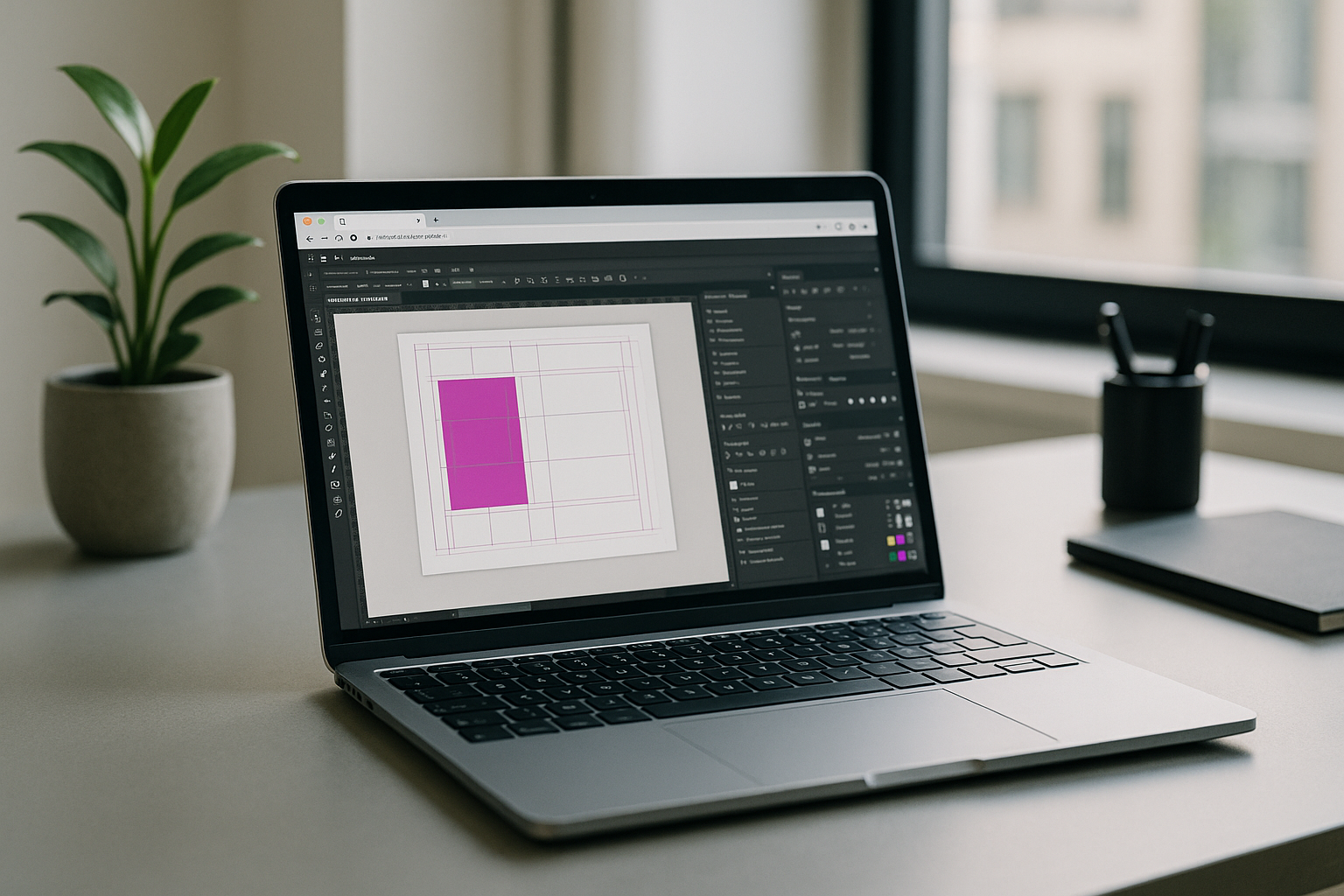
By 2026, creative stacks are shifting to browser-first execution with persistent environments. Teams want hardware independence, secure asset access, and identical results across devices. Modern browsers, low-latency protocols, and server GPUs enable full desktop-class apps with plugin, font, and color fidelity, while centralized environments simplify compliance, backups, and versioning for serious production work.
Run the real Adobe InDesign on Linux — no installs
The Aristeem platform provides a persistent, high‑performance environment in your browser to run desktop software without emulation or remote desktop. InDesign is pre‑installed and pre‑configured — just open your library and press “Launch”; only a valid license is needed if the software requires it. Your fonts, plugins, scripts, and color profiles live inside the environment, so output matches team standards.
Benefits that matter to production: instant access, zero setup, and the freedom to work from any device while keeping full file fidelity. For setup benefits, performance advantages, and platform compatibility, see the dedicated InDesign for Linux environment.
The ultimate InDesign Linux alternative — a real app in your browser
If your priority is exact .indd/.idml fidelity, advanced typography, and plugin continuity, a browser‑based persistent setup is the practical InDesign Linux alternative that preserves workflow velocity and quality — making it the most efficient way to maintain a consistent InDesign on Linux workflow directly in your browser.


