


ZBrush on macOS: where performance and installs block progress
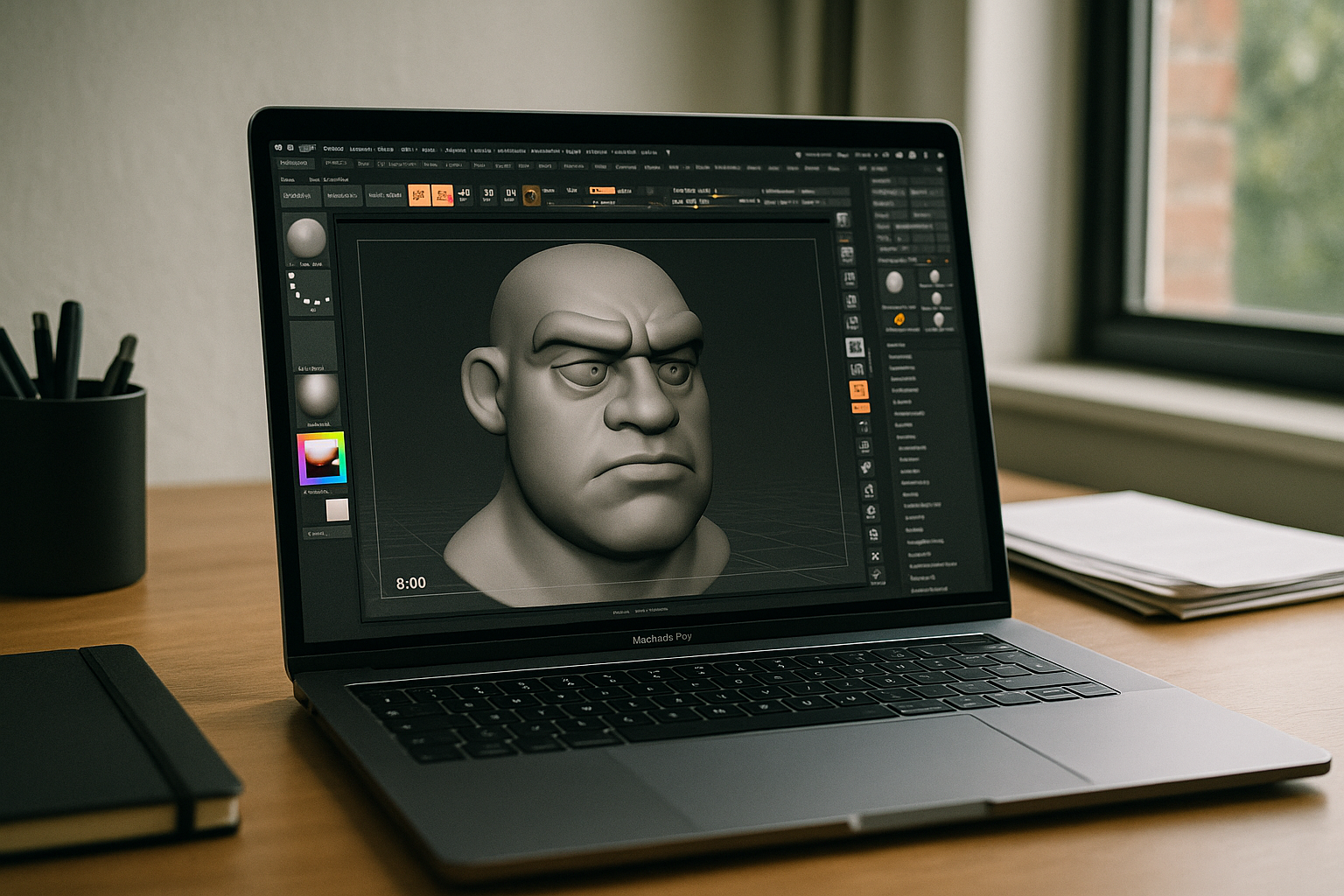
Artists seeking ZBrush Mac reliability often hit the same walls: thin-and-light MacBooks throttle on 20M+ poly scenes, storage caps prevent large project caches, and managed devices block installs or plugins right when deadlines loom.
Even with Apple Silicon, OS/version friction and limited headroom for brushes, dynamesh, and multi-SubTool workflows can turn smooth sculpting into stutters and lag.
Why ZBrush MacBook users try installing Windows — and the trade‑offs
Some artists attempt to install Windows on the device to unlock certain workflows. It can work, but the practical costs are significant:
- Time sink and risk: partitioning, drivers, firmware nuances, and ongoing update overhead.
- Performance/thermals: virtualization or dual-boot still leaves heat, fan noise, and battery drain on thin laptops.
- Storage pressure: a large secondary OS plus caches quickly eats limited internal SSD space.
- Policy friction: corporate/campus management tools often block boot loaders, kernel extensions, or admin rights.
- Workflow drift: licensing re-activation, device profiles, and pen settings add maintenance noise.
Best path to ZBrush on macOS without local installs
Instead of forcing the laptop to be the workstation, compare practical approaches and move toward a browser-based environment that keeps sculpting responsive.
| Approach | Capabilities | Complexity |
|---|---|---|
| Install Windows on the device | Runs desktop apps; potential wider plugin support | High: partitioning, drivers, updates, data risk |
| Virtualization on the Mac | Convenient switching; fine for lighter tasks | Medium–High: overhead, limited GPU pass‑through for heavy sculpts |
| Borrow a studio workstation seat | Strong performance when available | Medium: scheduling, access, policy constraints |
| Browser-based cloud PC | Full desktop apps with scalable CPU/GPU/RAM; no local installs | Low: sign in and start working |
Research: 2026 trendlines for ZBrush Apple Silicon and hardware independence
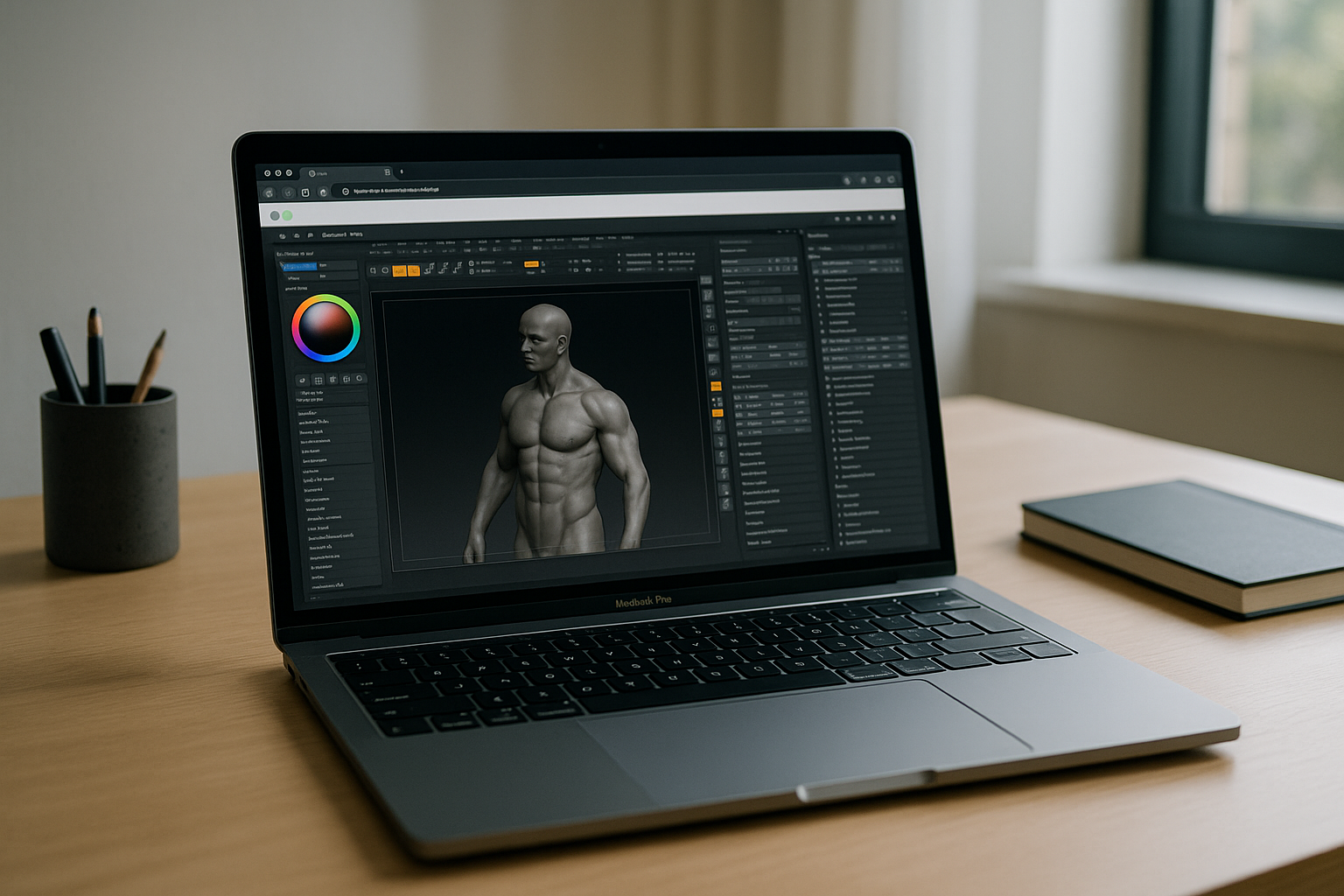
Studios are standardizing on device‑agnostic pipelines: GPU‑accelerated browser workspaces, pre‑installed app catalogs, and regional capacity that reduces latency. Policy‑compliant storage and SSO keep security intact while scaling compute to match project load. For ZBrush Mac work, these shifts mean large meshes, alphas, and brushes remain responsive without tying success to a specific laptop’s thermals or SSD.
Run ZBrush on macOS in a Browser-Based Cloud PC
The Aristeem platform delivers a full desktop ZBrush environment in your browser — instant access, zero setup, and scalable resources for heavy meshes. It is not an emulator and not a remote desktop. Open your Mac, sign in, and start sculpting: applications are pre‑installed and pre‑configured, and you simply press “Launch” in the library; a license is required only if the software demands it.
This keeps ZBrush Mac workflows fast and consistent: no local installs, no OS/version conflicts, and compute that scales beyond a thermally constrained laptop. For deeper technical specifics on configurations and available software, see our ZBrush 2026 Guide.
Conclusion: a cleaner route to ZBrush on macOS
By decoupling performance from the laptop, you preserve consistent brush response, avoid storage and policy hurdles, and keep teams moving on managed devices. That’s why a browser-based desktop remains the most reliable way to maintain a high‑performance ZBrush Mac workflow in the browser without local installation limits.


