


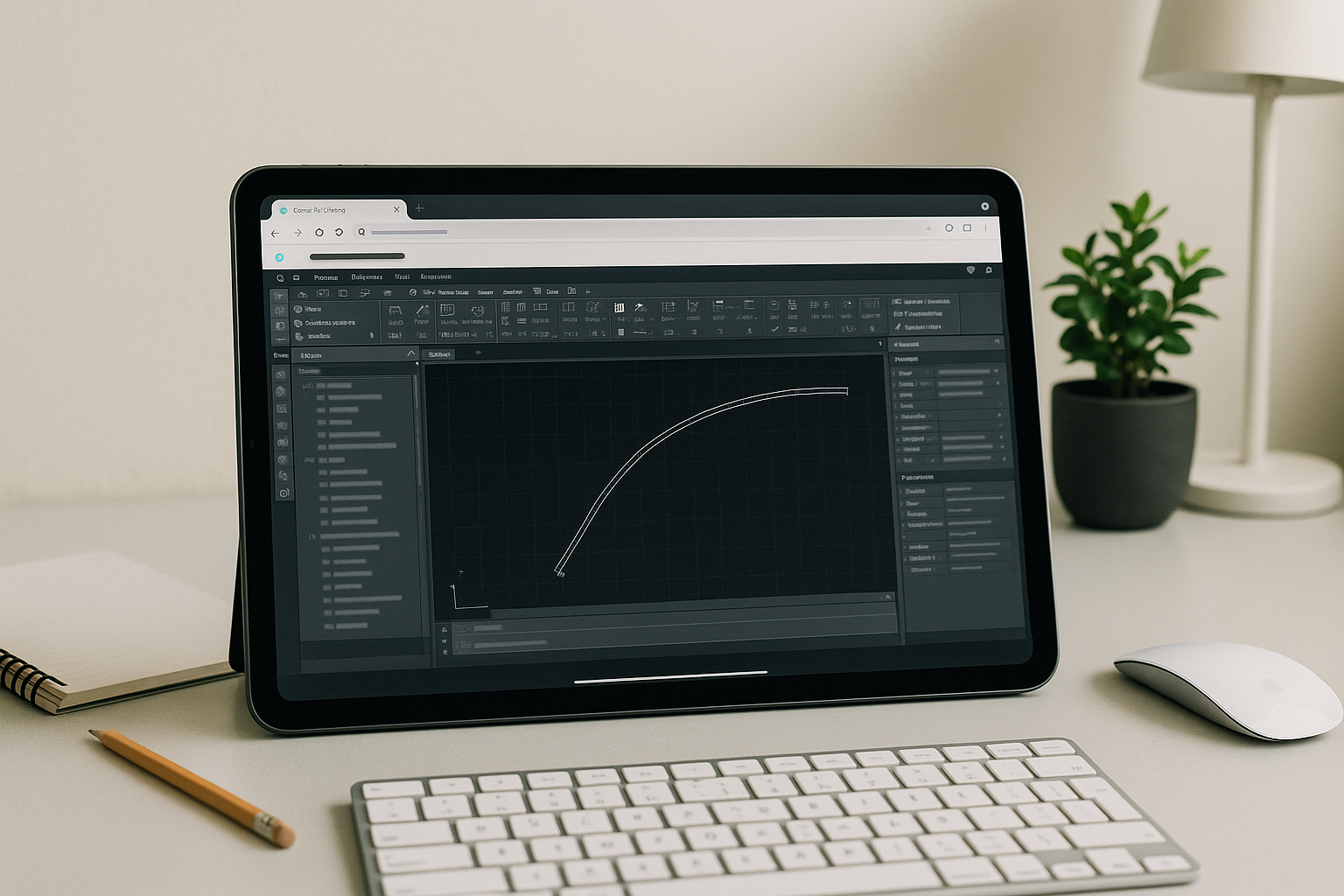
The Urgent Need: how to create an alignment in Civil 3D Without Local Installs
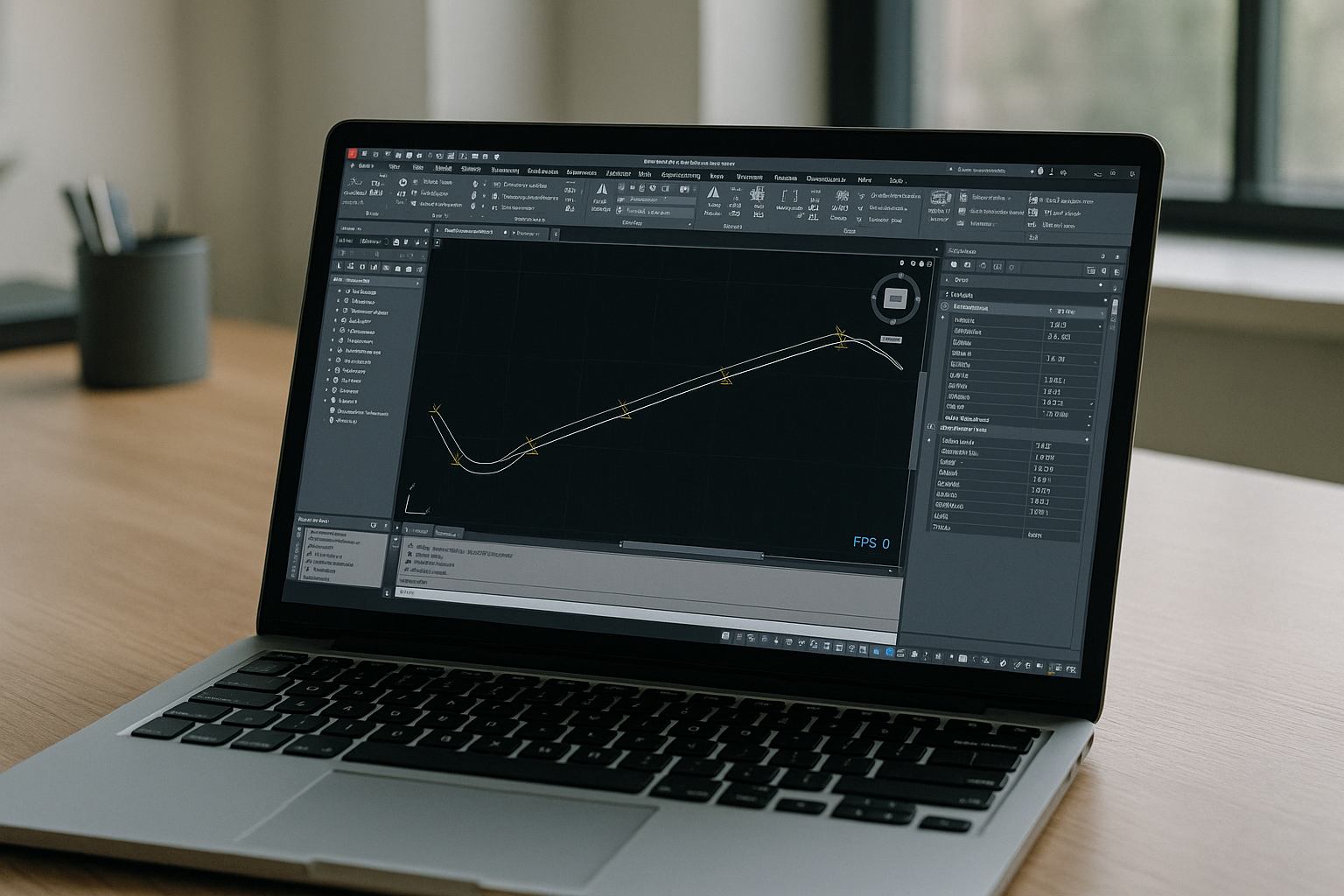
You have a corridor review due, but your device can’t run Autodesk Civil3D or IT blocks new installs. You just need the Alignment Layout Tools to place PIs, draw tangents and curves, set stationing, and tie a profile—yet version conflicts, admin rights, and hardware limits stop the work. If you are traveling with a Mac, Linux, Chromebook, iPad, or a weak PC, opening a project quickly becomes the bottleneck, not the design. When deadlines hinge on how to create an alignment in Civil 3D, waiting for machines, imaging, drivers, or permissions is not an option.
Buying a New PC for Autodesk Civil3D Alignment Work
Many teams consider buying a better workstation to handle Autodesk Civil3D alignment creation. It seems straightforward: more CPU, GPU, and RAM should fix lag and compatibility. In reality, new machines mean large capital expense, purchasing delays, imaging and policy setup, version provisioning, and inevitable driver or add-in conflicts. Even with the new PC, you can still be stuck offsite with the wrong hardware, or waiting for IT to install a specific Civil 3D build to match project versions. Hardware upgrades also don’t solve multi-OS needs for contractors or reviewers who must open drawings from any device on short notice.
A Faster Path to Civil 3D Alignment Creation in the Browser
Instead of chasing hardware, the better approach is to run a full desktop environment directly in the browser and open Autodesk Civil3D instantly. This lets you load a project, start the Alignment Layout Tools, and move through PI placement, tangents, curves, stationing, and profile tie-ins from any device. Compared with buying a new PC, a browser-based workstation removes installation friction, avoids version drift across teams, and gives immediate access for temporary contributors or field engineers. Crucially, it keeps your workflow consistent, so alignment geometry, design criteria checks, and labeling behave exactly as expected.
Use Aristeem for Autodesk Civil3D Alignment Layout Tools Instantly
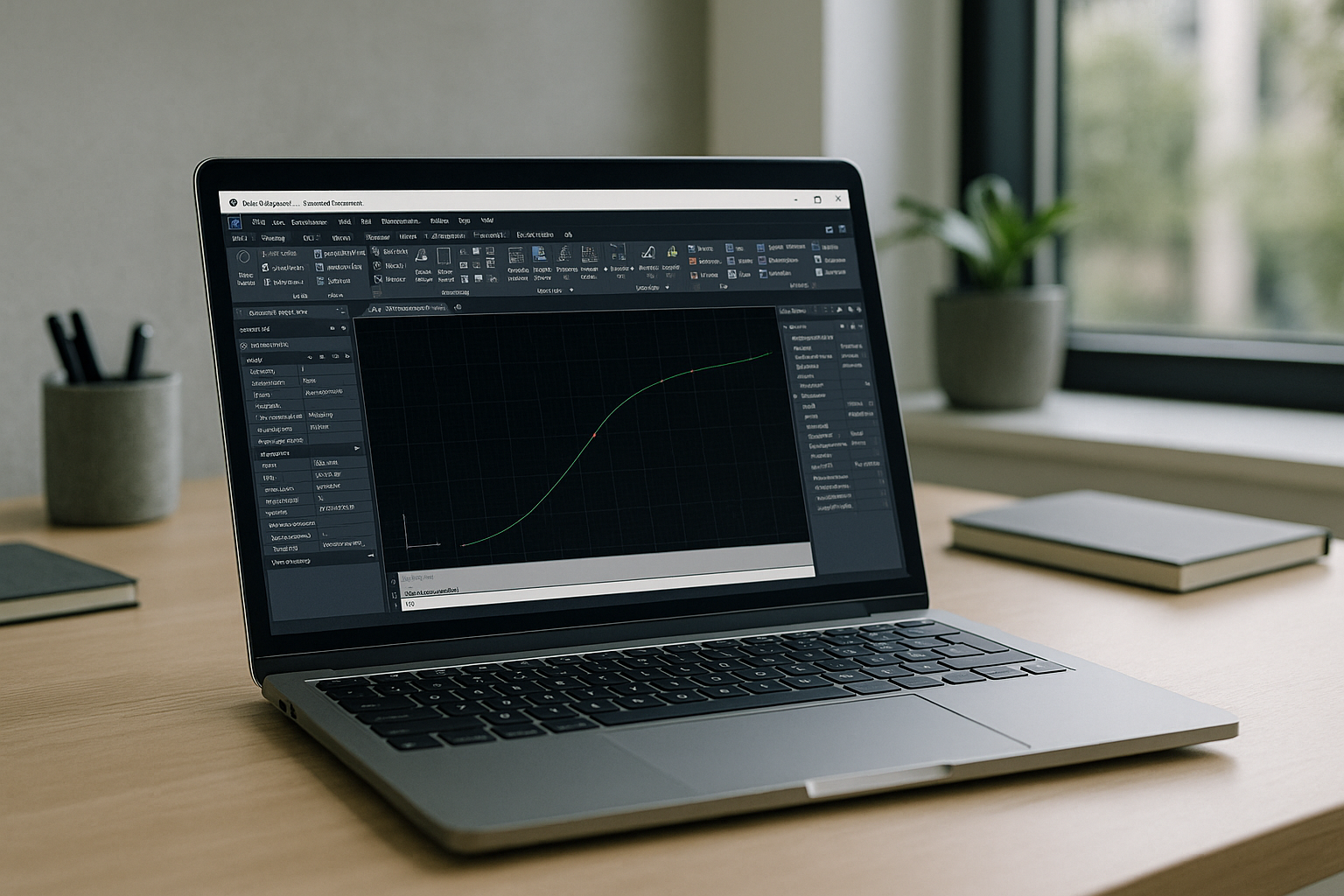
Aristeem launches a complete workstation inside your browser — no setup, no local install, and not an emulator or remote desktop. Open the application library, click Launch to start Civil 3D, and you are in a familiar desktop ready for Autodesk Civil3D alignment work. Begin with Alignment Layout Tools: create an alignment from a polyline or by placing PIs, add tangents and curves, apply design criteria checks, define stationing, set geometry constraints, and add labels. Then generate a profile view, tie the alignment to an existing or design profile, and update stations or curve parameters without performance drag. Because everything runs in a consistent environment, your versions, tool palettes, and add-ins remain stable across teammates and devices, and you can step into alignment edits within minutes rather than days. To learn more about the technical requirements, corridor modeling capabilities, and automation tools offered in this release, check out our deep dive into the new version of Civil 3D 2026 (build 13.8.280).
Summary: how to create an alignment in Civil 3D Anywhere
If your priority is reliable, fast alignment creation — PIs, tangents, curves, stationing, and profile tie-ins — stop losing time to installs and hardware churn. A browser-based workstation keeps Autodesk Civil3D responsive, consistent, and available on whatever device you have. See exactly how software runs directly in a browser and keep alignment workflows moving, even when your local machine, OS, or IT policy would normally get in the way.


