


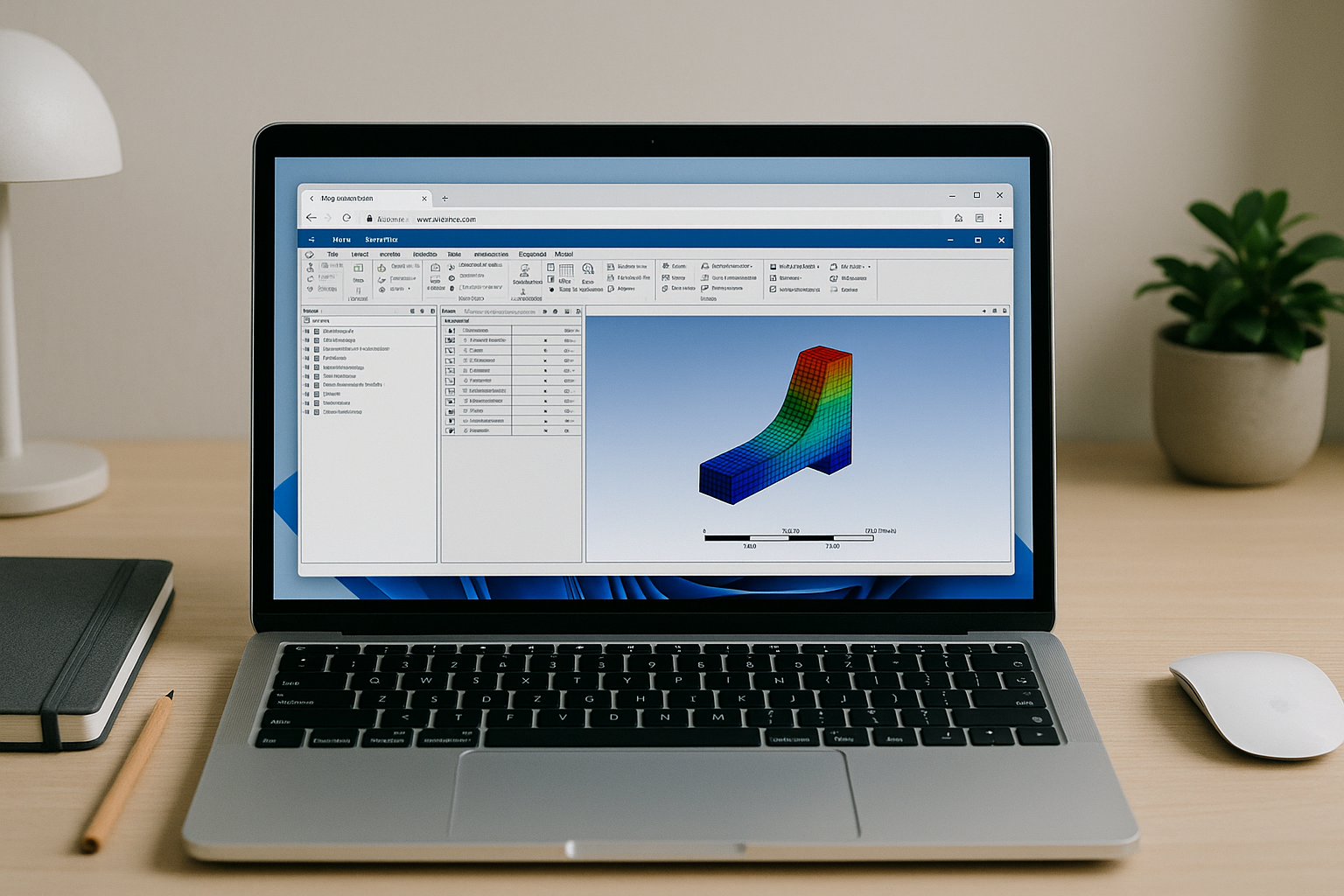
Why Running Ansys Mechanical Is So Hard On Everyday Devices
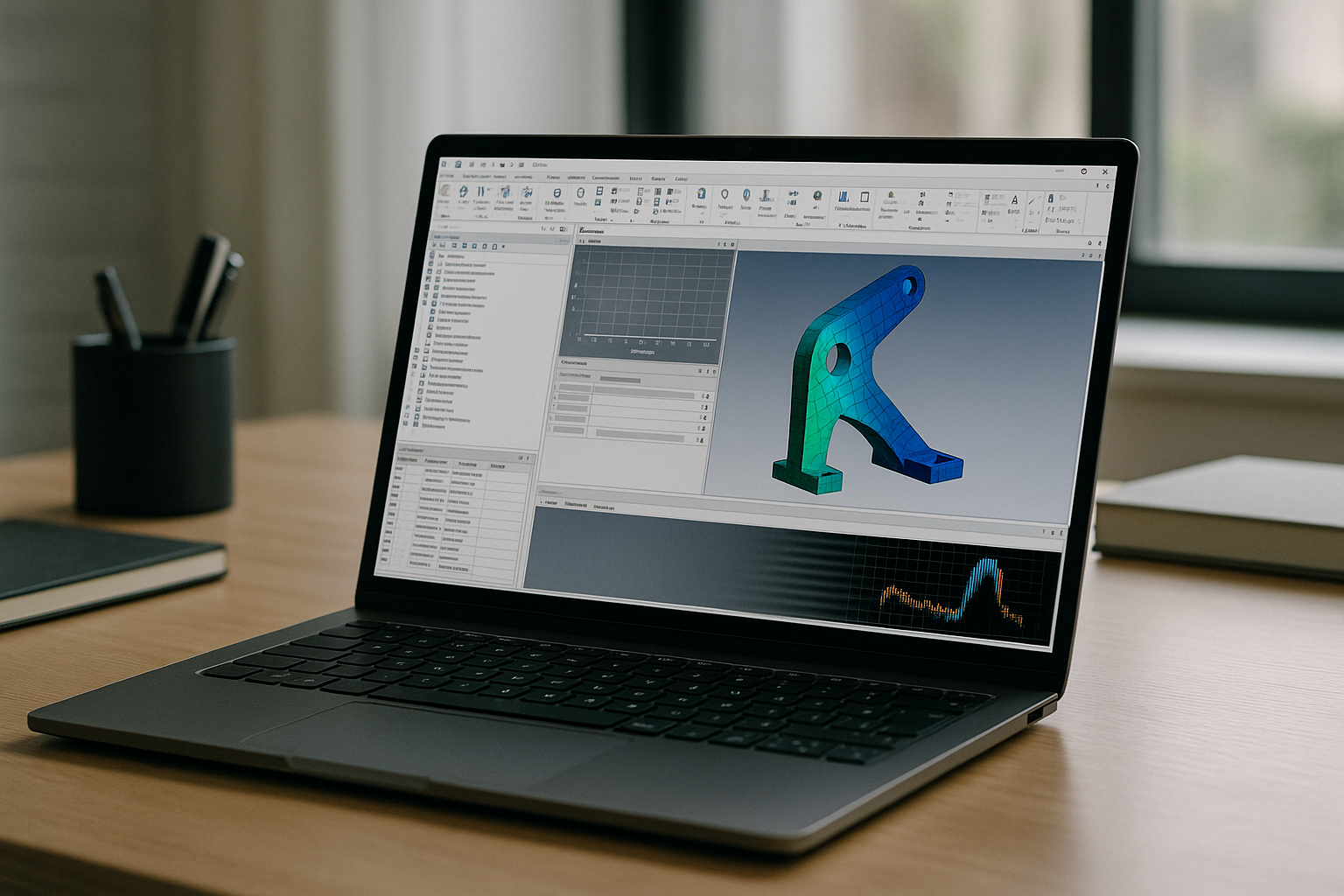
While engineers need the accuracy of Ansys Mechanical, local workstations often choke on large assemblies and nonlinear analyses — causing slipped timelines due to memory swapping, thermal throttling, and restrictive IT policies. This performance gap is compounded by the administrative overhead of managing varying license servers, environment variables, and multiple software versions across distributed teams working on a mix of Mac, Linux, Chromebook, and older Windows laptops. The resulting logistical tangle leads to inconsistent workflows between home, office, and travel devices, leaving engineering leads with stalled iterations and uncertainty before critical design reviews.
Why Buying Better Hardware Won’t Fix the Workflow
Upgrading to a powerful local workstation for Ansys Mechanical comes with real-world costs far beyond the sticker price, including procurement delays, IT imaging, driver setup, and validation that can consume weeks before a machine is production-ready. Once deployed, this physical hardware remains tied to a single location — limiting flexibility for travel or remote collaboration — and quickly risks obsolescence as projects evolve. Furthermore, teams inherit ongoing maintenance burdens like GPU driver compatibility, storage constraints, OS updates, and complex version isolation, leaving performance and access inconsistent when trying to iterate across different devices or share validated environments with teammates.
A Better Way to Run Ansys Mechanical in the Browser
Instead of sinking budget and time into new hardware, a modern approach is to use a purpose-built browser workspace that delivers consistent CPU/GPU power on demand. You keep your local machine lightweight and simply access the same high-performance environment anywhere, so large meshes and long solves remain stable even from a thin laptop. This approach removes driver and installation headaches, keeps versions isolated per project, and lets you reliably Ansys Mechanical across devices without juggling settings.
Compared with owning a workstation, you get predictable performance, immediate scale-up for heavier runs, and parity for every teammate regardless of their device.
How Aristeem Delivers Ansys Mechanical Without Installation
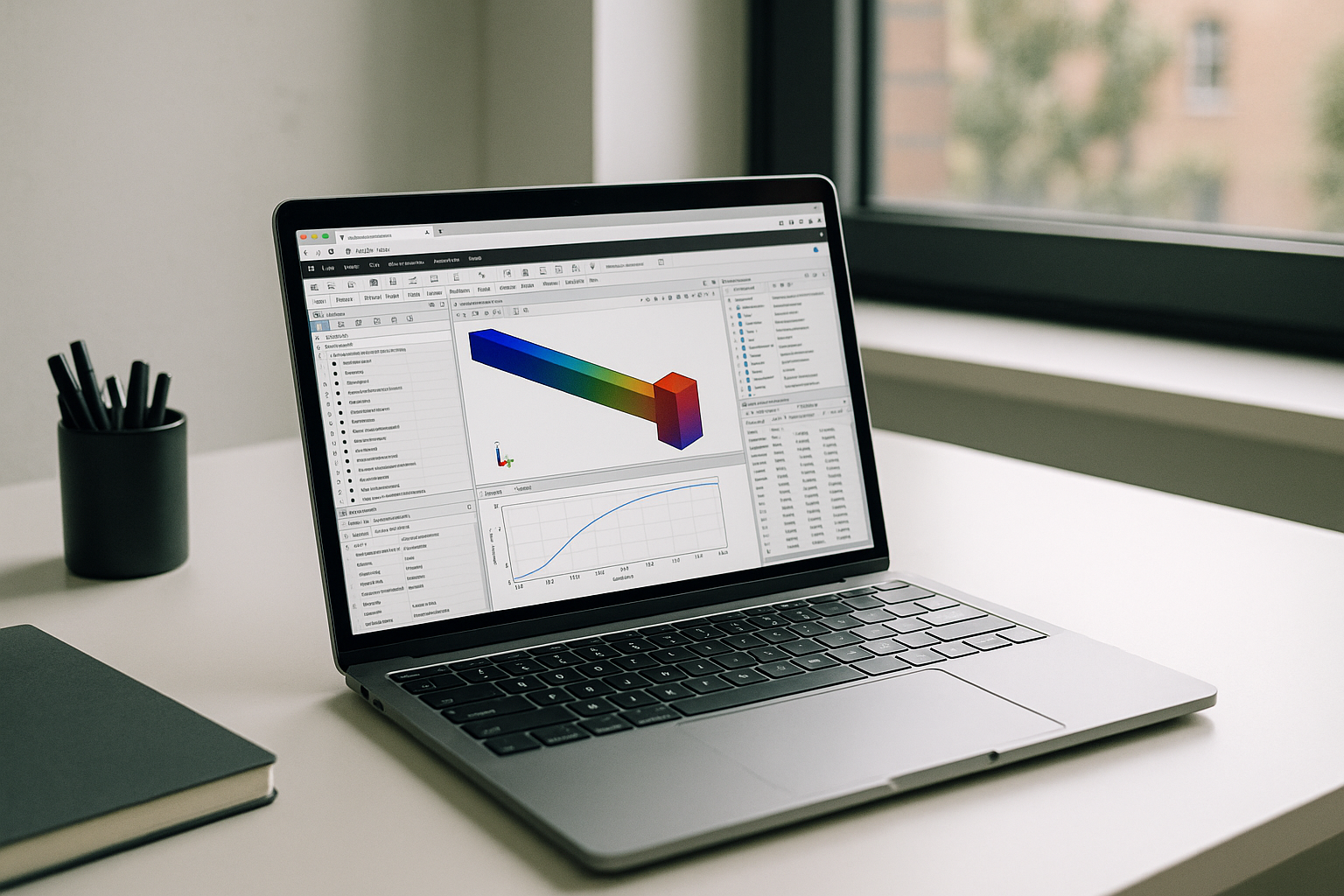
Aristeem provides a full desktop environment that runs entirely in your browser — no local setup, no drivers, and no OS lock-in. It is not an emulator and not a remote desktop; instead, you work inside a dedicated environment with pro-grade CPU/GPU resources tuned for simulation workloads. Applications are pre-installed and pre-configured, so you simply click Launch in the library to start Ansys Mechanical; bring your existing license if the software requires it.
This model eliminates inconsistent performance between home, office, and travel devices, and it shortens time-to-first-solve from days to minutes. You can invite teammates to the same validated setup, avoid driver drift, and keep runs stable even on large nonlinear analyses. If your team includes Apple users, check out the Ansys Mechanical Mac OS guide for details on maintaining full feature parity across both Windows and Mac devices without local configuration headaches.
Run Ansys Mechanical Instantly in Your Browser
If hardware limits, installs, and IT policies are slowing your simulations, a browser-based environment lets you focus on results, not machines. With consistent power, zero setup, and version isolation, you can keep complex projects moving from any device. Launch, iterate, share results, and maintain parity across your team without buying another workstation. Try Aristeem for Ansys Mechanical and move your next solve from waiting to done.


