


PyCharm on Mac: Local Setup Challenges for Data Analytics
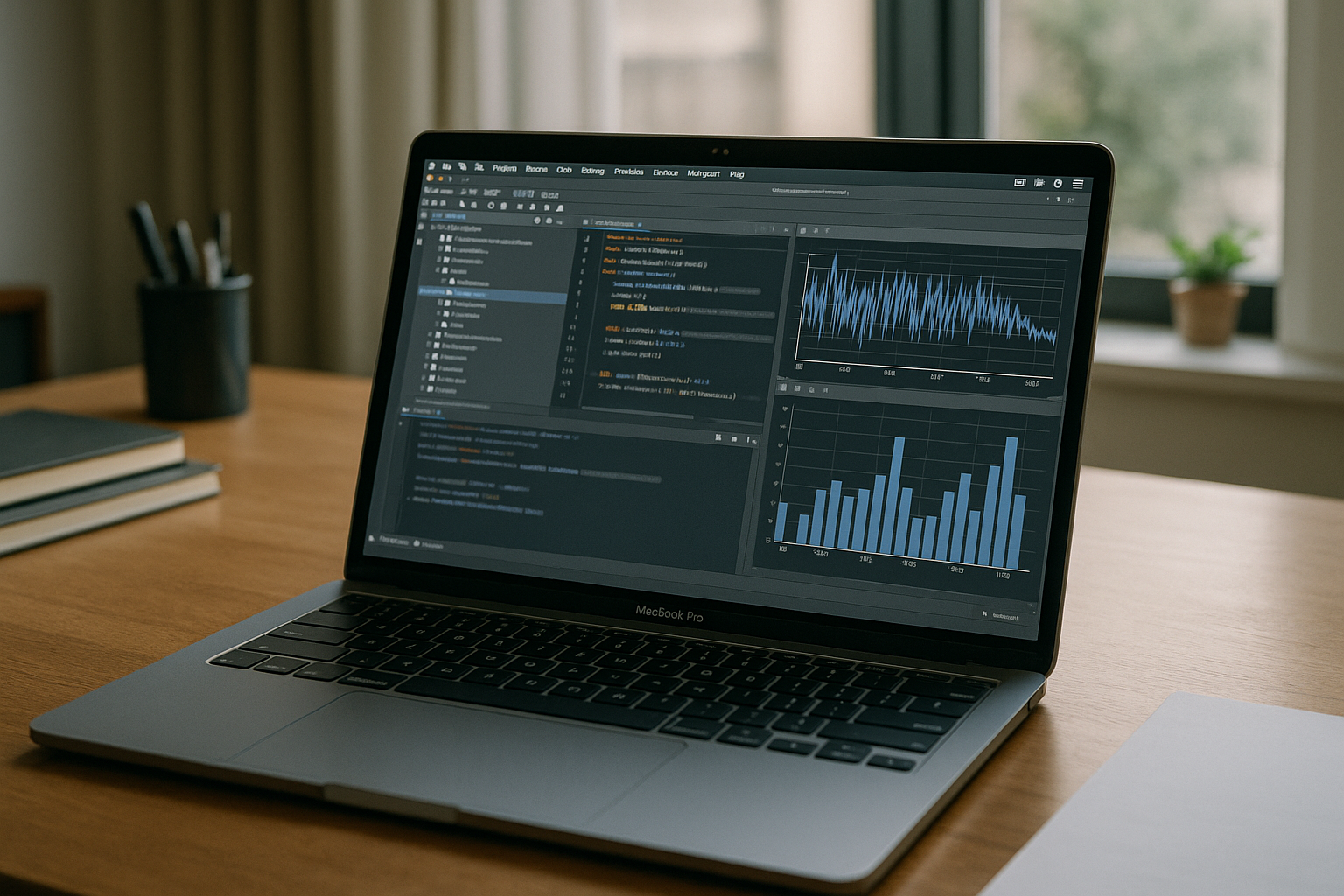
Analysts using PyCharm on Mac can encounter installation restrictions on managed laptops, Python dependency conflicts, and differences between local development environments. Admin prompts block IDE updates, while Apple Silicon adds plugin and native wheel headaches for data packages like pandas, NumPy, and Jupyter support. Even when it installs, mismatched virtualenvs, Homebrew and Conda conflicts, and RAM-heavy notebooks make local workflows brittle and slow.
Running Windows Locally on a Mac: Setup and Maintenance Trade-Offs
Some teams need a separate Windows environment for tools and dependencies that are unavailable or configured differently on macOS. Running Windows in a virtual machine can add resource overhead, storage requirements, and another environment to maintain. You juggle storage partitions or heavy virtual machines, driver compatibility, and separate licensing, only to replicate the same dependency sprawl across two operating systems. A virtual machine can add CPU and memory overhead, consume storage, and increase battery use during demanding workloads.
Access PyCharm from a Mac Without a Local IDE Setup
Instead of wrestling with local installs or running a full second OS, you can access a Windows environment through your browser and keep your Mac as the primary device. PyCharm and the Python packages, plugins, and database tools required for the project can be configured in that separate environment. This keeps the Windows-dependent parts of the workflow separate from your local macOS setup.
Run PyCharm on Mac Instantly with Aristeem
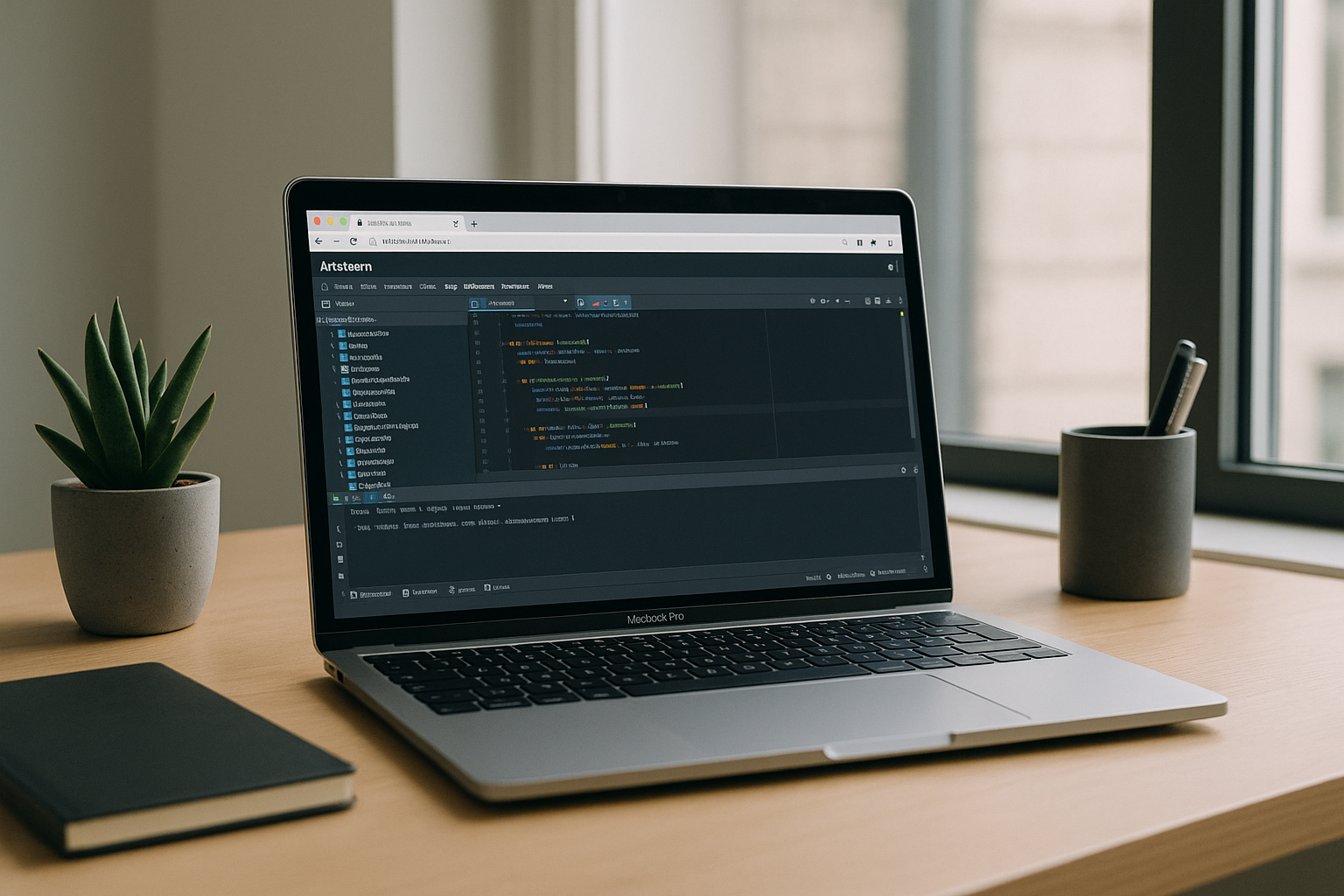
Aristeem provides a virtual Windows PC that you access through your browser on a Mac. You can install the PyCharm version, Python packages, and development tools your project requires, using your own licenses where necessary. You can install libraries, configure development tools, and work with persistent storage in a Windows environment accessed from your Mac. For context on the experience, explore the PyCharm for Mac in-browser workspace, which outlines how analysts keep projects consistent across devices and teams.
Using PyCharm on Mac Without Changing Your Local Setup
Keep your Mac as the primary device while PyCharm, notebooks, scripts, and required packages run in a separate Windows environment. You can configure the setup around your analytics workflow and access it whenever you need it. See what it feels like by exploring launching professional tools via web interface, and keep your analytics moving without changing your local setup.


