


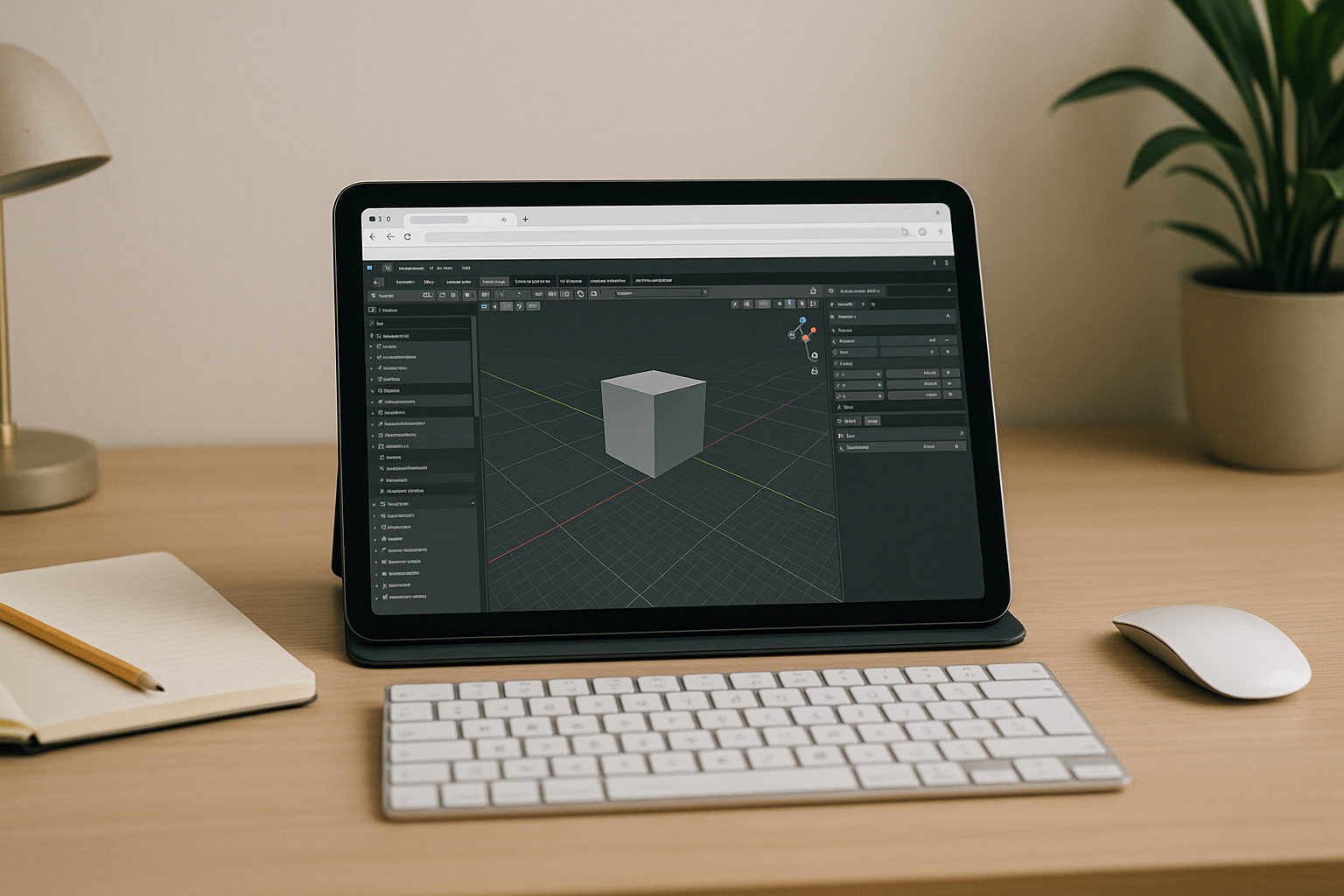
When You Must 3D Render Online Without Local Installs

Your deadline is near, but the workstation you have is underpowered, locked down by IT, or running an incompatible OS. You still need the same scene fidelity, plugins, textures, and color management that your studio demands, yet launching a heavy desktop app locally is not an option. In these moments, the only realistic path is to 3d render online so you can open scenes, trigger GPU or CPU jobs, and deliver frames without touching local installs.
Upgrading Hardware for Online 3D Rendering Sounds Easy — But Isn’t
Buying a new, better PC feels like a straightforward fix, especially if you frequently push complex scenes or high sample counts. Yet the cost is immediate and ongoing — GPUs, RAM, and fast NVMe drives add up, and depreciation is inevitable. A new tower also brings maintenance, driver chasing, noise and heat, while not solving mobility or OS-mismatch issues. Even after the purchase, you still face installs, plugin version alignment, and IT approvals. For teams and freelancers alike, this route often delays production instead of enabling a fast path to 3d render online.
The Practical Way to Render 3D Models in Browser
Instead of sinking budget and time into new hardware, a browser-based workstation gives you instant capacity where and when you need it. You open the environment, load your scene, and kick off 3d render online jobs on high-performance GPUs or CPUs without touching your local OS. This approach preserves project formats and plugin compatibility, avoids driver roulette, and lets you scale up for peak demand. Compared with buying a machine you must maintain, a flexible environment optimizes cost, speed, and reliability for online 3D rendering or a cloud 3D render workflow.
How Aristeem Makes 3D Render Online Instant
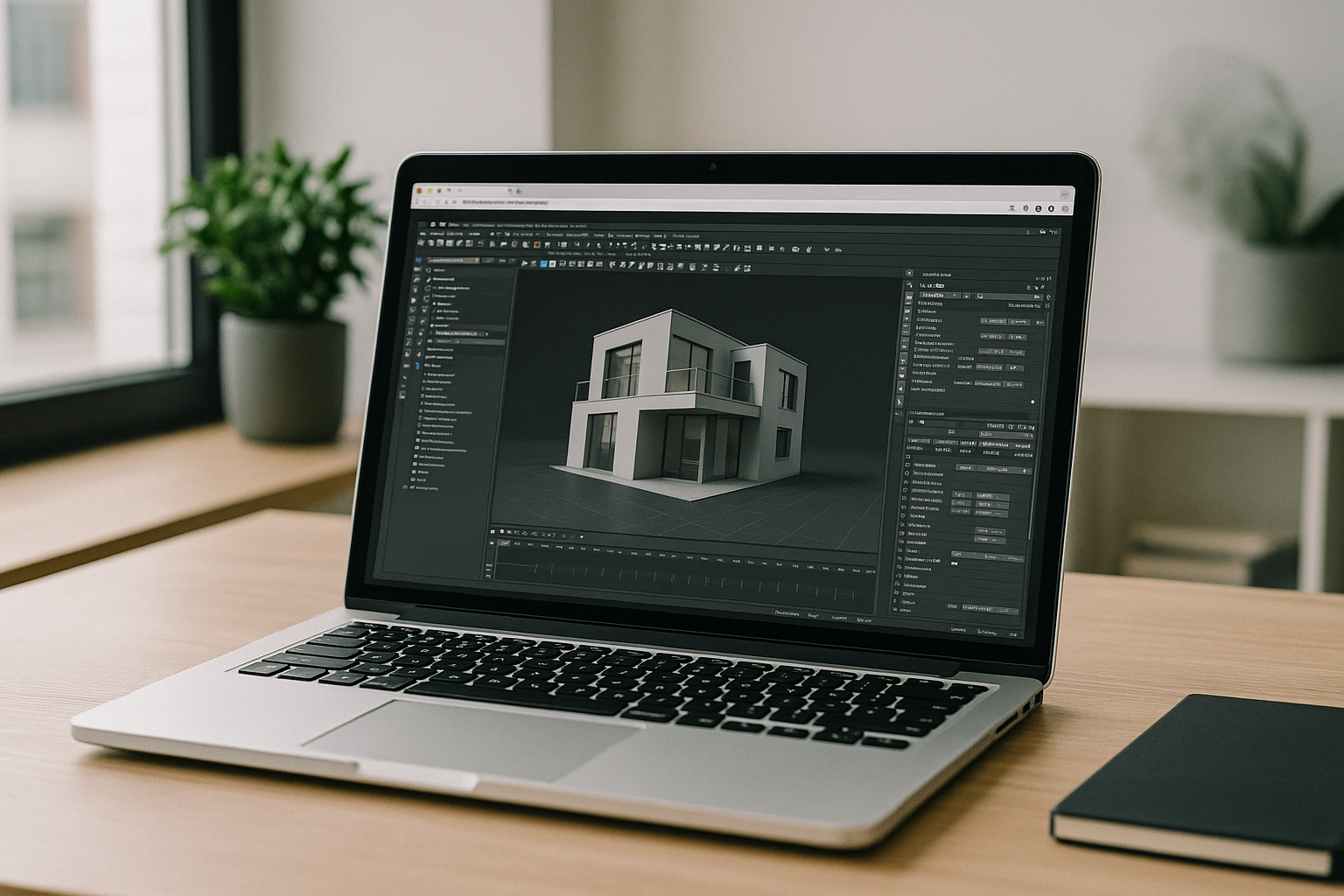
With Aristeem, you get a full workstation in the browser — no setup, no local installs, and no OS limitations. Applications like Autodesk Maya, 3ds Max, Blender, and Navisworks are pre-installed and pre-configured; you simply hit the “Launch” button in the library, sign in with a license if the program requires it, open your scene, and start rendering. You can trigger GPU or CPU jobs, manage assets in the environment, and keep your pipeline consistent across devices. It’s not an emulator or a remote desktop; it’s a complete environment designed for speed, stability, and fidelity. For broader context on the environment and workflow expectations, see browser-based workstation details that help teams align formats, plugins, and color settings without touching local machines.
Start and Finish 3D Render Online From Any Device
Whether you are on a Mac, Linux laptop, iPad, Chromebook, or a weak PC, you can keep full project fidelity and deliver on time by moving heavy work to the browser. Skip installs, avoid admin blockers, and scale performance only when needed while preserving your preferred tools and formats. Launch our online rendering platform directly in your browser now and turn downtime into final frames.


