


Blog
Blog
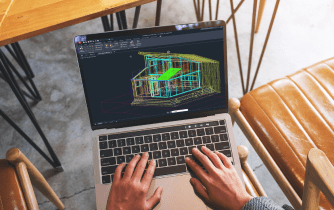
AutoCAD Macintosh: Compatibility, Performance, and Flexible CAD Workflows
Wondering whether your Mac is ready for professional AutoCAD? This guide explains AutoCAD Macintosh compatibility, compares deployment options, and shows how to maintain full desktop workflows across any Mac.
Read More
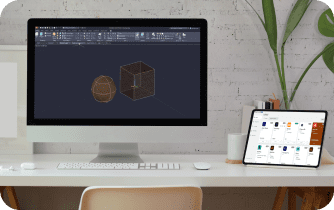
AutoCAD for Mac: Full Desktop, No Install Required
Mac users need the full AutoCAD experience but run into missing toolsets, heavy installs, slow large DWGs, and locked-down admin rights. This guide shows a fast way to run the real app in a browser with zero setup.
Read More
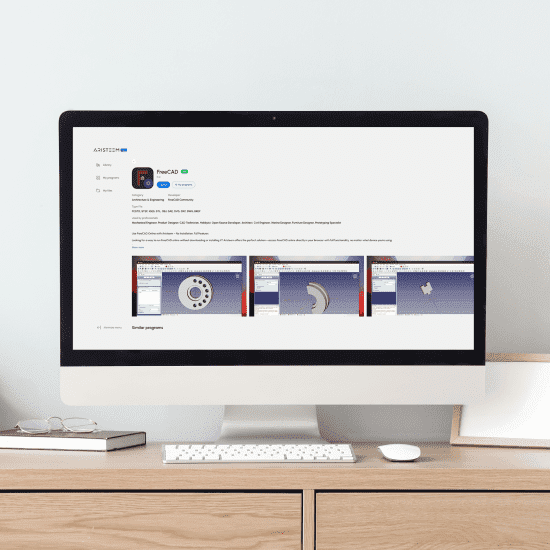
Run FreeCAD in Your Browser — Skip Installs
Need to open FreeCAD but installs are blocked or your device lacks GPU power? See how to start the full desktop instantly in your browser without local setup.
Read More
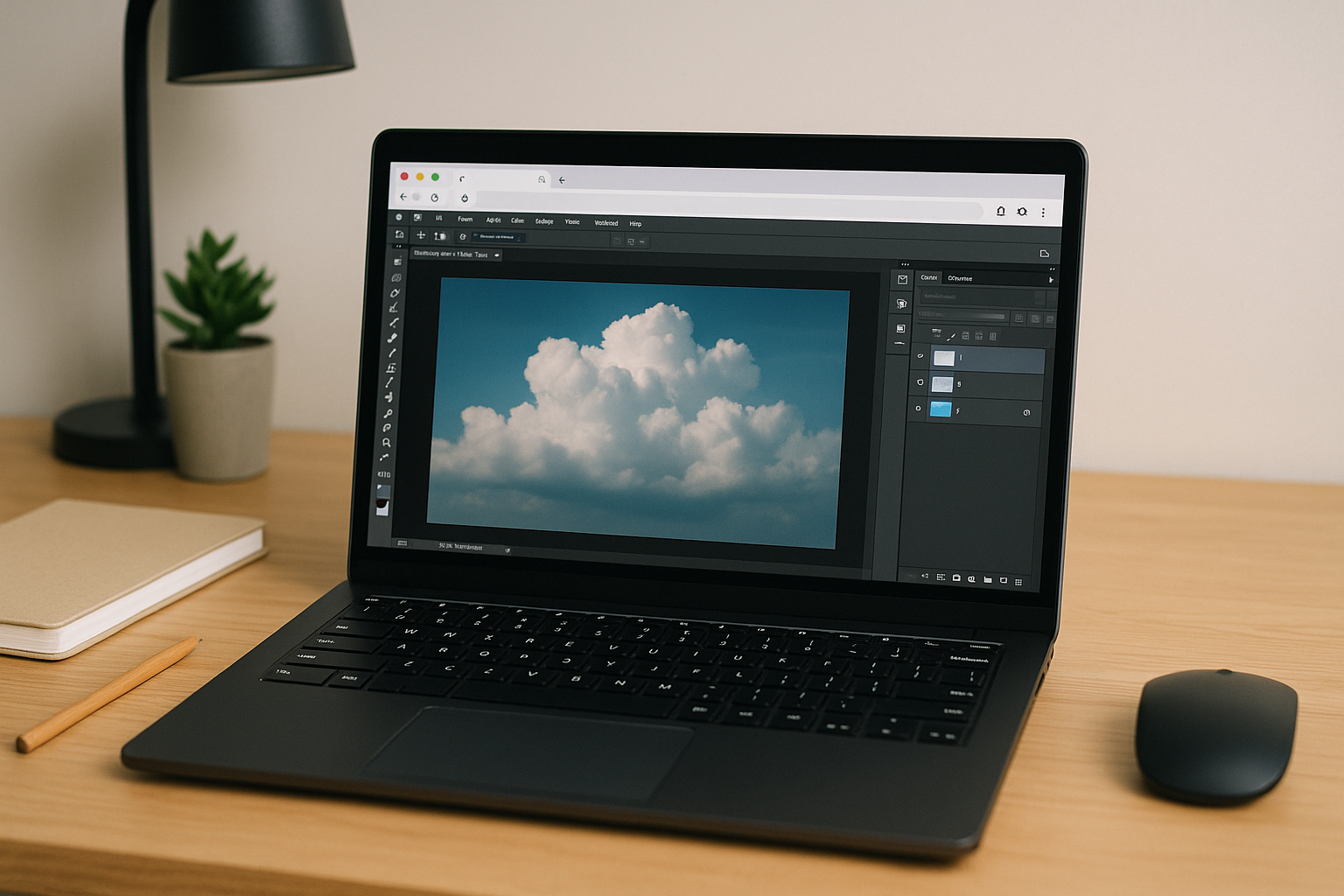
Photoshop for Linux: Build a Reliable Professional Workflow
Create a dependable Photoshop for Linux workflow with GPU acceleration, color-managed editing, and browser-based access that keeps creative projects moving from virtually any device.
Read More
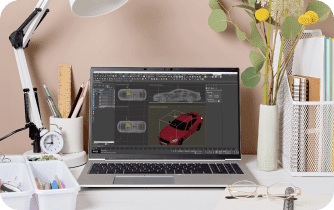
3ds Max Studio: Build a Complete 3D Workspace in Your Browser
Need a complete 3ds Max Studio without maintaining expensive workstations? Discover how to build a browser-based 3D workspace with GPU acceleration, consistent plugins, and access from virtually any device.
Read More
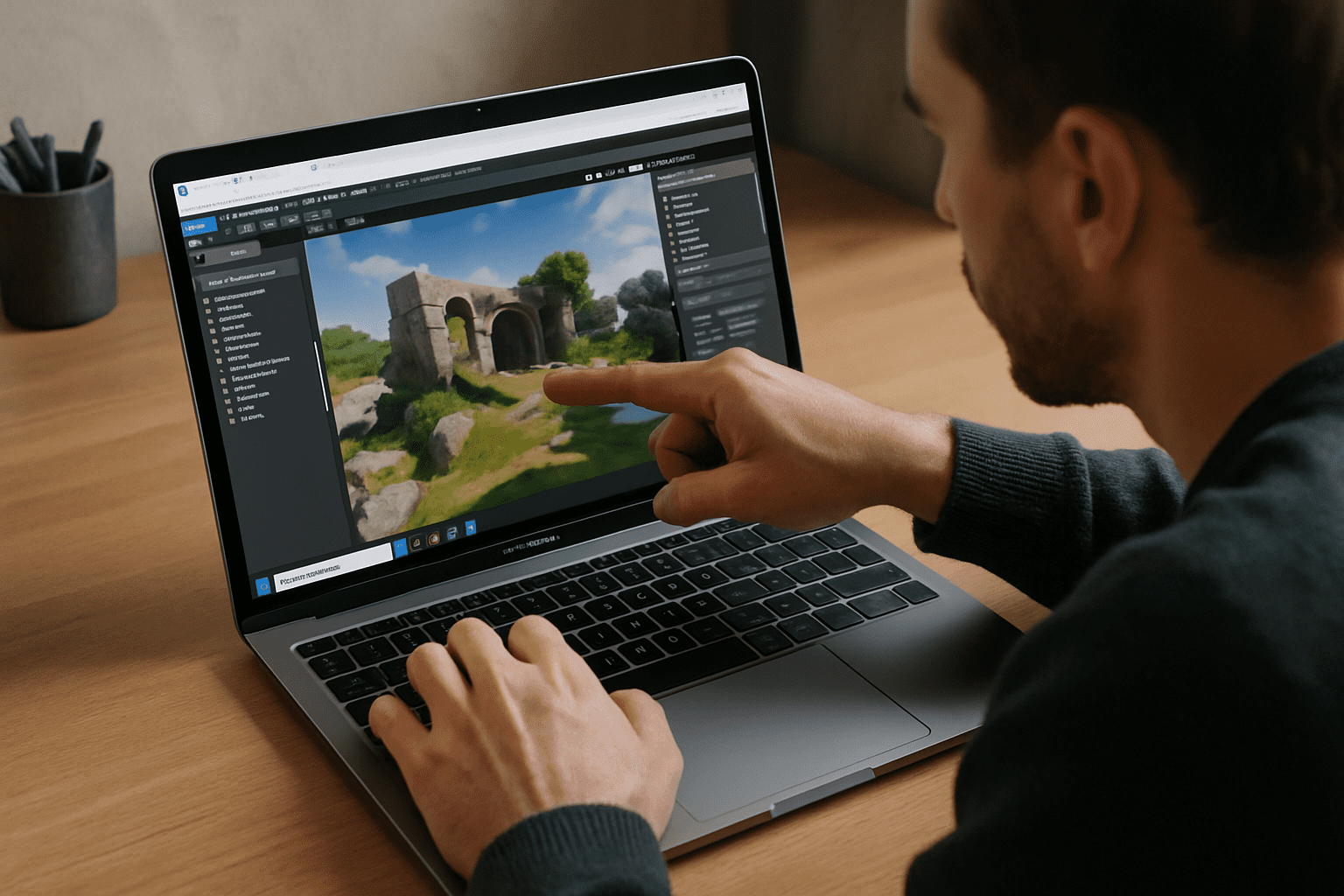
Windows Virtual Machine for Mac: Run Windows in Your Browser
Need Windows apps on your Mac but can't use local virtualization? Learn how to launch a full Windows desktop in your browser with zero setup, even on Apple Silicon.
Read More
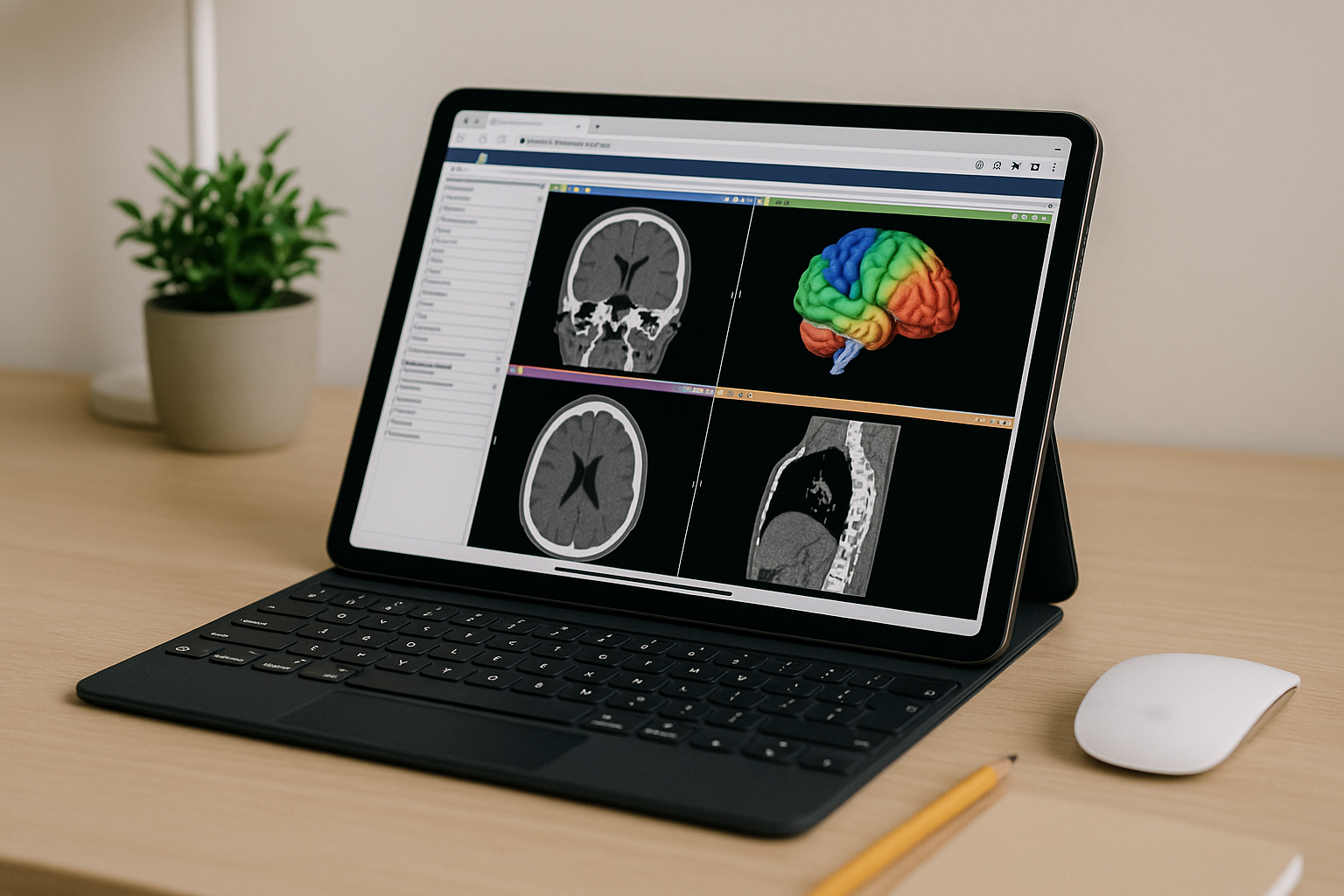
3D Slicer Software in Browser — Full Desktop Access
Need 3D Slicer but blocked by admin rights, OS conflicts, or weak hardware for large DICOM/NIfTI? Here’s how to work at full speed in your browser without local installation.
Read More
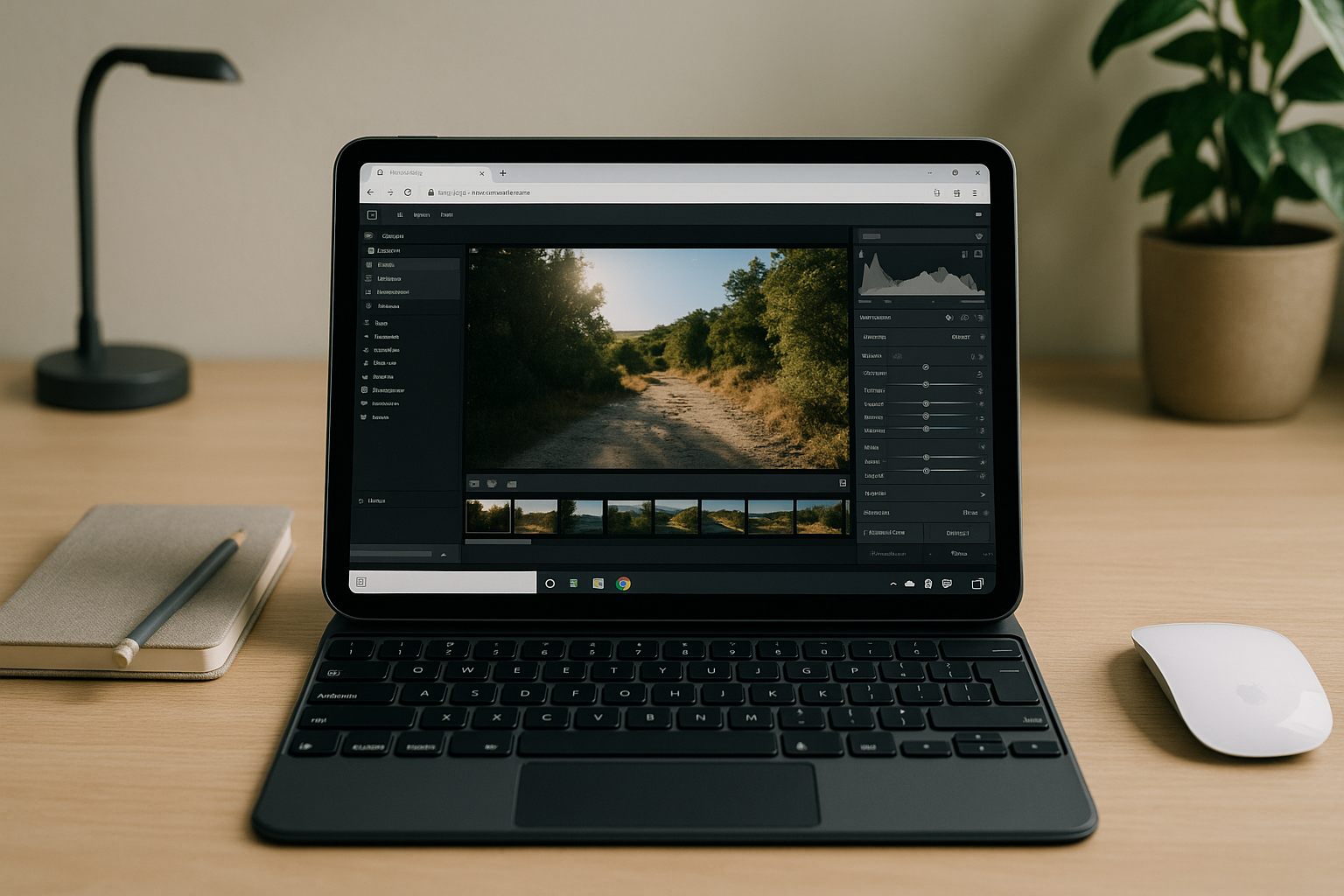
Lightroom Classic Online: Run the Full App in a Browser
Need Lightroom Classic without a local installation? Discover how to use the full desktop app in a browser with catalogs, RAW editing, and GPU acceleration.
Read More

Software CorelDRAW: Full Desktop Suite in Browser
You need CorelDRAW Graphics Suite now, but installs, weak hardware, or locked devices block your workflow. Here’s a practical path to run the full desktop suite online without local setup.
Read More
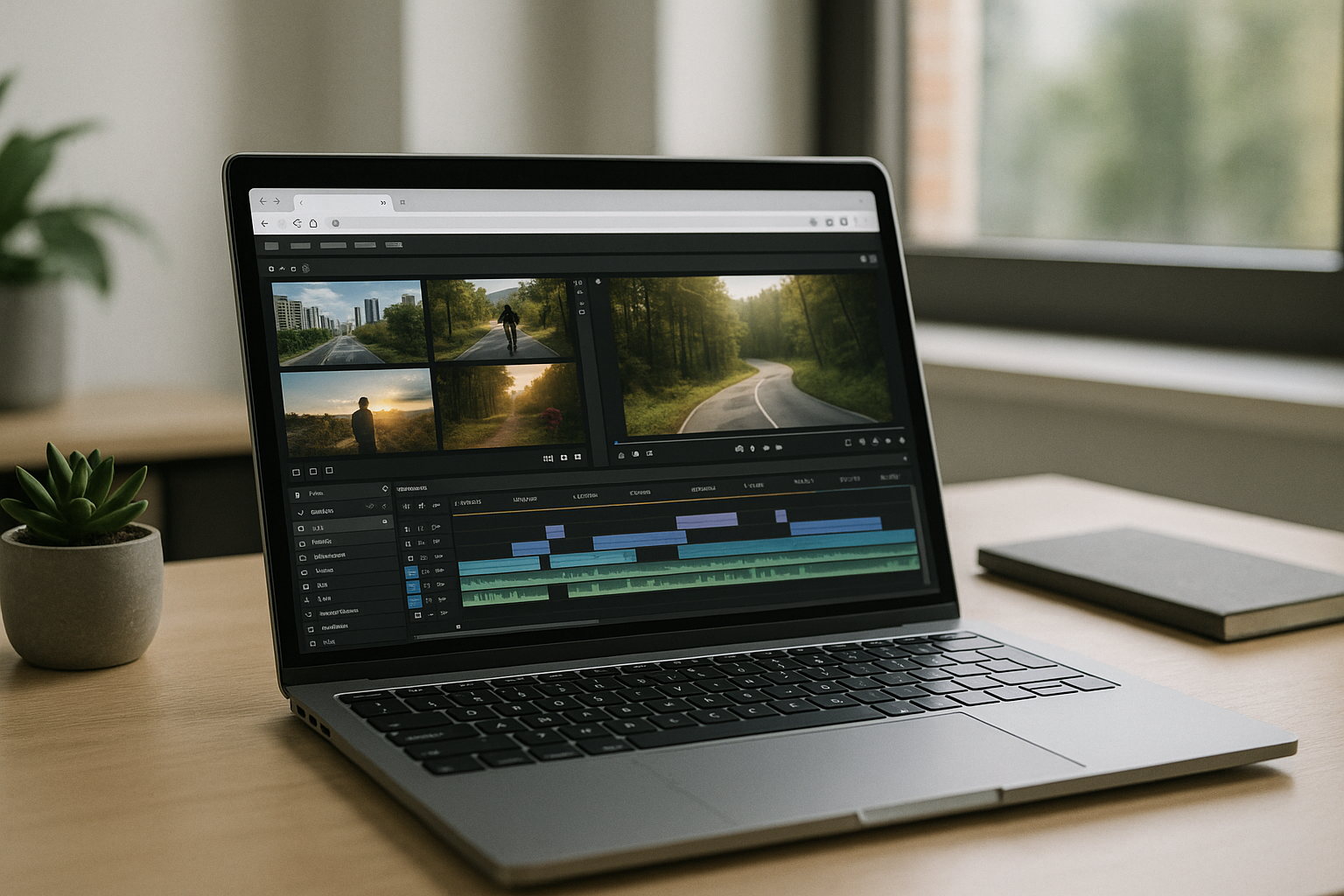
Run Vegas Pro in Browser — Skip Installs and Specs
You need Vegas Pro but can’t install it due to admin restrictions or heavy system requirements. Learn how to use the full desktop experience in your browser without upgrades or workarounds.
Read More
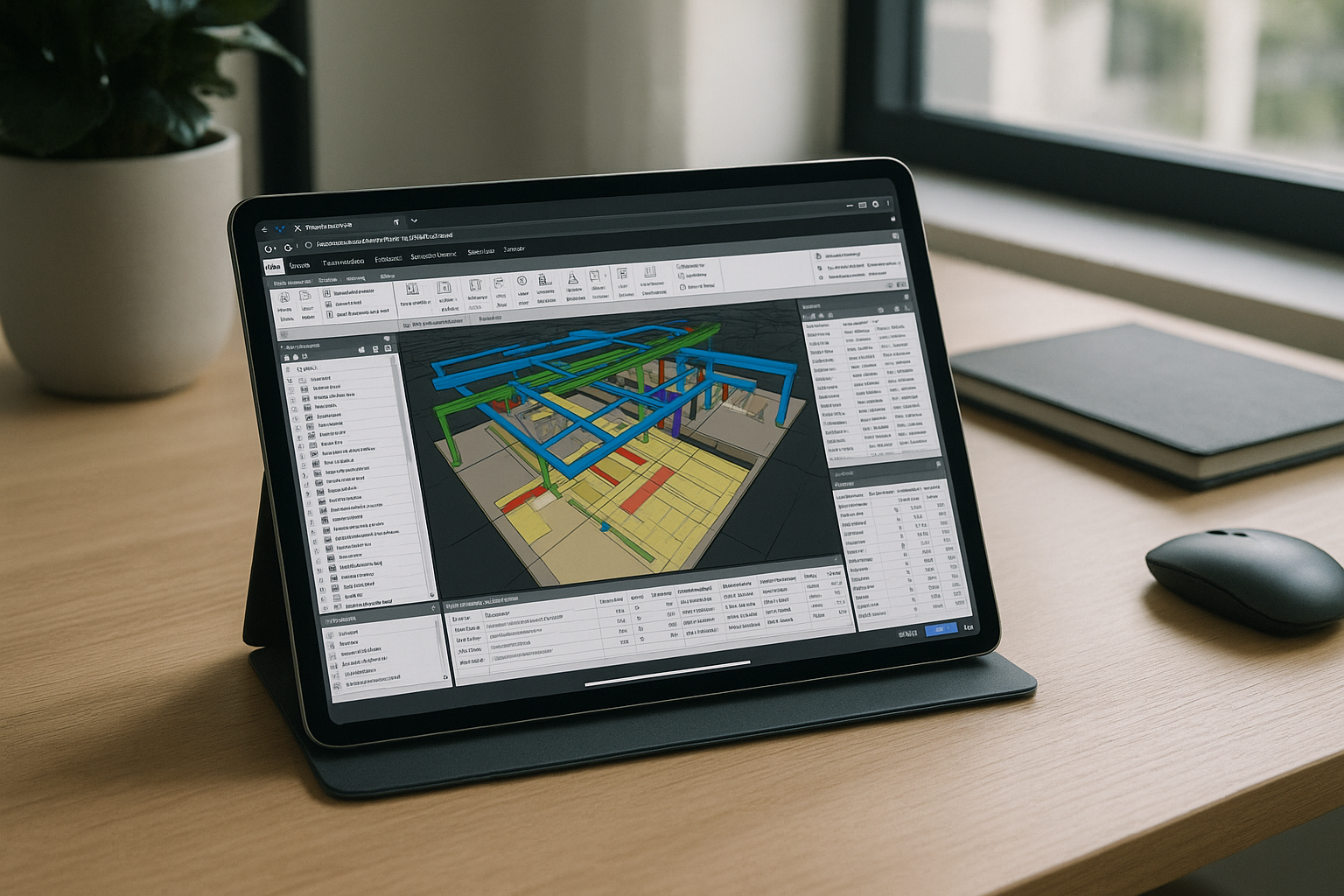
Navisworks Manage on iPad: Full Desktop in Browser
You need full Navisworks Manage capabilities on an iPad, but there’s no native iOS app. This guide shows a practical way to run the complete desktop experience in a browser without compromises.
Read More
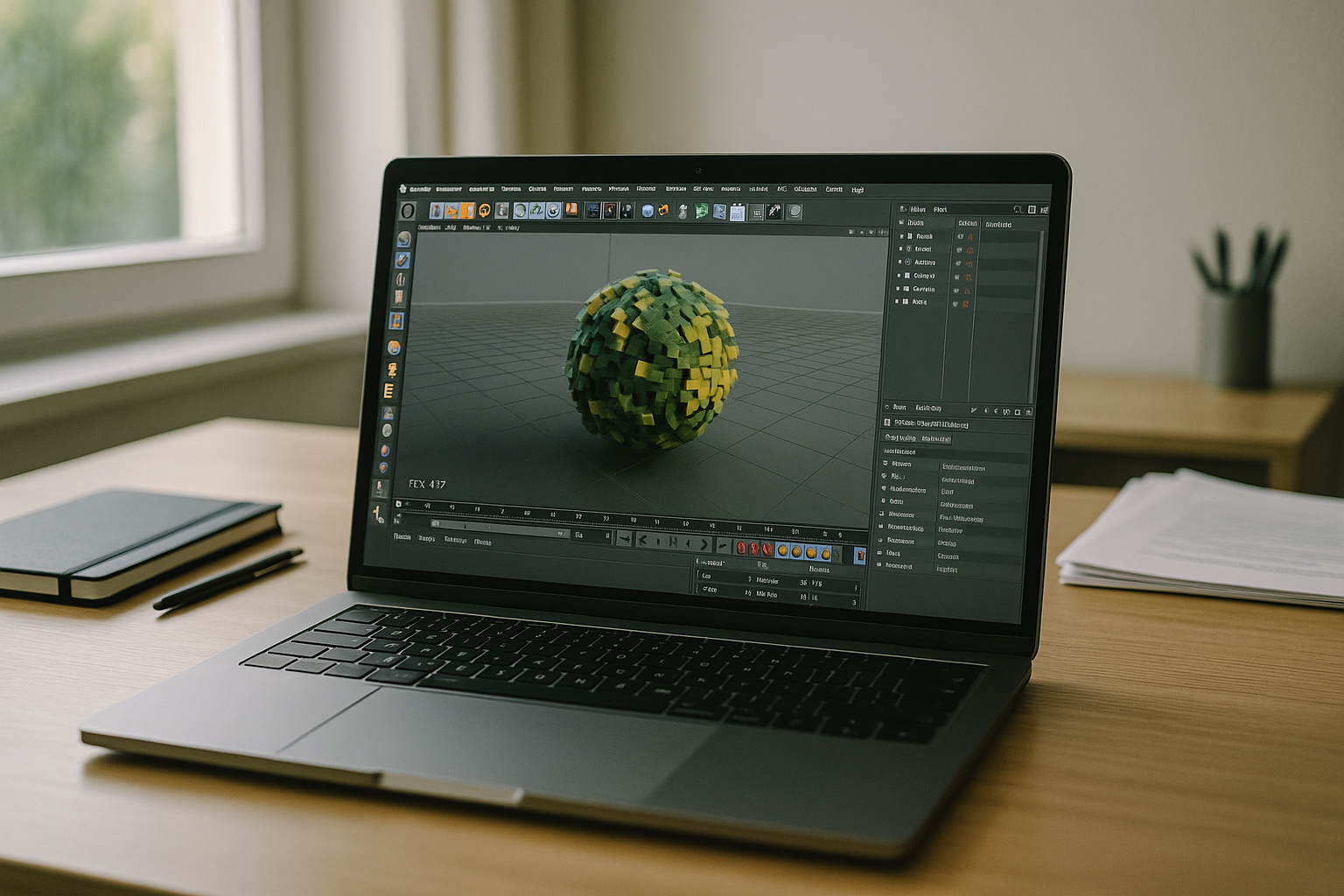
C4D Software — Cinema 4D in Browser, No Installs
Many artists searching for C4D software can’t install updates, hit GPU limits on heavy scenes, or fight mismatched plugins across devices. This guide shows a practical, browser-based way to keep performance high and workflows consistent without new hardware.
Read More


