


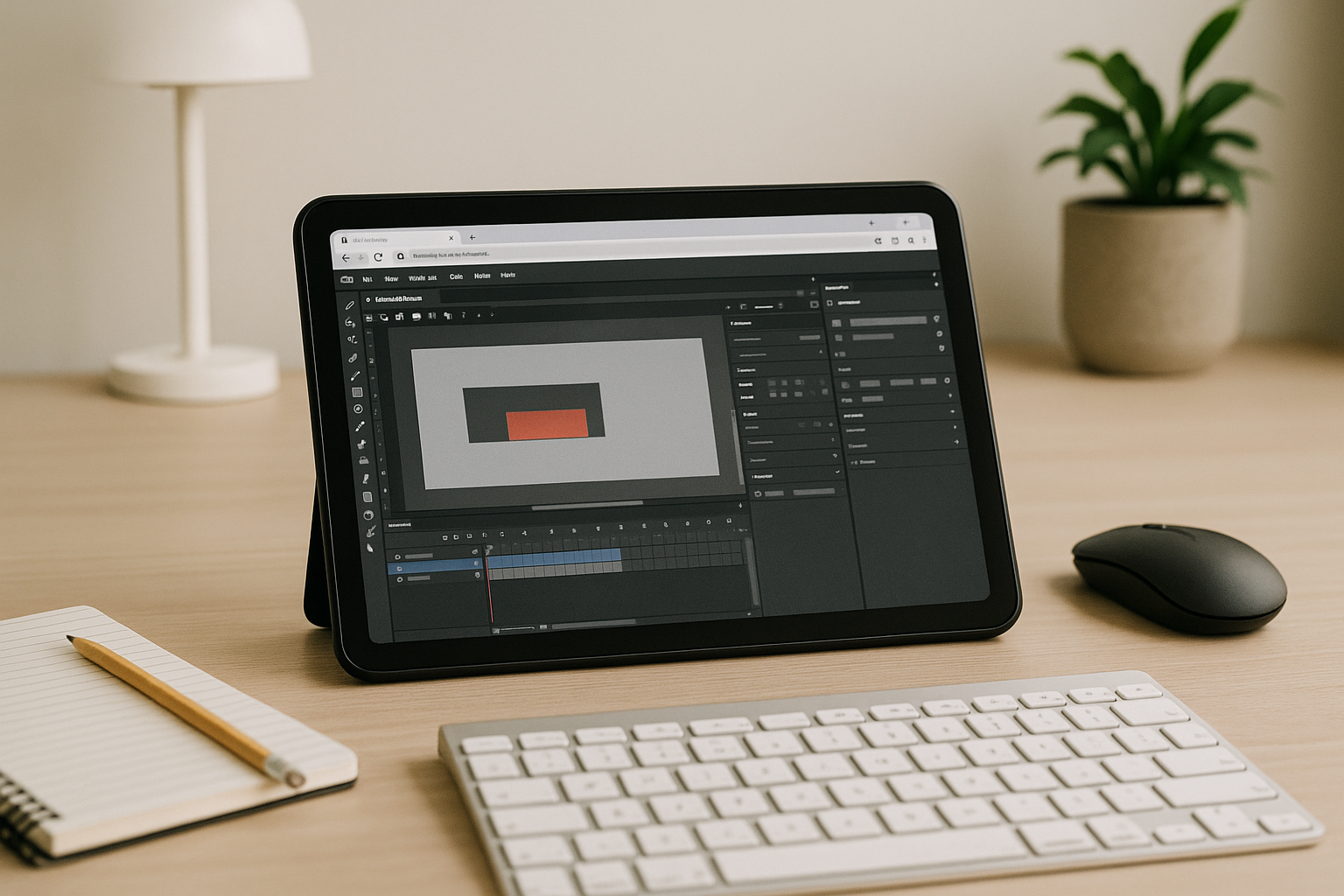
Adobe Animate for Android: The Blocked Tablet Workflow
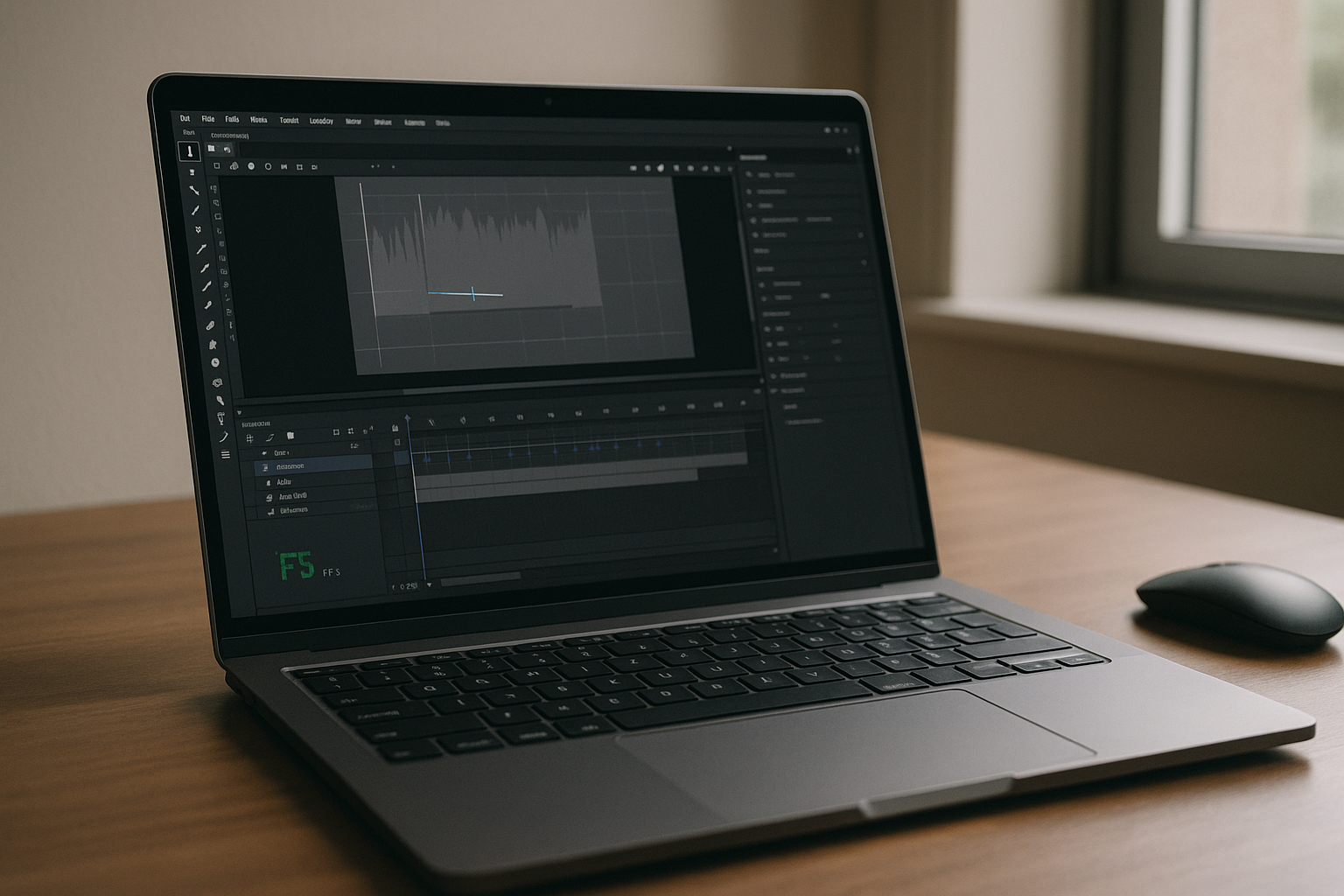 You storyboard on an Android tablet, sketch with a stylus, and connect a keyboard and mouse to build ideas on the go. But when it’s time to turn those concepts into finished animations, the roadblock appears: there is no native Adobe Animate installer for Android. Projects that require precise layer control, tweening, asset libraries, and timeline editing simply can’t move forward without the full desktop environment. Deadlines slip as you rely on file transfers, export workarounds, or remote access to another machine just to keep production moving. That’s why professionals looking for Adobe Animate for Android need a practical way to access the complete desktop application from their mobile device.
Why Running Windows on Android for Adobe Animate Isn’t Practical
Some professionals try to install Windows on an Android tablet to force desktop workflows, but this path is brittle. Bootloader unlocks, experimental firmware, driver gaps for touch, pen, and GPU acceleration, and awkward USB hub setups all erode stability and battery life. Routine updates can brick configurations, stylus mapping drifts, and thermal throttling ruins preview playback. In practice, this turns urgent animation work into system maintenance, which is the opposite of getting frames out the door for an Adobe Animate pipeline.
Animate Desktop in Browser and the 2026 Cloud-Native Shift
By 2026, creative teams are standardizing on browser-accessible desktops that decouple performance from local hardware. Studios want instant, location-agnostic access to licensed tools, predictable GPU power, and secure data boundaries aligned with zero-trust and modern compliance. Contractors, agencies, and in-house teams reduce setup overhead and keep velocity high by adopting a browser-first stack, so projects move with the person, not the machine — ideal for running Adobe Animate from a tablet.
Best Way to Run Adobe Animate on Android Without Installs
Workarounds like exporting assets to lighter mobile apps or delegating edits to a colleague only fragment the workflow and lose fidelity. Buying another laptop just to meet one tool’s requirements defeats the goal of hardware independence. The clean answer is a full desktop environment that opens inside the browser on your tablet, so you can run the real toolchain, use mouse and keyboard, and keep your project structure intact — precisely what professionals need to Adobe Animate for Android without local installation.
Aristeem Makes Adobe Animate for Android Truly Work
Aristeem delivers a real desktop inside your browser — no setup, instant access, and not an emulator or a remote desktop. Applications are pre-installed and pre-configured; open the library, find Adobe Animate, and click the Launch button. If a license is required, just sign in, and you’re ready to animate with full mouse and keyboard control on an Android tablet; phones are not supported for this workflow. This is the same professional environment you expect on a workstation, now available anywhere you can connect, making Adobe Animate for Android practical for production.
Adobe Animate in the Browser: The Practical Path
Running the desktop app in a browser unblocks timelines, preserves project structure, and removes hardware and OS limitations — exactly what busy animators need on tablets. You keep precision input, licensing, and performance while avoiding risky system hacks. To understand how software runs directly in a browser for professional workflows like Adobe Animate for Android, explore the approach and see how it fits your pipeline.


