



When Civil 3D System Requirements Block Your Work

You open a project and realize your device struggles: the viewport stutters, commands lag, or the installer refuses to proceed because the GPU, RAM, or storage doesn’t meet Civil 3D requirements. Many teams hit the same wall — multi-core CPU needs, a DirectX-capable dedicated GPU, and 16–32 GB of RAM can be tough on thin laptops or shared office desktops. Even if you pass a basic spec check, heavy surfaces, corridors, and large data shortcuts quickly expose bottlenecks, and admin-rights limitations or lack of disk space can stall updates and plugins entirely.
Buying a New PC to Meet Civil 3D Requirements
Upgrading to a powerful workstation seems straightforward, but it is expensive and slow to procure, and it locks you into a single machine that can still feel outdated under bigger models. You also inherit driver maintenance, storage management, and IT approvals for every update just to stay aligned with Civil 3D requirements. For teams on the move or consultants who need temporary horsepower, a purchase is overkill: capital expense today for workloads that spike only a few weeks per year.
A Better Path for Civil 3D Hardware Requirements
Instead of buying hardware you must maintain, consider running a GPU-backed desktop environment that fulfills Civil 3D hardware requirements directly in your browser. This approach lets you match compute to the project—spin up more GPU, CPU, RAM, or fast storage for complex surfaces and point clouds, then scale down when work quiets. You keep familiar workflows, extensions, and templates while avoiding local installs and still meeting Civil 3D requirements for performance and stability.
How Aristeem Meets Autodesk Civil3D Requirements Instantly
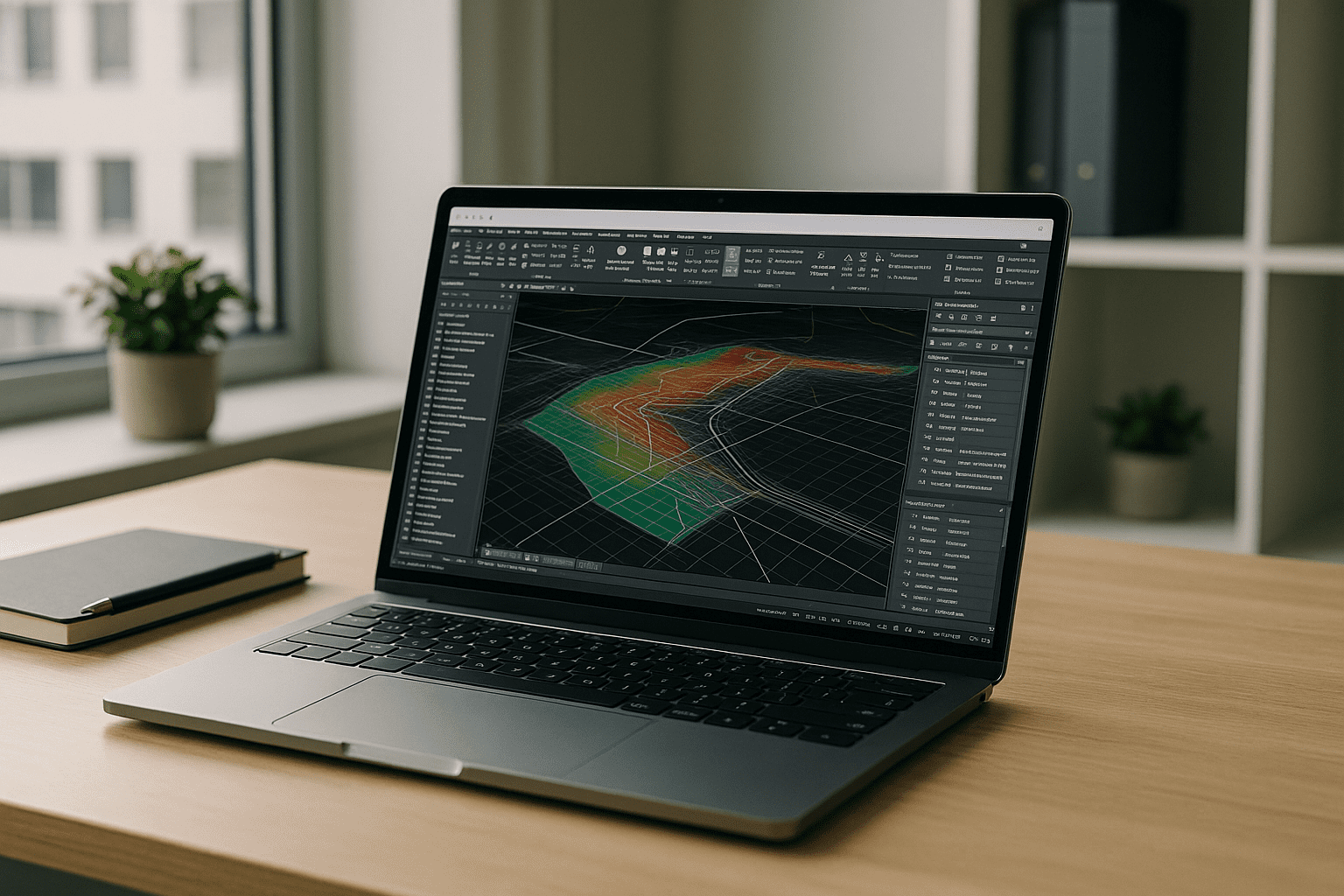
Aristeem delivers a full desktop environment in your browser—no local installation, no admin rights needed—and it is not an emulator or a remote desktop. Applications are pre-installed and pre-configured, so you simply click Launch in the library; if Civil 3D requires a license, you use your own. You can choose GPU-backed profiles, scale RAM and storage for demanding datasets, and keep your toolsets, templates, and add-ons ready, aligning with Autodesk Civil3D requirements for real project workloads; see details in this context of running Autodesk Civil 3D in a prepared GPU workspace. Work from any device with consistent performance, avoid driver hunts and disk cleanups, and move from spec-checking to designing in minutes — while still respecting Civil 3D requirements.
From Civil 3D Requirements to Results, Fast
If hardware limits, storage constraints, or install blockers are slowing you down, a browser-first desktop that already satisfies Civil 3D requirements is the simplest way forward. Keep your workflows intact, scale resources per project, and eliminate setup friction that interrupts deadlines. Learn more about launching professional tools via web interface to stay focused on design, not device specs.


