



Why Lumion system requirements matter
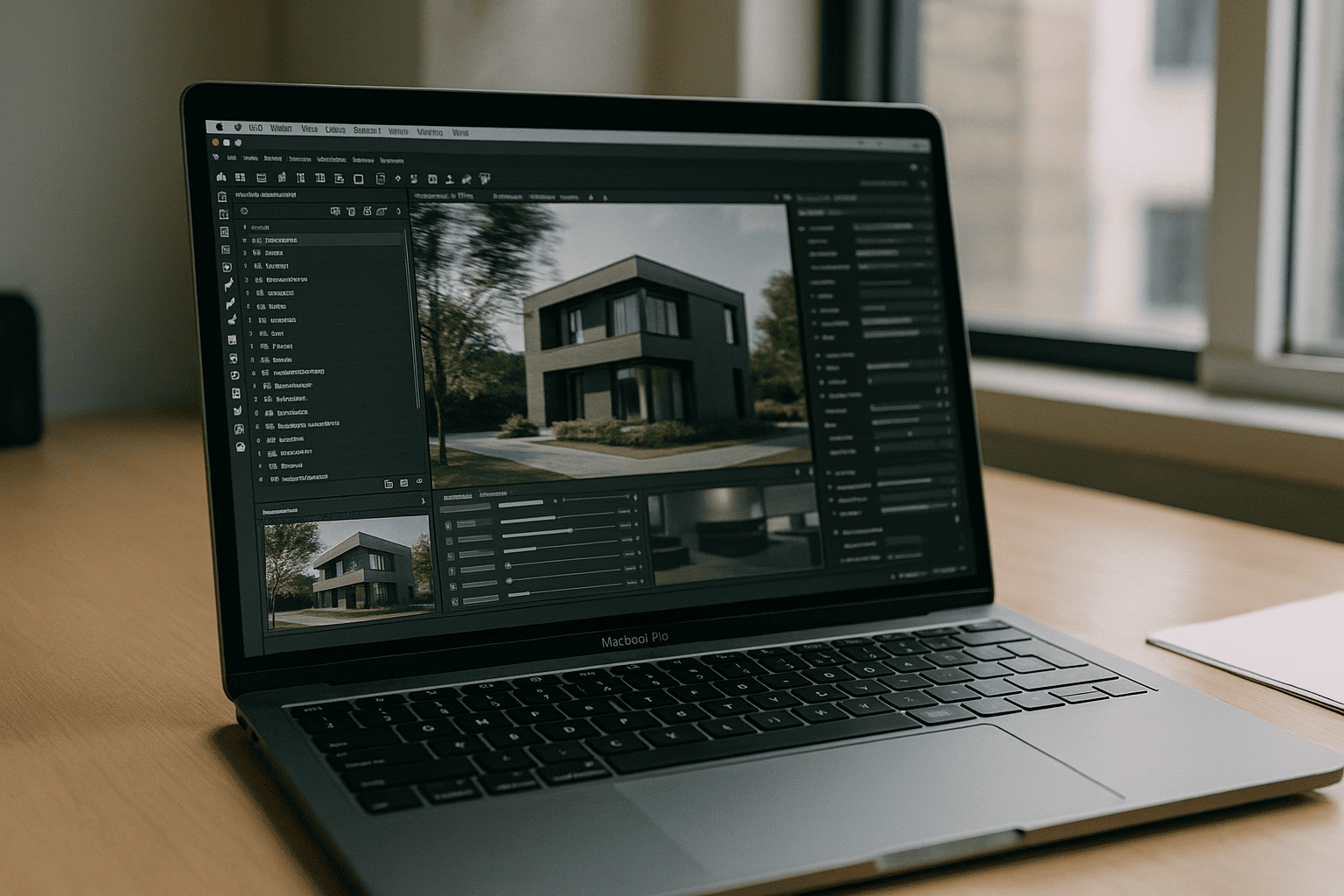
Lumion is designed for real-time architectural visualization, where large scenes, detailed vegetation, high-resolution textures, reflections, and lighting must update instantly while you work. Unlike many design applications, performance depends heavily on graphics hardware rather than simply having a fast processor.
Understanding the official Lumion system requirements helps explain why many architects searching for Lumion for Mac encounter limitations before they even install the software.
What Lumion requires for professional work
Current Lumion releases are built around the Windows graphics ecosystem. Professional projects typically depend on:
- Windows operating system
- DirectX 12 support
- Dedicated NVIDIA RTX or comparable graphics hardware
- Large amounts of GPU memory for complex scenes
- Fast SSD storage
- Sufficient RAM for large architectural models
While smaller projects may run on modest hardware, production environments benefit from workstation-class GPUs that can maintain smooth navigation and fast rendering throughout the design process.
Why modern Macs don’t meet every requirement
Many users assume powerful Apple Silicon chips automatically satisfy Lumion’s hardware needs. In practice, the limitation isn’t processor performance alone. The main challenge is compatibility with Lumion’s rendering pipeline.
Modern Macs cannot provide:
- native DirectX 12 support;
- NVIDIA RTX hardware acceleration;
- upgradeable discrete GPUs through eGPU on current Apple Silicon devices.
Because of these platform differences, installing the software locally becomes far more difficult than simply comparing processor benchmarks.
This is why professionals researching Lumion for Mac often discover that hardware compatibility — not raw computing power — is the real obstacle.
Understanding the most important Lumion requirements
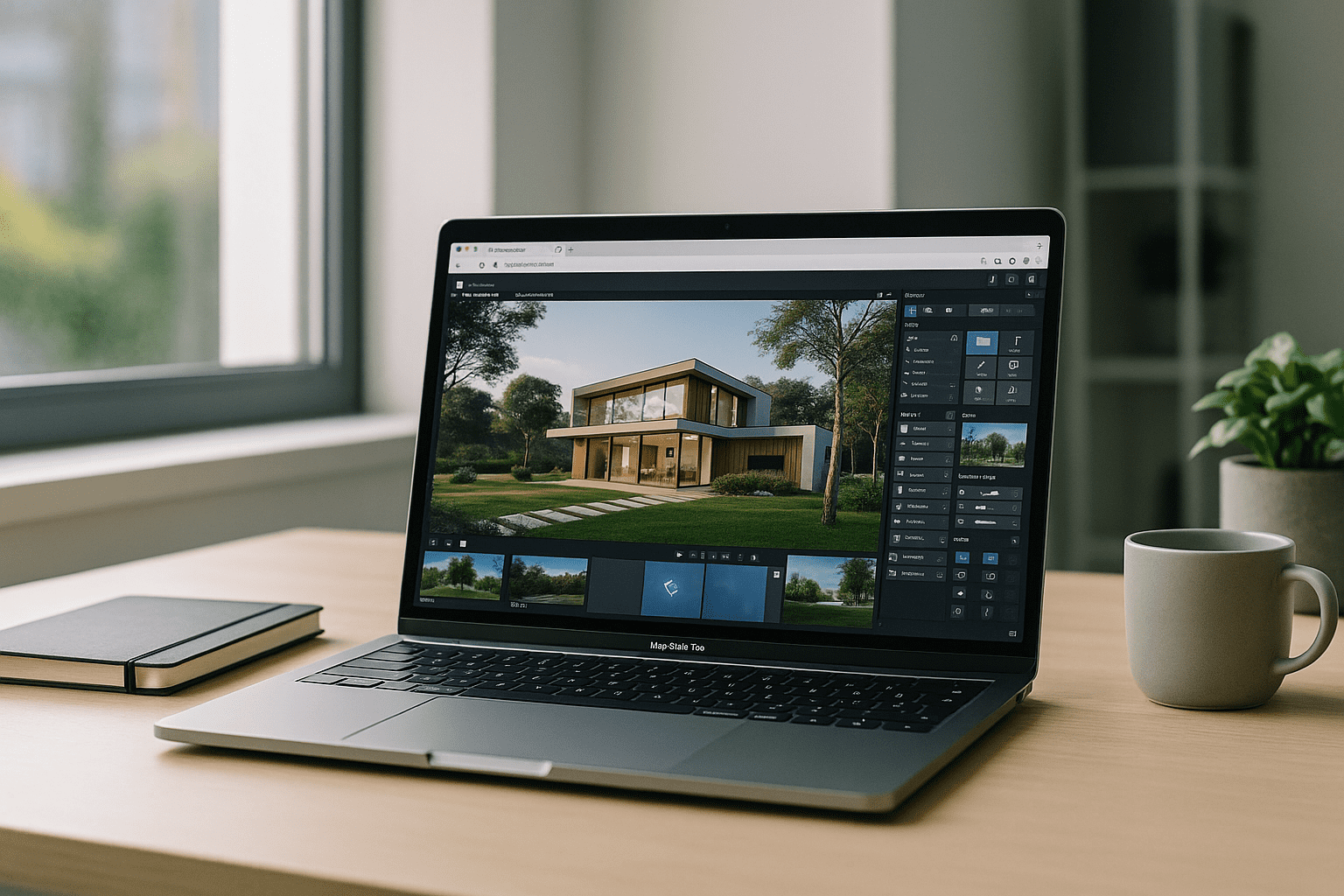
Not every specification affects performance equally. For most architectural projects, the graphics subsystem has a much greater impact than processor speed alone.
The most demanding parts of Lumion depend on:
- DirectX 12 for modern rendering features;
- dedicated GPU hardware for real-time viewport performance;
- sufficient VRAM to handle large scenes and high-resolution textures;
- fast SSD storage for loading assets and projects efficiently;
- enough system memory to work comfortably with complex models.
Meeting these requirements consistently is often more important than simply having the newest processor.
Key Lumion requirements at a glance
| Requirement | Why it matters |
|---|---|
| DirectX 12 | Required for Lumion’s graphics pipeline |
| Dedicated GPU | Delivers smooth real-time navigation |
| VRAM | Supports large models and textures |
| SSD storage | Improves loading and project responsiveness |
| RAM | Helps manage complex architectural scenes |
For many firms, the challenge is no longer choosing between Windows and macOS. It is ensuring that every project runs on hardware capable of meeting Lumion’s graphics requirements without adding unnecessary IT complexity.
Meeting Lumion requirements without replacing your Mac
As Lumion projects become more demanding, many firms are moving away from upgrading individual laptops. Instead, they provide access to hardware that consistently meets Lumion system requirements through centralized GPU environments.
This approach offers consistent software versions, centralized project storage, predictable rendering performance, and simpler IT management across distributed teams.
Running Lumion on Mac while meeting system requirements
One practical option is a browser-delivered Windows environment that already meets the official Lumion system requirements.
Aristeem provides high-performance Windows workstations with DirectX 12 and RTX-capable GPUs, accessible directly through the browser. Because processing happens on dedicated hardware, architects can continue using macOS without managing Windows installations, GPU drivers, or virtualization software.
For professionals exploring Lumion for Mac, this provides a practical way to access desktop-class performance while keeping existing Apple devices. If you’re comparing different ways to access Lumion from macOS, this guide explores the most common approaches, including virtualization, cloud environments, and browser-based workflows.
Conclusion
The official Lumion system requirements show that modern architectural visualization depends on graphics compatibility as much as processor performance. For many Mac users, the challenge is meeting those requirements rather than the operating system itself.
Browser-delivered Windows GPU environments provide access to compatible hardware without replacing existing devices, making them a practical option for professionals evaluating Lumion for Mac.


