We have created the easiest way to run Blender on Android and iOS
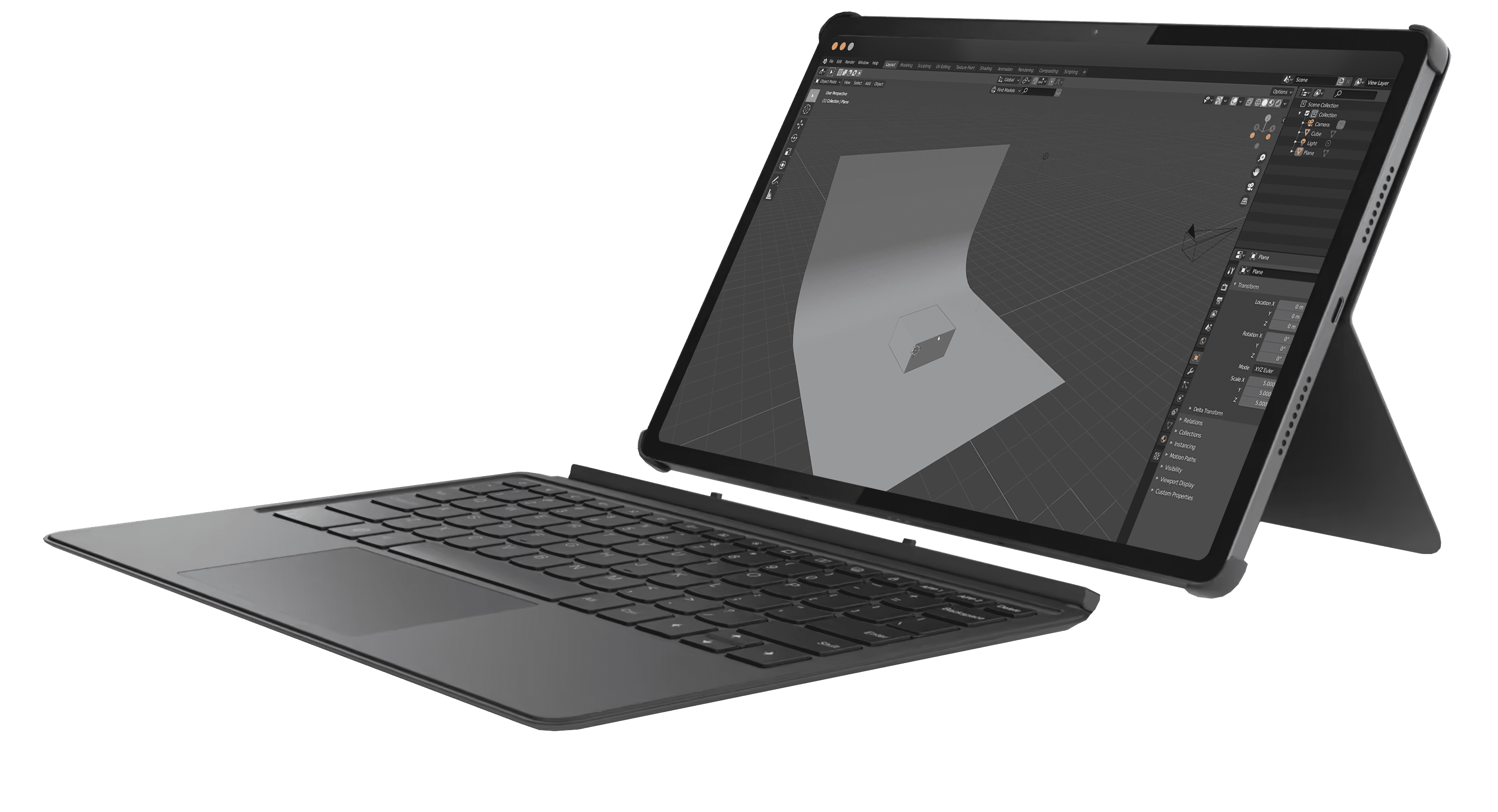

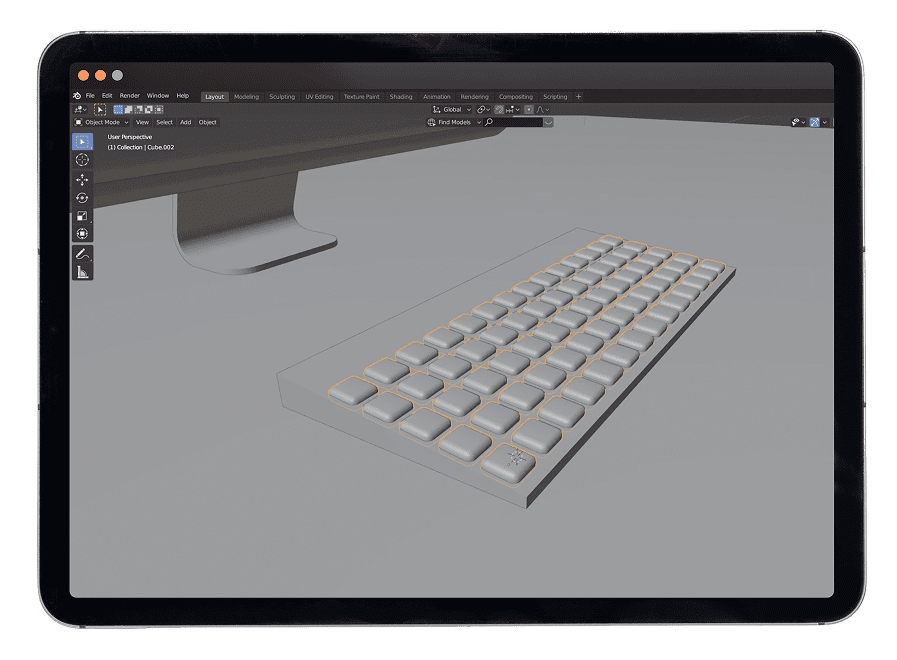

Works on any device – tablet, laptop, or PC

It doesn’t matter if you use iOS or Android – Blender runs smoothly on any operating system.

Adjust the interface scale for maximum comfort.

Update data and make edits in just one click.

Quick access
No need for complex virtual machines or dual-boot setups – just launch and go.
Full functionality

Access all Blender features, from 3D modeling and animation to rendering and compositing, right from your tablet.

Resource efficiency
Save money and time by avoiding additional hardware or Windows installations.

Storage
Our service allows you to store and download files of up to 100 GB.
Forget limitations – work with Blender on iOS and Android just as comfortably as on a computer. Full functionality, seamless control, and maximum performance – all with Aristeem!

Easy cloud-based
access
Flexible screen
scaling
Full control over
your projects
Access over 300 of the most popular creative applications for 3D design, animation, video editing, and more – all on your tablet!
Get StartedWe give each new user 10 HOURS OF FULL ACCESS You can explore all the features of the service without restrictions or hidden conditions.

Full Functionality
You get access to all features of the service, exactly the same as on any paid plan. No blocked features.

No "payment surprises"
You can work freely and save results, without fearing a "Pay to Continue" message.

No Payment Details Required
You don't need to enter any payment information to register and get started. There will be no automatic charges.

10 Hours of Pure Usage
Your 10 hours are 10 actual hours of work. The timer only runs when you are directly working in the application.



