


Blog
Blog
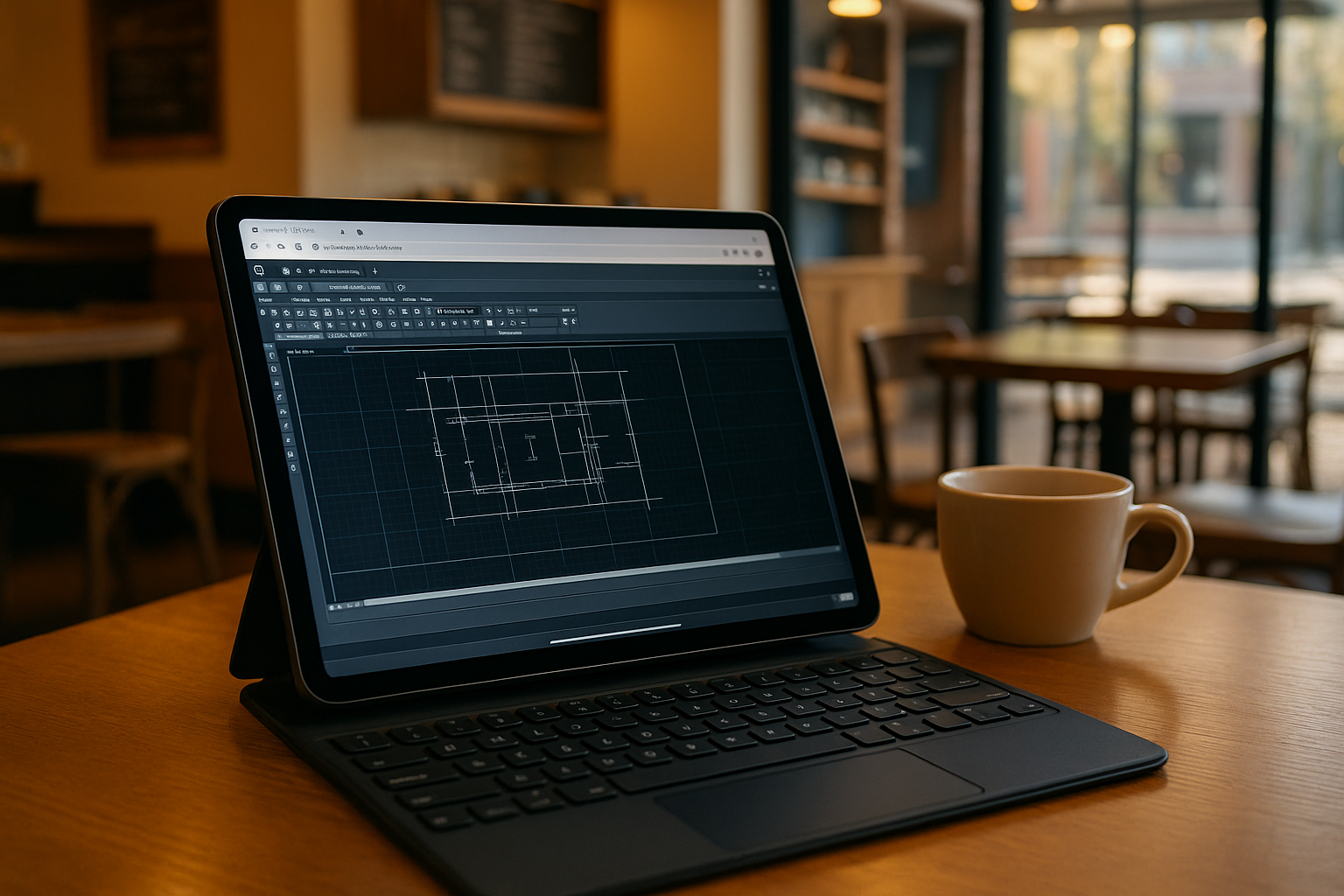
Full-Power AutoCAD Online Editing: LISP, Xrefs, and GPU Performance on Any Device
Stop fighting version conflicts, broken file paths, or admin-locked PCs. You need a solution that provides the full desktop toolset and GPU-accelerated performance directly in your browser, ensuring your drawing integrity stays intact on any device.
Read More
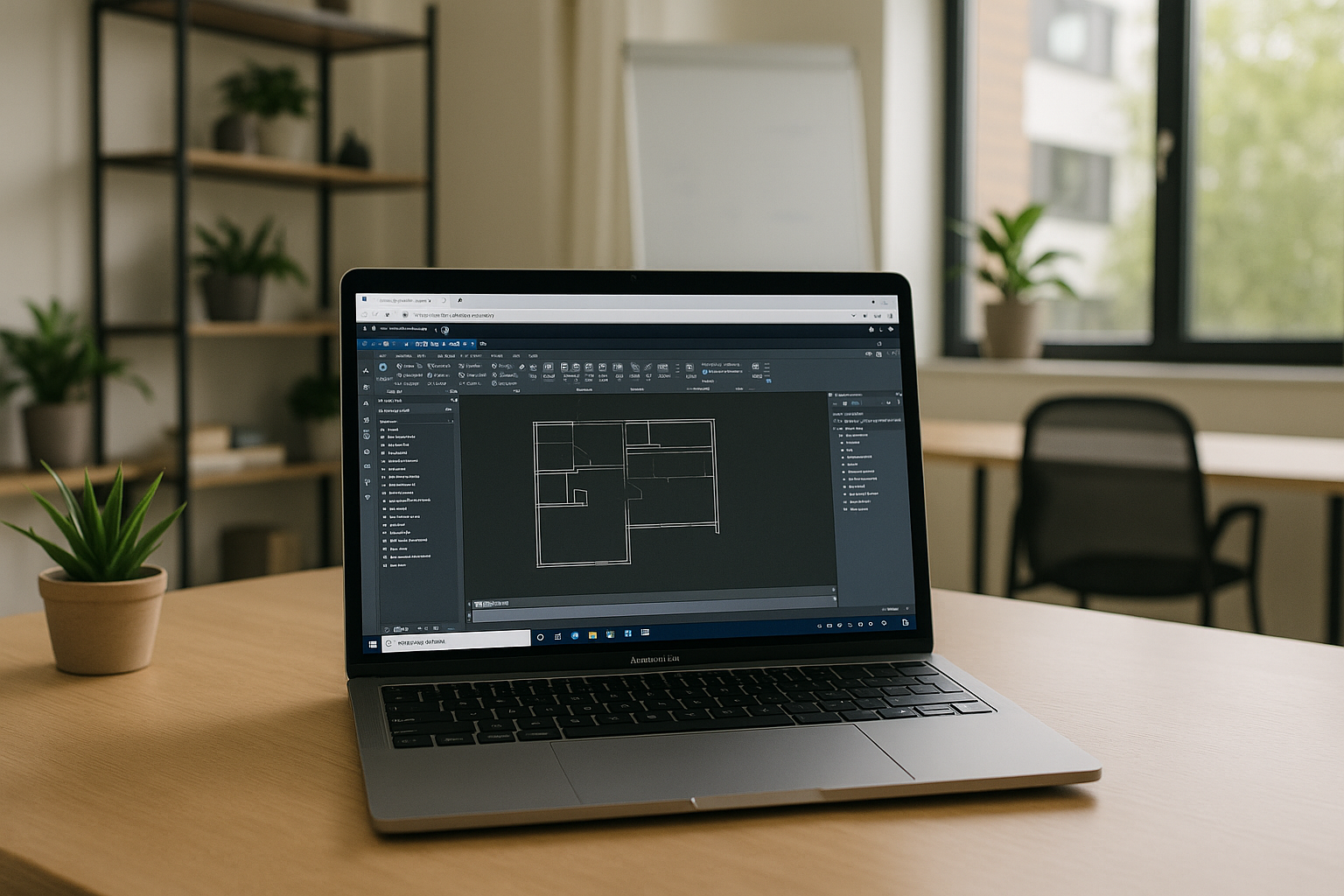
Autodesk for Macintosh: Run Apps on macOS Without Starting Locally
Stop wrestling with installs, drivers, and dual-boot just to keep projects moving on macOS. With Aristeem, Autodesk for Macintosh becomes a clean, reliable workflow.
Read More

Can’t Download Power BI for Mac? Run the Desktop App in Browser
Many users explore all options for macOS users before realizing that traditional methods often come with heavy trade-offs.
Read More
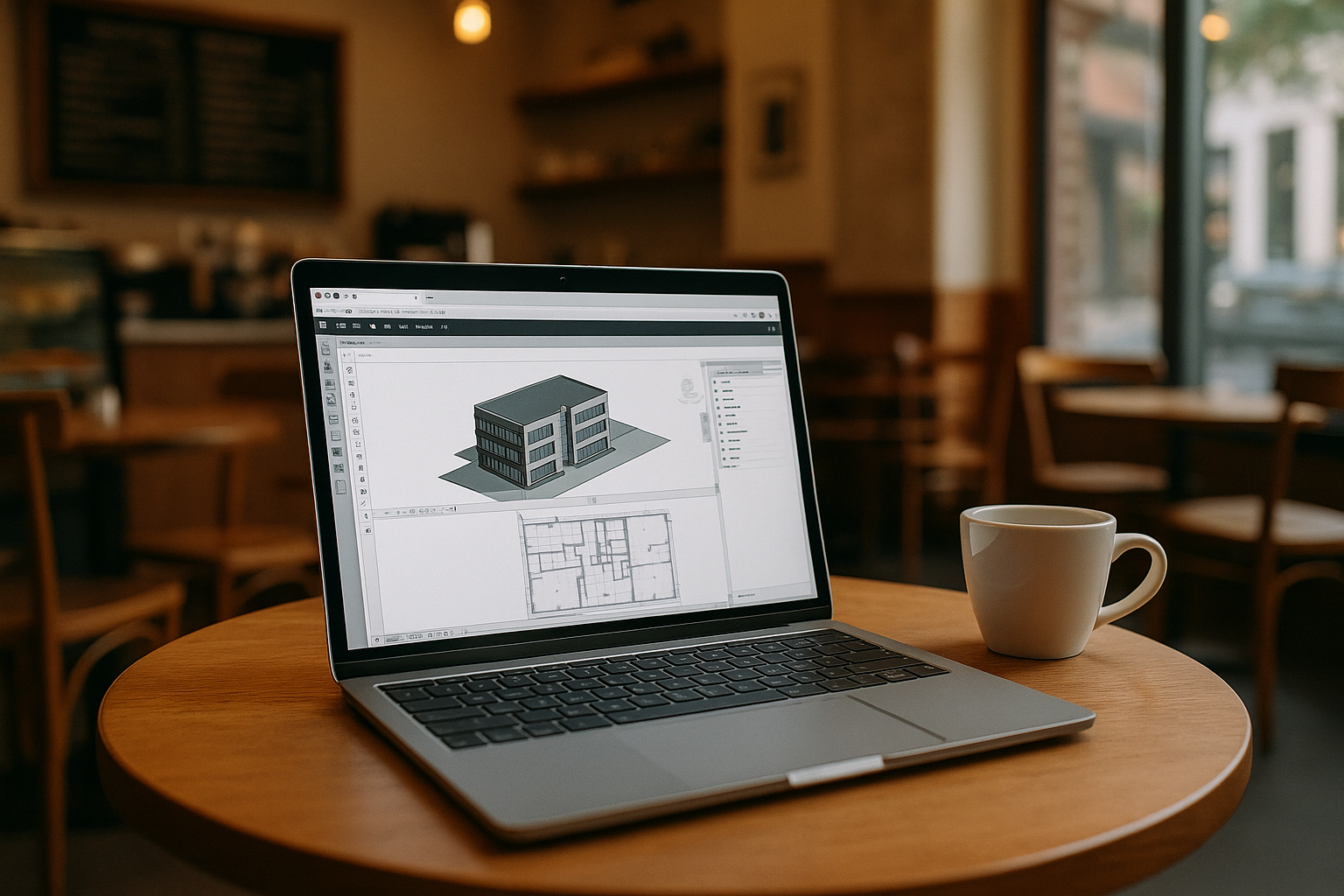
Your Mac is Finally Powerful Enough for Revit — Through the Browser
Revit for Mac hits the same wall every time: Windows-only binaries, no Boot Camp on Apple Silicon, and brittle VM workarounds that break when projects get complex. With Aristeem, you get instant access to a full working setup that respects how BIM teams actually work.
Read More
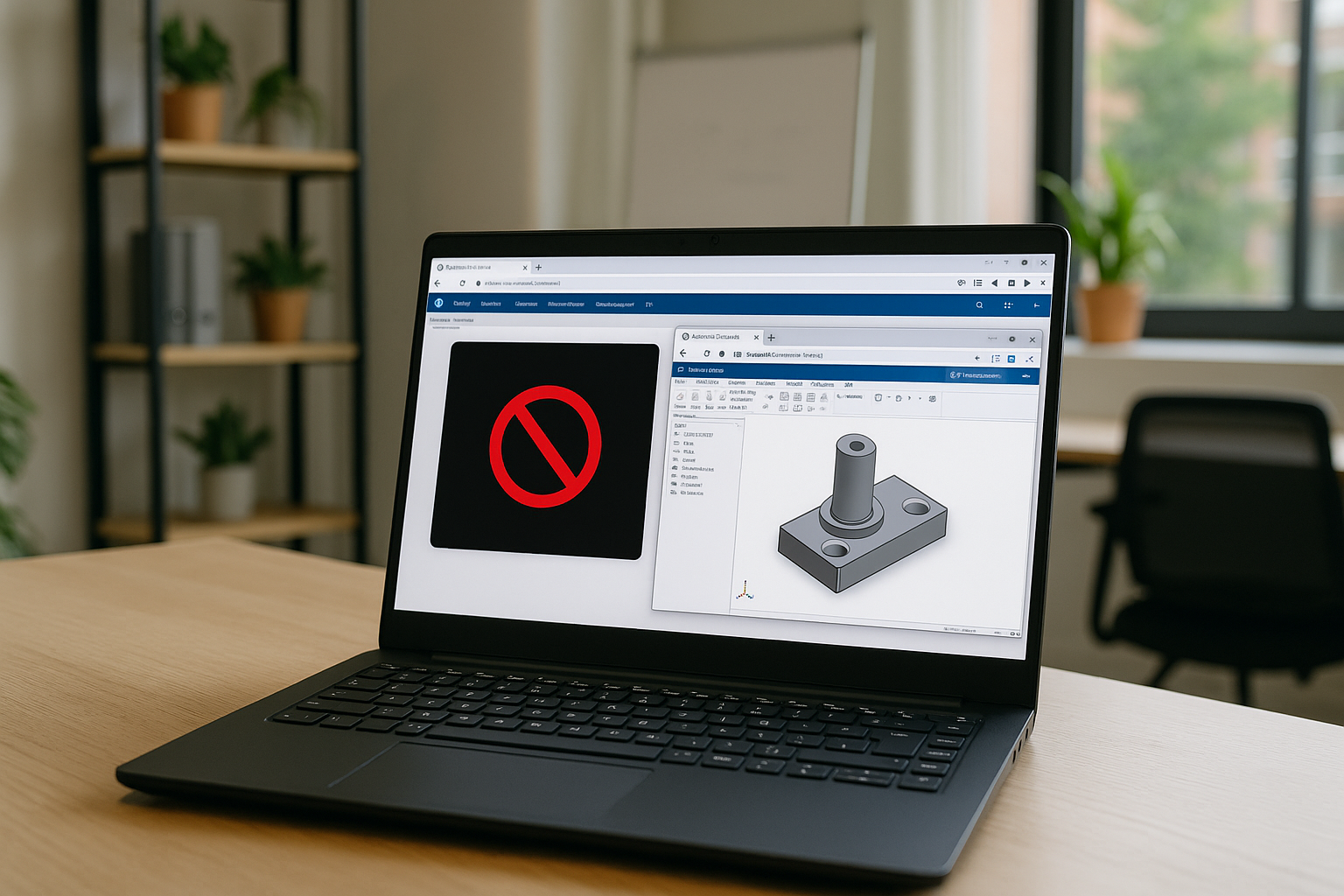
SolidWorks on Linux: Where Projects Stall and Deadlines Slip
When projects move fast, you cannot sacrifice momentum just to make it run this one time. You need a way to run SolidWorks on Linux consistently, with GPU acceleration that holds up under heavy rendering.
Read More
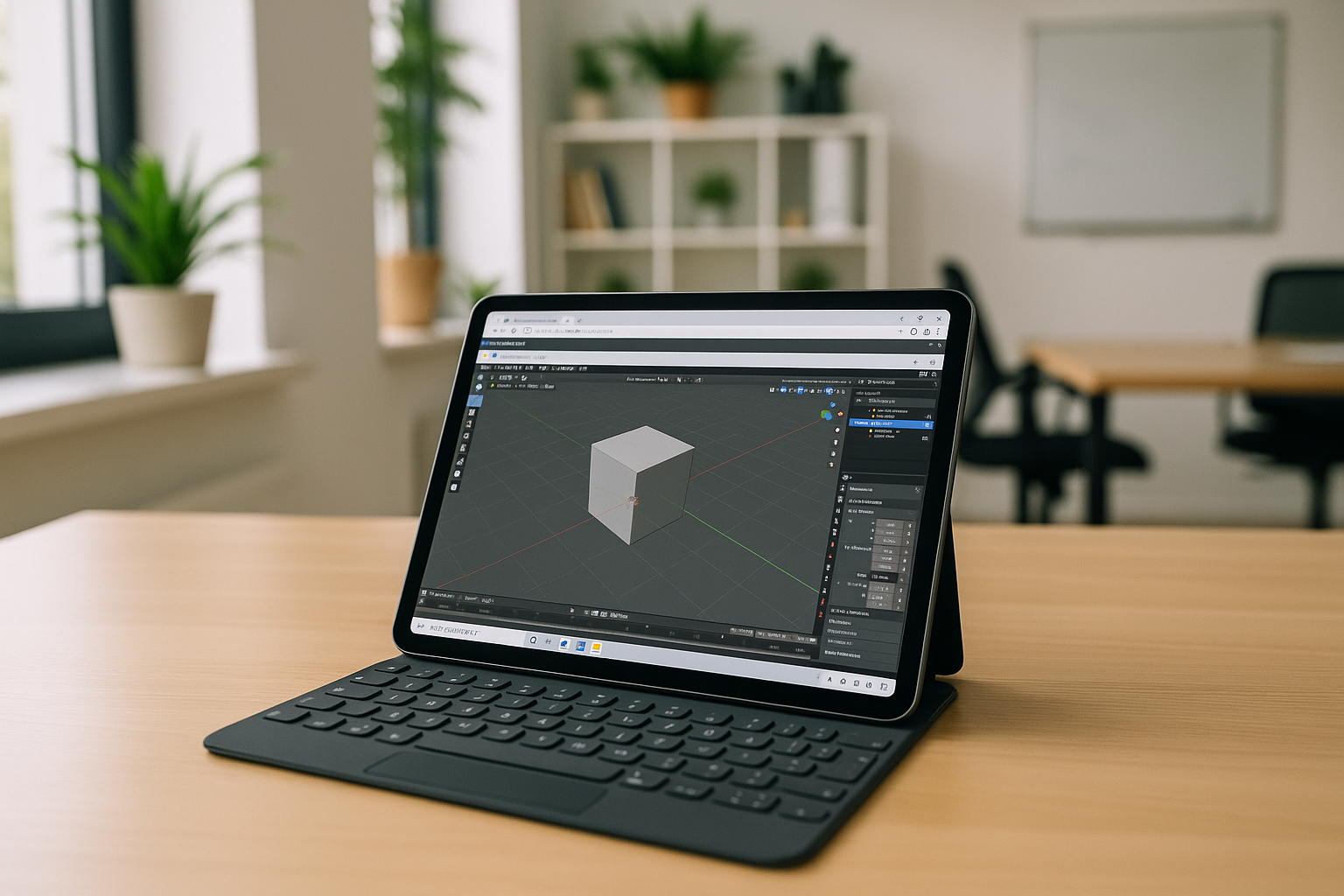
Don’t Buy a New Laptop: Launch Desktop Blender on Your Tablet Instead
With a browser-accessible environment that’s already configured for desktop Blender, you stop fighting OS rules and start building scenes, sculpting forms, and rendering frames wherever you are.
Read More
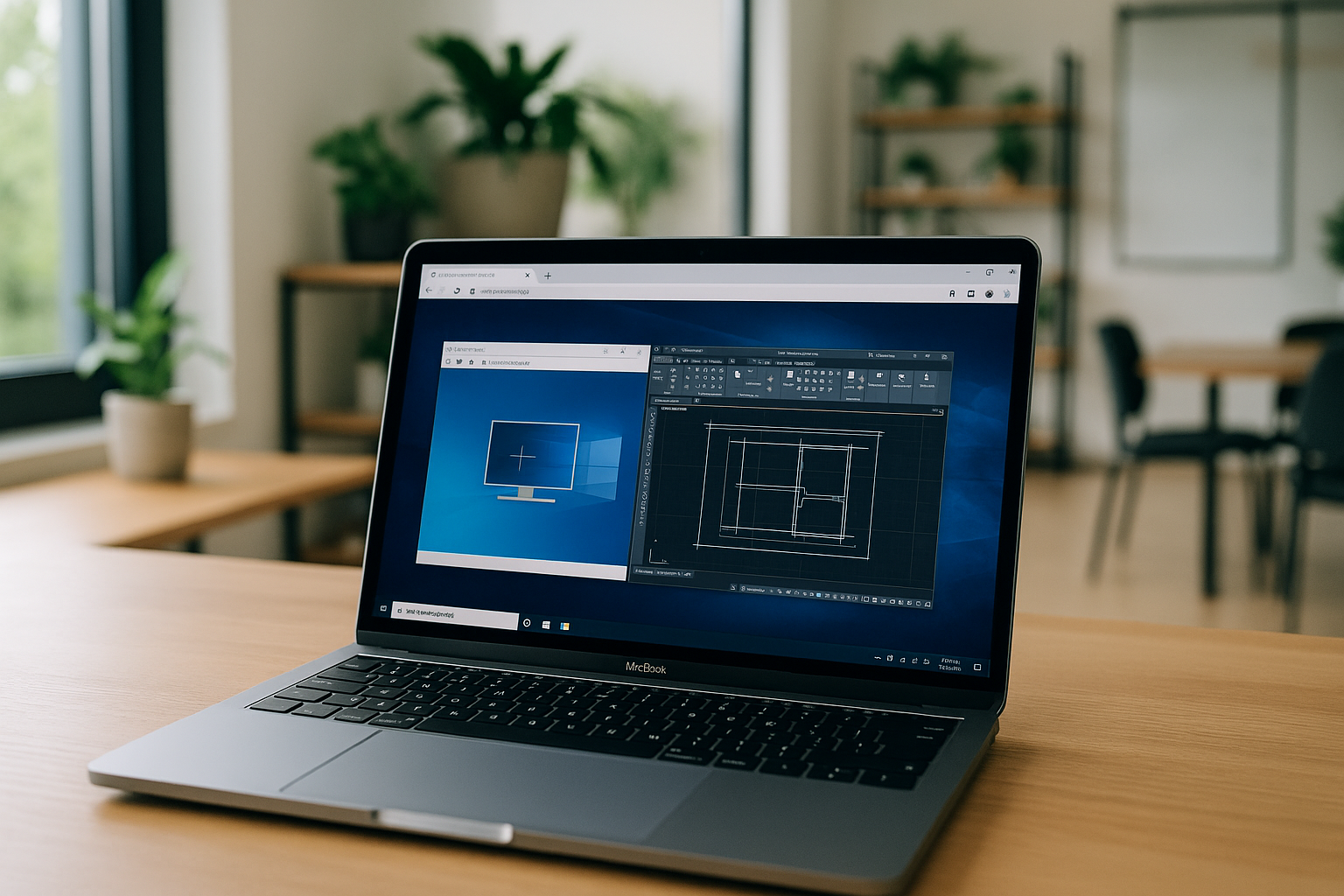
Can’t Install AutoCAD on Mac? Run It in Your Browser Instead
If you are blocked by IT policies, storage limits, or OS/version conflicts, you don’t need a new PC or a complicated VM. With Aristeem, you open a clean AutoCAD-ready environment in your browser and get back to drafting in minutes.
Read More
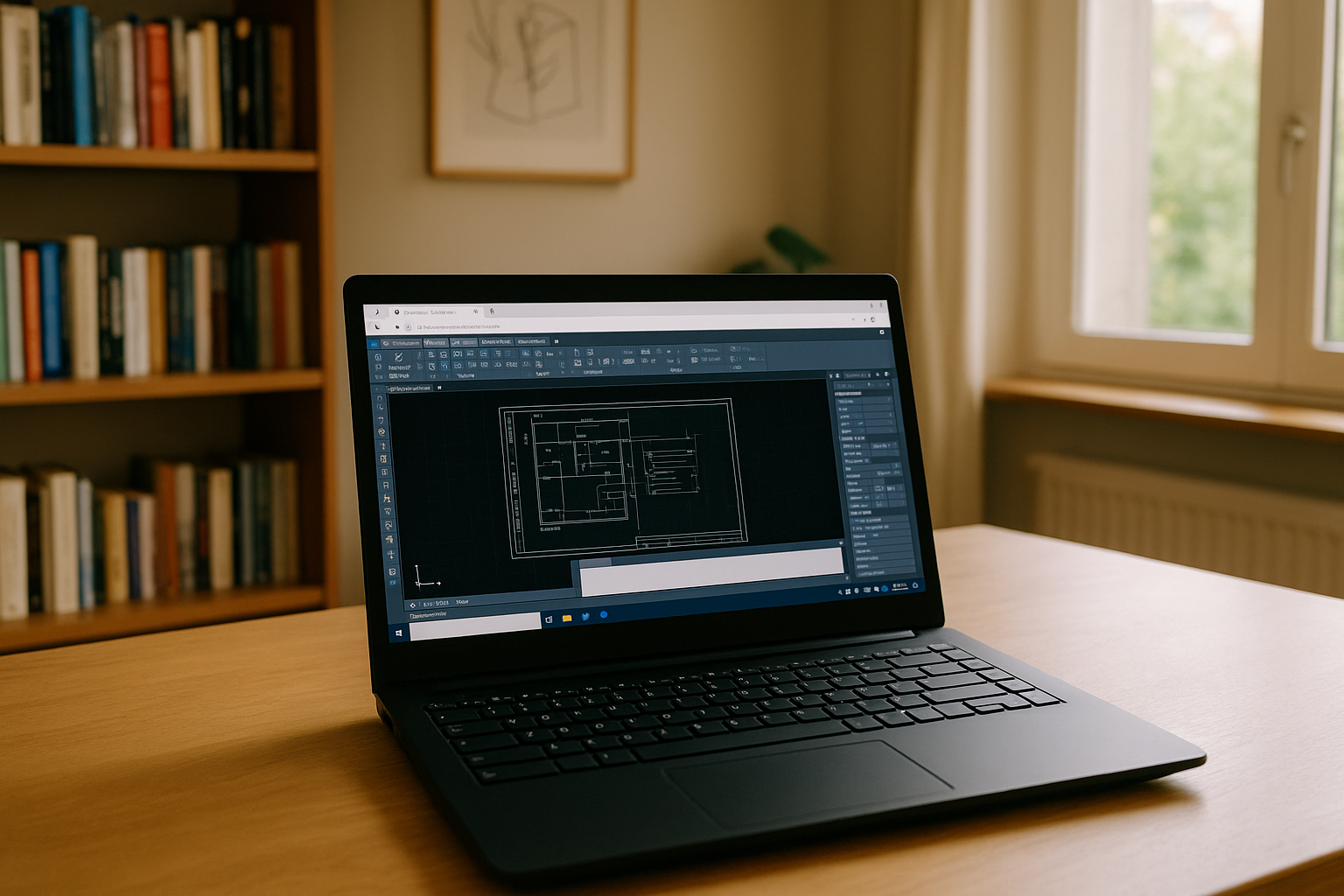
Can’t Install AutoCAD for Linux? Here’s What Actually Works
If you’ve been wondering how to install AutoCAD for Linux specifically, it’s more productive to reframe the goal: keep Linux as-is, and launch a ready-to-use AutoCAD environment in the browser when you need it.
Read More
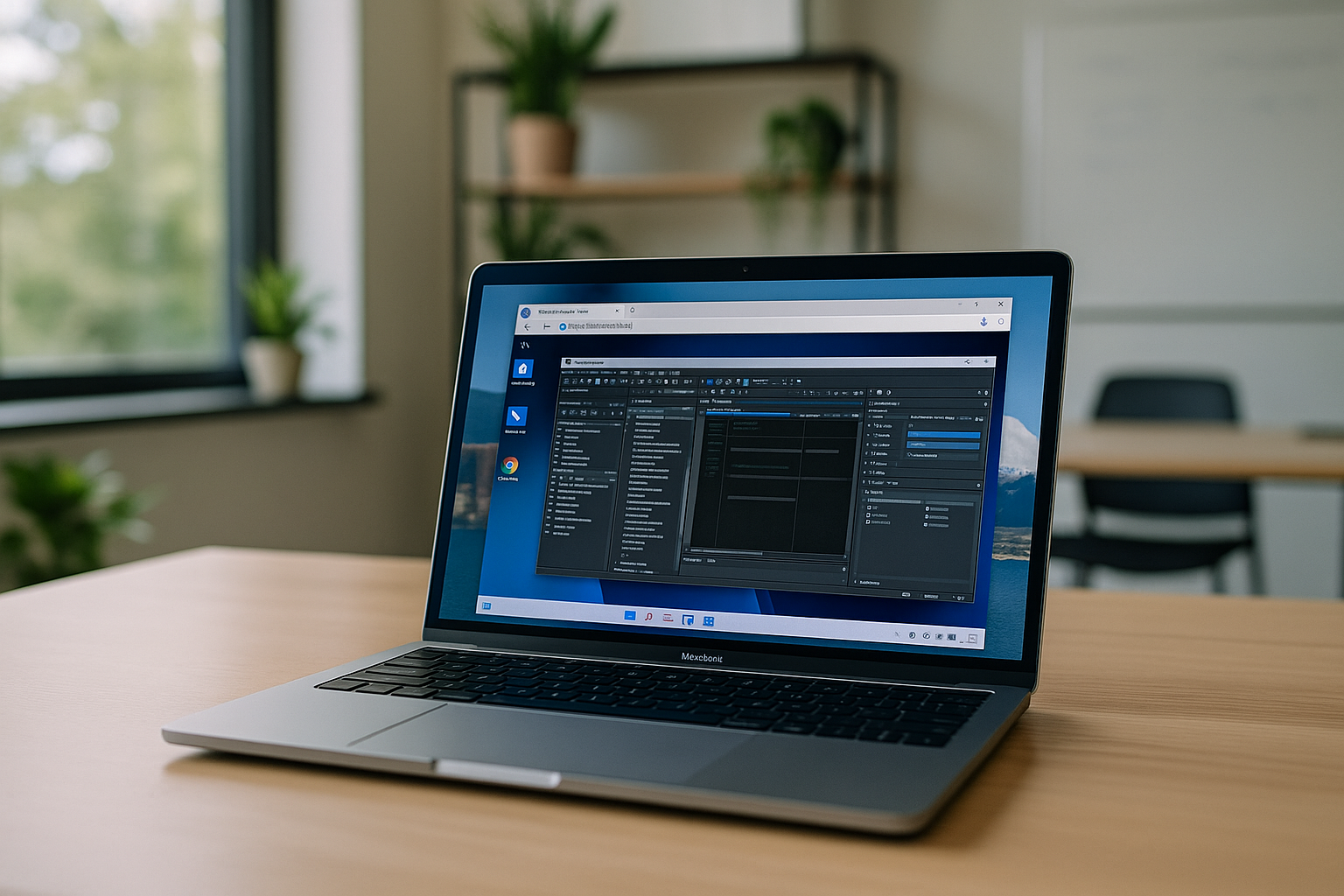
The Easiest Way to Run Windows Software on Mac: Beyond Local Virtualization
While Apple’s hardware is top-tier, the struggle to access the Windows ecosystem often forces users to carry two laptops, settle for "lite" versions of essential apps, or spend hours troubleshooting unstable workarounds.
Read More
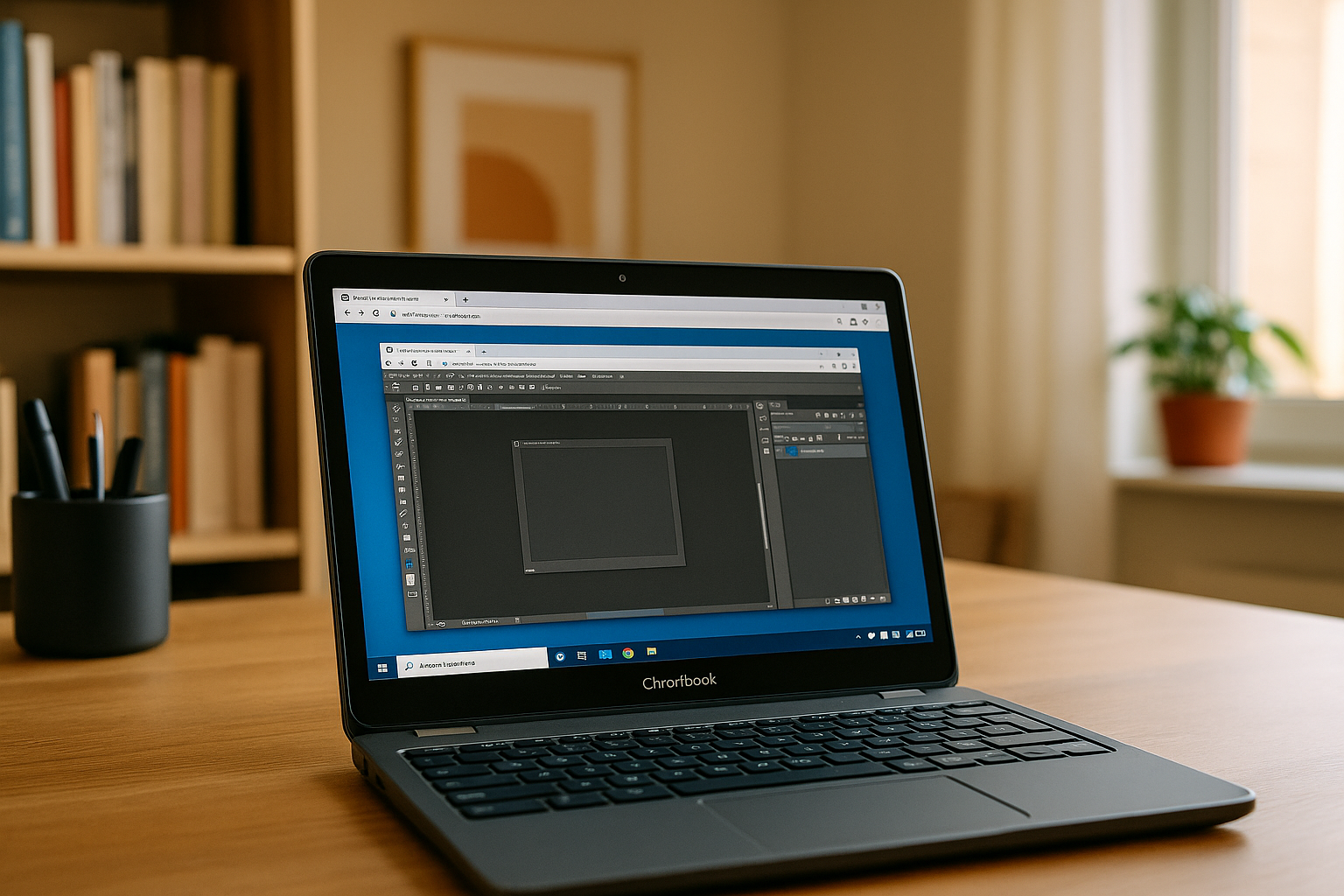
How a Cloud PC Enables Heavy Software Use on Weak Devices
When your device can't keep up, it leaves you searching for effective ways to overcome hardware constraints without sacrificing your mobility. This is where the concept of virtual cloud desktops becomes a true game-changer for the modern workforce.
Read More
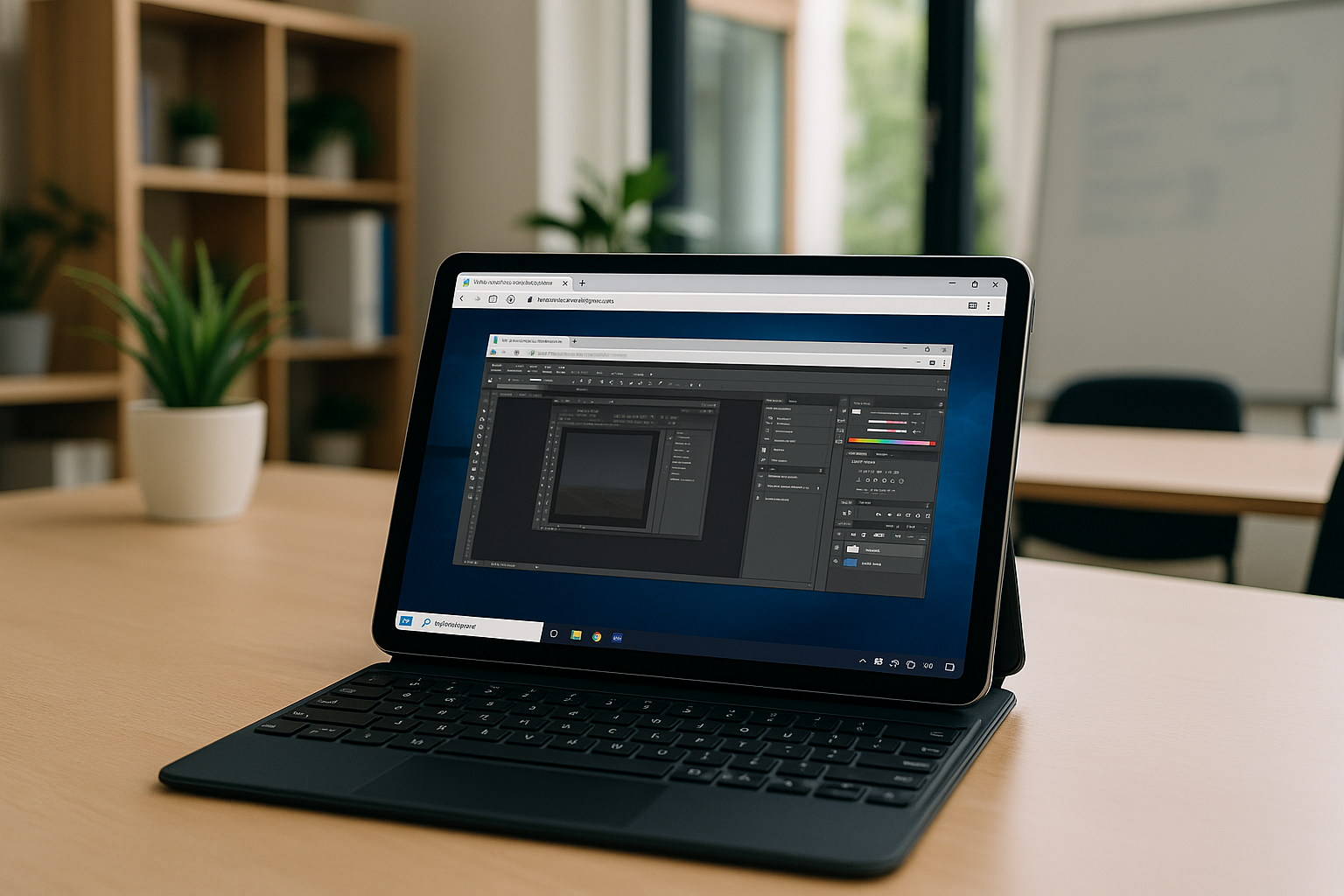
Maximize Productivity with Cloud PC in Your Browser
Challenges with Running Heavy Software on Weak PCs Many professionals face a frustrating challenge when their devices are too weak to handle essential software.
Read More
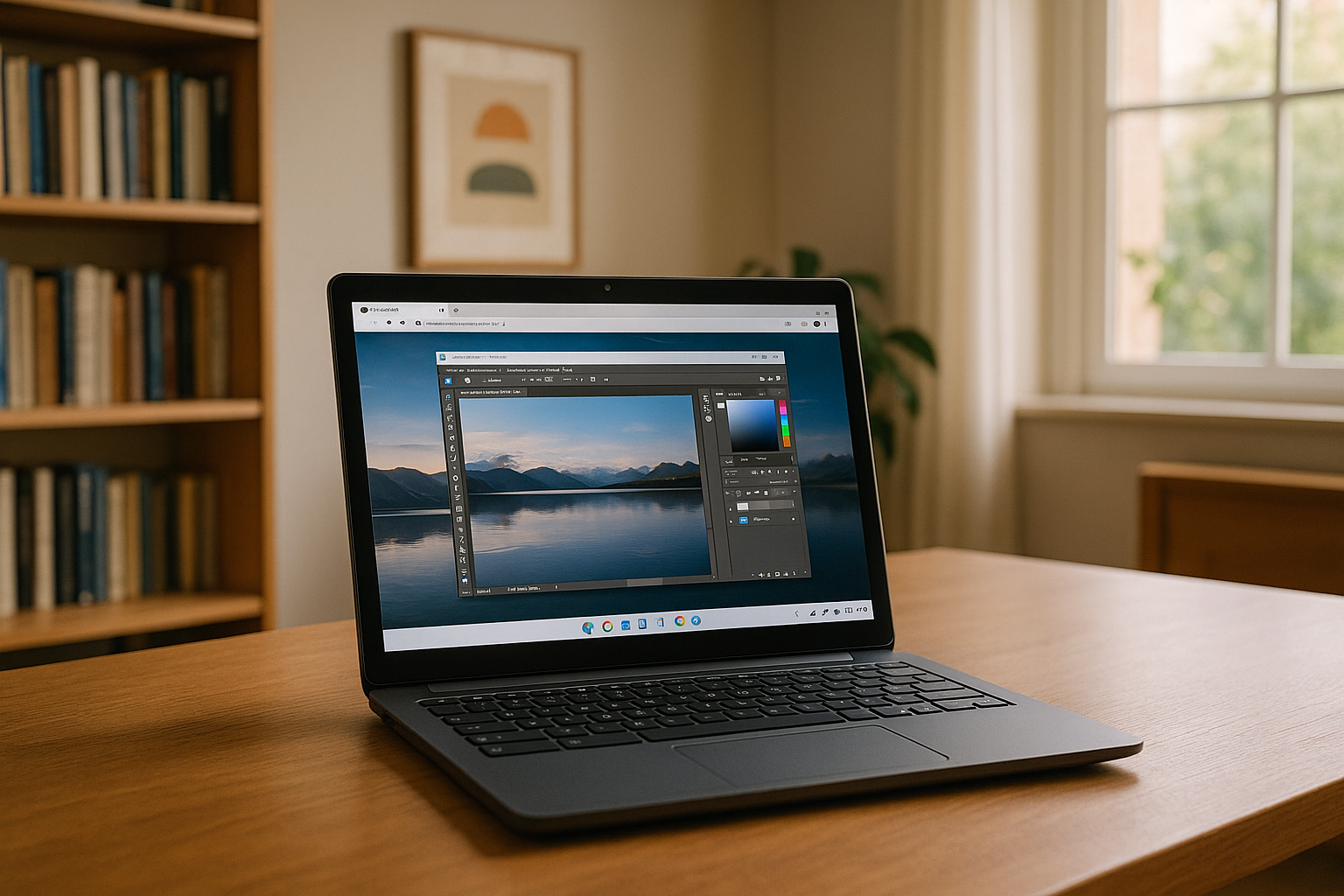
Can’t Get Photoshop on a Chromebook? Here’s What Works
If you rely on Photoshop for client work, school projects, or a quick retouch on the go, you eventually ask: can you get Photoshop on Chromebook?
Read More


