


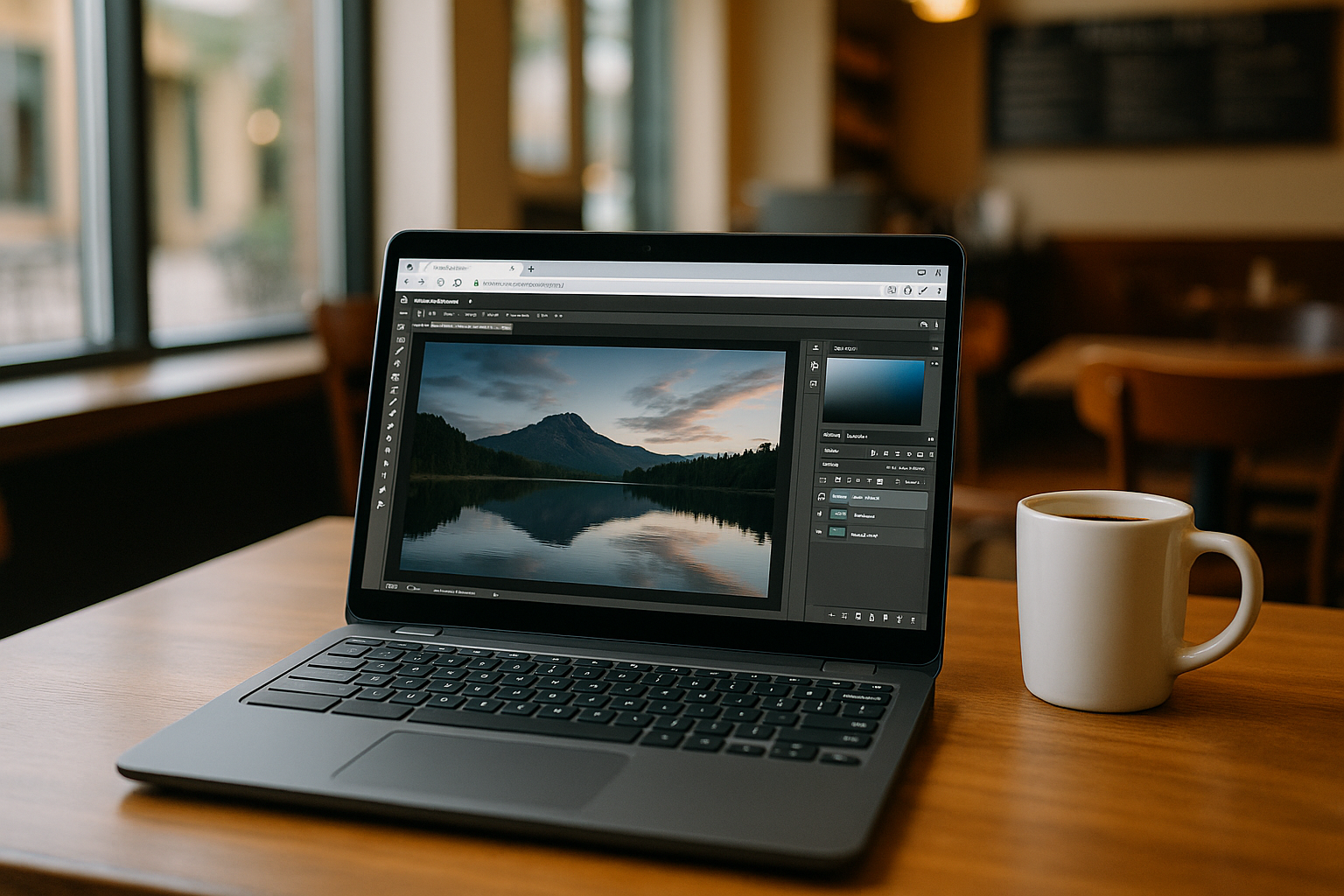
Photoshop is often treated as a single tool, but in reality, its behavior changes significantly depending on the operating system. Working with it on Mac, Linux, or Chromebook is not just a technical difference — it completely changes how creative workflows are built and maintained.
Instead of thinking about where to install Photoshop, it makes more sense to understand how it adapts to each environment and what that means for real-world design work.
Photoshop on Mac: The Most Stable Native Experience
On macOS, Photoshop runs in its most complete and optimized form. Users get access to the full feature set, plugin ecosystem, and reliable GPU acceleration.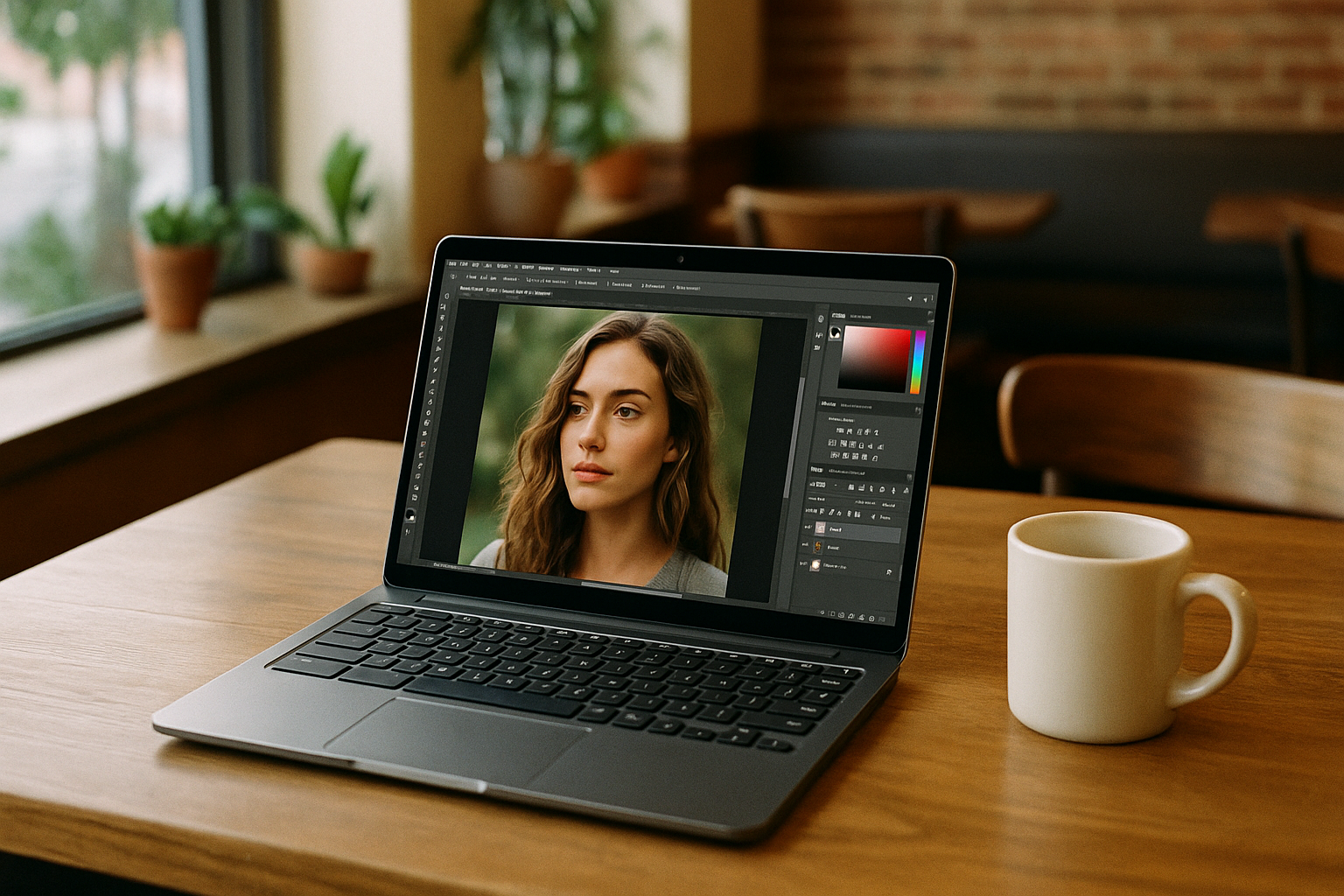
This is the environment where Photoshop feels the most “native” and predictable. However, performance still depends heavily on hardware. Large files, heavy retouching, and multi-layer compositions can quickly expose limitations of older devices or lower-end laptops.
Even here, Photoshop is not just about software — it is about balancing performance with system resources.
For a more detailed breakdown of how Photoshop works specifically on macOS, including setup nuances and cloud-based alternatives, you can explore this dedicated guide on Photoshop on Mac.
Photoshop on Linux: Flexibility Without Native Support
Linux does not officially support Photoshop, which immediately changes how users approach the software. Instead of installation, users rely on compatibility layers, virtual machines, or cloud-based environments.
This creates a flexible but inconsistent experience. Some workflows can be surprisingly stable, while others struggle with performance, missing features, or plugin limitations.
Because of this, Linux users often adapt their workflow around available tools rather than expecting a standard Photoshop experience.
A deeper breakdown of Photoshop on Linux usage and setup approaches is available in this dedicated guide.
Photoshop on Chromebook: Cloud-First Workflow
Chromebooks follow a completely different philosophy. Instead of local installations, everything is designed around browser-based and cloud workflows.
This makes Photoshop usage possible through web or remote environments, but it also introduces limitations in advanced editing scenarios.
For everyday tasks like social media graphics, light photo editing, or quick adjustments, Chromebooks are often more than enough. However, complex PSD workflows and advanced compositions require more powerful environments.
A detailed look at Photoshop on Chromebook usage and workflow optimization can be found in this dedicated guide.
Why These Differences Matter More Than You Think
The key difference between Mac, Linux, and Chromebook is not just performance — it is workflow structure.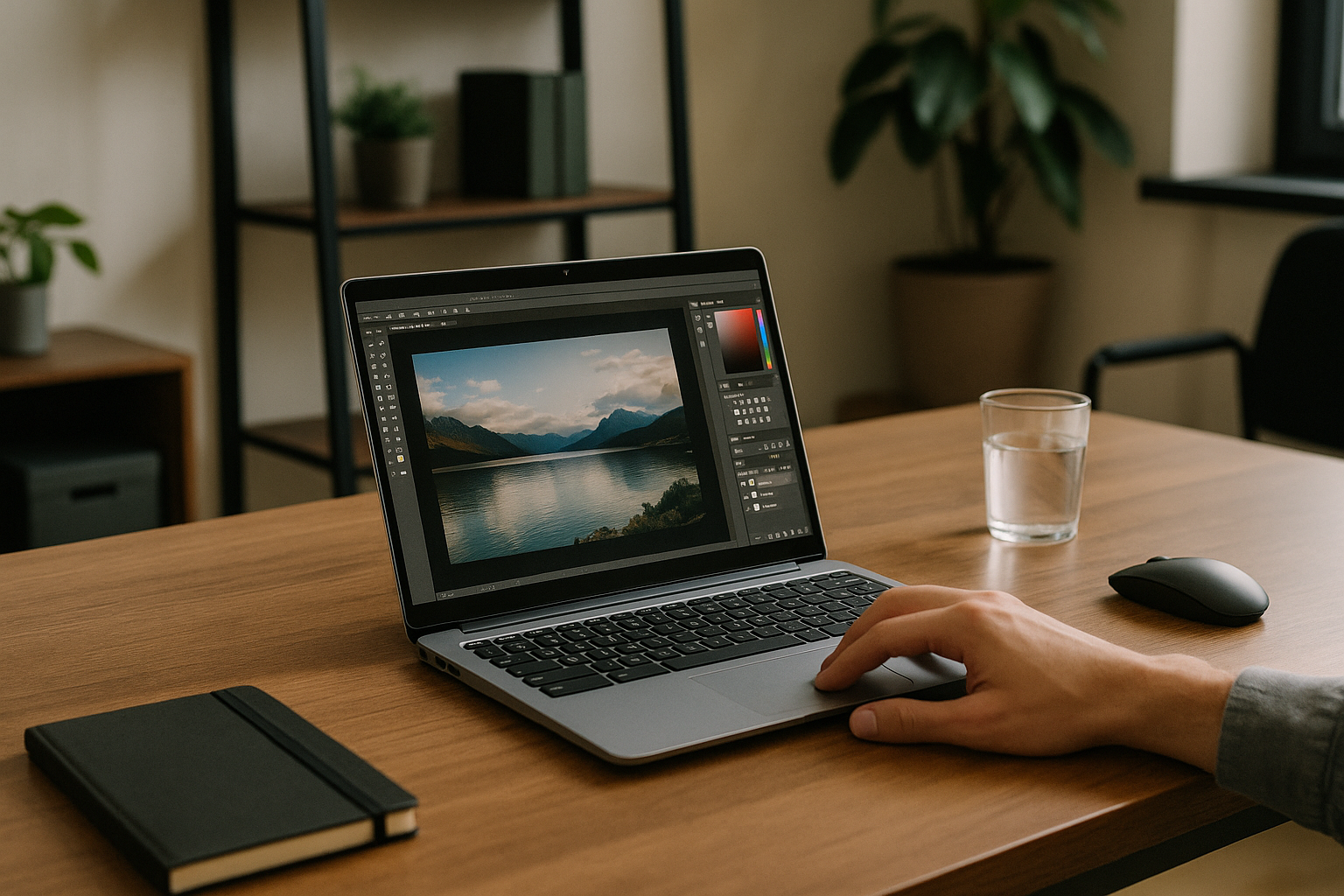
- Mac focuses on native stability and full feature access
- Linux relies on adaptability and external solutions
- Chromebook prioritizes simplicity and cloud-based access
This means that the same Photoshop project can feel completely different depending on the system you use.
A Unified Way to Look at Photoshop
Instead of asking where Photoshop “works best,” it is more accurate to think about what kind of workflow each system supports.
Some environments are designed for full creative control. Others are better suited for flexibility or lightweight usage.
In many cases, users combine multiple systems depending on their tasks rather than relying on a single setup.
Final Thoughts
Photoshop today is not tied to one operating system — it exists as different experiences across Mac, Linux, and Chromebook, each shaping a different type of creative workflow.
Understanding how it behaves in each environment helps you choose a setup that fits your needs instead of forcing a single system to handle everything.
In many cases, cloud-based environments can also help bridge the gap between these platforms by reducing dependency on local hardware and minimizing compatibility issues. Platforms like Aristeem, which provide a fully configured virtual machine environment for running Photoshop, make it possible to access a stable workspace from almost any device without dealing with installation, compatibility layers, or system limitations.
This approach simplifies cross-platform work and allows users to focus more on creative tasks rather than technical setup.


